Download PDFFree PDF. The Save button below keeps a bookmark and private notes in your account.
AZDOME M660 4 Channel 360° Dash Cam
User Manual
Introduction
Thank you for choosing the AZDOME M660 4 Channel 360° Dash Cam. This advanced dash camera system is designed to provide comprehensive surveillance for your vehicle, capturing footage from all angles to ensure your safety and provide crucial evidence when needed. This manual will guide you through the setup, operation, and maintenance of your new device.
The AZDOME M660 Dash Cam system, featuring a main unit with a display and multiple camera lenses, shown alongside a smartphone displaying the companion app with map and camera views.
What's in the Box
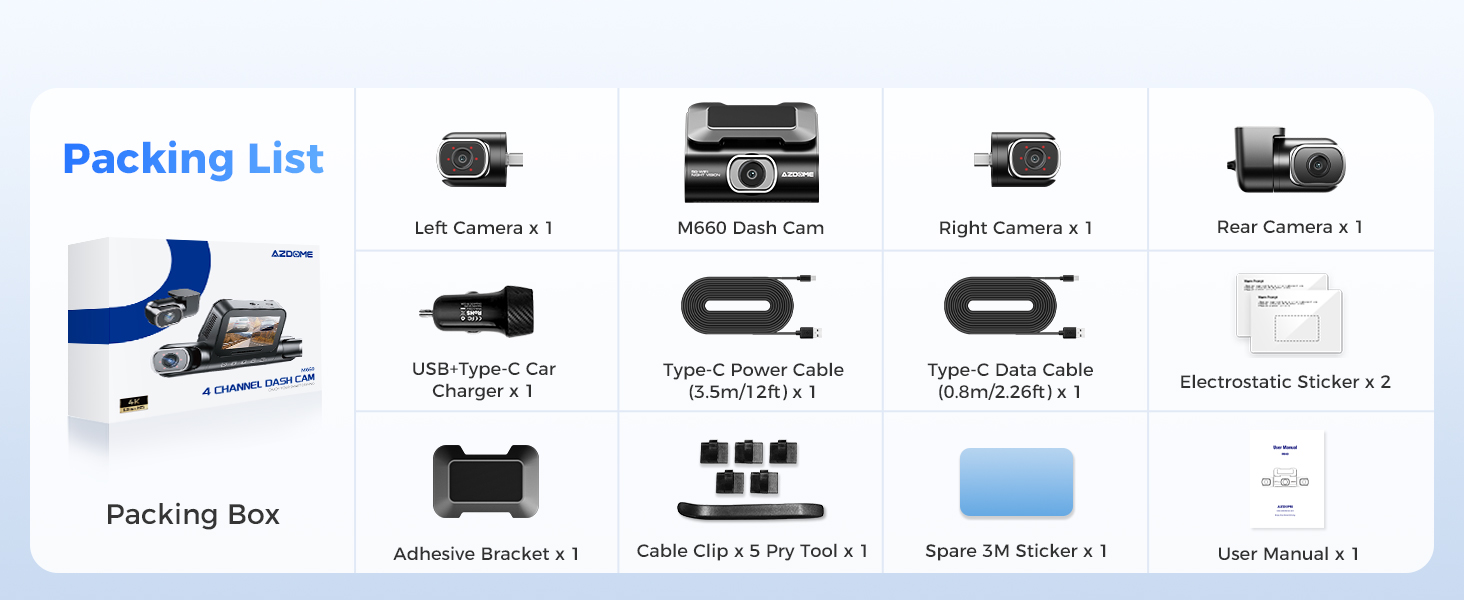
Please verify that all the following components are included in your package:
M660 Dash Cam (Main Unit) x 1
Left Camera x 1
Right Camera x 1
Rear Camera x 1
USB-Type-C Car Charger x 1
Type-C Power Cable (3.5m/12ft) x 1
Type-C Data Cable (0.8m/2.26ft) x 1
Electrostatic Sticker x 2
Adhesive Bracket x 1
Cable Clip x 5
Pry Tool x 1
Spare 3M Sticker x 1
User Manual x 1
An illustration showing all the items included in the AZDOME M660 Dash Cam package, such as the main unit, various cameras, cables, and installation tools.
Key Features
Adjustable Lenses & 360° Comprehensive Coverage
The M660 dash cam features four channels for complete 360° coverage around your vehicle. The front camera records in 2.5K resolution, while the left, right, and rear cameras capture footage in 1K. The left and right cabin cameras are adjustable, allowing you to customize recording angles based on your vehicle type and specific needs, ensuring all critical areas are clearly captured.
A close-up view of the AZDOME M660 Dash Cam highlighting its detachable and turnable lenses, showing their 90-degree and 180-degree rotation capabilities.
An aerial view of a car with blue shaded areas indicating the 360-degree protective coverage provided by the four cameras of the dash cam system.
An image illustrating the adjustable side cameras of the AZDOME M660 Dash Cam, showing how the left and right lenses can be positioned for either outside or inside the car views.
A split image showing two critical views: 'Road Mode' capturing the front view of the road, and 'Baby Mode' showing an interior view of a baby in a car seat, demonstrating the versatility of the camera's adjustable lens.
128GB eMMC Storage
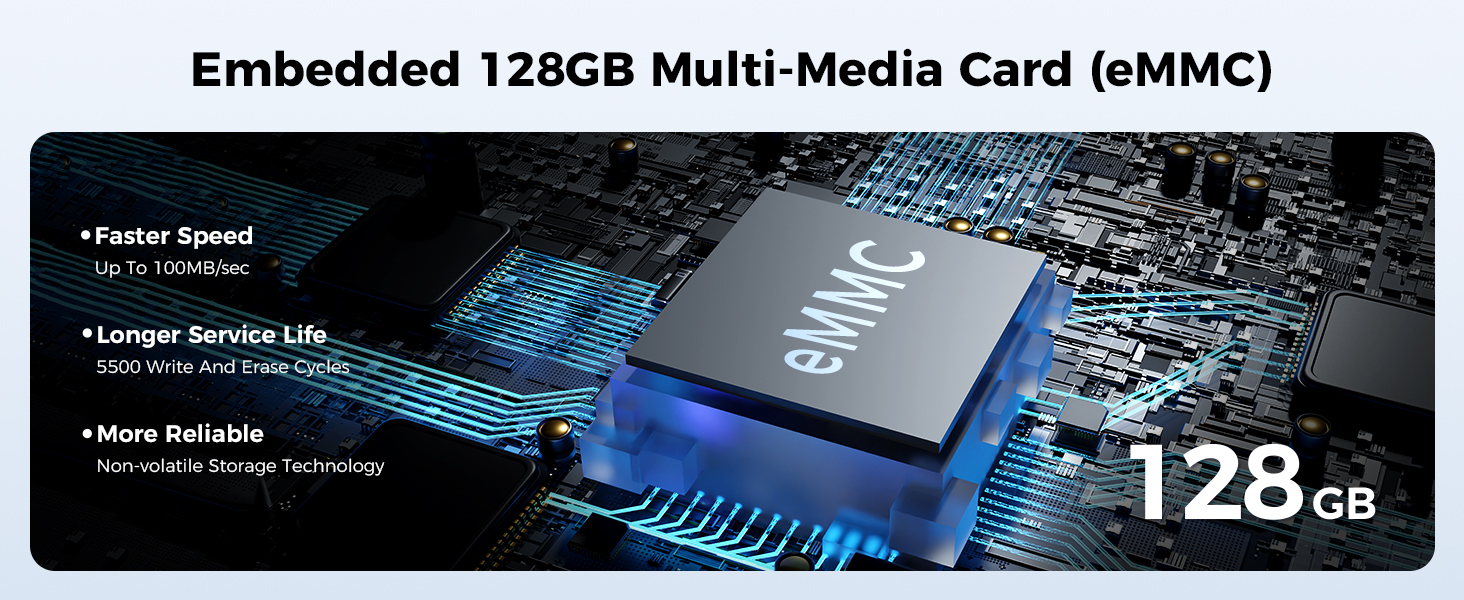
The M660 car dash cam features advanced high-speed eMMC storage, offering faster read and write speeds compared to standard memory cards. This built-in storage minimizes the risk of data loss and ensures reliable capture of every important moment.
A detailed image of an embedded 128GB eMMC chip on a circuit board, highlighting its integration and advanced storage capabilities.
A comparison chart illustrating why eMMC is better suited for dash cams than SD cards, detailing advantages in speed, durability, stability, and data security.
5G WiFi & App Control
Experience download speeds up to 4 times faster than 2.4G WiFi with the M660. This enables quick video downloads and seamless sharing of your journeys directly to social media through the AZDOME APP. The built-in GPS allows you to track your route and show speed information when playing back videos via the AZDOME Player.
A smartphone screen showing the AZDOME app interface with options for downloading from app stores, highlighting the built-in 5G WiFi and GPS capabilities for seamless sharing and tracking.
An image demonstrating the built-in GPS feature, displaying live speed recording on the dash cam and detailed location information within the AZDOME Player app.
IR Night Vision
The M660's left and right cabin cameras each feature 6 built-in IR LEDs, significantly improving nighttime video quality. This ensures clear capture of all recording details even in low-light conditions, providing optimal performance when visibility is limited.
A split image comparing video quality with WDR (Wide Dynamic Range) off and on, demonstrating the enhanced clarity and detail provided by WDR Ultra Clear Night Vision in low-light conditions.
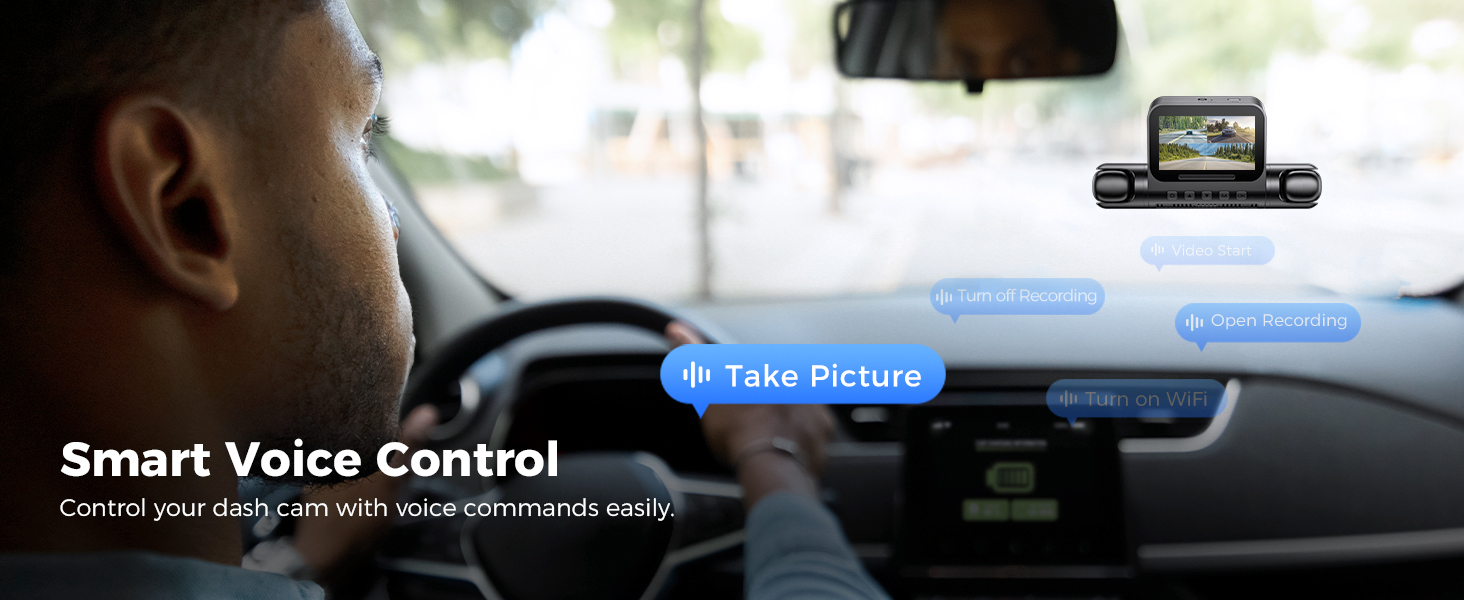
Smart Voice Control
With the voice command functionality, you can operate the M660 dash cam hands-free. This enhances driving safety by allowing you to focus on the road while still controlling the device. Common commands include:
Ask a question about this manual
Ask about setup, troubleshooting, compatibility, parts, safety, or missing instructions. Manuals+ will review the question and use this page’s manual context to help answer it.