
1. Introduction
The ZURU MAX Retro Miniature Building Toy Capsule contains all the necessary pieces to construct one of six unique retro-themed models. This manual provides essential information for the safe assembly, operation, and care of your building toy. Each capsule offers a surprise model to build and collect.
2. Safety Information
- Choking Hazard: This product contains small parts and is not suitable for children under 3 years of age. Adult supervision is recommended for all users, especially younger adolescents.
- Recommended Age: Adolescent.
- Keep all packaging materials away from children to prevent suffocation or other hazards.
3. Package Contents
Each ZURU MAX Retro Miniature Building Toy Capsule contains:
- Building pieces for one retro-themed miniature model (up to 221 pieces).
- Instruction sheet for the specific model.
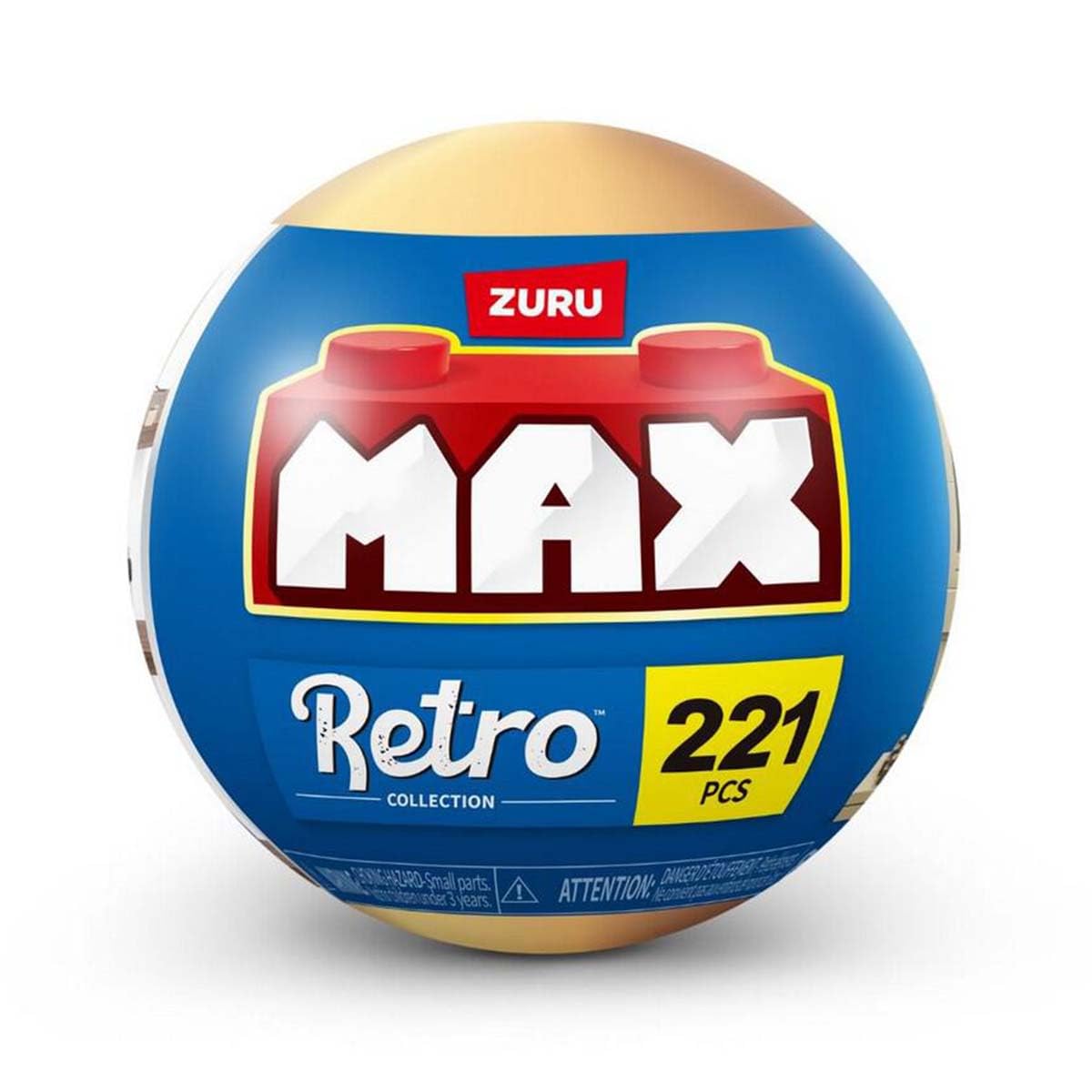
This image displays the ZURU MAX Retro Miniature Building Toy capsule along with examples of the six different retro-themed models that can be built. These include an arcade machine, a vintage television, an early desktop computer, a classic boombox, a rotary dial telephone, and an instant camera.
4. Setup and Assembly
- Unpack the Capsule: Carefully open the ZURU MAX capsule and remove all contents.
- Identify Pieces: Lay out all the building pieces and the instruction sheet. Familiarize yourself with the different types of bricks and their colors.
- Follow Instructions: Refer to the included instruction sheet for step-by-step guidance on assembling your specific retro model. Each step will show which pieces to use and where to place them.
- Secure Connections: Ensure all building pieces are firmly connected to create a stable model.
- Verify Completion: Once all steps are followed, confirm that your model matches the image on the instruction sheet.
5. Operating Instructions
The ZURU MAX Retro Miniature Building Toy is designed for manual interaction and display. No batteries or electronic components are required.
- Once assembled, the miniature model can be displayed on a shelf, desk, or any flat surface.
- Handle the model gently to prevent pieces from detaching.
- Some models may have movable parts (e.g., a rotary dial on the telephone, joystick on the arcade machine) for interactive play.
6. Maintenance
- Cleaning: To clean your assembled model, gently wipe it with a soft, dry cloth. For stubborn dust, a slightly damp cloth can be used, followed by immediate drying. Avoid harsh chemicals or abrasive cleaners.
- Storage: Store the model in a clean, dry place away from direct sunlight and extreme temperatures to prevent discoloration or material degradation.
- Disassembly: If you wish to disassemble the model, carefully separate the pieces. Store them in a container to prevent loss.
7. Troubleshooting
- Missing Pieces: If you find that essential pieces are missing from your capsule, please contact Zuru customer support with your product details and proof of purchase.
- Difficulty Assembling: Double-check the instruction sheet for the specific model. Ensure you are using the correct pieces for each step and that they are oriented correctly. Building toys sometimes require firm pressure to connect pieces.
- Model Instability: If your assembled model feels unstable, review the assembly steps to ensure all connections are secure and no pieces were missed or incorrectly placed.
8. Specifications
| Brand | Zuru |
| Model Number | AZT83185GQ1 |
| Material | Plastic |
| Theme | Retro |
| Capsule Dimensions (approx.) | 11.5 x 11.5 x 11.5 cm (4.5 x 4.5 x 4.5 inches) |
| Item Weight (capsule) | 120 Grams (0.26 lbs) |
| Number of Pieces | Up to 221 pieces per model |
| Assembly Required | Yes |
| Operation Type | Manual |
| Recommended Age | Adolescent |
9. Warranty and Support
For any questions, concerns, or to report missing parts, please contact Zuru customer support. Please retain your proof of purchase for warranty claims or support inquiries. Specific warranty details may vary by region; refer to Zuru's official website for the most current information.
Online Support: Visit the official Zuru website for FAQs and contact information.


