1. Introduction
The FL ESPORTS OG87 is a versatile tri-mode mechanical keyboard designed for seamless connectivity and a premium typing experience. Featuring an 87% layout, hot-swappable switches, multi-layer dampening, and customizable RGB lighting, it offers both functionality and aesthetic appeal. This manual provides detailed instructions for setup, operation, maintenance, and troubleshooting to ensure optimal performance of your keyboard.
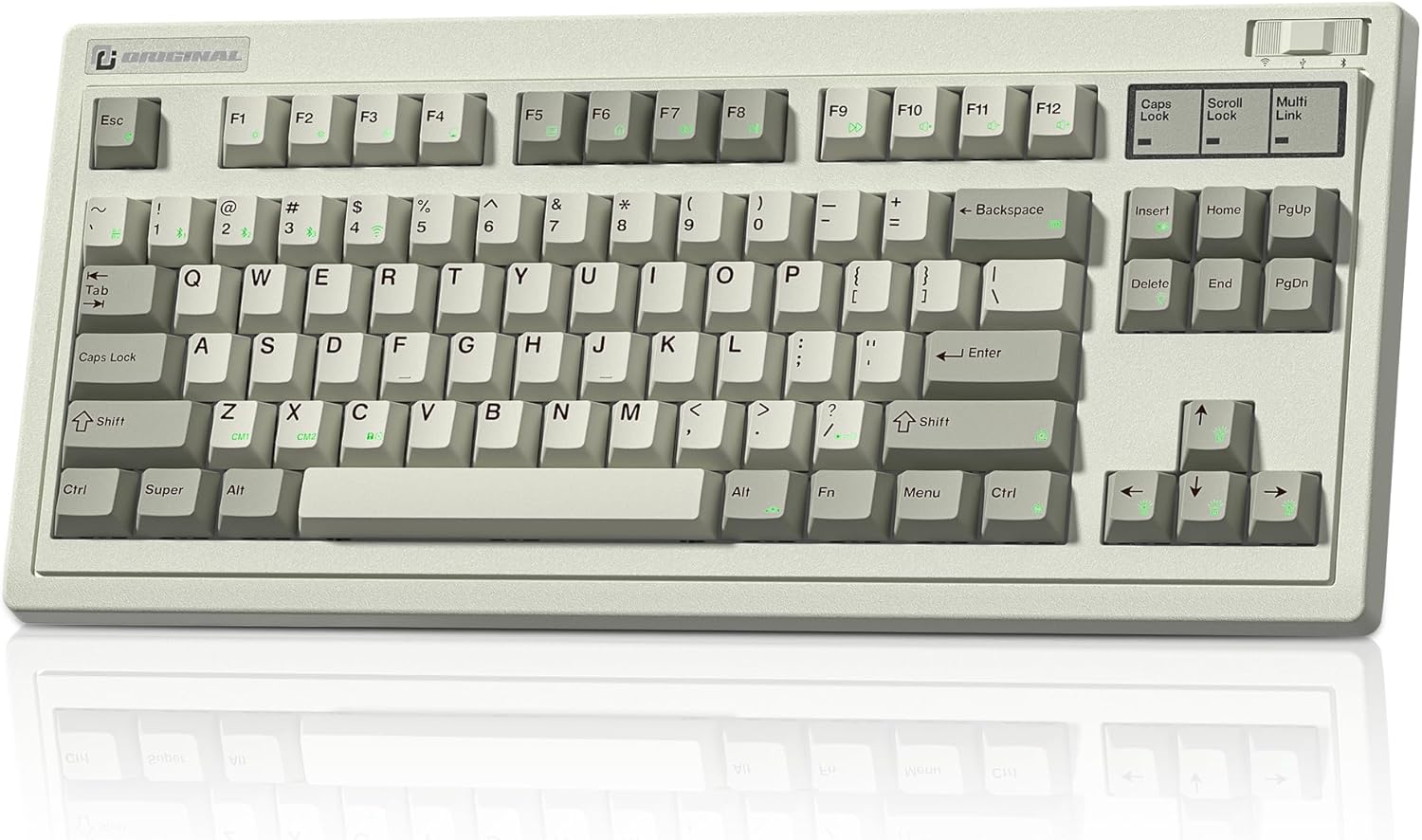
Figure 1: The OG87 Tri-Mode 87% Hot-Swap Keyboard in Retro Grey.
2. Setup and Connectivity
2.1 Package Contents
Please ensure all components are present:
- OG87 Tri-Mode Keyboard
- USB-C to USB-A Cable
- 2.4G Wireless Receiver
- Keycap Puller
- Switch Puller
- Additional Mac Keycaps
2.2 Connectivity Modes
The OG87 keyboard supports three connectivity modes: Wired (USB-C), 2.4G Wireless, and Bluetooth 5.0. It can connect to up to 5 devices simultaneously, allowing for quick switching between them.

Figure 2: The OG87 keyboard offers versatile connectivity options for various devices.
2.2.1 Wired Mode
Connect the keyboard to your computer using the provided USB-C to USB-A cable. The keyboard will automatically switch to wired mode and begin charging.
2.2.2 2.4G Wireless Mode
The 2.4G wireless receiver is conveniently stored in a dedicated slot on the side of the keyboard.

Figure 3: The 2.4G wireless dongle is stored securely within the keyboard's chassis.
- Remove the 2.4G wireless receiver from its storage slot.
- Plug the receiver into an available USB port on your computer.
- Toggle the switch on the keyboard to the 2.4G wireless mode (indicated by a specific icon or position).
- The keyboard should automatically connect.
2.2.3 Bluetooth Mode
The keyboard can pair with up to three Bluetooth devices. Use the dedicated shortcut keys to switch between paired devices.
- Toggle the switch on the keyboard to Bluetooth mode.
- Press and hold the Fn + 1, Fn + 2, or Fn + 3 key combination for 3-5 seconds to enter pairing mode for the desired slot. The indicator light will flash rapidly.
- On your device (computer, tablet, phone), search for Bluetooth devices and select 'OG87 BT1', 'OG87 BT2', or 'OG87 BT3' (corresponding to the key pressed).
- Confirm the pairing on your device if prompted. The indicator light on the keyboard will become solid once connected.
Video 1: Demonstrates the Bluetooth pairing process for the OG87 keyboard with a mobile device.
3. Operation and Features
3.1 Hot-Swappable Switches
The OG87 features universal hot-swap sockets, allowing you to easily change switches without soldering. It supports both 3-pin and 5-pin switches, giving you the freedom to customize your typing feel.
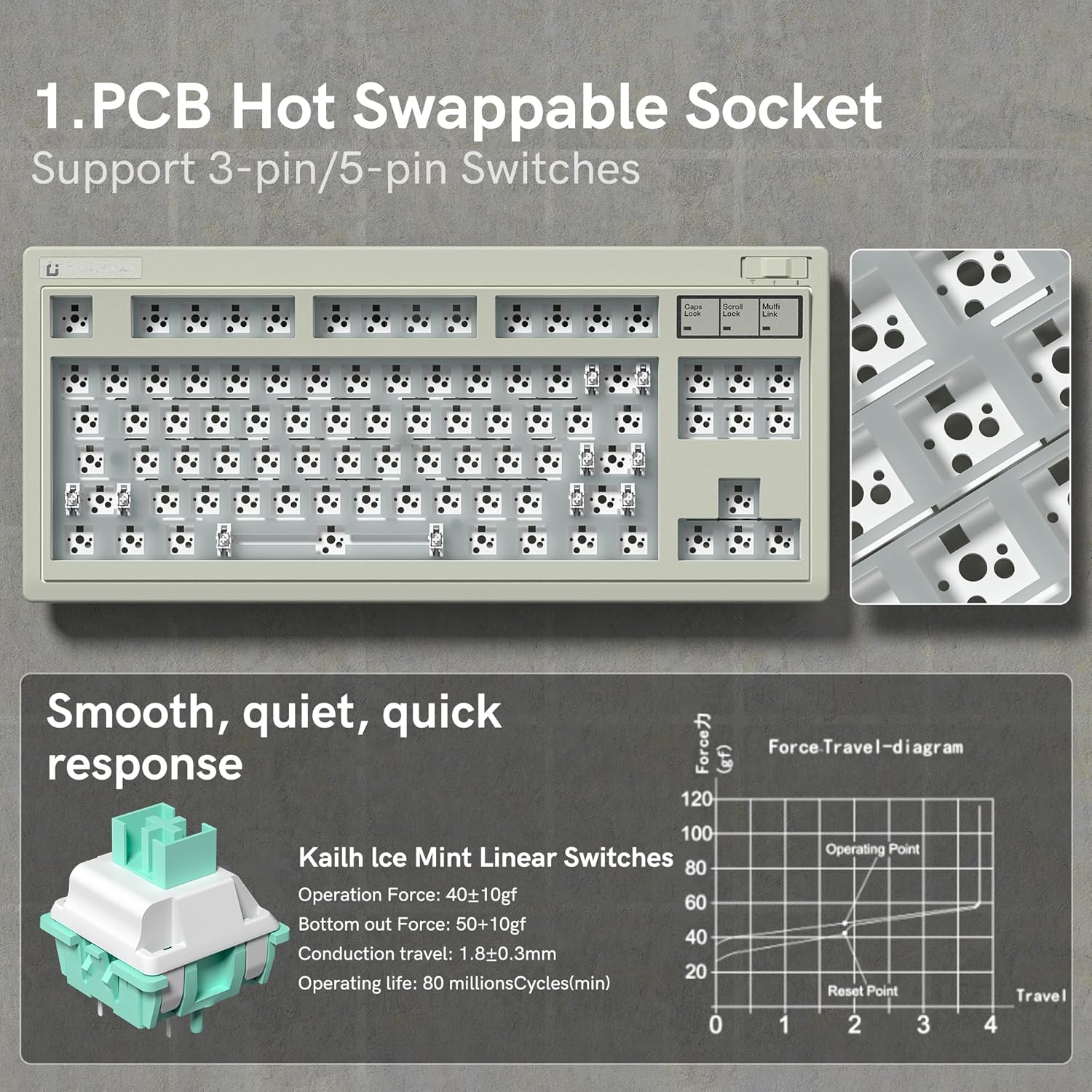
Figure 4: The hot-swappable PCB design allows for easy switch replacement and customization.
3.2 Engineered Acoustic Excellence
The keyboard incorporates a multi-layer precision-cut foam design to fill internal cavities, reducing resonance and providing a stable, consistent key feel with a deep, refined sound profile.

Figure 5: Internal structure designed for enhanced feel and refined sound.
3.3 RGB Lighting and Customization
The OG87 features 16.8 million RGB backlit keys with various lighting effects. You can customize these effects, remap keys, and program macros using the intuitive custom software.

Figure 6: Vibrant RGB backlighting with multiple effects.

Figure 7: The custom software allows for extensive customization of lighting, macros, and key functions.
Video 2: A demonstration of the various RGB lighting modes and effects on the OG87 keyboard.
3.4 Long-Lasting Battery
Equipped with a 4000mAh battery, the OG87 provides extended usage time. Battery life can vary based on usage and lighting settings.
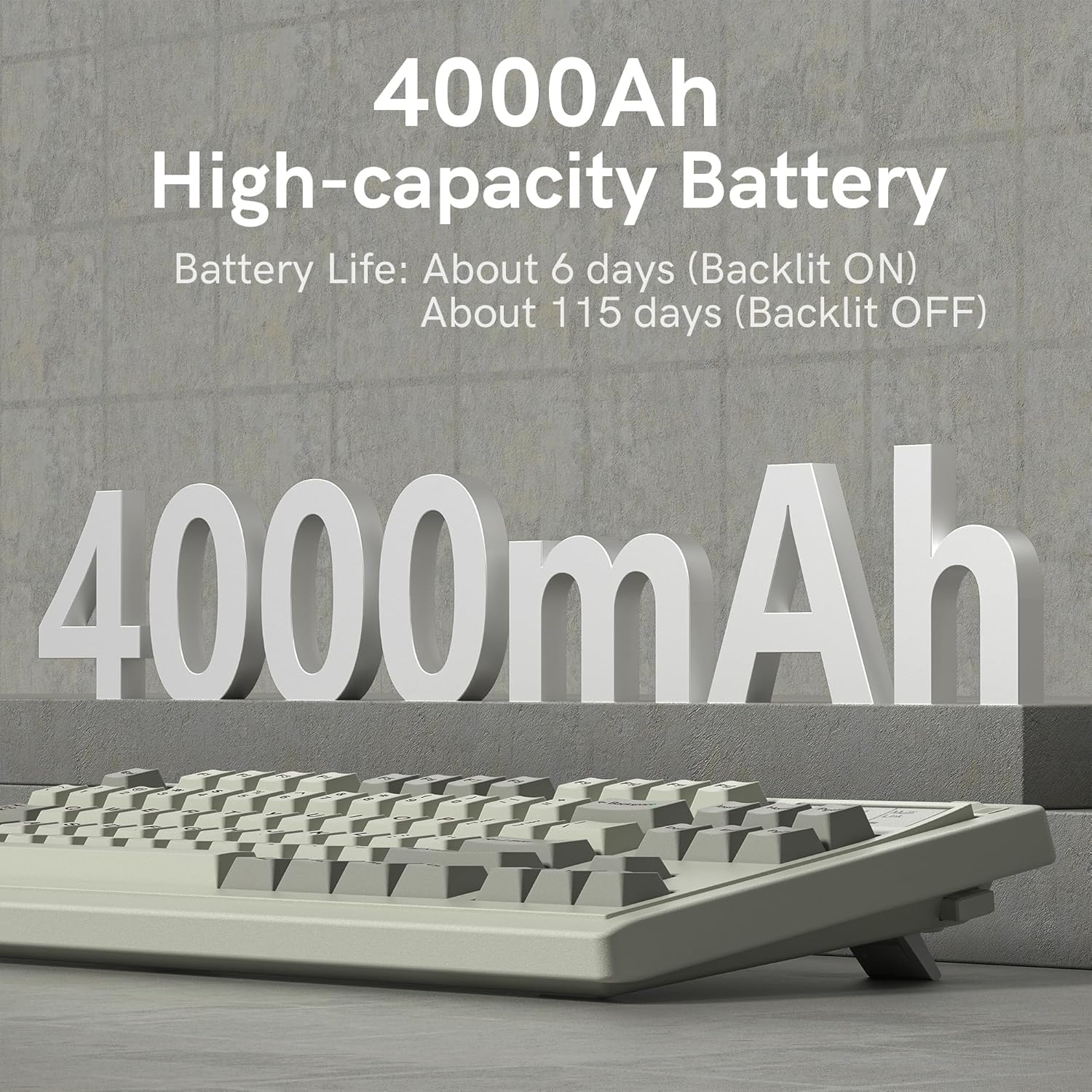
Figure 8: The 4000mAh battery ensures long periods of use.
4. Maintenance
4.1 Cleaning
To maintain the keyboard's appearance and functionality:
- Disconnect the keyboard from all power sources before cleaning.
- Use a soft, lint-free cloth slightly dampened with water or a mild cleaning solution to wipe the keycaps and chassis.
- For deeper cleaning, use the provided keycap puller to remove keycaps and clean underneath with compressed air or a small brush.
- Avoid using harsh chemicals, abrasives, or solvents.
4.2 Battery Care
To prolong battery life:
- Avoid fully discharging the battery frequently.
- Store the keyboard in a cool, dry place when not in use for extended periods.
- Charge the keyboard regularly, even if not in constant use, to maintain battery health.
5. Troubleshooting
5.1 Connectivity Issues
- Keyboard not connecting (2.4G/Bluetooth): Ensure the keyboard is in the correct mode. For Bluetooth, check if the device is in pairing mode (indicator light flashing). For 2.4G, ensure the dongle is securely plugged in. Try re-pairing or re-connecting.
- Intermittent connection: Move the keyboard closer to the receiver/device. Avoid obstacles that might interfere with the signal. Check for other wireless devices causing interference.
- Bluetooth pairing failure: Remove previous pairings from your device's Bluetooth settings and try pairing again. Ensure the keyboard is fully charged.
5.2 Software Issues
- Software not detecting keyboard: Ensure the keyboard is connected via wired mode when using the software. Restart the software and/or your computer.
- Customization not applying: Ensure you have saved your settings within the software. Some settings may require the keyboard to be in wired mode to apply.
5.3 Key Functionality Issues
- Keys not responding: Check if the switch is properly seated in the hot-swap socket. Try replacing the switch with a known working one. Clean any debris around the switch.
- Double-typing or missed inputs: This could indicate a faulty switch. Try replacing the switch.
6. Specifications
| Feature | Specification |
|---|---|
| Brand | FL ESPORTS |
| Model | OG87 |
| Connectivity Technology | Bluetooth, 2.4G Wireless, USB-C Wired |
| Keyboard Description | Mechanical |
| Number of Keys | 84 |
| Special Features | Retro Theme, Backlit, Hot-Swappable |
| Color | Retro Grey |
| Power Source | Battery Powered (4000mAh Lithium Polymer) |
| Item Weight | 3.44 pounds |
| Package Dimensions | 17.2 x 10.3 x 2.4 inches |
| Manufacturer | FL ESPORTS |
| Country of Origin | China |
7. Warranty and Support
For warranty information and technical support, please refer to the official FL ESPORTS website or contact their customer service directly. Keep your proof of purchase for any warranty claims.


