
1. Introduction
Welcome to the user manual for your new realme 13 Pro 5G Smartphone. This guide provides essential information to help you set up, operate, and maintain your device. The realme 13 Pro features a powerful 2.4 GHz Octa-core processor, 12GB of RAM, and 512GB of internal storage. It boasts a vibrant 6.7-inch AMOLED display and a robust 5200mAh non-removable battery, running on Android 14. Please read this manual carefully to ensure optimal performance and longevity of your device.

Figure 1: Front view of the realme 13 Pro 5G Smartphone.
2. What's in the Box
Your realme 13 Pro package includes the following items:
- realme 13 Pro 5G Smartphone
- USB Cable

Figure 2: The realme 13 Pro 5G Smartphone and its included USB cable.
3. Setup
3.1. SIM Card Installation
The realme 13 Pro supports Dual-SIM functionality using Nano-SIM cards. This smartphone is compatible with GSM networks (2G, 3G, 4G FDD-LTE, 4G TDD-LTE, and 5G NR). It is not compatible with any CDMA Networks, including VERIZON, SPRINT, or US CELLULAR. Please verify network compatibility with your provider before use.
- Locate the SIM card tray on the side of the device.
- Insert the SIM ejector tool (not included) into the small hole next to the tray and push gently until the tray pops out.
- Place your Nano-SIM card(s) into the tray with the gold contacts facing down.
- Carefully reinsert the tray into the device.
3.2. Initial Power On
Press and hold the Power button (located on the right side of the device) until the realme logo appears on the screen. Follow the on-screen instructions to complete the initial setup, including language selection, Wi-Fi connection, and Google account setup.
4. Operating Instructions
4.1. Touchscreen Navigation
Navigate your device using intuitive touch gestures:
- Tap: Select an item or open an app.
- Swipe: Scroll through lists or switch between home screens.
- Pinch: Zoom in or out on photos and web pages.
- Long Press: Access contextual menus or move icons.
4.2. Biometric Security (Fingerprint Recognition)
The realme 13 Pro features an in-display fingerprint sensor for secure and quick unlocking. To set up your fingerprint:
- Go to Settings > Security & privacy > Device unlock > Fingerprint.
- Follow the on-screen instructions to register your fingerprint.
4.3. Buttons and Ports
- Power Button: Press to turn the screen on/off, long press to power on/off or restart.
- Volume Buttons: Adjust media volume, ringtone volume, or alarm volume.
- USB Type-C Port: For charging and data transfer.

Figure 3: Side view of the realme 13 Pro 5G Smartphone, highlighting the power and volume buttons.
5. Camera Features
Capture stunning photos and videos with the realme 13 Pro's advanced camera system.
- Rear Camera System: Features a 50 MP wide-angle lens (f/1.9, 26mm, 1/1.95", 0.8µm, multi-directional PDAF, OIS) and an 8 MP ultrawide lens (f/2.2, 16mm, 112˚, 1/4.0", 1.12µm).
- Front Camera: A 32 MP wide-angle lens (f/2.5, 22mm) for high-quality selfies.
- Video Recording: Supports 4K video capture.

Figure 4: Back view of the realme 13 Pro 5G Smartphone, showcasing the circular camera module.
6. Display Features
Experience immersive visuals on the realme 13 Pro's high-quality display.
- Size: 6.7 inches.
- Type: AMOLED, supporting 1 billion colors.
- Resolution: 1080 x 2412 pixels.
- Refresh Rate: 120Hz for smooth scrolling and gaming.
- Pixel Density: 1512 Pixels Per Inch (PPI).
- Aspect Ratio: 16:9.
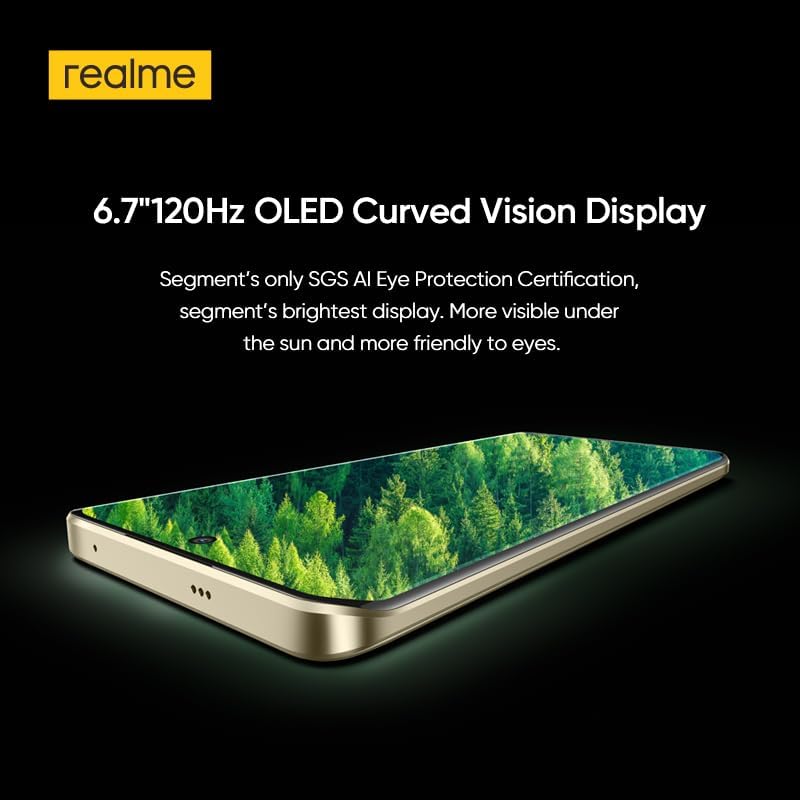
Figure 5: The realme 13 Pro 5G Smartphone highlighting its 6.7-inch 120Hz OLED Curved Vision Display.
7. Performance
The realme 13 Pro is engineered for powerful and efficient performance.
- Processor: Qualcomm SM7435-AB Snapdragon 7s Gen 2 (4 nm) Octa-core (4x2.40 GHz Cortex-A78 & 4x1.95 GHz Cortex-A55).
- RAM: 12 GB.
- Internal Storage: 512 GB.
- Connectivity: 5G cellular technology for fast network speeds.
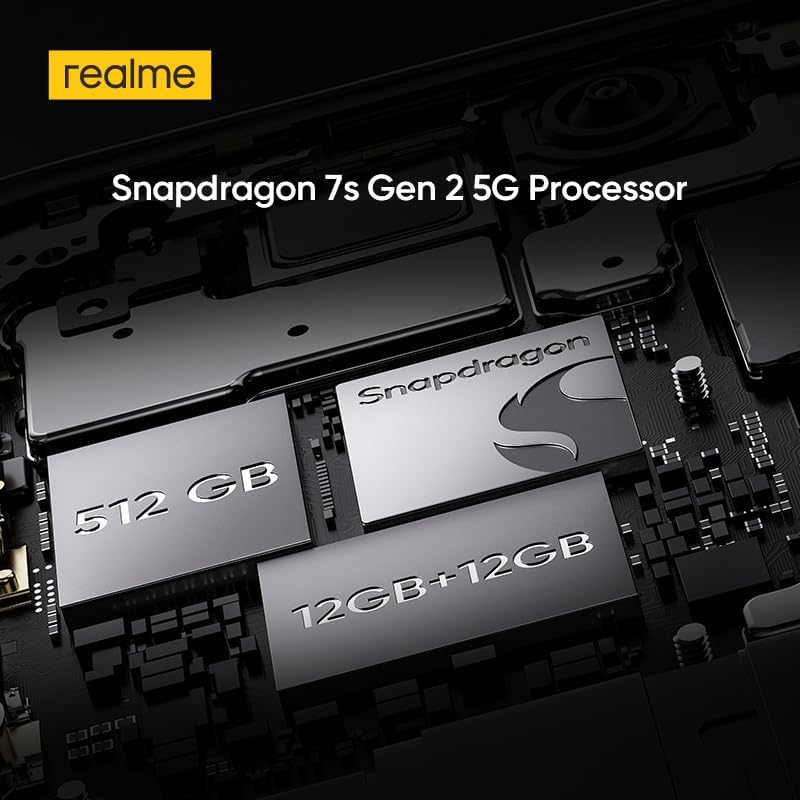
Figure 6: Internal view of the realme 13 Pro 5G Smartphone, showing the Snapdragon 7s Gen 2 5G Processor and memory components.
8. Battery and Charging
The realme 13 Pro is equipped with a high-capacity battery for extended usage.
- Battery Capacity: 5200 mAh non-removable battery.
- Average Talk Time: Up to 18.6 hours.
- Charging: Supports fast charging via USB Type-C.

Figure 7: The realme 13 Pro 5G Smartphone highlighting its 45W SUPERVOOC Charge and 5200mAh Massive Battery.
9. Software and UI
The realme 13 Pro runs on Android 14, offering a smooth and intuitive user experience with access to the latest features and security updates.
10. Maintenance
To ensure your realme 13 Pro remains in optimal condition:
- Keep the device clean using a soft, dry cloth.
- Avoid exposing the device to extreme temperatures or direct sunlight.
- Regularly update the software to receive the latest features and security patches.
- The device is Water Resistant, but avoid intentional submersion.
11. Troubleshooting
If you encounter any issues with your device, try the following basic troubleshooting steps:
- Device unresponsive: Press and hold the Power button for about 10 seconds to force a restart.
- App issues: Clear the app's cache and data in Settings, or uninstall and reinstall the app.
- Network problems: Toggle Airplane Mode on and off, or reset network settings in Settings.
- Battery drain: Check battery usage in Settings to identify apps consuming excessive power.
For more complex issues, please refer to the official realme support website or contact customer service.
12. Specifications
| Feature | Detail |
|---|---|
| Brand | realme |
| Model Name | Realme 13 Pro |
| Operating System | Android 14 |
| Processor | Qualcomm SM7435-AB Snapdragon 7s Gen 2 (4 nm) Octa-core |
| RAM | 12 GB |
| Memory Storage Capacity | 512 GB |
| Display Type | AMOLED, 1B colors |
| Display Size | 6.7 inches |
| Display Resolution | 1080 x 2412 pixels |
| Refresh Rate | 120 Hz |
| Rear Camera | 50 MP (wide, OIS) + 8 MP (ultrawide) |
| Front Camera | 32 MP (wide) |
| Video Capture Resolution | 4K |
| Battery Capacity | 5200 mAh |
| Connectivity Technology | 5G |
| Connector Type | USB Type C |
| Biometric Security | Fingerprint Recognition |
| Water Resistance Level | Water Resistant |
13. Warranty and Support
Your realme 13 Pro 5G Smartphone comes with a 1 Year Manufacturer Warranty. For warranty claims, technical support, or service inquiries, please contact realme customer service or visit their official support website. Ensure you retain your proof of purchase for warranty validation.


