
Introduction
Welcome to the user manual for your new viqee S24 Ultra Unlocked Phone. This guide will help you understand the features and functions of your device, ensuring you get the most out of your smartphone experience. Please read this manual carefully before using your phone.
Setup
1. Unboxing and Package Contents
Carefully unpack your viqee S24 Ultra phone and check the contents against the packing list below. If any items are missing or damaged, please contact customer support.

Image: Contents of the viqee S24 Ultra package, including the phone, cases, data cable, charger, screen protector, manual, headset, and SIM ejector tool.
- viqee S24 Ultra Phone
- Mobile Phone Cases
- Data Line (USB Type-C)
- Charger (US/UK/AU/EU options)
- Screen Protector
- Mobile Manual
- Headset
- SIM Ejector Tool (Needle)
2. SIM Card and Micro SD Card Installation
Your viqee S24 Ultra supports dual SIM cards and a dedicated micro SD card for expandable storage. Follow these steps to install your cards:
- Locate the SIM card tray on the side of your phone.
- Insert the SIM ejector tool into the small hole next to the tray and press gently until the tray pops out.
- Place your Nano-SIM cards into the designated slots (SIM1, SIM2) with the gold contacts facing down.
- If using a micro SD card, place it into the dedicated micro SD card slot.
- Carefully push the tray back into the phone until it clicks into place.

Image: Illustration of the Dual SIM and dedicated Micro SD Card slot for the viqee S24 Ultra.
3. Initial Power On and Charging
To power on your phone for the first time, press and hold the power button located on the side of the device until the viqee logo appears. It is recommended to fully charge your phone before first use. Connect the USB Type-C cable to the phone's charging port and the other end to the provided charger, then plug it into a power outlet.
Operating Your Phone
1. Android 14 Operating System
Your viqee S24 Ultra runs on Android 14, offering an intuitive and efficient user experience. Android 14 leverages AI to provide a smarter, more efficient, and convenient experience with redesigned apps and enhanced features.

Image: The Android 14 interface on the viqee S24 Ultra, highlighting its modern design and app layout.
2. Using the Integrated Tool Pen
The viqee S24 Ultra features a built-in tool pen for enhanced productivity and creativity. The pen is designed for accurate screen interaction, providing a smooth and natural writing or sketching experience.

Image: Demonstrates the use of the integrated tool pen for writing and sketching on the viqee S24 Ultra screen.
- Accessing the Pen: Gently pull the pen from its slot at the bottom of the phone.
- Functions: Use the pen for precise navigation, note-taking, drawing, and signing documents.
- Storage: Always return the pen to its slot when not in use to prevent loss.
3. Camera Features
Your phone is equipped with a powerful camera system, including a 64MP front camera and a 12MP rear camera with a 200MP sensor. It features upgradable Adaptive Pixel Technology for optimized imaging in various light conditions.

Image: Overview of the viqee S24 Ultra's camera capabilities, including AI scene detection and portrait enhancements.
- Front Camera: Ideal for high-resolution selfies and video calls.
- Rear Camera: Capture detailed photos and videos with advanced sensors.
- AI Features: Benefit from AI scene camera, AI backlight photography, and AI portrait composition for professional-quality results.
4. GPS Navigation
The viqee S24 Ultra includes robust GPS positioning and navigation capabilities, offering high accuracy for outdoor and indoor navigation in various locations like shopping malls and public transport hubs.
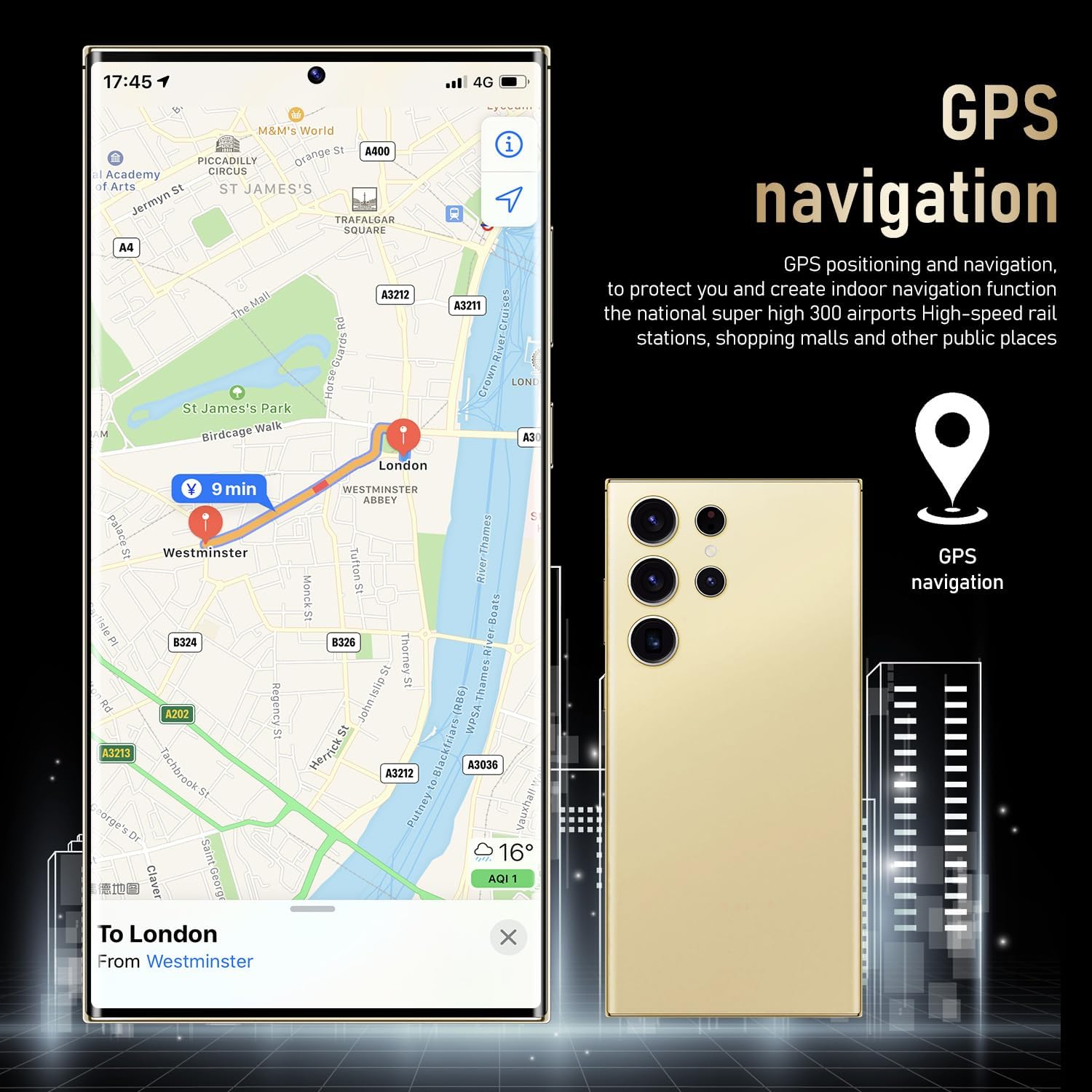
Image: The viqee S24 Ultra displaying a GPS navigation interface, demonstrating its positioning and routing features.
5. Connectivity
Your phone supports 5G cellular technology for fast transmission speeds and low latency, along with Wi-Fi for internet access. It also includes Bluetooth (BT), FM radio, and GPS for comprehensive connectivity.
Maintenance
1. Cleaning Your Device
To keep your phone in optimal condition, regularly clean its screen and body. Use a soft, lint-free cloth, slightly dampened with water or a screen cleaner. Avoid harsh chemicals or abrasive materials.
2. Software Updates
Periodically check for software updates to ensure your phone has the latest features, security patches, and performance improvements. Navigate to Settings > System > System update to check for and install updates.
3. Battery Care
The viqee S24 Ultra is equipped with a 6000mAh battery. To maximize battery life:
- Avoid extreme temperatures.
- Do not let the battery completely drain frequently.
- Use the original charger and cable for optimal charging.
Troubleshooting
If you encounter issues with your viqee S24 Ultra, try the following solutions:
| Problem | Possible Solution |
|---|---|
| Phone does not turn on | Ensure the battery is charged. Connect to a charger for at least 30 minutes. Try holding the power button for 10-15 seconds to force a restart. |
| No network signal | Check if SIM cards are correctly inserted. Ensure airplane mode is off. Restart the phone. Contact your network provider. |
| Apps crashing or freezing | Close and reopen the app. Clear the app's cache (Settings > Apps > [App Name] > Storage > Clear cache). Restart the phone. |
| Battery drains quickly | Reduce screen brightness. Close unused apps. Disable unnecessary features like GPS or Bluetooth when not in use. Check battery usage in Settings to identify power-hungry apps. |
Specifications
Key technical specifications for the viqee S24 Ultra:
| Feature | Detail |
|---|---|
| Brand | viqee |
| Model Name | S24U |
| Operating System | Android 14 |
| RAM Memory Installed Size | 6 GB |
| Memory Storage Capacity | 256 GB |
| Screen Size | 6.8 Inches |
| Wireless Carrier | Unlocked |
| Cellular Technology | 5G |
| Connectivity Technology | Wi-Fi, Bluetooth, USB Type C |
| Colour | Gold |
| Battery Cell Composition | Lithium (6000mAh) |
| Effective Still Resolution | 76 MP (Front Camera: 64MP, Rear Camera: 12MP with 200MP sensor) |
Warranty and Support
For warranty information and customer support, please refer to the documentation included in your product packaging or visit the official viqee website. Keep your proof of purchase for warranty claims.