
Introduction
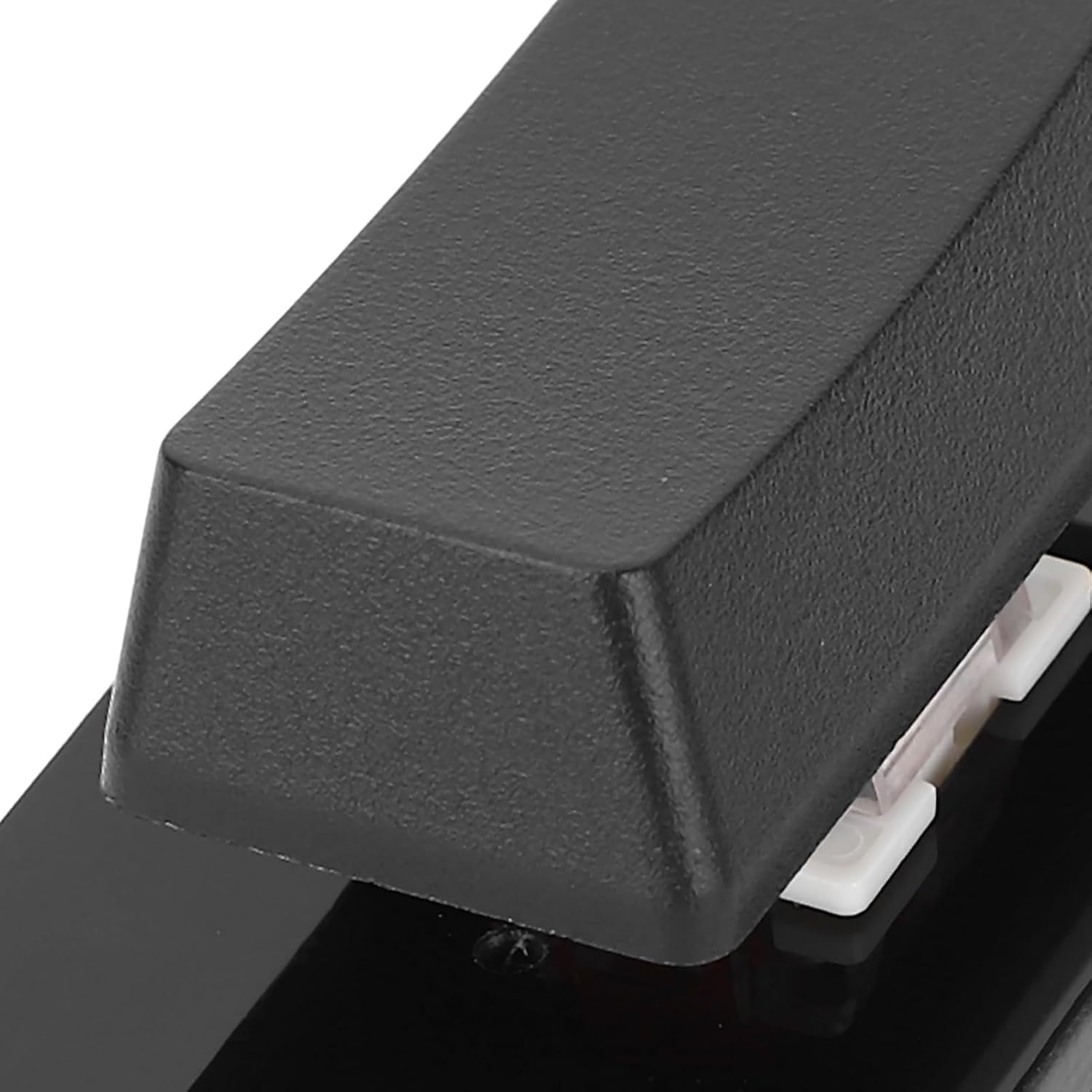
This manual provides comprehensive instructions for the Bewinner Mechanical Gaming Keyboard, Model Bewinner9vd3eb4nfy-12. This USB single-key keyboard is designed for versatility, featuring programmable macro keys, customizable RGB backlighting, and a reliable wired Type-C connection. It is suitable for various applications, including gaming, office tasks, and industrial control. Please read this manual thoroughly before use to ensure proper operation and longevity of your device.
What's in the Box
Upon unpacking, please verify that all the following items are included:
- 1 x Bewinner Mechanical Gaming Keyboard
- 1 x Type-C USB Cable
- 1 x Switch Puller
Setup
Follow these steps to set up your Bewinner Mechanical Gaming Keyboard:
- Connect the Keyboard: Insert the Type-C end of the provided USB cable into the Type-C port located on the side of the keyboard.
- Connect to Computer: Plug the standard USB-A end of the cable into an available USB port on your computer.
- Plug and Play: The keyboard is designed for plug-and-play functionality. It does not require specific driver installations for basic operation and is compatible with various operating systems, including Linux, OS X, and Raspberry Pi. The device features memory, allowing it to function alongside other keyboards without interference.

Operating Instructions
Programmable Macro Keys
The Bewinner Mechanical Gaming Keyboard features a single programmable key, allowing you to assign complex commands or shortcuts for efficient use. This can significantly enhance productivity and gaming performance.
- Custom Functions: The key can be programmed for a wide range of functions, including standard shortcut keys (e.g., cut, undo, redo, select all), media controls (play, pause, volume control, toggle song, fast forward, rewind), or custom scripts.
- Programming Software: To customize the macro key, you will need to use the dedicated programming software provided by Bewinner. Please refer to the manufacturer's website for software download and detailed programming instructions. The software interface allows you to define single-key presses or complex key combinations.

RGB Backlighting
The keyboard is equipped with RGB backlighting, offering multiple adjustable modes to personalize your setup. The lighting effects can be configured or disabled using the programming software.
Maintenance
Proper maintenance ensures the longevity and optimal performance of your keyboard:
- Cleaning: Regularly wipe the keyboard surface with a soft, dry cloth. For removing dust and debris from around the keycap and switch, disconnect the keyboard and use compressed air.
- Keycap Removal: The included switch puller can be used to carefully remove the keycap for cleaning or switch replacement. Gently grip the keycap with the puller and lift straight up. Avoid excessive force to prevent damage.
- Storage: Store the keyboard in a cool, dry environment, away from direct sunlight, excessive moisture, and extreme temperatures.

Troubleshooting
If you encounter issues with your keyboard, refer to the following common problems and solutions:
- Problem: Keyboard not recognized by the computer.
- Solution:
- Ensure the USB Type-C cable is securely connected to both the keyboard and the computer.
- Try connecting the keyboard to a different USB port on your computer.
- Test with a different USB Type-C cable to rule out a faulty cable.
- Restart your computer.
- Problem: Macro key not functioning as programmed.
- Solution:
- Verify that the programming software has been used to correctly assign the desired function to the key.
- Ensure that the settings were saved and successfully applied to the device within the software.
- Close and reopen the programming software, then re-apply settings.
- Confirm that no other software is conflicting with the keyboard's macro functions.
- Problem: RGB lighting is not working or displays incorrect colors.
- Solution:
- Check the RGB lighting settings within the programming software. Ensure lighting is enabled and the desired mode/color is selected.
- Update the keyboard's firmware if an update is available.
- Ensure your computer's operating system and graphics drivers are up to date.
Specifications
| Feature | Detail |
|---|---|
| Item Type | USB Single Keyboard |
| Material | Acrylic, ABS |
| Key Number | 1 Key |
| Switch Type | Red Mechanical Switches |
| Connection | Type-C Wired |
| Compatible Devices | Universal Computer (Linux, OS X, Raspberry Pi) |
| Special Features | Programmable Macro Keys, RGB Backlit |
| Color | Black |
| Item Weight | 2.89 ounces |
| Model Number | Bewinner9vd3eb4nfy-12 |
| Manufacturer | Bewinner |
Warranty and Support
For detailed warranty information, technical assistance, or customer support, please refer to the documentation included with your purchase. You may also visit the official Bewinner website for additional resources and contact information. Please retain your proof of purchase for any warranty claims.