Introduction
Thank you for choosing the iWIMIUS K11 Projector. This manual provides essential information for setting up, operating, and maintaining your device. The K11 is iWIMIUS's first self-developed home projector, designed with an intuitive WOS 2.0 interface and advanced features for a seamless home theater experience. Its unique curved design with an integrated stand complements any home decor.
What's in the Box
- K11 Projector with WiFi and Bluetooth (Black)
- Remote (2*AAA Batteries Required, NOT Included)
- HDMI Cable
- Power Cord
- User Manual
Product Overview
The iWIMIUS K11 Projector combines advanced technology with a sleek design for an optimal viewing experience.
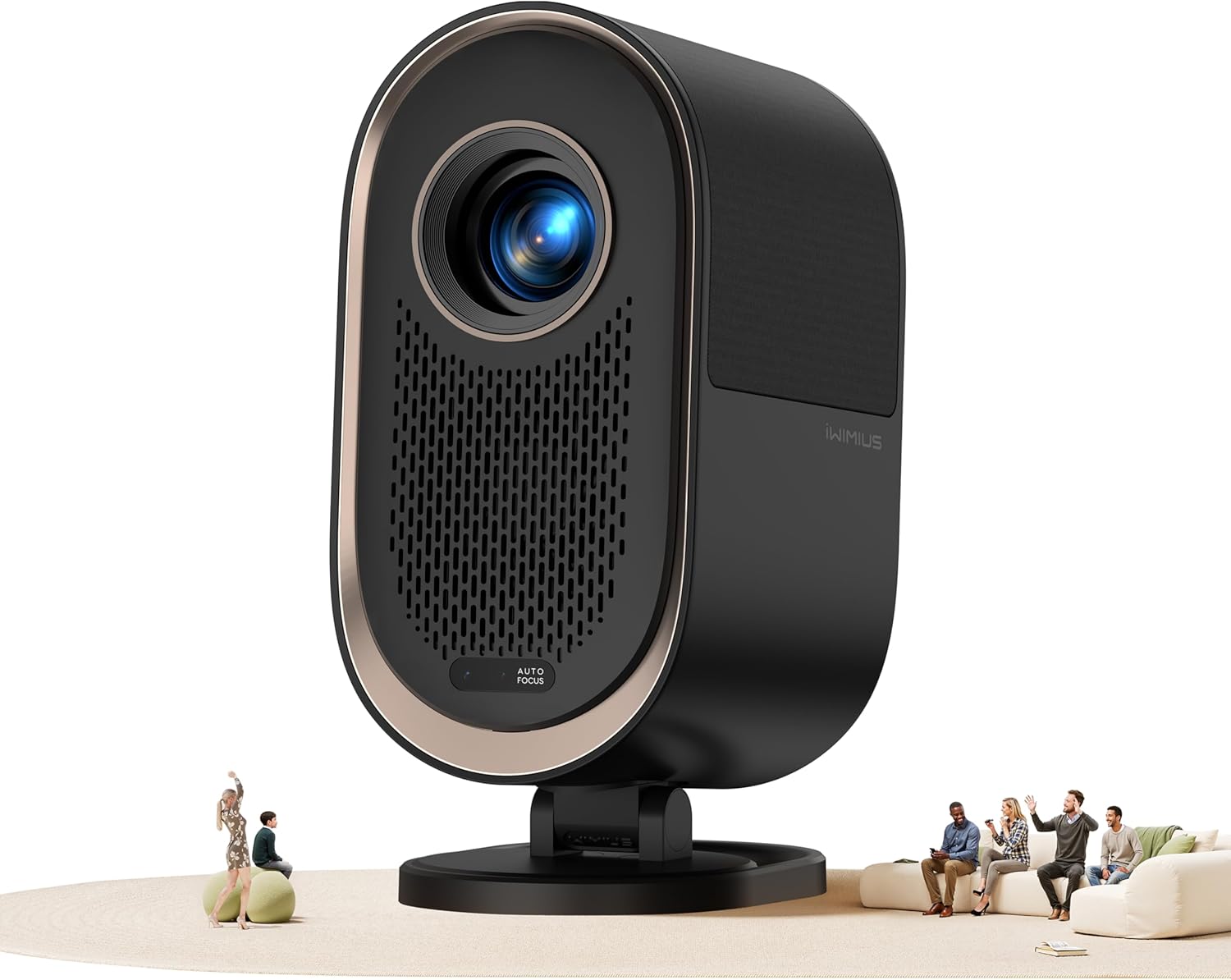
Figure 1: Front view of the iWIMIUS K11 Projector, showcasing its lens and sleek black design.
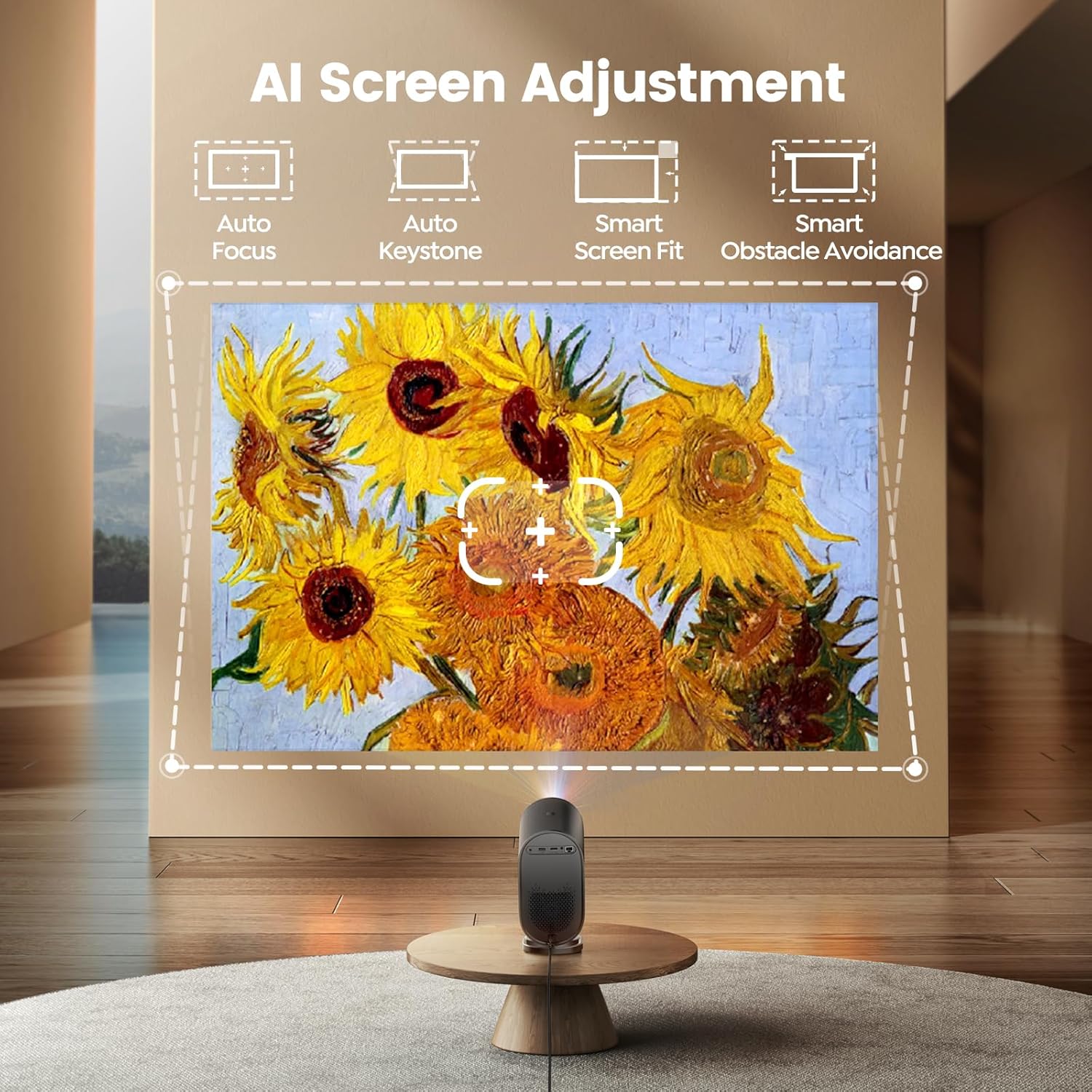
Figure 2: The projector demonstrating AI Screen Adjustment, including Auto Focus, Auto Keystone, Smart Screen Fit, and Smart Obstacle Avoidance.
Key Features:
- WOS 2.0 Operating System: An intuitive and user-friendly interface with personalized features like pre-set themes, screen savers, sleep timers, and quiet mode.
- Cinematic Audio: Dual 10W speakers with Dolby Digital support and HDMI ARC compatibility for enhanced sound. Two-way Bluetooth allows wireless pairing with mobile devices or external speakers.
- Smart Adjustments: Features include Auto Focus, Auto Keystone Correction, Smart Obstacle Avoidance, Smart Screen Alignment, and 50%-100% Zoom for crisp, clear images in seconds.
- Advanced Connectivity: Equipped with WiFi 6 for seamless screen mirroring (AirPlay, Miracast), 1 HDMI port (supporting CEC and ARC), 1 USB 2.0 port, a 3.5mm headphone jack, and an Ethernet port.
- Fully Enclosed Optical Engine: A true enclosed design prevents light leakage, dust accumulation, image black spots, and excess noise, ensuring durability and a hassle-free experience.
Setup
- Power Connection: Connect the provided Power Cord to the projector and a power outlet.
- Placement: Place the projector on a stable, flat surface. The 1/4'' screw hole on the bottom (under the label) supports ceiling/wall mounting options. The 1.25:1 throw ratio allows for a 100'' screen from a shorter distance.
- Initial Power On: Press the power button on the projector or the remote control to turn on the device.
- Automatic Adjustments: The projector will automatically perform Auto Focus and Auto Keystone Correction. Smart Obstacle Avoidance and Smart Screen Alignment features will adjust the image to fit your projection surface.
- Network Connection: Navigate to the settings menu using the remote control to connect to your WiFi 6 network.
Video: iWIMIUS K11 - See. Feel. Inspire. Demonstrates initial setup and automatic adjustments.
Operating Instructions
WOS 2.0 System Navigation:
The projector features the iWIMIUS WOS 2.0 operating system, offering an intuitive and user-friendly interface. Use the remote control to navigate through menus, select apps, and adjust settings. Enjoy personalized features such as pre-set themes, screen savers, sleep timers, and quiet mode.

Figure 3: The WOS 2.0 operating system interface, showing options for screen sharing, Bluetooth audio, quiet mode, and firmware updates.
Smart Auto Adjustments:
- Auto Focus: The projector automatically adjusts for a sharp image. The WOS 2.0 system enhances focus speed by 50%.
- Auto Keystone Correction: Corrects image distortion automatically to ensure a rectangular picture.
- Smart Obstacle Avoidance: Automatically scales the image to avoid obstructions on the projection surface.
- Smart Screen Alignment: Intelligently adjusts the image to align with the edges of a screen or designated area.
- Zoom: Adjust image size from 50% to 100% without moving the projector.
Audio Features:
- Dual 10W Speakers: Provides crystal-clear, dynamic surround sound with Dolby Digital support.
- Two-Way Bluetooth: Connect mobile devices to the projector to use it as a standalone Bluetooth speaker, or connect external Bluetooth speakers/headphones to the projector for enhanced audio.
- HDMI ARC: Allows direct connection to your home sound system via HDMI for high-quality audio output.
Video: K11 Dolby Audio Dual Speakers Performance. Demonstrates the sound quality of the projector.
Connectivity
The K11 projector offers versatile connectivity options for various devices.

Figure 4: Rear view of the projector highlighting the HDMI, USB, and other connectivity ports.
- WiFi 6: Utilizes the latest WiFi 6 technology for fast and stable wireless connections. Easily mirror content from your phone via AirPlay or Miracast.
- HDMI Port (x1): Connect TV sticks, laptops, gaming consoles (PS5), soundbars, and other HDMI-enabled devices. Supports HDMI CEC (Consumer Electronics Control) and HDMI ARC (Audio Return Channel).
- USB 2.0 Port (x1): Connect USB drives for media playback or power compatible devices like TV sticks.
- 3.5mm Headphone Jack (x1): For connecting wired headphones or external speakers.
- Ethernet Port (x1): For a stable wired internet connection.
Note: To access streaming apps like Netflix, Prime Video, or Hulu, a separate TV stick (not included) is required due to HDCP copyright limitations for direct wireless mirroring from phones.
Video: How to Connect TV Stick (Not Included) for Streaming Apps. Demonstrates connecting a TV stick to the projector.
Specifications
| Feature | Detail |
|---|---|
| Brand | iWIMIUS |
| Model Number | K11 |
| Display Resolution | 1920 x 1080 (1080P FHD Native, 4K Supported) |
| Connectivity Technology | Bluetooth 5.2, Ethernet, HDMI, USB, Wi-Fi 6 |
| Special Features | Auto Focus, Auto Obstacle Avoidance, Auto Screen Alignment, Auto Keystone Correction, Dust-Proof, Dual 10W speakers, HDMI ARC & CEC, Ultra-Quiet Mode, WPS Screen Mirroring, Fully Enclosed Optical Engine |
| Item Weight | 6.16 pounds |
| Product Dimensions | 11.81 x 9.84 x 4.72 inches |
| Recommended Uses | Business, Education, Gaming, Home Cinema |
Maintenance
The K11 projector features a True Fully Enclosed Optical Engine. This design significantly reduces common maintenance concerns:
- Dust Accumulation: The enclosed engine prevents dust from entering and settling on internal components, eliminating the need for frequent internal cleaning.
- Light Leakage & Black Spots: The sealed design ensures consistent image quality by preventing light leakage and the formation of black spots caused by dust.
- Reduced Noise: The enclosed system also contributes to an ultra-quiet operation.
Regularly wipe the exterior of the projector with a soft, dry cloth. Ensure the lens is clean using the provided cleaning kit to maintain optimal image clarity.
Troubleshooting
For common issues, please refer to the following:
- Signal, Sound, Bluetooth, or WiFi Connectivity Issues: Many common problems can be resolved by consulting the detailed user manual. Ensure all cables are securely connected and network settings are correctly configured.
- Image Quality Concerns (e.g., blurry image): Verify that the projector's Auto Focus feature is enabled and functioning. Ensure the projection surface is clear of obstructions.
- No Reply from Customer Support within 24 hours: This could be due to time differences or your message landing in a spam folder. Please resend your query or try an alternative contact method.
Warranty & Support
iWIMIUS is committed to providing a worry-free shopping experience and reliable after-sales service:
- Customer Support: 24/7 after-sales customer support is available.
- Money-Back Guarantee: Enjoy a 2-YEAR money-back guarantee.
- Repair Coverage: 3-YEAR repair coverage is provided.
- Technical Support: Lifetime technical support is included.
For assistance, please contact support@iwimius.us.


