
1. Introduction
This manual provides essential information for the safe and effective operation of your Glorale X38 4K Camera RC Quadcopter. Please read all instructions carefully before use and retain this manual for future reference. Proper operation ensures optimal performance and user safety.
Important Safety Information
- Always operate the drone in open, unobstructed areas, away from people, animals, and obstacles.
- Ensure the drone is fully charged and calibrated before each flight.
- Adhere to all local regulations and laws regarding drone operation, including any registration requirements.
- Do not operate in strong winds, rain, or other adverse weather conditions.
- Maintain visual line of sight with the drone at all times.
2. Package Contents
Verify that all items listed below are included in your package:
- Glorale X38 Drone with 4K Camera
- Remote Control
- 2 x Lithium Polymer Batteries
- Handbag
- USB Type-C Cable
- Spare Propellers
- Screwdriver and Spare Screws

Image: Glorale X38 Drone, remote control, two batteries, and carrying case.
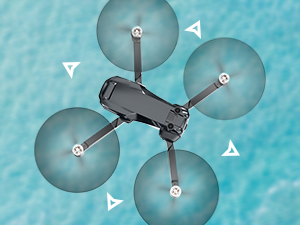
Image: The compact, foldable design of the Glorale X38 drone.
3. Setup
3.1 Battery Charging
Ensure both the drone batteries and the remote control are fully charged before first use. The drone batteries feature a USB-C port for convenient charging. The remote control also has a USB-C port for charging.

Image: A drone battery with a USB-C port, indicating its charging capability.
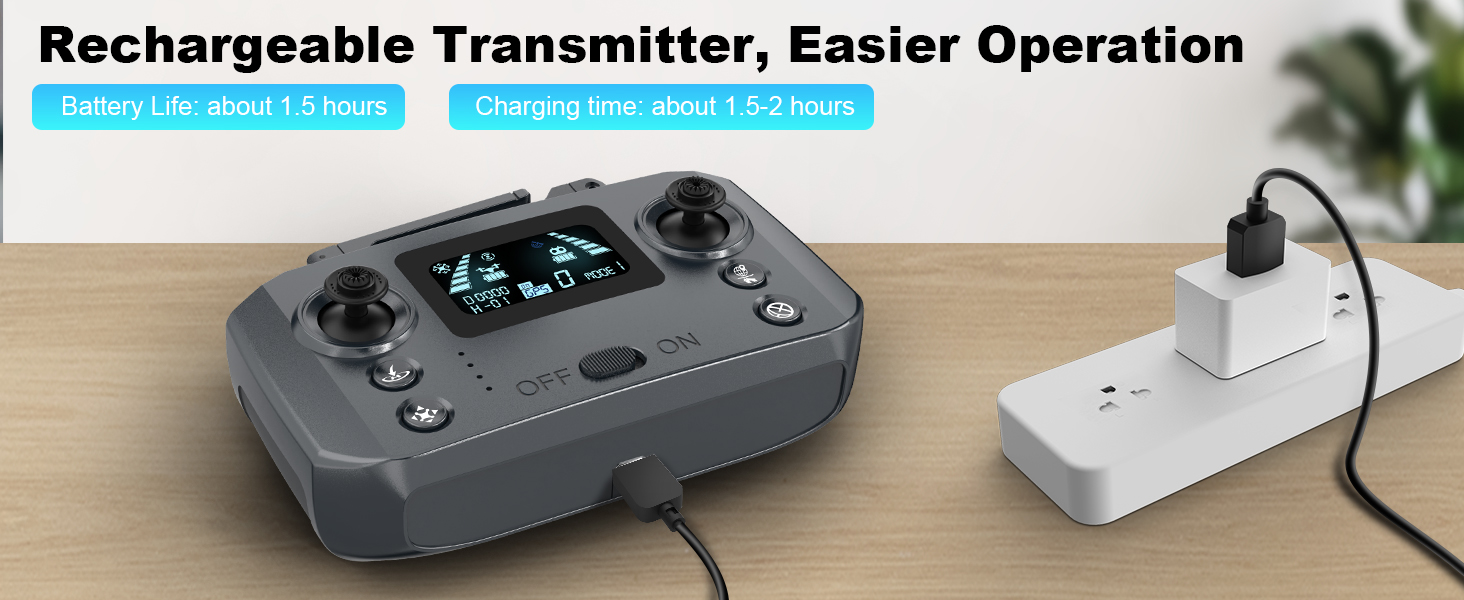
Image: The remote control connected to a USB-C cable for charging.
3.2 Drone Activation
To turn the drone on, press the power switch a total of two times. First, a short press to turn the power on, then a long press of the power switch to fully activate the drone.
3.3 App Connection & FAA Registration
Download the official Glorale drone application to your smartphone. Connect your smartphone to the drone via Wi-Fi. The app will guide you through the connection process. For FAA registration, connect the drone, open the app, and the remote ID serial number is on the lower left of the screen within the app interface.
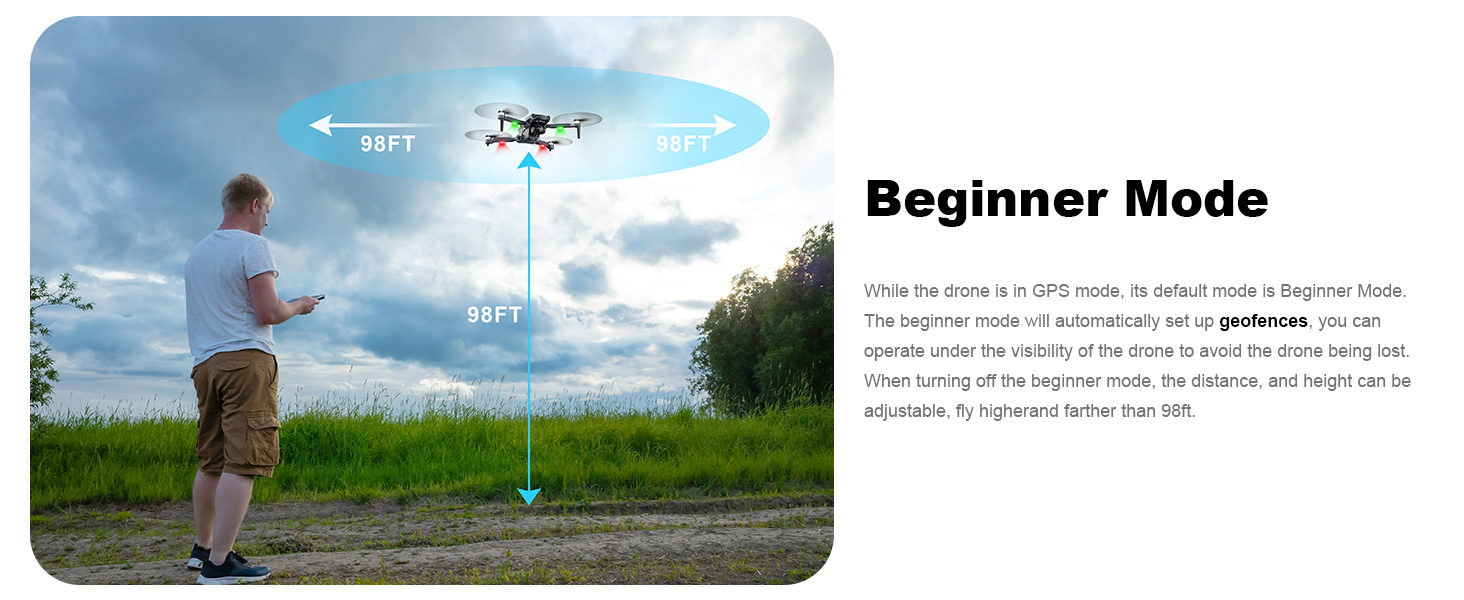
Image: Screenshot of the drone application interface, highlighting the location of the remote ID serial number for FAA registration.
4. Operating Instructions
The Glorale X38 offers a variety of flight modes and camera functions to enhance your aerial experience.
4.1 Basic Flight Controls
- One Key Take Off/Landing: Simplifies initial flight and landing procedures.
- Altitude Hold: Maintains a stable altitude for steady shots.
- Headless Mode: Orients the drone's movement relative to the pilot, simplifying control regardless of the drone's front direction.
- Speed Adjust: Allows you to select from 3 speed settings to match your skill level and flight conditions.
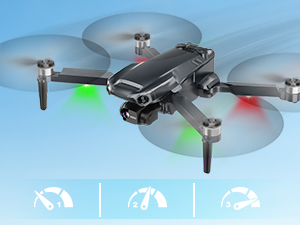
Image: Visual representation of the drone's three adjustable speed settings.
4.2 Intelligent Flight Modes
- GPS Follow: The drone automatically follows the pilot, capturing dynamic footage.
- Route Planning (Waypoint Fly): Draw a custom flight path on the app, and the drone will follow it autonomously.
- Circle Fly: The drone will orbit a designated point, maintaining a consistent distance and altitude.

Image: The drone automatically following a person, demonstrating the GPS Follow mode.
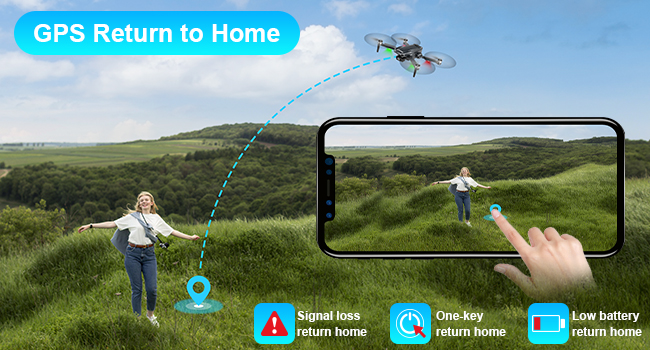
Image: A drone flying along a pre-planned route drawn on a smartphone map, illustrating Route Planning (Waypoint Fly).
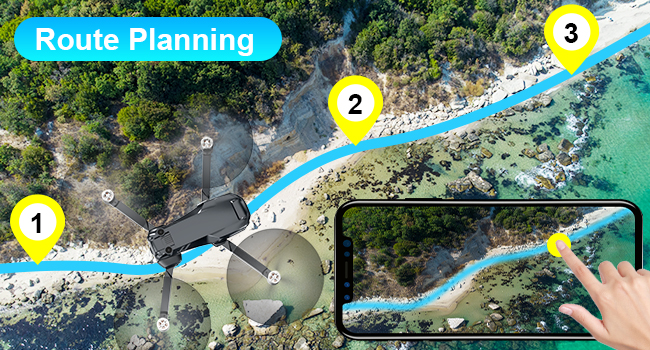
Image: The drone performing a circular flight path around a subject, showcasing the Circle Fly mode.
4.3 Camera Operation
The integrated 4K camera features a 3-axis gimbal for stable, high-resolution photos and videos. The camera offers a 110° wide-angle view and 90° adjustable tilt.
- Gesture Control: Use specific hand gestures to trigger photo or video recording. The recognition distance is approximately 6.5 ft.
- Slide Zoom: Adjust the lens image, size, and distance by gently sliding your finger on the app screen.

Image: A detailed view of the drone's 3-axis gimbal, highlighting its 4K camera, 110° wide-angle, and 90° adjustable features.

Image: Individuals using hand gestures to control the drone's photo and video recording functions.
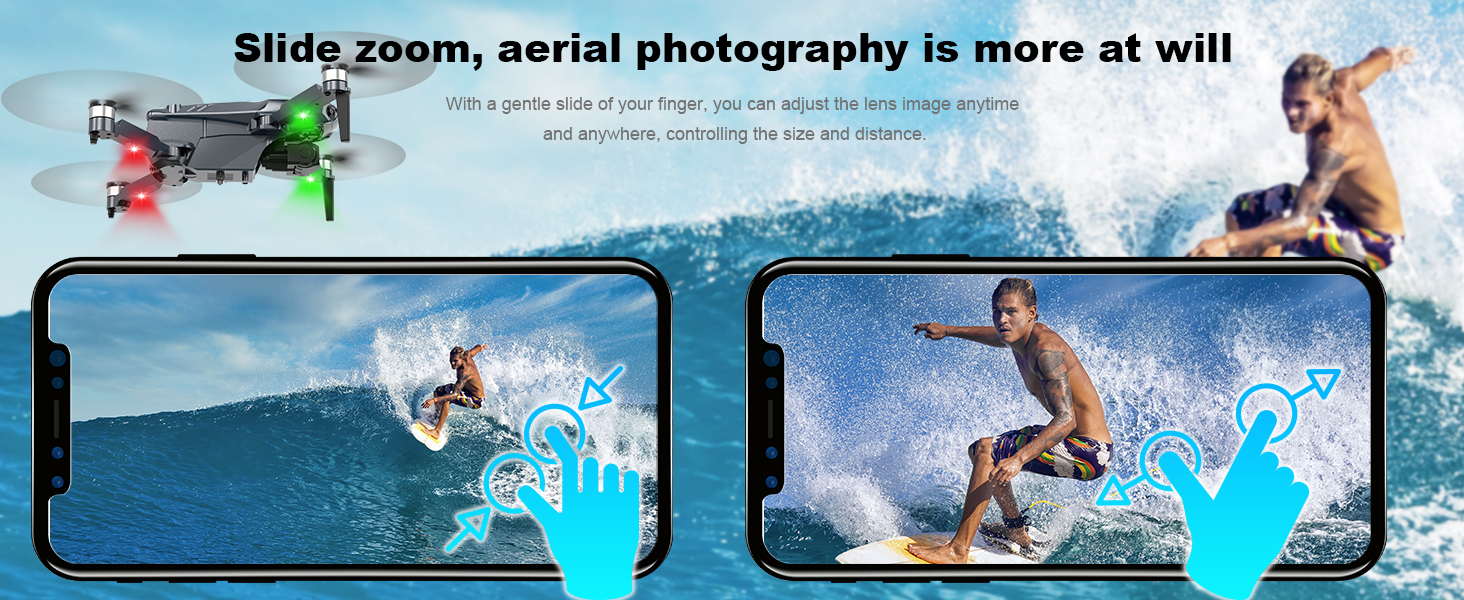
Image: A smartphone screen demonstrating the slide zoom feature, allowing users to adjust the drone camera's view.
5. Maintenance
Regular maintenance ensures the longevity and optimal performance of your Glorale X38 drone.
- Battery Care: Charge batteries fully before and after each use. Store in a cool, dry place.
- Propeller Inspection: Regularly check propellers for damage. Replace any bent or broken propellers using the provided spare parts and screwdriver.
- Cleaning: Keep the drone body and camera lens clean from dust and debris. Use a soft, dry cloth.
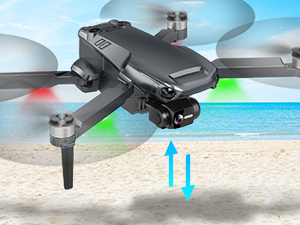
Image: A close-up of the drone's propeller, indicating the need for regular inspection and replacement if damaged.
6. Troubleshooting
If you encounter issues with your drone, refer to the following common problems and solutions:
- Drone will not start/unlock: Ensure the battery is fully charged and properly inserted. Follow the two-step power-on sequence (short press, then long press). Refer to the 'First Use Guide' video or contact our after-sales team for assistance.
- Connection problems: Ensure your smartphone's Wi-Fi is enabled and connected to the drone's network. Follow the app's connection prompts.
- Lost Drone: The app features a 'Find The Lost Drone' function that records the last known position and displays it on a map, allowing for easy tracking.
- Low Battery/Signal Loss: The 'Return-to-Home' functionality will automatically bring the drone back to its takeoff point in case of low battery or signal loss.
Video: A 'First Use Guide' demonstrating the initial setup and operation of the Glorale X38 drone.
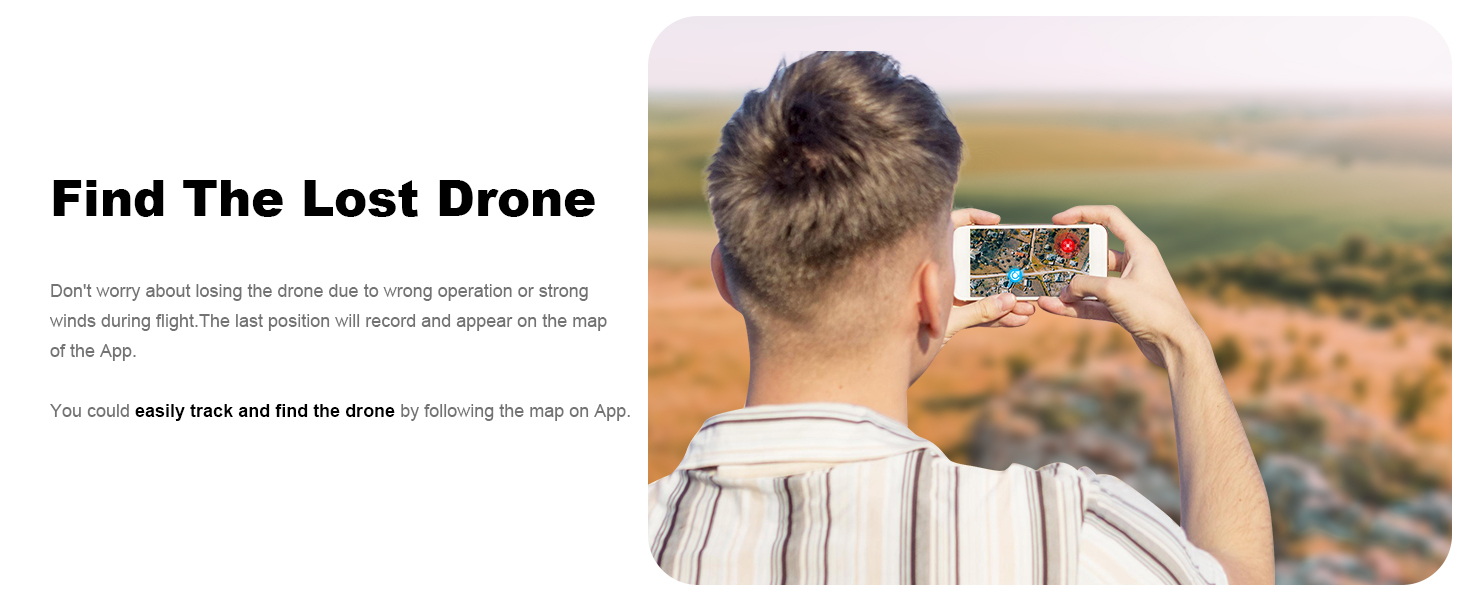
Image: The drone application displaying the last recorded position of the drone on a map, aiding in recovery.
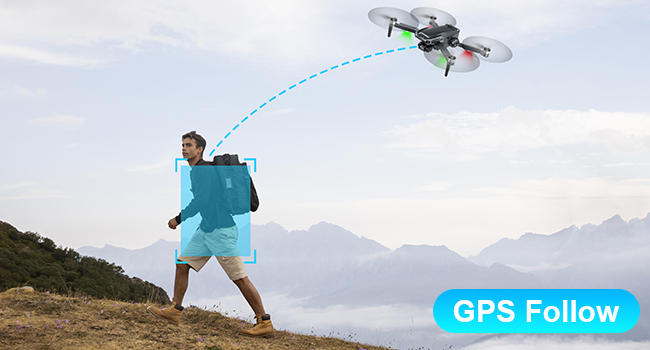
Image: The drone automatically returning to its home point, illustrating the GPS Return-to-Home feature.
7. Specifications
| Brand | Glorale |
| Model Name | X38 |
| Item Weight | 12.6 ounces |
| Product Dimensions | 13.39"L x 10.63"W x 4.13"H |
| Video Capture Resolution | 4K |
| Connectivity Technology | Wi-Fi |
| Battery Cell Composition | Lithium Polymer |
| Max Flight Time | Up to 46 minutes (with 2 batteries) |
| Maximum Range | 0.31 Miles (1640ft) |
| Special Features | App-Controlled, Remote Control, Gesture Control, Follow Me, Circle Fly, Waypoint Fly, Altitude Hold, Integrated GPS, Integrated Camera, 3-Axis Gimbal, One Button Return, Portable, Foldable, Indoor/Outdoor Use |
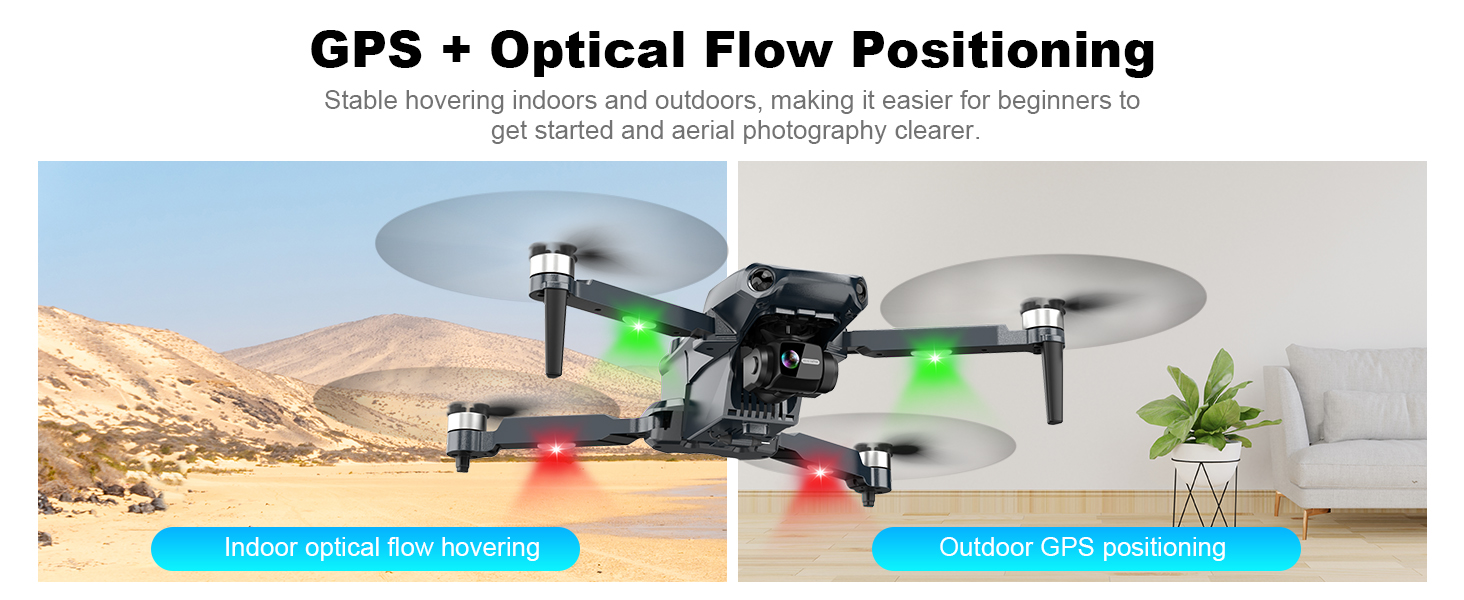
Image: The drone demonstrating stable hovering indoors with optical flow and outdoors with GPS positioning.

Image: The drone flying in a mountainous landscape, highlighting its brushless power system and wind resistance.
8. Support
For any questions, technical assistance, or if you are unable to operate the drone successfully, please contact our after-sales service team. They are available to provide patient and clear guidance.
Video: An overview video of the Glorale X38 4K Camera RC Quadcopter for Adults, demonstrating its features and capabilities.