
OffiGo 160 x 80 cm
Contents
OffiGo Electric Sit-Stand Desk User Manual
Model: 160 x 80 cm, White
1. Introduction
Thank you for choosing the OffiGo Electric Sit-Stand Desk. This manual provides essential information for the safe assembly, operation, and maintenance of your new desk. Please read it thoroughly before use and retain it for future reference.
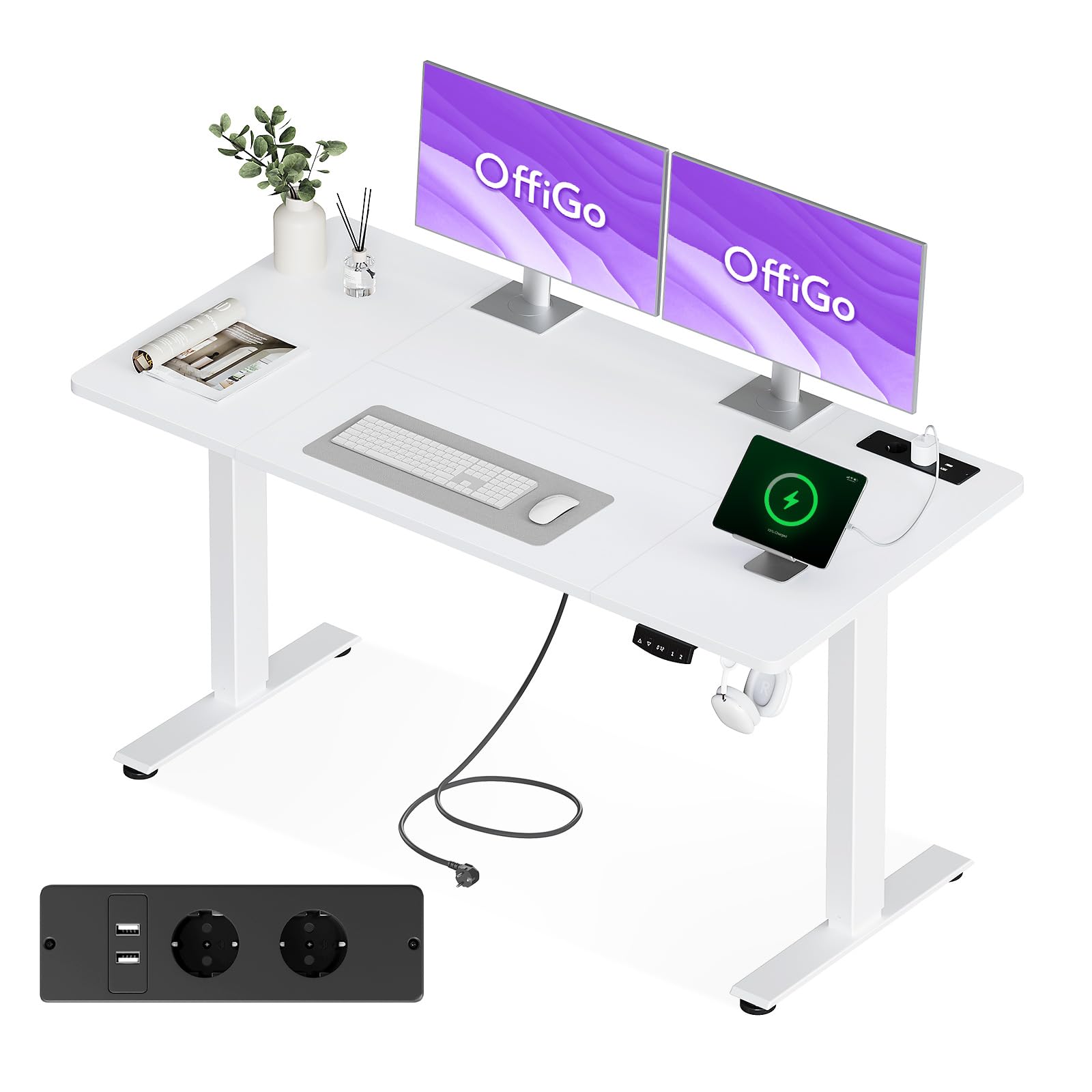
Image 1.1: The OffiGo Electric Sit-Stand Desk in a typical home office environment.
2. Safety Warnings
Failure to follow these safety instructions may result in injury or damage to the product.
- Always keep hands clear of moving parts when adjusting the desk height.
- Ensure the desk is properly assembled and anchored to the floor to prevent tipping.
- Do not exceed the maximum weight limit of 150 kg on the desktop.
- Keep children and pets away from the desk during operation.
- Do not sit or stand on the desk.
- Disconnect power before cleaning or performing maintenance.
3. Product Features
The OffiGo Electric Sit-Stand Desk is designed for comfort and productivity, offering a range of features:
- Power Outlets & USB Ports: Features 2 Euro-compliant power outlets and 2 USB charging ports (5V/2A) for convenient device charging.
- Flexible Height Adjustment: Electric height adjustment from 72 cm to 118 cm, suitable for various user heights. Includes 2 memory presets for quick transitions.
- Quiet Operation: Motor operates at a low noise level of 45-55 dB, ensuring a silent and smooth lifting and lowering process.
- Cable Management & Hooks: Two practical hooks for hanging headphones or bags, and an integrated cable pass-through to maintain an organized workspace.
- FSC Certified Desktop: Made from FSC certified wood, ensuring sustainable sourcing.
- Enhanced Stability: Optimized force distribution on the desktop for improved stability compared to traditional standing desks. Tested for 20,000 cycles.
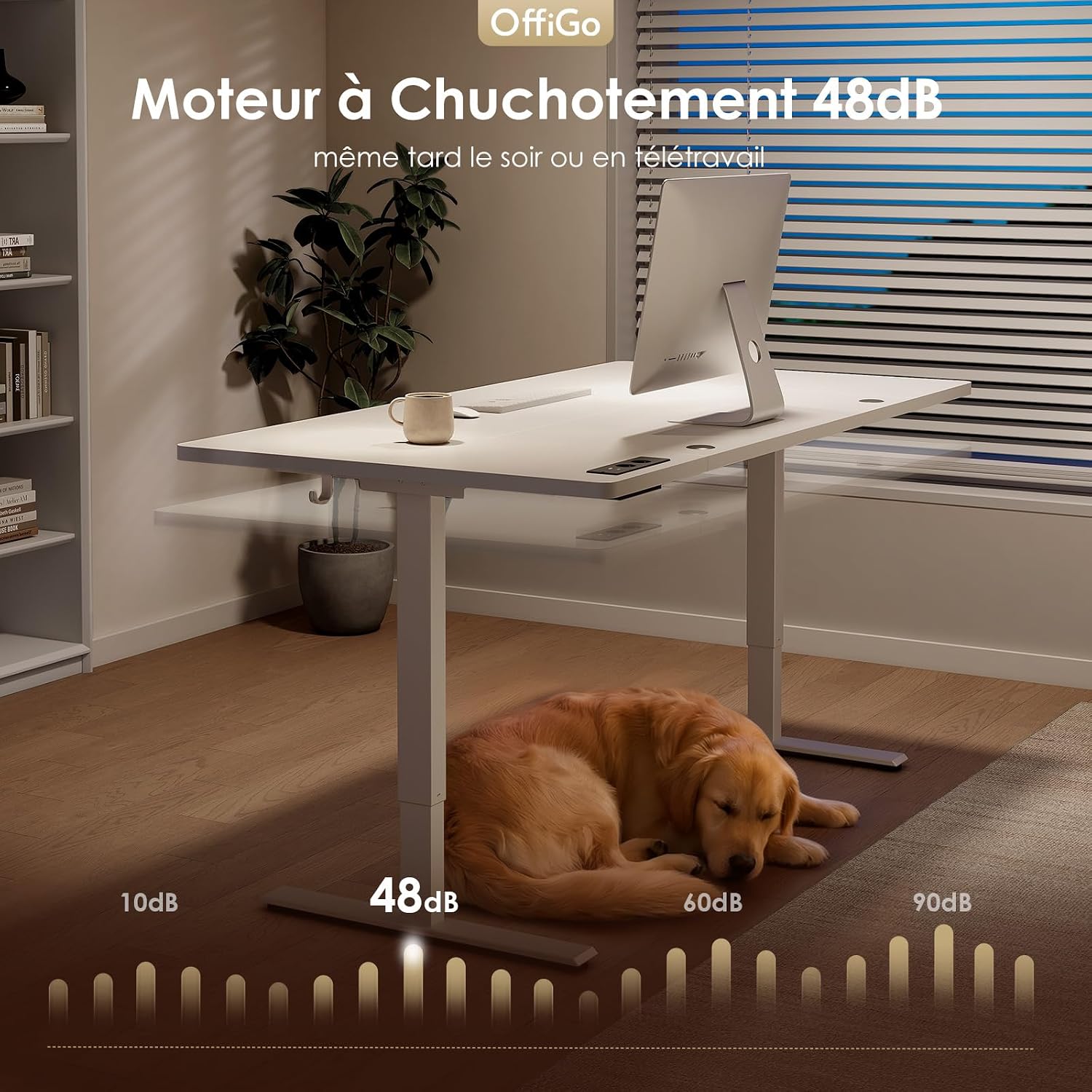
Image 3.1: Integrated power outlets and USB charging ports for convenience.

Image 3.2: The desk operates quietly, with a motor noise level of approximately 48dB.
4. Setup and Assembly
The OffiGo Electric Sit-Stand Desk features pre-installed components to simplify assembly. Detailed instructions with images and text are included in the packaging. Assembly typically takes approximately 45 minutes.
Assembly Steps Overview:
- Step 1: Attach the Feet (Approx. 15 Min) - Secure the base feet to the desk legs.
- Step 2: Assemble the Frame (Approx. 15 Min) - Connect the desk frame components.
- Step 3: Mount the Desktop (Approx. 15 Min) - Place and secure the desktop onto the assembled frame.
Note: While assembly is designed to be straightforward, having a second person may ease the process. An electric screwdriver is recommended for faster assembly.

Image 4.1: Visual guide to the desk assembly process.
5. Operating Instructions
Height Adjustment:
- Use the Up and Down buttons on the control panel to adjust the desk height between 72 cm and 118 cm.
- The desk will move smoothly and quietly to your desired height.
Memory Presets:
The desk features 2 memory functions to save your preferred sitting and standing heights.
- Adjust the desk to your desired height using the Up/Down buttons.
- Press the 'M' button, then press one of the numbered memory buttons (e.g., '1' or '2') within 3 seconds. The height is now saved.
- To recall a saved height, simply press the corresponding numbered memory button. The desk will automatically move to that position.

Image 5.1: The desk allows for easy transition between sitting and standing positions.
6. Maintenance
To ensure the longevity and optimal performance of your OffiGo Electric Sit-Stand Desk, follow these maintenance guidelines:
- Cleaning: Wipe the desktop and frame with a soft, damp cloth. Avoid abrasive cleaners or harsh chemicals that could damage the finish.
- Cable Management: Periodically check and organize cables to prevent tangling or interference with the desk's movement.
- Motor Inspection: Listen for any unusual noises during height adjustment. If you notice any issues, refer to the troubleshooting section or contact customer support.
- Weight Distribution: Ensure weight is evenly distributed on the desktop to prevent strain on the motor and frame.
7. Troubleshooting
If you encounter any issues with your OffiGo Electric Sit-Stand Desk, please refer to the following common problems and solutions:
| Problem | Possible Cause | Solution |
|---|---|---|
| Desk does not move | Power cable disconnected; Overload; Motor error | Check power connection; Reduce weight on desk; Reset the desk (refer to full manual for specific reset procedure). |
| Uneven height adjustment | Obstruction; Uneven weight distribution | Clear any obstructions; Redistribute weight evenly. |
| Memory function not working | Incorrect saving procedure | Ensure you press 'M' then the number button within 3 seconds. |
If the problem persists after attempting these solutions, please contact OffiGo customer support.
8. Specifications
| Feature | Detail |
|---|---|
| Brand | OffiGo |
| Model | 160 x 80 cm |
| Color | White |
| Dimensions (L x W x H) | 160 x 80 x 72-118 cm |
| Weight | 27 kg |
| Minimum Height | 72 cm |
| Maximum Height | 118 cm |
| Desktop Material | FSC Certified Wood |
| Frame Material | Metal |
| Lifting Mechanism | Electric |
| Special Features | Ergonomic, Integrated USB Outlet, Memory Presets, Cable Management, Headphone Hooks |
| Assembly Required | Yes |
| UL Listed | Yes |
| GTIN/UPC | 850066549117 |

Image 8.1: Detailed dimensions of the OffiGo Electric Sit-Stand Desk.

Image 8.2: The desk is designed for stability, supporting up to 70kg and tested for durability.
9. Warranty and Support
OffiGo products are manufactured to high-quality standards. For warranty information, please refer to the documentation included with your purchase or visit the official OffiGo website. For technical support, replacement parts, or any other inquiries, please contact OffiGo customer service through the retailer where you purchased the product or via the contact information provided on the OffiGo website.
Ask a question about this manual
Ask about setup, troubleshooting, compatibility, parts, safety, or missing instructions. Manuals+ will review the question and use this page’s manual context to help answer it.