
1. Introduction
Thank you for choosing the One Fire WH-C30 10000mAh Battery Operated Desk Lamp. This versatile and portable LED desk lamp is designed to provide adjustable illumination for various tasks and environments. Featuring a large capacity battery, USB charging capabilities, a digital clock, and an auto-off timer, it offers convenience and functionality for your home, office, or travel needs. Please read this manual thoroughly to ensure proper use and maintenance of your device.
2. Safety Instructions
- Do not expose the lamp to water or excessive moisture.
- Avoid disassembling or modifying the lamp, as this may void the warranty and pose safety risks.
- Keep the lamp away from high temperatures and direct sunlight.
- Use only the provided or certified compatible charging cables and adapters.
- Do not look directly into the LED light source for extended periods to prevent eye strain.
- Keep out of reach of children.
3. Package Contents
Please check the package for the following items:
- One Fire WH-C30 Desk Lamp
- USB Type-C Charging Cable
- User Manual
4. Product Overview
The One Fire WH-C30 desk lamp features a foldable design for portability and adjustability. Key components include the LED lamp head, adjustable arm, stable base, touch control panel, digital clock display, and multiple charging ports.
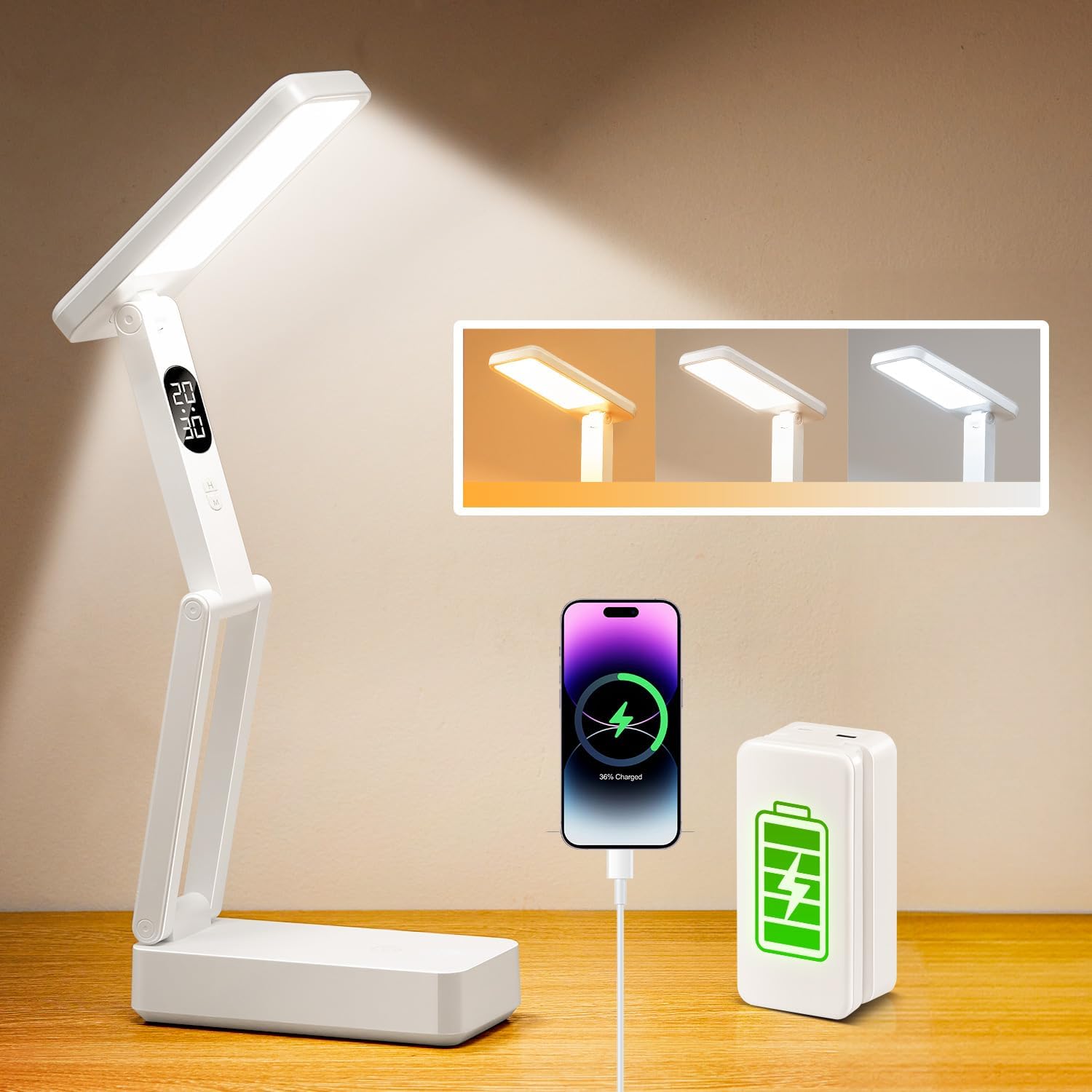
This image illustrates the One Fire WH-C30 desk lamp in an active state, highlighting its adjustable light head, integrated digital clock, and the ability to charge a smartphone via its USB port. It also shows the three available light color temperatures.

This image highlights the lamp's 180-degree adjustable head, allowing for flexible light positioning, and emphasizes its superior illumination quality with 36 high-quality LED beads.
5. Setup
5.1 Initial Charging
Before first use, fully charge the lamp. Connect the provided USB Type-C cable to the Type-C input port on the lamp's base and the other end to a compatible USB power source (e.g., wall adapter, computer USB port). The battery indicator lights on the base will show the charging status. A full charge can take several hours.

This image provides a detailed view of the lamp's charging capabilities, illustrating the USB output port for charging external devices, the Type-C input for recharging the lamp, and the battery indicator lights.
5.2 Unfolding and Positioning the Lamp
Gently unfold the lamp to your desired position. The lamp arm and head are adjustable up to 180 degrees, allowing you to direct light precisely where needed. Ensure the base is stable on a flat surface.

This image showcases the lamp's foldable design, illustrating its compact size when folded and its ease of storage in a drawer or bag.
6. Operating Instructions
6.1 Power On/Off
To turn the lamp on or off, gently tap the touch control button located on the lamp's arm. Avoid pressing too hard, as a light tap is sufficient.
6.2 Adjusting Light Color
With the lamp on, short tap the touch control button to cycle through the three available light color modes:
- Warm Light
- Natural Light
- White Light
6.3 Adjusting Brightness
To adjust the brightness, long press the touch control button. The brightness will gradually increase or decrease. Release the button when the desired brightness level is reached. There are 10 brightness levels available.

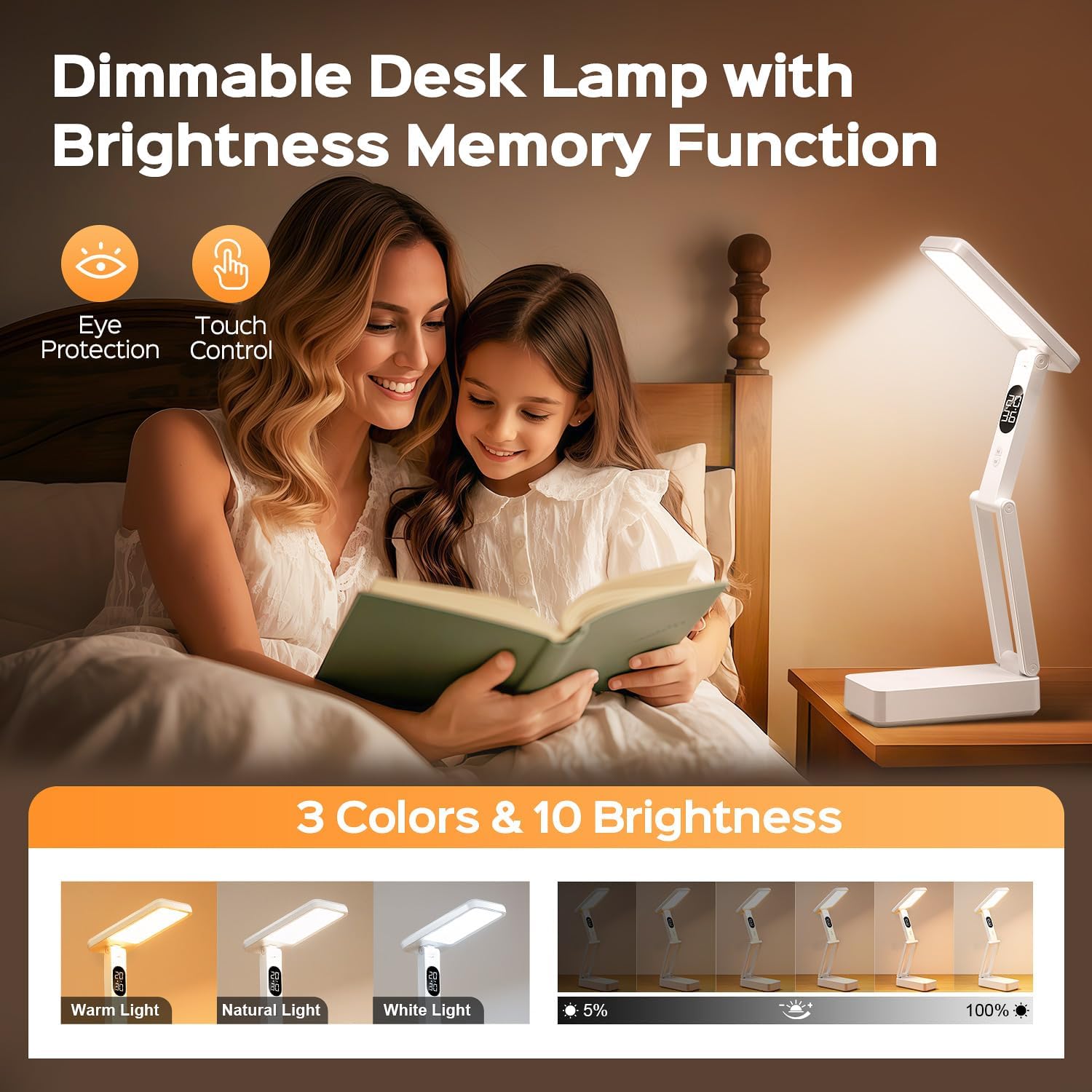
This image depicts the lamp providing illumination for reading, emphasizing its dimmable feature and eye-protective qualities. It shows the lamp set to a warm light setting.
6.4 Brightness Memory Function
The lamp features a brightness memory function. It will remember the last brightness setting for each light color mode when turned off and on again.
6.5 USB Charging Port (Power Bank Function)
The lamp's base includes a USB output port (5V/1A) that can be used to charge other devices, such as smartphones or small electronics, while the lamp is in use or on standby. Connect your device's charging cable to the USB output port.
This image highlights the lamp's versatility, showing it used in both an indoor office setting and an outdoor camping environment, demonstrating its cordless and portable design.
6.6 Digital Clock Display and 45-Minute Auto-Off Timer
The lamp features a digital clock display and a 45-minute auto-off timer. Refer to the specific buttons on the lamp's arm (usually marked 'H' for Hour and 'M' for Minute) to set the time. To activate the 45-minute auto-off timer, locate the timer button (often indicated by a clock icon) and press it. The lamp will automatically turn off after 45 minutes. Press it again to deactivate.
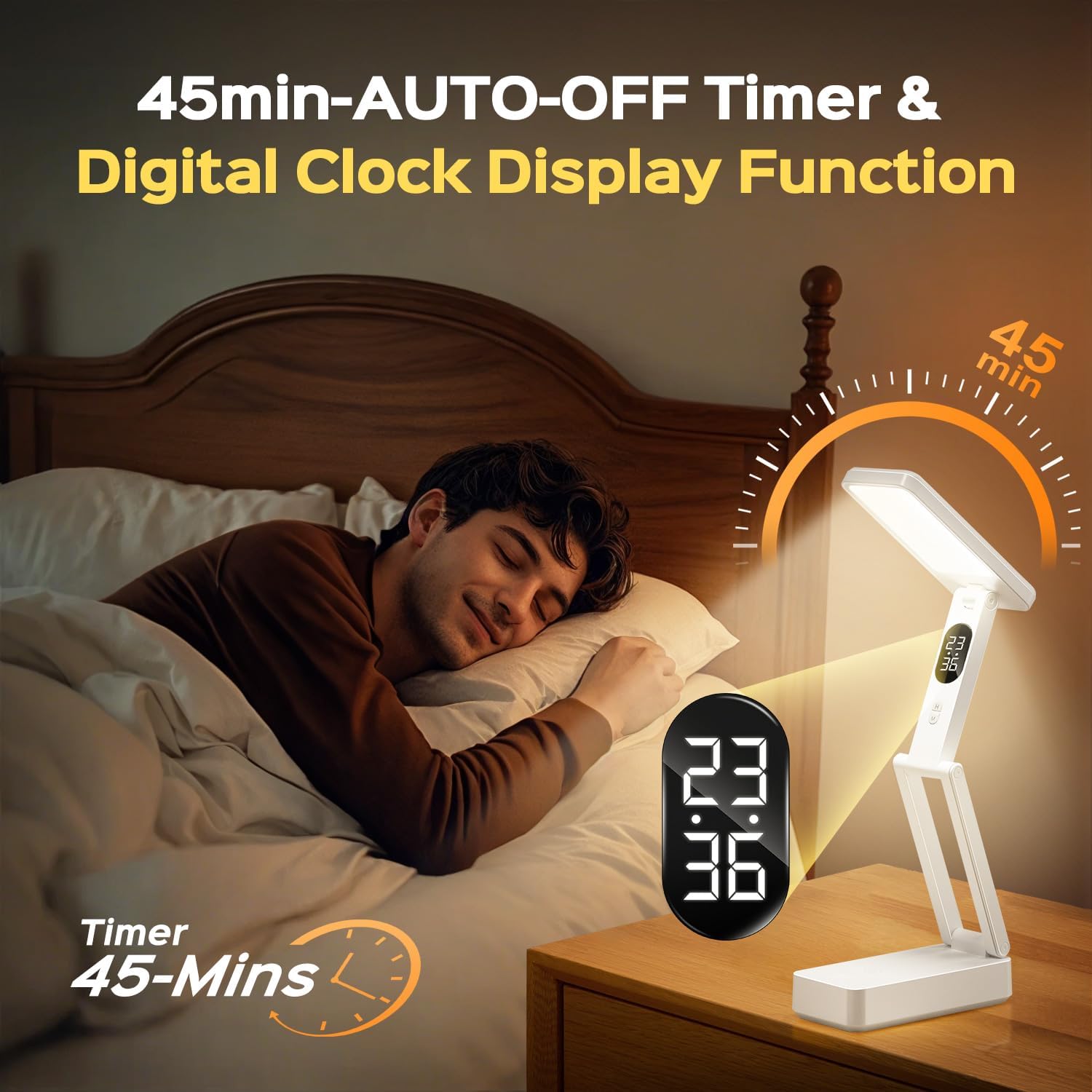
This image demonstrates the lamp's digital clock display and its 45-minute auto-off timer feature, useful for bedtime reading.
7. Maintenance
7.1 Cleaning
To clean the lamp, ensure it is turned off and unplugged. Use a soft, dry cloth to wipe down the surfaces. Do not use abrasive cleaners, solvents, or immerse the lamp in water.
7.2 Battery Care
To prolong battery life, avoid fully discharging the lamp frequently. Recharge the lamp when the battery indicator shows low power. If storing the lamp for an extended period, charge it to approximately 50% and recharge every few months.
8. Troubleshooting
- Lamp not turning on/off easily: Ensure you are using a light tap on the touch control button, not a hard press.
- Lamp not charging: Verify that the USB Type-C cable is securely connected to both the lamp and the power source. Try a different cable or power adapter.
- Digital clock not displaying correctly: Refer to the operating instructions to reset the hour and minute settings.
- Short battery life: Ensure the lamp is fully charged before use. Battery performance may decrease over time with prolonged use.
9. Specifications
| Feature | Specification |
|---|---|
| Model Number | WH-C30 |
| Battery Capacity | 10000mAh Lithium Ion |
| Light Source | LED (36 beads) |
| Lumen Output | 800 LM |
| Color Modes | 3 (Warm, Natural, White) |
| Brightness Levels | 10 |
| USB Output | 5V/1A |
| Input Port | Type-C |
| Special Features | Digital Clock, 45-min Auto-Off Timer, Brightness Memory, Foldable, Portable |
| Dimensions (Folded) | Approx. 5.93"D x 2.86"W x 2.35"H |
| Weight | Approx. 1.08 pounds |
10. Warranty and Support
One Fire provides a 12-month quality commitment for this product. For any questions, concerns, or technical support, please contact our customer service team through the retailer's platform where you purchased the product. Please have your order number and product model (WH-C30) ready when contacting support.