
1. Introduction
Thank you for choosing the CHAOKE Magnetic Rowing Machine. This manual provides essential information for the safe assembly, operation, maintenance, and troubleshooting of your new fitness equipment. Please read this manual thoroughly before using the machine and retain it for future reference.
2. Important Safety Information
Before beginning any exercise program, consult with your physician. It is essential to understand and follow all safety precautions to prevent injury and ensure optimal performance of the rowing machine.
- Always place the rowing machine on a flat, stable surface.
- Ensure adequate clear space around the machine during use (at least 0.6 meters / 2 feet).
- Inspect the machine for loose parts or damage before each use. Do not use if damaged.
- Keep children and pets away from the machine during operation.
- Wear appropriate athletic footwear and clothing.
- Do not overexert yourself. Stop exercising immediately if you feel faint, dizzy, or experience pain.
- The maximum user weight capacity for this machine is 350 lbs (approximately 158 kg).
3. Package Contents
Carefully unpack all components and verify that you have received all parts listed below. If any parts are missing or damaged, contact customer support immediately.
- Main Frame Assembly
- Seat
- Front Stabilizer
- Rear Stabilizer
- Foot Pedals (2)
- Handlebar
- LCD Monitor
- Hardware Kit (bolts, washers, nuts, tools)
- User Manual (this document)
4. Assembly Instructions
Assembly typically takes approximately 20 minutes. Follow these steps carefully. It is recommended to have a second person assist with assembly.
- Step 1: Attach Stabilizers
Secure the front and rear stabilizers to the main frame using the provided bolts and washers. Ensure they are tightly fastened for stability.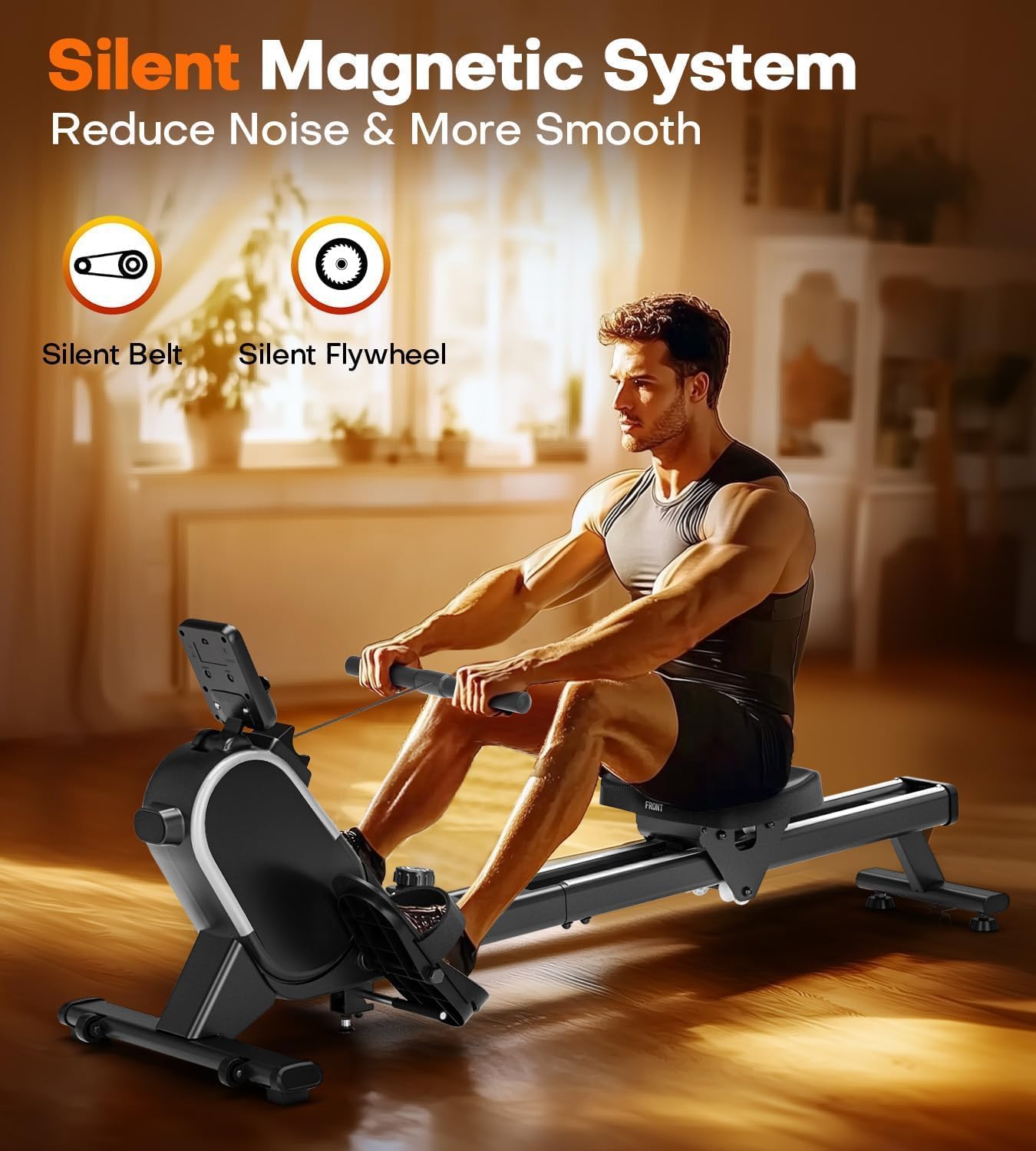
Image: Illustration of the rowing machine's main frame with the front and rear stabilizers attached, highlighting the sturdy construction.
- Step 2: Install Seat
Slide the seat onto the rail of the main frame. Ensure it moves smoothly along the rail. - Step 3: Attach Foot Pedals
Attach the left and right foot pedals to their designated positions on the main frame. Make sure they are securely bolted. - Step 4: Connect Handlebar and Monitor
Connect the handlebar to the pull strap. Mount the LCD monitor onto its bracket and connect any necessary cables.
Image: Close-up view of the CHAOKE Rowing Machine's LCD monitor and integrated device holder, ready for use.
- Step 5: Final Check
Review all connections and ensure all bolts are tightened. Test the rowing motion and resistance adjustment before first use.
Image: A person demonstrating the proper use of the CHAOKE Magnetic Rowing Machine, showcasing its ergonomic design.
5. Operating Instructions
5.1. Adjusting Resistance
The CHAOKE Magnetic Rowing Machine features 16 levels of precise magnetic resistance. To adjust the resistance, locate the resistance knob, typically found near the front of the machine. Turn the knob clockwise to increase resistance and counter-clockwise to decrease it. Start with a lower resistance level and gradually increase as your fitness improves.

Image: An internal view of the CHAOKE Rowing Machine's magnetic resistance system, illustrating the 16 adjustable levels and 10 lbs flywheel.
5.2. Using the LCD Monitor
The integrated LCD monitor provides real-time workout data. It tracks the following metrics:
- Time: Duration of your workout.
- Stroke Count: Number of strokes performed during the current session.
- Total Count: Cumulative number of strokes since the monitor was reset.
- 500-meter Split Time (T/500m): Time taken to row 500 meters at current pace.
- Stroke Frequency: Strokes per minute.
- Distance: Estimated distance covered.
- Calories Burned: Estimated calories expended.
Use the "MODE" button to cycle through display modes or to set specific targets. The "RESET" button will clear your current workout data.

Image: The CHAOKE Rowing Machine's LCD monitor showing multiple data points such as time, distance, calories, and stroke count, with a smartphone in the device holder.
5.3. Bluetooth App Connectivity
Enhance your training experience by connecting your rowing machine to a compatible fitness app via Bluetooth. This allows for real-time tracking, goal setting, and data visualization on your smartphone or tablet.
- Ensure Bluetooth is enabled on your mobile device.
- Download the recommended fitness app (e.g., Kinomap, if supported) from your device's app store.
- Open the app and follow the on-screen instructions to pair with your CHAOKE Rowing Machine.
Image: The CHAOKE Rowing Machine's LCD monitor with a smartphone in its holder, illustrating Bluetooth connectivity to a fitness app for data visualization.
6. Maintenance
Regular maintenance will prolong the life of your CHAOKE Rowing Machine and ensure safe operation.
- Cleaning: Wipe down the machine with a damp cloth after each use to remove sweat and dust. Avoid abrasive cleaners.
- Lubrication: Periodically check the seat rollers and rail for smooth operation. Apply a silicone-based lubricant if necessary.
- Inspections: Regularly check all bolts and nuts for tightness. Tighten as needed. Inspect the pull strap and handlebar for any signs of wear or damage.
- Storage: The CHAOKE Rowing Machine features a foldable design for space-saving storage. When not in use, it can be stored vertically.

Image: The CHAOKE Rowing Machine in its folded, upright position, demonstrating its space-saving vertical storage capability next to a sofa.
7. Troubleshooting
| Problem | Possible Cause | Solution |
|---|---|---|
| No display on LCD monitor | Batteries are dead or incorrectly installed. | Replace batteries (if applicable) or ensure they are inserted correctly. Check cable connections to the monitor. |
| Resistance not changing | Resistance mechanism issue or cable disconnected. | Ensure the resistance knob is turning freely. If the issue persists, contact customer support. Do not attempt to open the main housing unless instructed by support. |
| Squeaking or grinding noise | Loose parts, dirty rail, or lack of lubrication. | Check and tighten all bolts. Clean the seat rail and apply silicone lubricant if needed. |
| Unstable during use | Machine not on a level surface or stabilizers are loose. | Ensure the machine is on a flat, stable surface. Check and tighten all stabilizer bolts. |
8. Specifications
| Feature | Detail |
|---|---|
| Brand | CHAOKE |
| Model | B0DDPRR69C |
| Resistance Mechanism | Magnetic |
| Tension Levels | 16-level |
| Display Type | LCD Monitor |
| Frame Material | Alloy Steel, Aluminium |
| Color | Black |
| Maximum Weight Capacity | 350 Pounds (approx. 158 kg) |
| Product Dimensions (L x W x H) | 87 x 48 x 15 cm |
| Product Weight | 20.5 kg |
| Special Feature | Foldable, Space-Saving Vertical Storage |
| Power Source | Battery Powered (for monitor) |
9. Warranty and Support
CHAOKE offers a 5-year warranty for free repair or replacement in case of any issues with your rowing machine. For warranty claims, technical support, or any questions not covered in this manual, please contact CHAOKE customer service through the retailer where you purchased the product or visit the official CHAOKE website for contact information.
For more information, you can visit the CHAOKE Store on Amazon.