Introduction
Thank you for purchasing the Zostuic 4K 64MP Autofocus Vlogging Digital Camera. This manual provides essential information for setting up, operating, and maintaining your camera. Please read it thoroughly before use to ensure optimal performance and longevity of your device.
This camera is designed for high-quality photography and videography, featuring 4K video resolution, 64-megapixel still image capture, autofocus, and anti-shake capabilities. It is suitable for vlogging, travel, and everyday photography.
Package Contents
Please check the package contents upon unboxing. If any items are missing or damaged, contact customer support.
- Zostuic 4K 64MP Digital Camera (Model: DC218)
- 2 x 1050mAh Lithium-polymer Batteries
- USB Cable
- 32GB SD Card
- Charger
- User Manual (this document)
- Camera Strap (if included)
Product Overview
Familiarize yourself with the camera's components and controls.

Figure 1: Front view of the Zostuic 4K 64MP Digital Camera, showing the lens, flash, and included accessories like two batteries and a 32GB SD card.

Figure 2: A user holding the Zostuic 4K 64MP Digital Camera, highlighting its ergonomic design and compact form factor.

Figure 3: Detailed view of the camera's upgraded dial design, showing various shooting modes and settings accessible via the 3-inch IPS screen.
Key Components:
- Lens: F/2.2 f=3.37mm, with 16x digital zoom and autofocus.
- Flash: Built-in pop-up flash for low-light conditions.
- Display Screen: 3-inch IPS LCD for viewing and settings.
- Mode Dial: For quick selection of shooting modes (Photo, Video, Setup, Scenery, Portrait, Effect, Slow-motion, Night Effects).
- Control Buttons: Power, Shutter, Zoom, Menu, Playback, Delete, and Directional Pad.
- Battery Compartment: Located at the bottom, for inserting the Lithium-polymer battery.
- SD Card Slot: For inserting the 32GB SD card (included).
- USB Port: For charging and data transfer.
Setup
1. Charging the Battery:
- Insert one of the 1050mAh Lithium-polymer batteries into the charger.
- Connect the charger to a power source using the provided USB cable.
- The charging indicator light will show the charging status. Charge until fully charged (approximately 2-3 hours per battery).
2. Inserting the Battery and SD Card:
- Open the battery compartment cover at the bottom of the camera.
- Insert a charged battery, ensuring the correct orientation as indicated inside the compartment.
- Insert the 32GB SD card into the SD card slot until it clicks into place. Ensure the card is inserted correctly to avoid damage.
- Close the battery compartment cover securely.
3. Initial Power On:
- Press and hold the Power button to turn on the camera.
- The first time you power on, you may be prompted to set the date and time. Use the directional pad to navigate and confirm settings.
Operating Instructions
Photography Mode:
To capture still images:
- Turn the mode dial to the "Photo" icon.
- Frame your shot using the LCD screen. The camera features autofocus for clear images.
- Press the shutter button halfway down to focus, then press fully to take the picture.

Figure 4: Illustration of the 64MP autofocus capability, ensuring sharp and detailed photos by quickly focusing on subjects.
Video Recording Mode:
To record 4K videos:
- Turn the mode dial to the "Video" icon.
- Press the shutter button to start recording. A red "REC" indicator will appear on the screen.
- Press the shutter button again to stop recording.
- The camera supports 4K video resolution and features 6-axis anti-shake for stable footage.
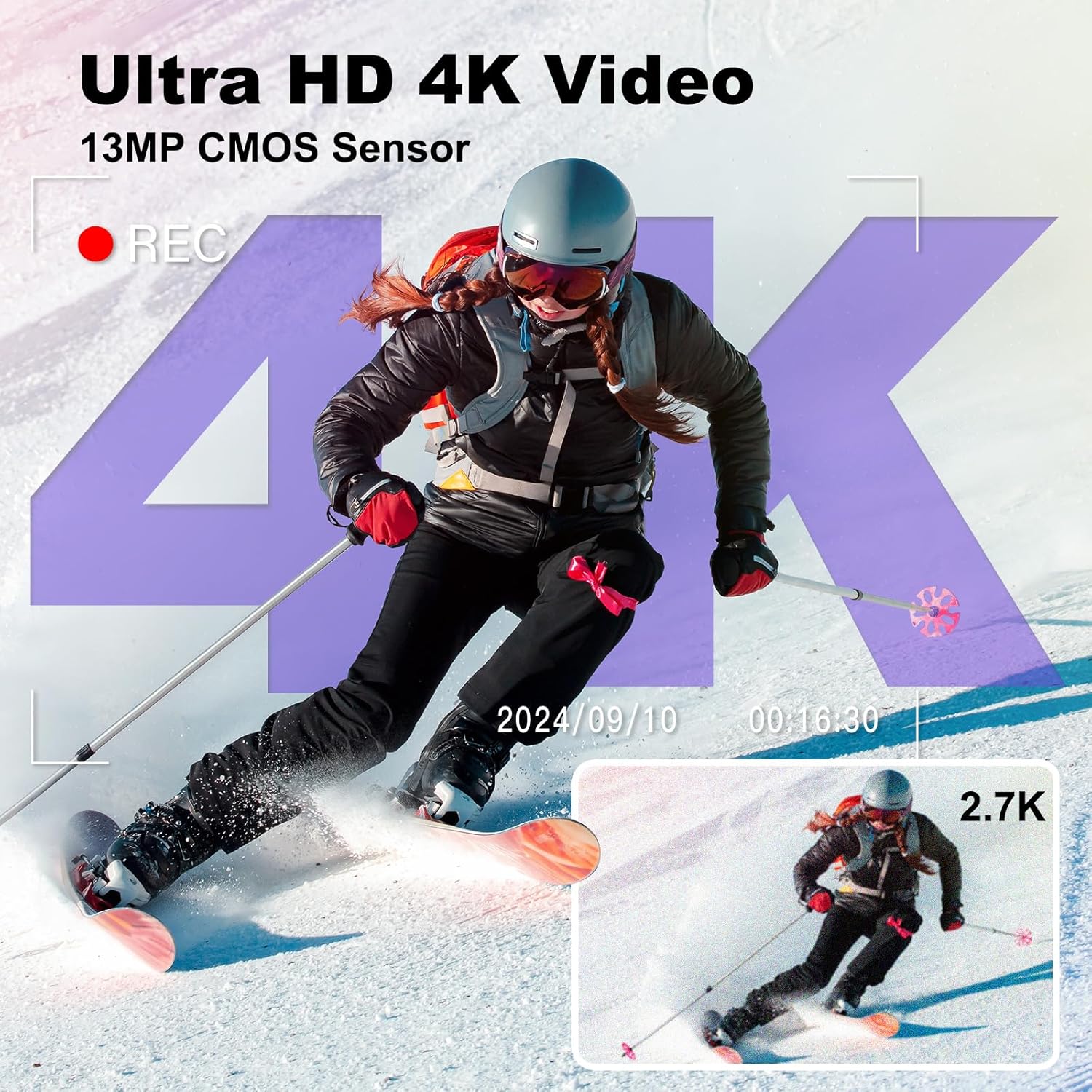
Figure 5: Visual representation of the camera's Ultra HD 4K video recording feature, powered by a 13MP CMOS sensor, capturing dynamic scenes with clarity.
Selfie Camera / Dual Lens Function:
The camera features both front and rear lenses for versatile shooting.
- To switch between front and rear cameras, use the dedicated switch button or option on the screen.
- The front-facing screen is ideal for vlogging and taking selfies, allowing you to monitor your framing.

Figure 6: Demonstration of the selfie camera with dual lens functionality, allowing for easy one-click switching between front and rear cameras for vlogging and self-portraits.
Using the Flash:
The built-in flash illuminates scenes in low-light conditions.
- To activate the flash, slide the flash switch to the "ON" position.
- The flash is effective up to 1 meter or more.

Figure 7: Illustration of the camera's ultra-bright flash, showing a scene before and after flash activation in darkness, enabling clear photo capture even at night.
Zoom Function:
The camera features 16x digital zoom.
- Use the zoom lever (usually around the shutter button) to zoom in or out.
- Digital zoom magnifies the image electronically, which may result in some loss of quality at maximum zoom.
Webcam Function and Data Transfer:
The camera can function as a webcam and transfer files to a computer.
- Connect the camera to your computer using the provided USB cable.
- Select "Webcam" mode on the camera's screen if prompted, or "Mass Storage" for file transfer.
- For webcam use, ensure your computer's software recognizes the camera.
- For file transfer, the camera will appear as a removable drive on your computer, allowing you to copy photos and videos.

Figure 8: Connectivity options for the camera, including connecting to a laptop for data transfer and to a TV for viewing photos and videos, highlighting its versatility for sharing content.
Other Features:
- Anti-Shake: The 6-axis anti-vibration function helps stabilize footage and photos.
- Exposure Compensation: Adjust exposure from -3.0 to +3.0.
- Timestamp: Add date and time to your photos/videos.
- Pause/Playback: Control video playback directly on the camera.
- Slow-motion: Record videos in slow motion.
- Loop Recording: Continuously record, overwriting older files when storage is full.
- Continuous Shooting: Capture multiple photos in quick succession.
- Timed Shooting: Set a timer for photos.
- Filters: Over 20 built-in filters for creative effects.
Maintenance
Cleaning the Camera:
- Use a soft, lint-free cloth to clean the camera body.
- For the lens and screen, use a specialized lens cleaning cloth and solution. Avoid abrasive materials.
- Do not use alcohol, benzene, or thinners to clean the camera.
Storage:
- When not in use for extended periods, remove the battery.
- Store the camera in a cool, dry place, away from direct sunlight and extreme temperatures.
- Protect the camera from dust and moisture.
Troubleshooting
| Problem | Possible Cause | Solution |
|---|---|---|
| Camera does not power on. | Battery is dead or not inserted correctly. | Charge the battery fully. Ensure the battery is inserted with correct polarity. |
| Cannot take photos/videos. | SD card is full, locked, or not inserted. | Check SD card status. Delete unnecessary files, unlock the card, or reinsert it. Format if necessary (this will erase all data). |
| Images are blurry. | Autofocus issue, camera shake, or dirty lens. | Ensure autofocus is engaged. Hold the camera steady or use anti-shake. Clean the lens. |
| Flash not working. | Flash is off or battery is low. | Ensure flash is set to "ON". Charge the battery. |
| Cannot connect to computer. | USB cable issue, incorrect mode selected. | Try a different USB port/cable. Ensure "Mass Storage" or "Webcam" mode is selected on the camera. |
Specifications
| Feature | Detail |
|---|---|
| Brand | Zostuic |
| Model | DC218 |
| Effective Still Resolution | 64 Megapixels |
| Video Resolution | 4K (2160p) |
| Image Sensor Technology | CMOS (13MP upgraded sensor) |
| Screen Size | 3.0-inch IPS LCD |
| Digital Zoom | 16x |
| Focus Type | Autofocus |
| Image Stabilization | Digital (6-axis anti-vibration) |
| Aperture Modes | f/3.5 |
| Connectivity Technology | USB |
| Battery Type | Lithium-polymer (2 x 1050mAh included) |
| Supported File Formats | AVI (Video), JPEG (Photo) |
| Product Dimensions | 18 x 15.1 x 10.3 cm (Package) |
| Weight | 640 grams (Package) |
| Model Year | 2024 |
| Water Resistance Level | Not waterproof |
Warranty and Support
Zostuic provides a 2-year warranty and 12-month replacement for this digital camera. If you encounter any issues or have questions regarding your product, please do not hesitate to contact our customer support team.
For support, please refer to the contact information provided on the product packaging or the official Zostuic website.