Introduction
This document provides essential information for the proper installation, function, and maintenance of your KOIOS AP2303 Air Purifier Replacement Filter. This 3-in-1 True HEPA filter is designed to work specifically with the KOIOS AP2303 Air Purifier to maintain optimal air quality in your environment.
The filter system includes a Fine Primary Filter, an H13 True HEPA Filter, and an Activated Carbon Filter, working together to capture various airborne particles and odors.
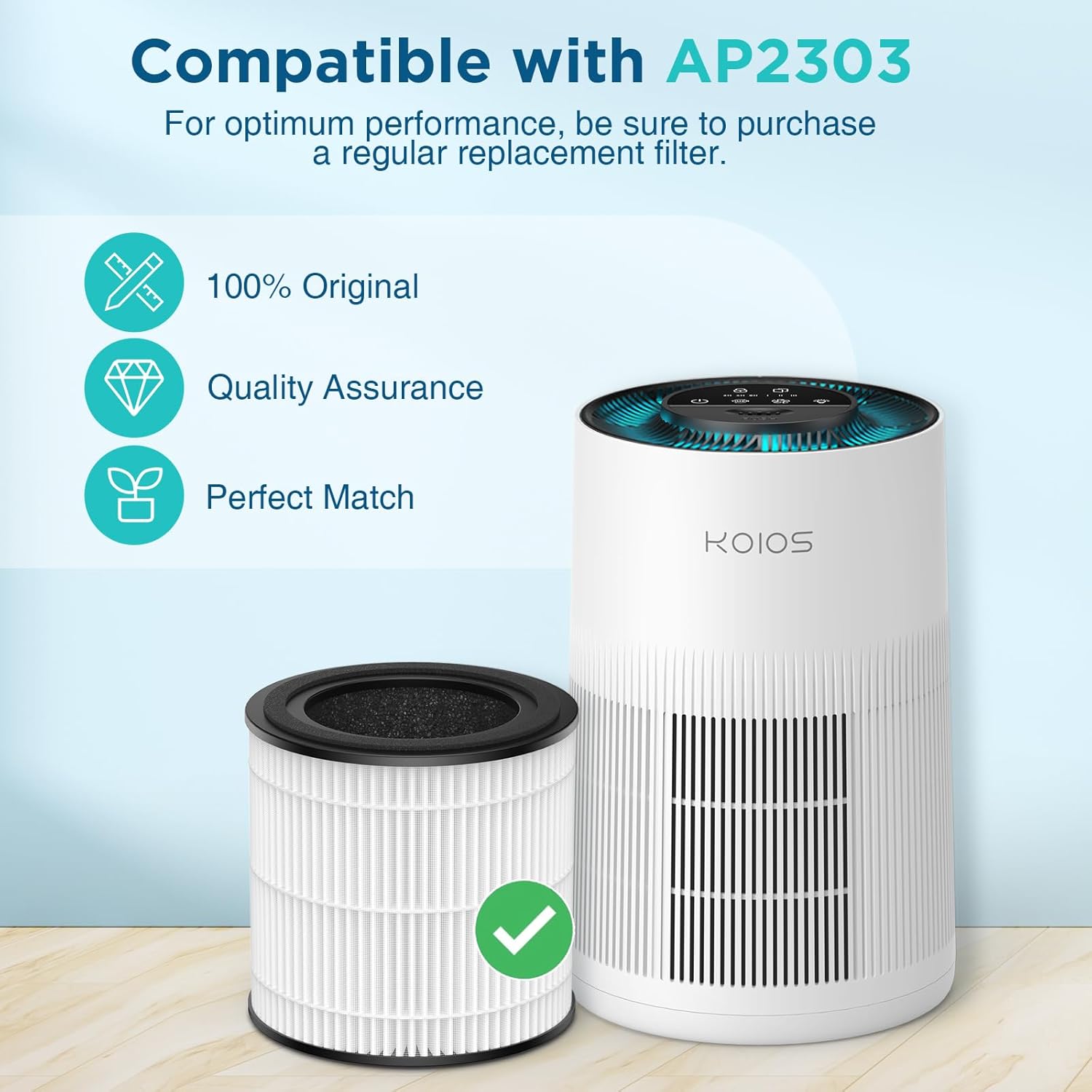
Image: The KOIOS AP2303 replacement filter shown next to the compatible KOIOS AP2303 air purifier, indicating perfect fit and compatibility.
Installation
Follow these steps to correctly install the KOIOS AP2303 replacement filter into your air purifier:
- Prepare the Air Purifier: Ensure the air purifier is turned off and unplugged from the power outlet before beginning the installation process.
- Access the Filter Compartment: Turn the base cover of the air purifier counter-clockwise to unlock it. Carefully remove the base cover.
- Remove the Used Filter: Gently pull out the old filter from the air purifier. Dispose of the used filter responsibly.
- Install the New Filter: Remove the new KOIOS AP2303 filter from its protective packaging. Insert the new filter into the air purifier, ensuring it is seated correctly.
- Secure the Base Cover: Place the base cover back onto the air purifier and turn it clockwise to lock it securely in place.
- Reset Filter Indicator: Plug the air purifier back in. If your air purifier has a filter replacement indicator, press and hold the reset button (typically for 3-5 seconds) until the indicator light turns off. Refer to your air purifier's main manual for specific instructions on resetting the filter indicator.

Image: A visual guide demonstrating the four steps for filter installation: unlocking the base, removing the old filter, inserting the new filter, and resetting the filter indicator.
Operating Principles
The KOIOS AP2303 replacement filter utilizes a 3-stage high-efficiency filtration system to purify the air:
- Fine Primary Filter: Captures larger particles such as dust, lint, fibers, and pet fur, extending the life of the subsequent filters.
- H13 True HEPA Filter: Designed to capture 99.97% of airborne particles as small as 0.3 microns, including pollen, pet dander, mold spores, and fine dust.
- Activated Carbon Filter: Absorbs various household odors, smoke, cooking smells, and volatile organic compounds (VOCs), improving overall air freshness.
This comprehensive filtration system ensures that air passing through the KOIOS AP2303 air purifier is thoroughly cleaned before being released back into your living space.
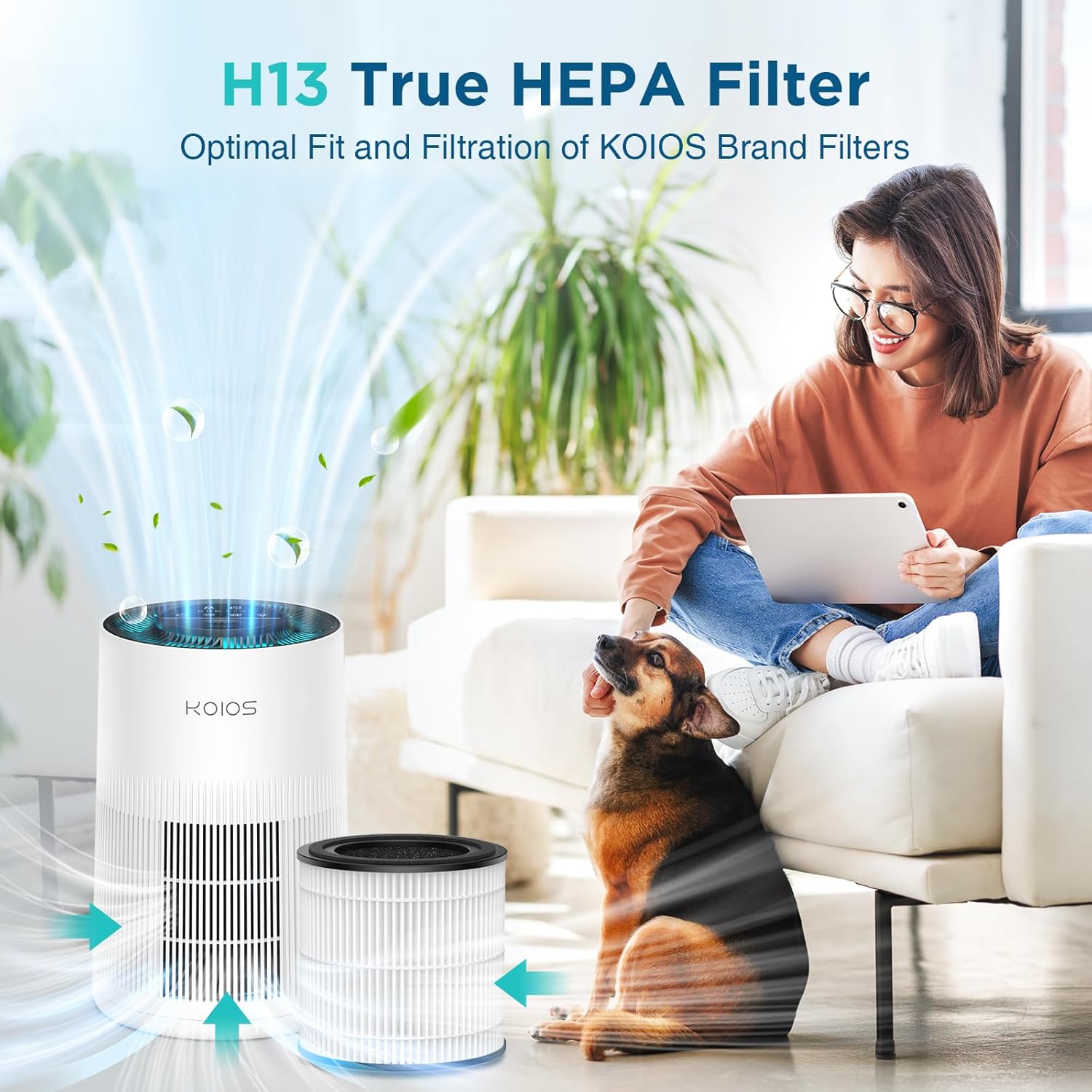
Image: A visual representation of the H13 True HEPA filter in action, showing air flowing through and various particles being captured by the filter layers.
Maintenance
Regular filter replacement is crucial for maintaining the efficiency and performance of your KOIOS AP2303 Air Purifier. Over time, filters accumulate particles and lose their effectiveness.
- Replacement Schedule: It is recommended to replace the KOIOS AP2303 filter every 3 to 6 months. This timeframe may vary depending on air quality, usage frequency, and the presence of pets or smokers in the environment.
- Filter Indicator: Your KOIOS AP2303 Air Purifier is equipped with a filter replacement indicator. When this indicator illuminates, it signals that the filter needs to be replaced. After replacing the filter, remember to reset the indicator as described in the installation section.
- Cleaning: The KOIOS AP2303 filter is not washable. Attempting to wash the filter will damage its structure and reduce its filtration capabilities. Replace the filter with a new one when necessary.
Troubleshooting
If you experience issues related to the filter or air purification performance, consider the following:
- Reduced Airflow or Purification: If the air purifier's airflow seems weaker or air quality does not improve, the filter may be clogged. Check the filter replacement indicator. If it's time for a replacement, install a new filter.
- Unusual Odors: Persistent odors might indicate that the activated carbon layer of the filter is saturated. Replace the filter to restore odor absorption.
- Filter Indicator Not Resetting: Ensure you are pressing and holding the filter reset button for the specified duration (usually 3-5 seconds) after installing a new filter. Refer to your air purifier's main manual for precise instructions.
- Filter Not Fitting Correctly: Verify that you have purchased the correct replacement filter (KOIOS AP2303 Filter). Ensure the filter is inserted properly and the base cover is securely locked.
Specifications
| Feature | Detail |
|---|---|
| Model Number | AP2303 Filter |
| Filtration System | 3-in-1 (Fine Primary, H13 True HEPA, Activated Carbon) |
| Compatibility | KOIOS AP2303 Air Purifier |
| Recommended Replacement | Every 3-6 months |
| Package Dimensions | 8.74 x 6.61 x 6.54 inches |
| Item Weight | 0.39 Pounds (6.24 ounces) |
| Manufacturer | KOIOS |
Customer Support
For any questions or concerns regarding your KOIOS AP2303 Replacement Filter, please contact KOIOS customer service. Ensure you are using official certified replacement filters for optimal performance and to maintain any applicable product warranties.
Refer to the original KOIOS AP2303 Air Purifier manual for detailed warranty information pertaining to the air purifier unit itself.


