
Introduction
The VEKOOTO VB5 Bike Camera Set is designed to enhance cycling safety by providing a clear, real-time rearview display. This system offers a 1080P high-definition view, color night vision, and a wide-angle lens to help cyclists monitor their surroundings effectively. This manual provides essential information for the proper installation, operation, and maintenance of your VB5 Bike Camera Set.
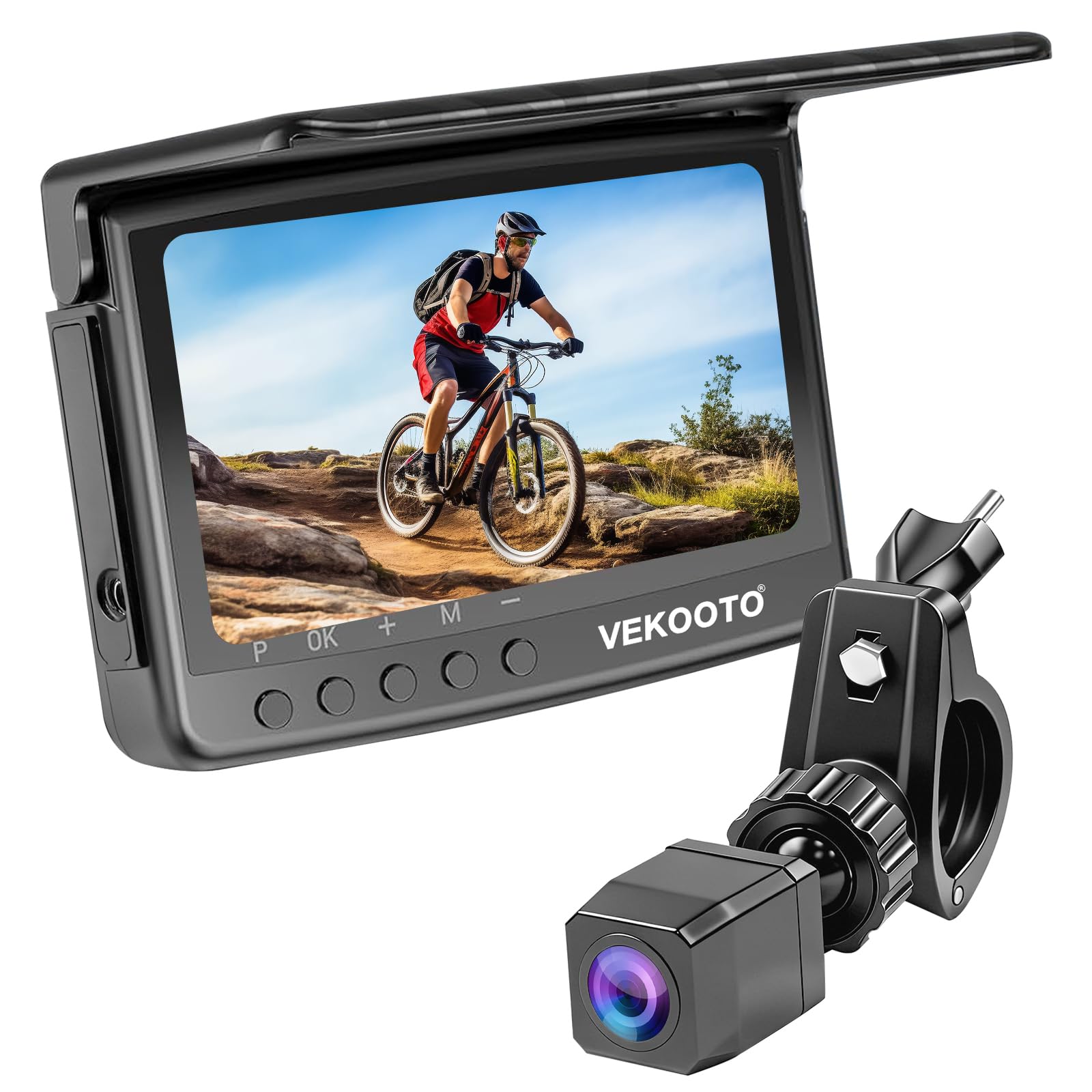
Image: The VEKOOTO VB5 Bike Camera Set in use, displaying a clear rearview on its monitor.
Key Features:
- 1080P Real-Time Rearview: Provides a stable, high-quality, crystal-clear view of what is behind you.
- Color Night Vision: Equipped with a starlight sensor for clear color images in low-light conditions.
- 110° Wide-Angle Lens: Offers an expansive field of view to restore the true distance behind the rider.
- Waterproof Design: The camera is fully waterproof for reliable performance in various weather conditions.
- 4.5-inch HD Monitor: Provides a clear and detailed real-time video feed.
- Rechargeable Battery: Integrated battery system for extended usage without constant replacements.
- 360° Adjustable Mount: Allows for flexible positioning of the camera.
Setup and Installation
The VEKOOTO VB5 Bike Camera Set is designed for quick and simple installation without the need for specialized tools or external power supplies. Follow these steps to set up your system.
Package Contents:
- 4.5-inch Monitor
- Bike Camera
- Connection Cable
- Mounting Accessories
Installation Steps:
- Mount the Camera: Attach the camera to the seat post of your bicycle. The camera bracket is 360° adjustable to achieve the best rear view. Ensure it is securely fastened. The camera is IP67 waterproof and features a shockproof design.
- Mount the Monitor: Secure the 4.5-inch HD monitor to your handlebar using the adjustable monitor bracket. This bracket supports pipe diameters between 20mm and 40mm. Position the monitor for optimal viewing while riding.
- Connect the Cable: Plug the provided connection cable into both the camera and the monitor. Ensure a secure connection. The cable length is 9.8ft (approximately 3 meters).
- Power On: Once connected, the system is ready for use. The integrated rechargeable battery powers the unit.
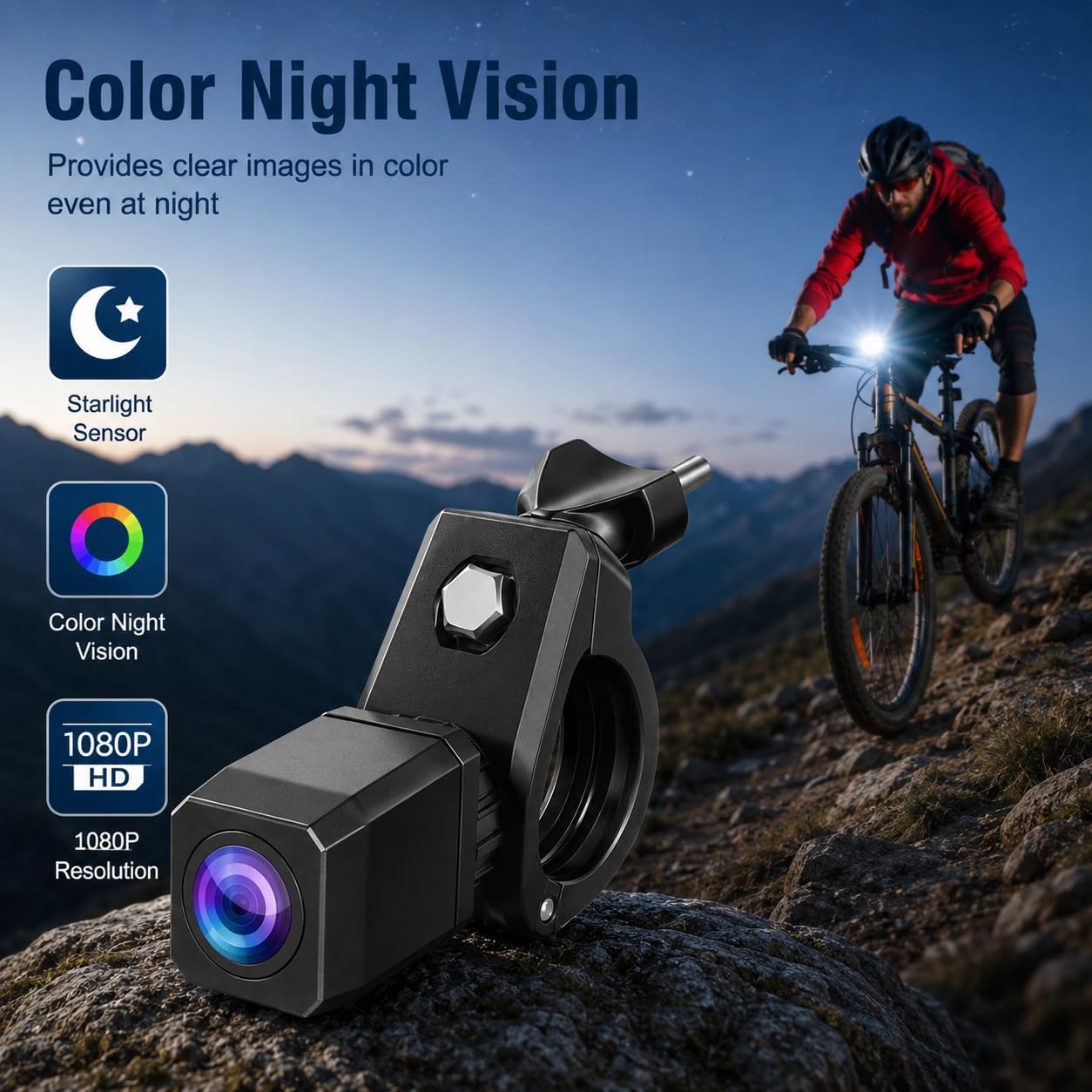
Image: Close-up of the VEKOOTO VB5 camera mounted on a bicycle seat post, highlighting its adjustable bracket and waterproof design.

Image: The VEKOOTO VB5 monitor mounted on bicycle handlebars, showing the camera's position on the seat post and the adjustable bracket.
Compatibility:
The VEKOOTO VB5 Bike Camera System is compatible with a wide range of bicycles, including:
- City Bikes
- Mountain Bikes
- Road Bikes
- Electric Bikes
- Folding Bikes
- Bike Trailers
- Electric Wheelchairs

Image: Visual representation of different bicycle types compatible with the VEKOOTO VB5 camera system.
Operating Instructions
Once installed, operating your VEKOOTO VB5 Bike Camera Set is straightforward. The system provides a continuous, clear view of your rear surroundings.
Powering On/Off:
- To power on the system, press and hold the power button on the monitor.
- To power off, press and hold the power button again until the display shuts down.
Display Features:
- 1080P HD Image: The 4.5-inch monitor displays a full HD 1080P image with no delay in transmission, ensuring stable performance.
- Color Night Vision: The camera utilizes a starlight sensor to provide clear color images even in low-light conditions, enhancing safety during dusk or night rides.
- 110° Wide View Angle: The camera's wide-angle lens provides an extensive view, helping to accurately perceive distances behind you.

Image: The VEKOOTO VB5 monitor showcasing its 1080P HD image quality with no transmission delay.

Image: The VEKOOTO VB5 camera highlighting its color night vision feature for clear visibility in low-light environments.

Image: The VEKOOTO VB5 camera illustrating its 110-degree wide-angle view for enhanced rear visibility.
Battery Management:
The system is powered by a 5000mAh rechargeable Lithium Ion battery, offering approximately 6 hours of continuous working time on a full charge.
- Charge the battery fully before first use.
- Connect the charging cable to the monitor's charging port and a suitable USB power source.
- Monitor the battery indicator on the screen to ensure sufficient charge for your ride.

Image: The VEKOOTO VB5 monitor screen showing the 5000mAh battery capacity and estimated 6 hours of working time.
Maintenance
Proper maintenance ensures the longevity and optimal performance of your VEKOOTO VB5 Bike Camera Set.
- Cleaning: Regularly wipe the camera lens and monitor screen with a soft, clean, damp cloth. Avoid abrasive materials or harsh chemicals that could scratch surfaces.
- Water Resistance: The camera is waterproof (IP67 rated). However, avoid submerging the monitor or exposing it to high-pressure water jets.
- Battery Care: To prolong battery life, avoid fully discharging the battery frequently. Store the device with a partial charge if not used for extended periods. Charge the battery at least once every three months.
- Storage: Store the camera set in a cool, dry place away from direct sunlight and extreme temperatures when not in use.
- Cable Inspection: Periodically check the connection cable for any signs of wear, kinks, or damage. Replace if necessary to maintain a stable connection.
Troubleshooting
If you encounter issues with your VEKOOTO VB5 Bike Camera Set, refer to the following common problems and solutions.
| Problem | Possible Cause | Solution |
|---|---|---|
| No image on monitor |
|
|
| Poor image quality or flickering |
|
|
| Short battery life |
|
|
| Monitor mount feels snug or difficult to adjust |
|
|
| Sun glare on monitor |
|
|
Specifications
Detailed technical specifications for the VEKOOTO VB5 Bike Camera Set.
| Feature | Detail |
|---|---|
| Model Number | VB5 |
| Brand | VEKOOTO |
| Product Dimensions | 3.81 x 15.24 x 10.16 cm; 540 g |
| Batteries | 1 Lithium Ion battery (included) |
| Video Capture Resolution | 1080p |
| Special Features | Night Vision, Plug and Play |
| Connectivity Technology | Auxiliary |
| Mounting Type | Handlebar Mount (for monitor) |
| Colour | Black |
| Field of View | 110 degrees |
| Screen Size | 4.5 inches |
| Frame Rate | 30 FPS |
| Included Components | 4.5'' Monitor, Bike Camera, Cable, Mounting accessories |
| Compatible Vehicle Type | Bicycle |
| Control Method | Touch |
| Optical Sensor Technology | CMOS |
| Auto Part Position | Rear |
| Display Type | LCD |
Warranty and Support
For warranty information and customer support, please refer to the documentation included with your purchase or contact the seller directly. Specific warranty terms and support channels may vary depending on your region and point of purchase.
When contacting support, please have your product model number (VB5) and purchase details readily available.
