
Introduction
The Yunseity Smart Ring R6 is an advanced wearable device designed to seamlessly integrate into your daily life, providing comprehensive health and fitness tracking. This smart ring combines elegant design with cutting-edge sensor technology to monitor various health metrics, including activity, sleep patterns, and steps taken. Its durable, waterproof design ensures reliable performance in diverse environments.
This manual provides detailed instructions for setting up, operating, maintaining, and troubleshooting your Smart Ring R6 to ensure optimal performance and a fulfilling user experience.
Package Contents
Upon opening your Yunseity Smart Ring R6 package, please verify that all the following items are included:
- 1 x Smart Ring
- 1 x Charging Case
- 1 x Instruction Manual (this document)
- 1 x Charging Cable

Image: The Yunseity Smart Ring R6 nestled within its compact charging case, alongside the charging cable.
Specifications
| Feature | Detail |
|---|---|
| Item Type | Smart Ring |
| Product Material | Aluminum Ti Alloy, Stainless Steel |
| Ring Battery | 18mAh Lithium Battery (Built-in) |
| Charging Case Battery | 200mAh Lithium Battery (Built-in) |
| Ring Battery Life | Approximately 5 Days |
| Ring Charging Time | 60 Minutes |
| Waterproof Rating | IP68 |
| Connectivity | Bluetooth |
| Compatible APP | for ECTRI |
| Operating System Compatibility | Android, iOS |
| Special Feature | Pedometer |
Note: All data are measured manually, and there may be certain errors in the measurement results.
Setup
1. Initial Charging
Before first use, ensure your Smart Ring R6 is fully charged. Place the ring into its charging case and connect the charging cable to a USB power source. The charging indicator (if present) will show charging status.
- Connect the provided charging cable to the charging case.
- Plug the other end of the cable into a standard USB power adapter (not included) or a computer's USB port.
- Place the Smart Ring securely into the charging slot within the case.
- Allow approximately 60 minutes for a full charge of the ring. The charging case itself has a 200mAh battery to provide multiple charges on the go.

Image: The Yunseity Smart Ring R6, showcasing its sleek design and internal sensors.
2. App Download and Pairing
To access and manage your health data, you need to download the companion application and pair your ring with your smartphone.
- Download the APP: Search for "ECTRI" in your smartphone's app store (Google Play Store for Android or Apple App Store for iOS) and download the official application.
- Enable Bluetooth: Ensure Bluetooth is enabled on your smartphone.
- Open the APP: Launch the ECTRI application. Follow the on-screen prompts to create an account or log in.
- Pair the Ring: Within the app, navigate to the device pairing section. The app will search for available devices. Select "Yunseity Smart Ring R6" (or similar identifier) from the list to initiate pairing.
- Confirm Pairing: Follow any additional prompts on your phone or in the app to confirm the pairing. Once successfully paired, the app will display a connected status.
Operating Instructions
Health Tracking
The Smart Ring R6 continuously monitors various health metrics throughout your day and night. Data is automatically synced to the ECTRI app when your ring is connected to your smartphone via Bluetooth.
- Activity Tracking: The built-in pedometer tracks your steps, distance, and estimated calories burned. View your daily, weekly, and monthly activity summaries in the app.
- Sleep Tracking: Wear the ring to bed to monitor your sleep patterns, including sleep stages (light, deep, REM), sleep duration, and sleep quality. The app provides insights and recommendations for improving sleep.
- Other Metrics: Depending on the app's features, the ring may also track heart rate, blood oxygen, or other relevant health indicators. Refer to the ECTRI app for a complete list of tracked metrics and their interpretations.


Images: The Yunseity Smart Ring R6 comfortably worn on both a male and female hand, demonstrating its discreet and versatile design.
IP68 Waterproofing
The Smart Ring R6 boasts an IP68 waterproof rating, allowing you to wear it during various water-related activities without concern. This includes handwashing, showering, and swimming. The sensors will continue to monitor your health data even when submerged.
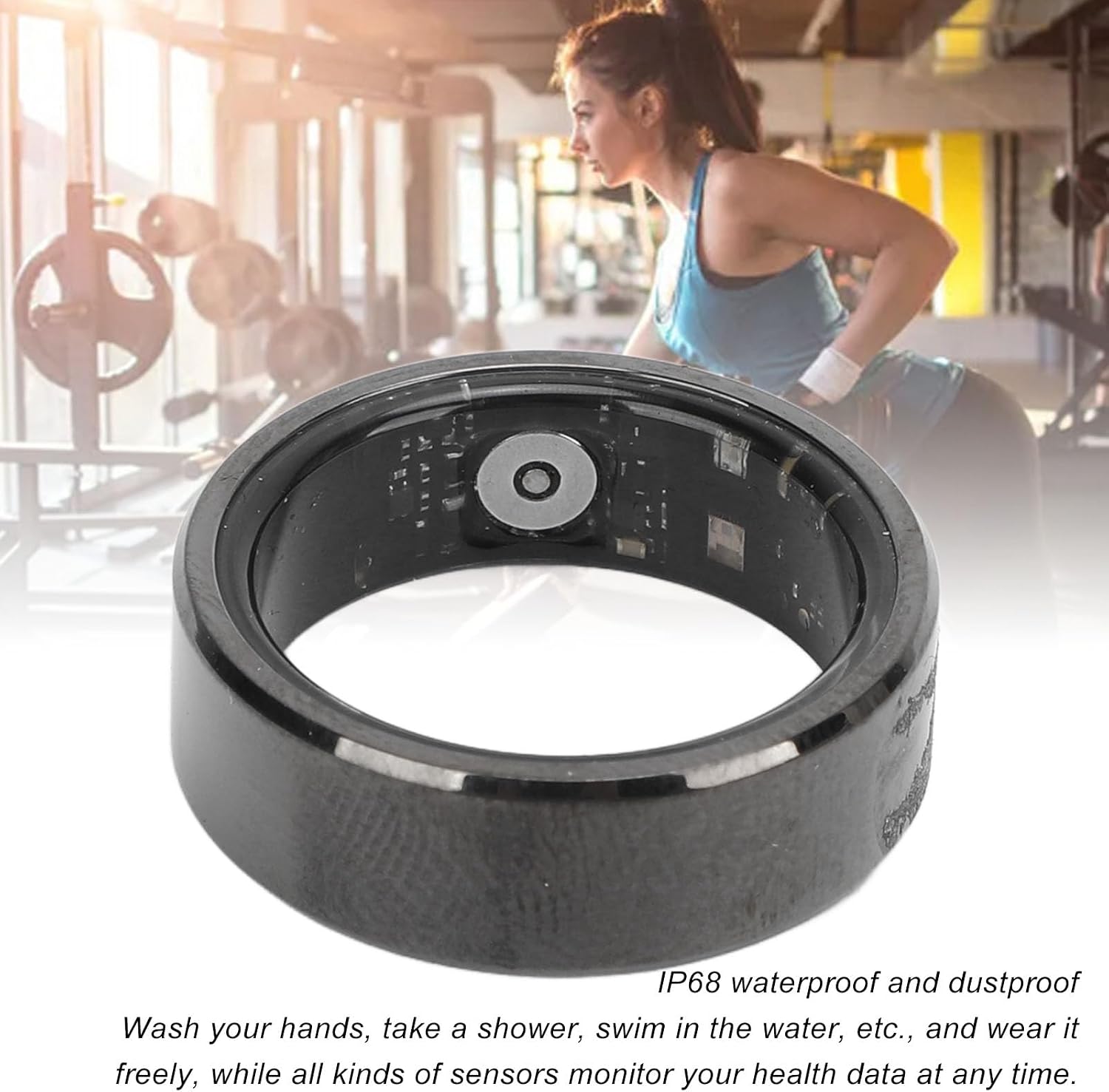
Image: The Smart Ring R6 highlighting its IP68 waterproof and dustproof capabilities, suitable for daily water exposure.
Maintenance
Proper care and maintenance will extend the lifespan of your Yunseity Smart Ring R6 and ensure accurate data collection.
- Cleaning: Regularly wipe the ring with a soft, damp cloth to remove dirt, sweat, and oils. Avoid using harsh chemicals or abrasive materials, as these can damage the finish or sensors.
- Storage: When not in use, store the ring in its charging case or a clean, dry place away from extreme temperatures and direct sunlight.
- Battery Care: To preserve battery health, avoid fully discharging the ring frequently. Charge it regularly, especially if you plan not to use it for an extended period.
- Avoid Impact: While durable, avoid dropping the ring or subjecting it to strong impacts, which could damage internal components.
Troubleshooting
If you encounter issues with your Yunseity Smart Ring R6, refer to the following common troubleshooting steps:
- Ring Not Connecting to App:
- Ensure the ring is charged.
- Verify Bluetooth is enabled on your smartphone.
- Make sure the ring is within Bluetooth range of your phone.
- Restart the ECTRI app.
- Try turning your phone's Bluetooth off and on again.
- If previously paired, try "forgetting" the device in your phone's Bluetooth settings and re-pairing.
- Data Not Syncing:
- Ensure the ring is connected to the app.
- Check your internet connection for the app to upload data.
- Ensure the app has necessary permissions (e.g., location, Bluetooth) on your phone.
- Inaccurate Readings:
- Ensure the ring is worn correctly and snugly on your finger.
- Clean the sensors on the inside of the ring.
- Ensure the ring's battery is not critically low.
- Short Battery Life:
- Ensure the ring is fully charged (60 minutes).
- Check if the charging case itself is charged.
- Environmental factors (extreme cold/heat) can affect battery performance.
If these steps do not resolve your issue, please refer to the ECTRI app's help section or contact Yunseity customer support for further assistance.
Sizing Guide
To ensure accurate tracking and comfortable wear, selecting the correct ring size is crucial. The Yunseity Smart Ring R6 is available in various sizes. Please refer to the image below for guidance on measuring your finger to find the appropriate size.

Image: A visual guide demonstrating how to measure finger size for the Smart Ring, indicating an example size of NO. 9 with an inner diameter of 18.9mm.
For best results, measure your finger at the end of the day when your fingers are typically at their largest. If you are between sizes, it is generally recommended to choose the larger size for comfort.
Important Notes
- The Smart Ring R6 is designed for general wellness and fitness purposes. It is not a medical device and should not be used for diagnosing, treating, curing, or preventing any disease.
- Consult with a healthcare professional before making any decisions related to your health based on the data provided by the ring.
- Keep the device out of reach of small children and pets.
- Do not attempt to disassemble or modify the ring, as this will void the warranty and may cause damage.