
Introduction
Thank you for choosing the ELEFOCUS 4 in 1 Wireless CarPlay Adapter. This device is designed to enhance your in-car entertainment and navigation experience by converting your car's existing wired CarPlay system into a wireless one, while also providing an Android 13 operating system for additional applications. This manual provides detailed instructions for setup, operation, and troubleshooting to ensure optimal performance.
Important Note: This adapter only supports vehicles equipped with original factory wired CarPlay.
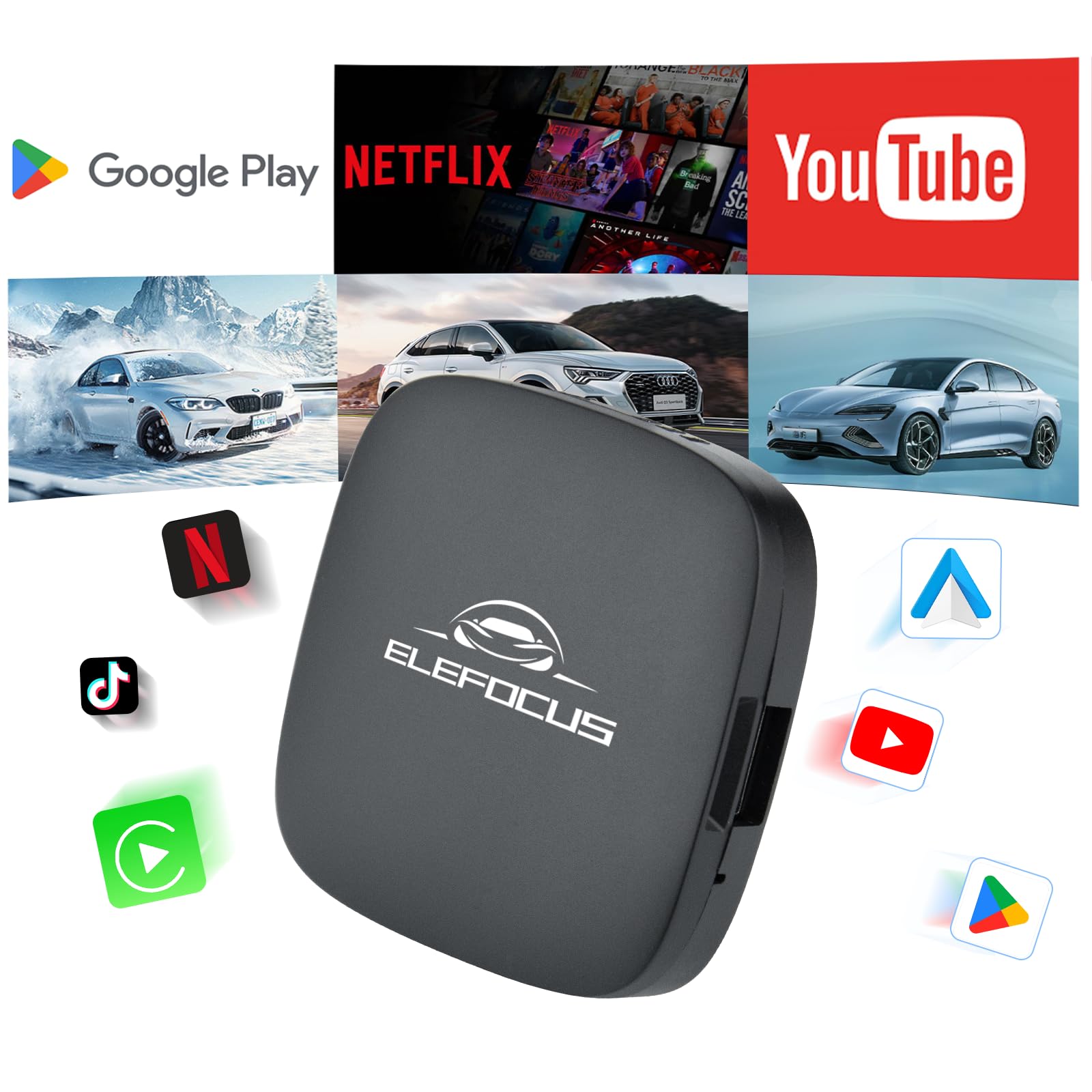
Image: The ELEFOCUS 4 in 1 Wireless CarPlay Adapter interface displayed on a car's infotainment screen, highlighting its support for Wireless CarPlay, Wireless Android Auto, and Android 13.
Product Overview
Package Contents
- 1 x ELEFOCUS Wireless CarPlay Adapter
- 1 x USB-A to Type-C Cable
- 1 x USB-C to Type-C Cable
Device Features
The adapter is designed with a compact form factor for discreet integration into your vehicle.
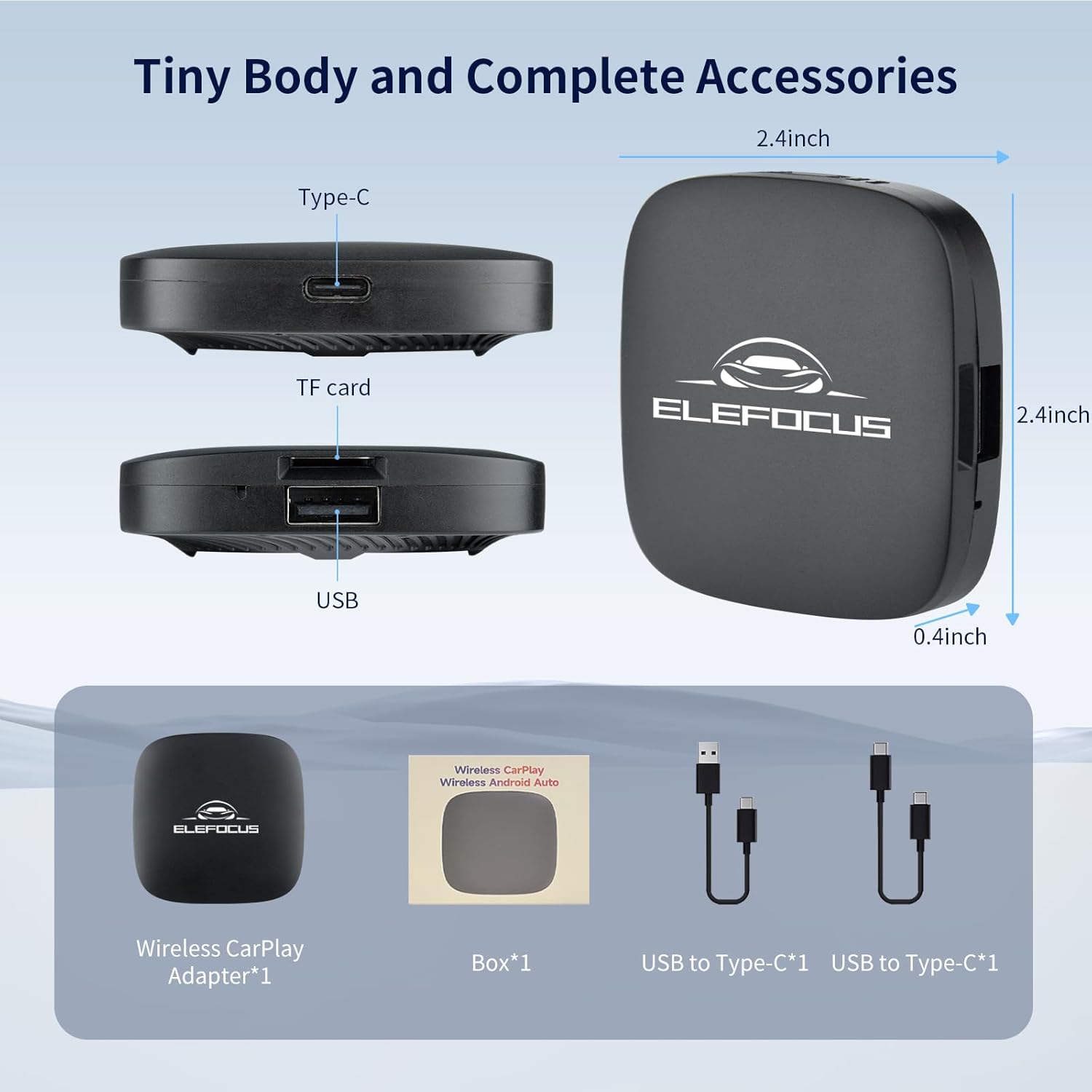
Image: A detailed view of the adapter's ports (Type-C, TF card, USB) and its compact dimensions (2.4 inches x 2.4 inches x 0.4 inches).
- Dimensions: Approximately 2.4 inches (length) x 2.4 inches (width) x 0.4 inches (height).
- Ports:
- Type-C Port: For power and connection to the car.
- TF Card Slot: For expandable storage and media playback.
- USB-A Port: For connecting external devices or USB drives.
Compatibility
To use this adapter, your vehicle must have a factory-installed wired CarPlay system. Please verify your car's compatibility before use.

Image: Visual representation of device compatibility, indicating support for iPhone 6 and above (iOS 10 and above) and Android phones with Android 10.0 and above (some requiring Android 11.0 and above).
- Vehicle Requirement: Must have original wired CarPlay.
- iPhone Compatibility: Supports iPhone 6 and newer models running iOS 10 or later.
- Android Phone Compatibility: Supports Android phones running Android 10.0 or later; some models may require Android 11.0 or later.
- Known Incompatibility: Not compatible with BMW vehicles.
- For a comprehensive list of CarPlay compatible car models, please refer to the official Apple CarPlay website.
Setup Instructions
The ELEFOCUS Wireless CarPlay Adapter is designed for plug-and-play functionality. Follow these steps for initial setup:
- Connect the Adapter: Using one of the provided USB cables, connect the adapter to the USB port in your car that is typically used for wired CarPlay. Ensure the connection is secure.
- Initial Boot-up: The adapter will power on automatically. The first connection may take a slightly longer time to initialize. Please be patient during this process.
- Display on Car Screen: Once initialized, the adapter's interface will appear on your car's infotainment screen.

Image: The adapter connected to a car's USB port, illustrating the 'plug and play' setup and a note about the initial connection time.
Operating Instructions
Wireless CarPlay / Android Auto Connection
To establish a wireless connection for CarPlay or Android Auto, follow these three steps:
- Access SpeedPlay: On your car's display, locate and tap the "SpeedPlay" icon. This will initiate the connection process.
- Enable Phone's Wireless Features: On your smartphone, ensure both Bluetooth and Wi-Fi are turned on.
- Pair with Adapter: On your phone's Bluetooth settings, search for available devices. Select the Bluetooth name corresponding to the adapter (e.g., "AiBox" or similar). Confirm the pairing request on both your phone and the car's screen if prompted. Once connected, wireless CarPlay or Android Auto will activate.

Image: A visual guide demonstrating the three steps to connect your phone wirelessly to the adapter for CarPlay or Android Auto functionality.
Using Applications and Media
The adapter provides access to various applications and media options:

Image: The car's display showing pre-installed applications such as Netflix, YouTube, and Hulu, along with the Google Play Store for downloading additional apps.
- Pre-installed Apps: The adapter comes with popular streaming applications such as Netflix, YouTube, and Hulu.
- Google Play Store: Connect the adapter to a Wi-Fi hotspot (e.g., from your phone) to access the Google Play Store and download additional applications.
- TF Card Support: Insert a TF (microSD) card into the designated slot to play local media files or expand storage.
Maintenance
To ensure the longevity and proper functioning of your ELEFOCUS Wireless CarPlay Adapter, follow these maintenance guidelines:
- Keep Dry: Avoid exposing the device to moisture or liquids.
- Clean Gently: Use a soft, dry cloth to clean the adapter. Do not use harsh chemicals or abrasive materials.
- Temperature Control: Avoid extreme temperatures. Do not leave the device in direct sunlight for extended periods or in extremely cold conditions.
- Secure Connection: Ensure all cables are securely connected to prevent intermittent issues.
Troubleshooting
If you encounter issues with your adapter, please refer to the following common solutions:
- Adapter Not Powering On:
- Ensure the USB cable is securely connected to both the adapter and the car's USB port.
- Verify that the car's USB port is functional (e.g., by charging a phone).
- No Display on Car Screen:
- Confirm your car has original factory wired CarPlay. The adapter will not work with cars that do not have this feature.
- Try restarting your car's infotainment system.
- Disconnect and reconnect the adapter.
- Wireless CarPlay/Android Auto Not Connecting:
- Ensure Bluetooth and Wi-Fi are enabled on your smartphone.
- Check that your phone is not already connected to another Bluetooth device that might interfere.
- Forget the adapter's Bluetooth connection on your phone and attempt to pair again.
- Restart both your phone and the car's infotainment system.
- Slow Performance or App Issues:
- Ensure the adapter has a stable internet connection if streaming or downloading apps.
- Clear cache for problematic applications within the adapter's Android settings.
- Consider performing a factory reset if issues persist (refer to the adapter's on-screen settings for this option).
Specifications
| Brand | ELEFOCUS |
| Model Number | B0DD728RJF |
| Operating System | Android 13 |
| Memory | 2GB RAM + 32GB Storage |
| Connectivity | Wireless CarPlay, Wireless Android Auto, Bluetooth, Wi-Fi |
| Ports | 1 x Type-C (Power/Data), 1 x USB-A (Data), 1 x TF Card Slot |
| Compatible Devices | Smartphones (iPhone 6+/iOS 10+, Android 10+/11+) |
| Dimensions | Approx. 2.4 x 2.4 x 0.4 inches |
| UPC | 759388831668 |
Warranty and Support
For warranty information and technical support, please refer to the documentation provided with your purchase or contact ELEFOCUS customer service directly. Keep your proof of purchase for warranty claims.