
Inwa MZ-628
Inwa Wearable Bluetooth Speaker
Model: MZ-628
Introduction
The Inwa Wearable Bluetooth Speaker is a lightweight, portable audio device designed for hands-free music and calls. Its clip-on design and IP67 waterproof rating make it suitable for various activities, including work, home, and outdoor use. This manual provides essential information for setting up, operating, maintaining, and troubleshooting your speaker.
What's in the Box
- 1 x Inwa Wearable Bluetooth Speaker
- 1 x USB Cable
Setup
Charging the Speaker
Before first use, fully charge your Inwa Wearable Bluetooth Speaker. Connect the provided USB-C cable to the charging port on the speaker and to a compatible USB power source. The charging indicator will show the charging status.

Image showing the Inwa speaker being charged via a USB-C cable, highlighting its fast charging capability and 600mAh battery.
Pairing with a Bluetooth Device
To pair your speaker with a smartphone or tablet, ensure the speaker is powered on. It will automatically enter pairing mode or you can manually activate it. On your device, search for 'Inwa Speaker' in the Bluetooth settings and select it to connect. A voice prompt will confirm successful connection.
Operating Instructions
Power On/Off
Press and hold the power button to turn the speaker on or off. The display will show the battery percentage upon turning off.
Music Playback
Once paired, you can play music from your connected device. Use the volume buttons on the speaker to adjust the audio level. The speaker features a premium driver for loud, immersive sound quality.
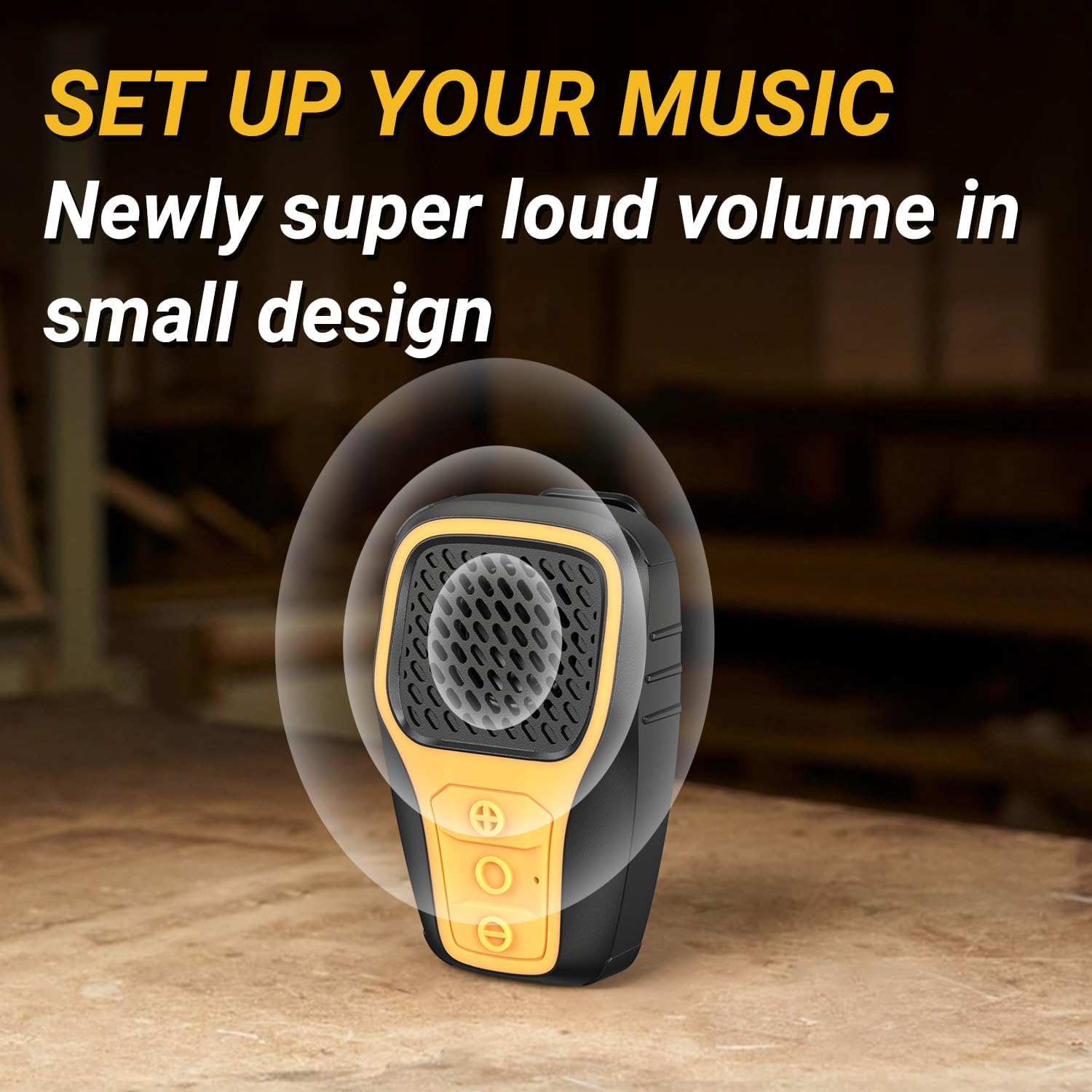
Image illustrating the Inwa speaker emitting sound waves, emphasizing its loud volume in a small design.
Hands-Free Calls
The built-in noise-canceling microphone allows for crystal-clear hands-free calls. When a call comes in, press the multi-function button to answer or end the call.
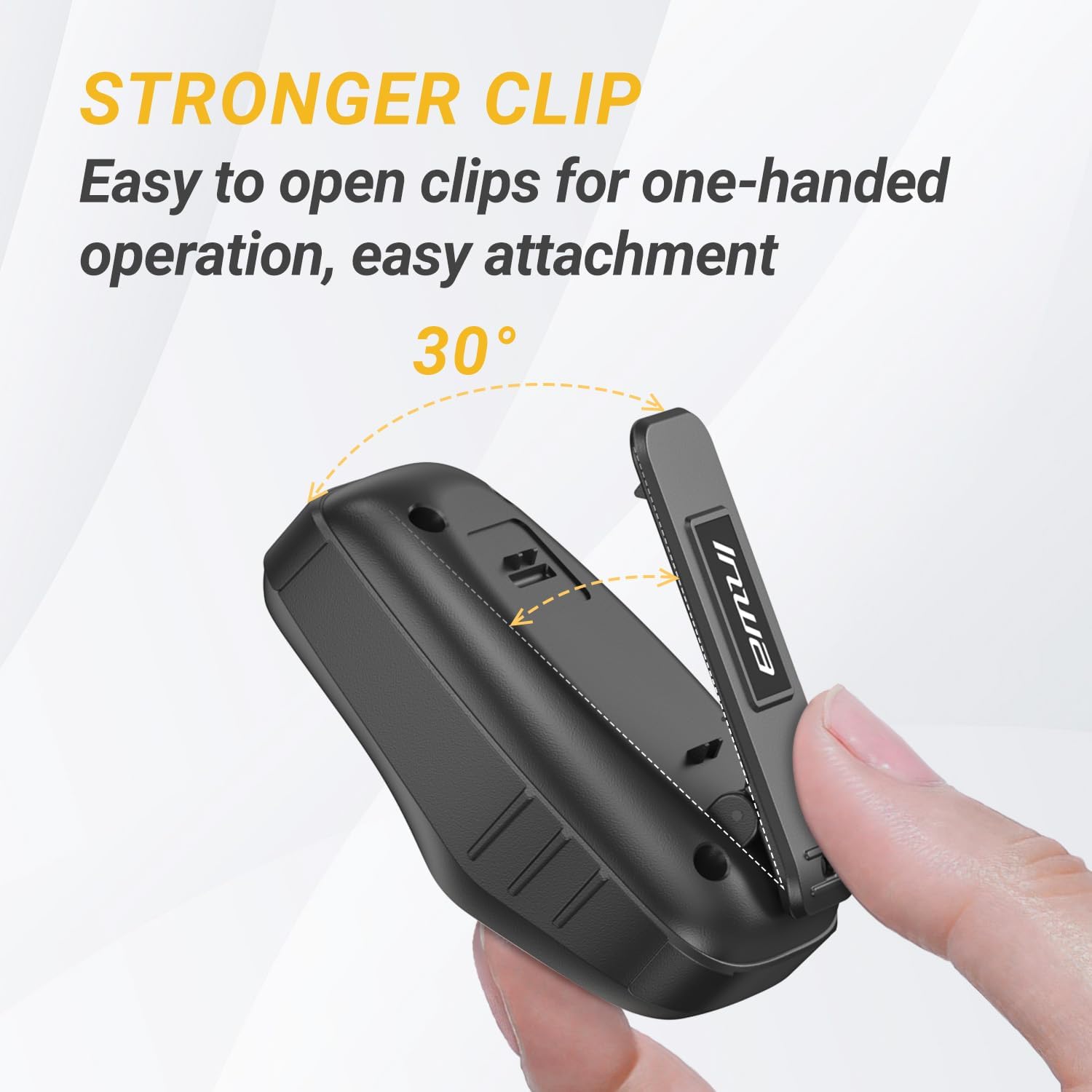
Image showing a person wearing the Inwa speaker clipped to their shirt, demonstrating its use for hands-free calls with a built-in noise-canceling microphone.
Wearing the Speaker
The Inwa speaker is designed to be worn conveniently. Use the integrated clip to attach it to your clothing, bag, or other suitable surfaces. Its lightweight design (64g/2.2 ounces) ensures comfort during extended use.

Image depicting the Inwa speaker clipped to a work belt, highlighting its lightweight and easy-to-carry design.
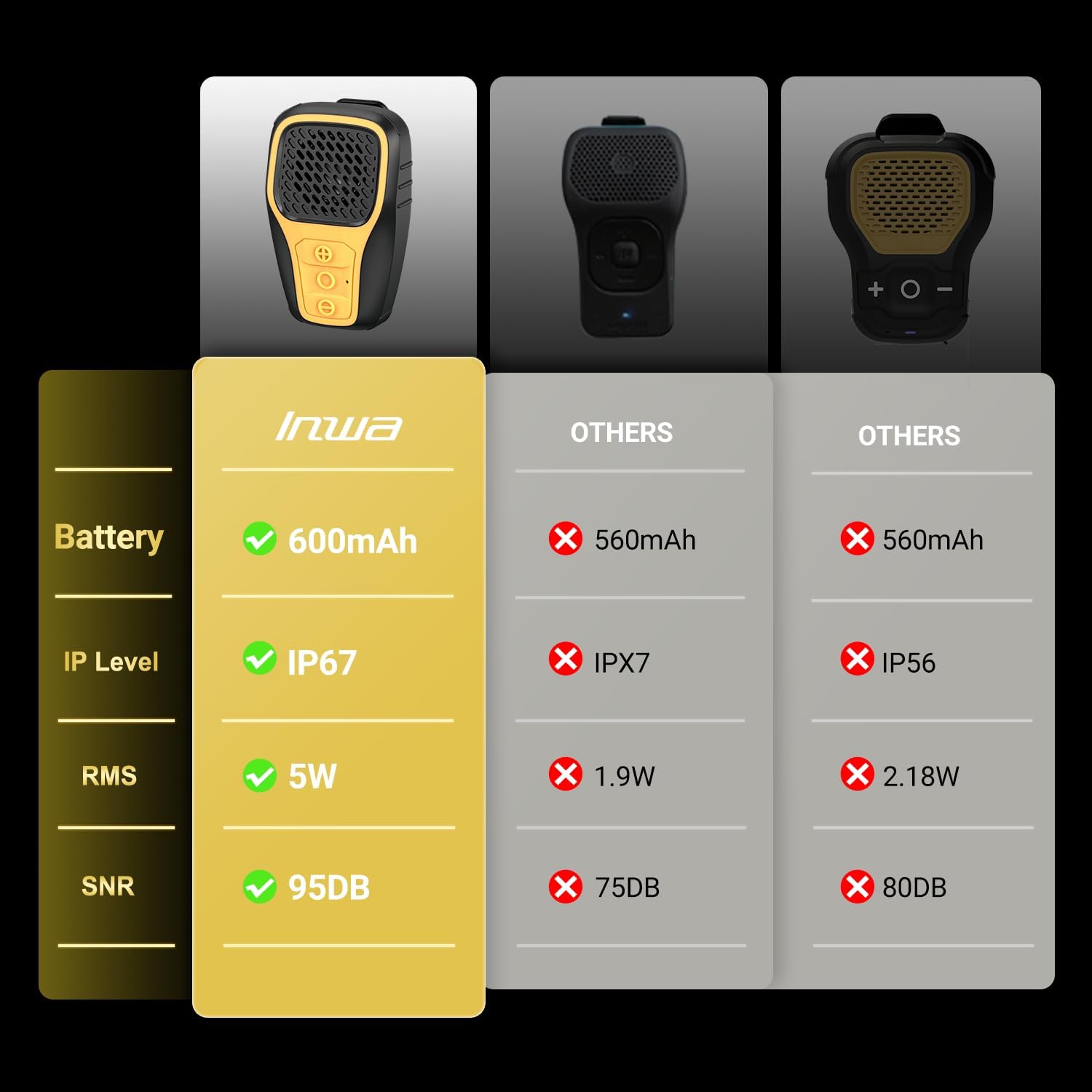
Image showing the Inwa speaker clipped to a person's shirt, emphasizing its ultra-lightweight design for indoor and outdoor use.
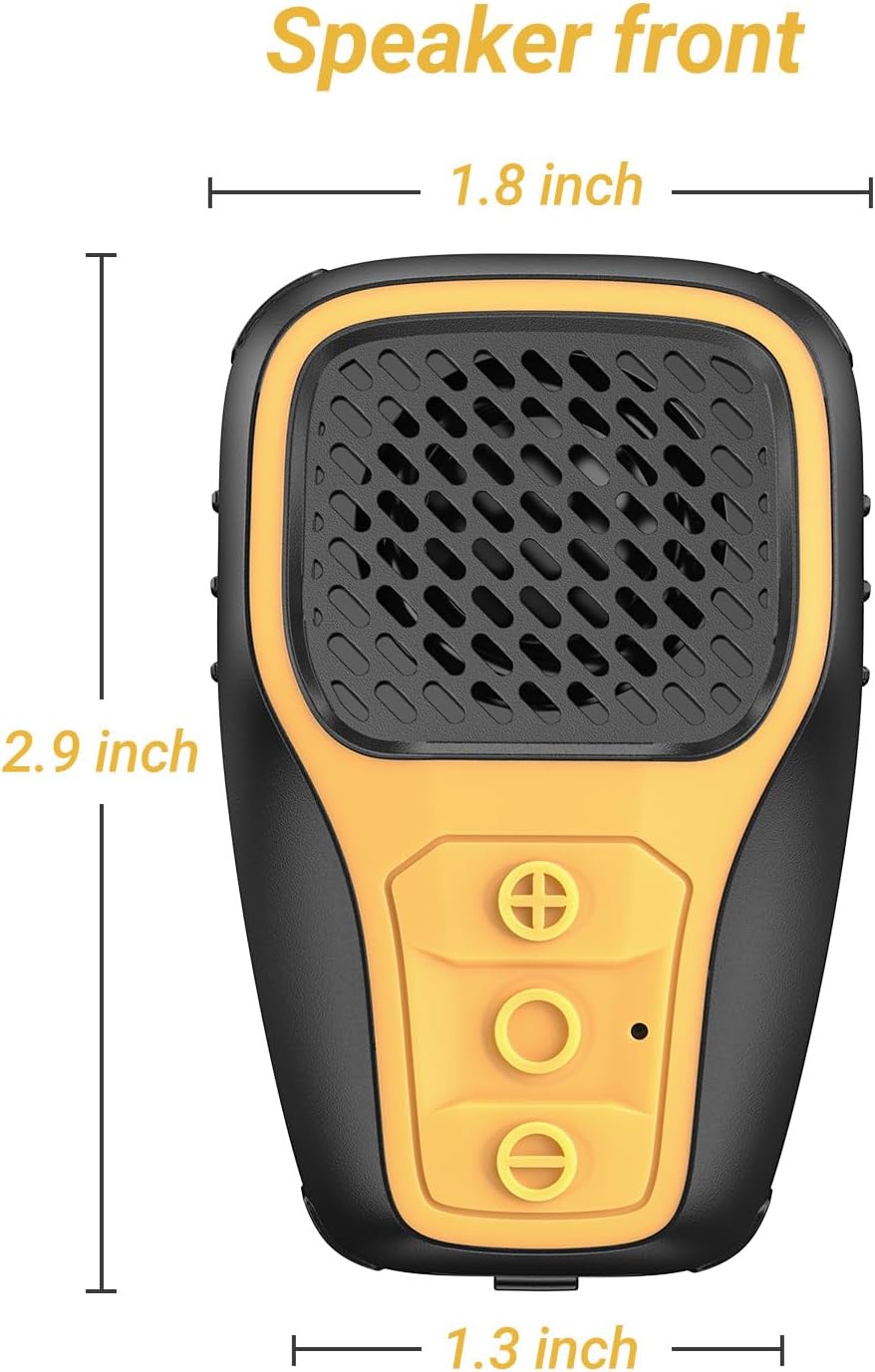
Diagram showing the front view of the Inwa speaker with its dimensions (1.8 inch width, 2.9 inch height, 1.3 inch depth).
Maintenance
Cleaning
Wipe the speaker with a soft, damp cloth. Do not use harsh chemicals or abrasive cleaners.
Waterproofing
The speaker has an IP67 waterproof rating, meaning it is protected from dust and can withstand immersion in water up to 1 meter for 30 minutes. Ensure the charging port cover is securely closed before exposing the speaker to water.

Image showing the Inwa speaker partially submerged in water, illustrating its IP67 waterproof capability.
Troubleshooting
Speaker not turning on
- Ensure the battery is charged. Connect the speaker to a power source using the USB-C cable.
Cannot pair with device
- Make sure the speaker is in pairing mode. Turn off and on the speaker to re-enter pairing mode.
- Ensure Bluetooth is enabled on your device and it is within range (up to 33 feet).
- Forget the device from your phone's Bluetooth settings and try pairing again.
No sound or low volume
- Check the volume levels on both the speaker and your connected device.
- Ensure the speaker is properly paired and connected.
Specifications
| Model Name | MZ-628 |
| Speaker Type | Outdoor |
| Recommended Uses | For Smartphones or Tablets |
| Compatible Devices | Smartphone, Tablet |
| Unit Count | 1.0 Count |
| Controller Type | Button |
| Color | Yellow |
| Product Dimensions | 1.85"D x 1.33"W x 2.95"H |
| Item Weight | 2 ounces (56.7 Grams) |
| Waterproof Rating | IP67 |
| Control Method | Touch |
| Wireless Communication Technology | Bluetooth |
| Speaker Size | 1.85 Inches |
| Power Source | Battery Powered |
| Number of Batteries | 1 AAA batteries required (included) |
| Connectivity Protocol | Bluetooth |
| Manufacturer | Inwa |
| Battery Capacity | 600mAh |
| RMS Power | 5W |
| Signal-to-Noise Ratio (SNR) | 95dB |
Warranty and Support
Inwa offers lifetime product technical support. If you encounter any problems or have questions, please feel free to contact the Customer Service team. We are committed to resolving any issues for you within 24 hours.
Ask a question about this manual
Ask about setup, troubleshooting, compatibility, parts, safety, or missing instructions. Manuals+ will review the question and use this page’s manual context to help answer it.