
1. Introduction
This manual provides detailed instructions for the TIMNUT 4K 60FPS Waterproof Action Camera, Model Q60. Designed for capturing high-quality video and photos in various environments, including underwater, this camera features advanced stabilization, a responsive touchscreen, and Wi-Fi connectivity. Please read this manual thoroughly to ensure proper operation and maintenance of your device.
2. What's in the Box
Verify that all items are present in your package:
- 1 x TIMNUT 4K 60FPS Waterproof Action Camera
- 1 x 64G SD card
- 2 x 1350 mAh batteries
- 1 x Charger
- 1 x Remote control
- A large selection of attachments and chains (various mounts and accessories)
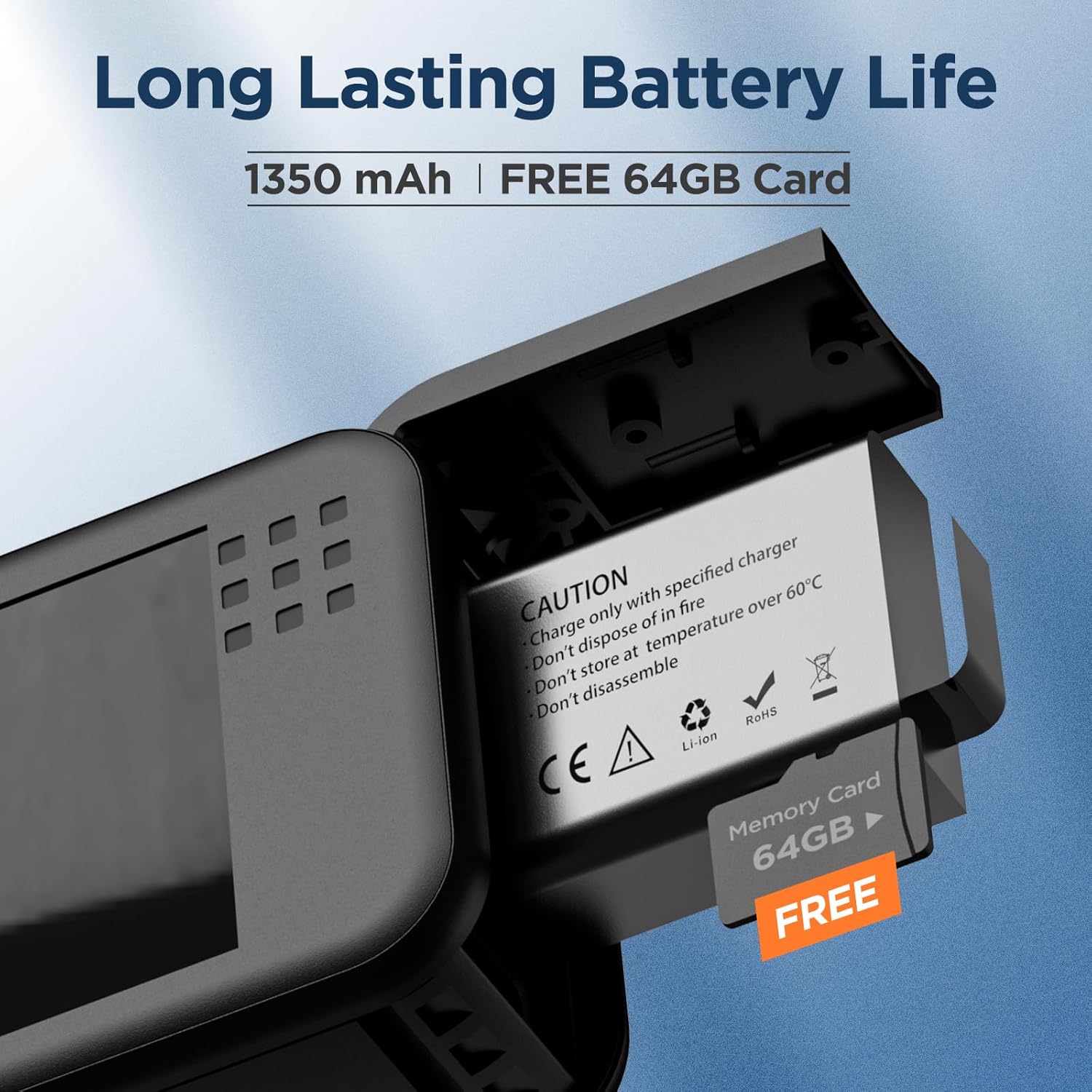
Image: Camera with battery and 64GB SD card.
3. Setup
3.1. Battery Installation
- Locate the battery compartment on the bottom of the camera.
- Open the compartment cover.
- Insert the 1350 mAh battery, ensuring the contacts align correctly.
- Close the battery compartment cover securely.
3.2. SD Card Insertion
- Locate the SD card slot, typically next to the battery compartment.
- Insert the provided 64GB Micro SD card with the contacts facing down until it clicks into place.
- To remove, press the card gently until it pops out.
3.3. Powering On/Off
- To power on, press and hold the Power button (usually on the side) for a few seconds until the screen illuminates.
- To power off, press and hold the Power button again until the screen turns off.
3.4. Initial Charging
Before first use, fully charge both batteries using the provided charger. The charging indicator light will change once charging is complete.
3.5. Wi-Fi and App Control
The camera supports Wi-Fi connectivity for easy control via your smartphone. Download the dedicated app (refer to the QR code in the quick start guide or product packaging for app details). Once installed, connect your phone to the camera's Wi-Fi network to control settings, view live footage, and transfer files.

Image: Front and back view of the action camera.

Image: Touchscreen interface for easy navigation.

Image: Wi-Fi connectivity for app control.
4. Operating
4.1. Video Recording
- Switch to video mode using the mode button or touchscreen.
- Press the Shutter/Record button to start recording. Press again to stop.
- The camera supports 4K 60FPS video resolution for high-quality footage.
- Utilize the 12s Pre-recording feature to capture moments before you even press record. This ensures you don't miss critical action.

Image: 12-second pre-recording feature.
4.2. Photo Capture
- Switch to photo mode.
- Press the Shutter/Record button to take a 48MP photo.
- The camera offers excellent 48MP HD Color Performance, ensuring crisp and detailed images even in challenging conditions.

Image: Enhanced photo quality comparison.
4.3. 6-Axis Stabilization
The camera is equipped with advanced 6-axis stabilization (EIS) technology, ensuring your videos remain smooth and steady even during dynamic activities. This is particularly useful for action shots where camera shake is common.

Image: 6-axis stabilization in action.
4.4. Waterproof Use
The TIMNUT Action Camera is designed to be waterproof up to 10 meters (33 feet) without an additional case. This makes it ideal for watersports like swimming, surfing, and diving. Ensure all ports are securely closed before submerging the camera.

Image: Camera's waterproof capability.
4.5. Special Features
- Low Light Performance: The camera features an enhanced imaging sensor (1/1.3-inch) for superior performance in low light conditions, reducing blur and maintaining detail.
- 8X Zoom: Utilize the 8X digital zoom to focus on distant subjects while maintaining clarity.
- Dual Screen: The camera features both a rear touchscreen and a front-facing screen, ideal for vlogging and framing self-shots.
- Horizontal/Vertical Switching: Easily switch between horizontal (16:9) and vertical (9:16) shooting modes to suit your content needs.
- Wide Angle Lens: Capture expansive landscapes and broader scenes with the wide-angle lens.
- Other features include slow motion photography, driving mode, image flipping, time-lapse photo, exposure adjustment, and white balance adjustment.

Image: Low light performance comparison.

Image: 8X zoom capability.

Image: Switching between horizontal and vertical shots.

Image: Overview of camera features.

Image: Versatile usage scenarios.
5. Maintenance
5.1. Cleaning the Camera
- After using the camera in water, rinse it with fresh water and dry thoroughly with a soft, lint-free cloth.
- Do not use harsh chemicals or abrasive materials for cleaning.
- Clean the lens with a specialized lens cleaning cloth to avoid scratches.
5.2. Battery Care
- Store batteries in a cool, dry place when not in use.
- Avoid fully discharging batteries frequently to prolong their lifespan.
- Do not expose batteries to extreme temperatures.

Image: Battery life information.
5.3. SD Card Management
- Regularly back up your footage and photos to a computer or external storage.
- Format the SD card periodically within the camera's settings to maintain optimal performance and prevent data corruption.
6. Troubleshooting
If you encounter issues with your TIMNUT Action Camera, please refer to the following common solutions:
- Camera not turning on: Ensure the battery is fully charged and correctly inserted. Try using the second battery.
- Recording issues (freezing, corrupted files): Check if the SD card is properly inserted and formatted. Try a different SD card if the issue persists. Ensure the card is a high-speed class (e.g., U3).
- Poor image/video quality: Ensure the lens is clean and free from smudges or debris. Check your resolution and frame rate settings.
- Wi-Fi connection problems: Ensure Wi-Fi is enabled on the camera and your smartphone. Restart both devices and try reconnecting.
- Touchscreen unresponsive: Power off and restart the camera. Ensure your fingers are clean and dry.
For more complex issues not covered here, please contact customer support.
7. Specifications
| Feature | Detail |
|---|---|
| Brand | TIMNUT |
| Model Number | Q60 |
| Item Weight | 1.1 pounds |
| Package Dimensions | 10.91 x 4.96 x 2.32 inches |
| Batteries | 2 Lithium Ion batteries (included) |
| Color Name | BLACK |
| Special Features | Anti-Shake, Low Light, Remote Control, Slow Motion, Touchscreen |
| Photo Sensor Technology | MOS |
| Video Capture Resolution | 4K |
| Maximum Focal Length | 2.4 Millimeters |
| Maximum Aperture | 2.4 Millimeters |
| Flash Memory Type | Micro SD |
| Video Capture Format | MOV |
| Supported Audio Format | AAC |
| Screen Size | 2.2 Inches |
| Connectivity Technology | Wi-Fi |
| Date First Available | August 17, 2024 |
8. Warranty and Support
TIMNUT is committed to providing high-quality products and excellent customer service. Your purchase includes:
- 30-Day Refund: If you are not satisfied with your purchase, you may be eligible for a refund within 30 days.
- 365-Day Replacement: Enjoy peace of mind with a 365-day replacement policy for eligible issues.
- 24-Hour Troubleshooting: Access dedicated support for troubleshooting assistance within 24 hours.
- Lifetime Support: Benefit from lifetime technical support for your TIMNUT Action Camera.
For any inquiries or support needs, please refer to the contact information provided with your product packaging or visit the official TIMNUT website.
