
1. Introduction
This manual provides essential information for the installation, operation, and maintenance of your G.SKILL Trident Z5 Royal Neo Series DDR5 RAM. This memory kit is designed for desktop computers, featuring DDR5 U-DIMM technology with 288 pins and AMD EXPO support for enhanced performance.

Image: G.SKILL Trident Z5 Royal Neo Series DDR5 RAM modules, showcasing their design.
2. Setup and Installation
Proper installation is crucial for optimal performance and system stability. Please follow these guidelines carefully.
2.1 Pre-Installation Checks
- Ensure your motherboard and CPU are compatible with DDR5 U-DIMM memory. Refer to the G.SKILL memory QVL (Qualified Vendor List) or RAM Configurator tool on the G.SKILL website for detailed compatibility information.
- This memory kit includes JEDEC default profiles and AMD EXPO memory overclock profiles.
- Important: Do not mix memory kits. Memory kits are sold in matched sets designed to function together. Mixing kits may lead to stability issues or system failure.
2.2 Installation Steps
- Power off your computer and disconnect it from the power source.
- Open your computer case to access the motherboard.
- Locate the DDR5 DIMM slots on your motherboard. Consult your motherboard manual for the correct slot configuration for dual-channel operation.
- Gently open the retention clips on both ends of the DIMM slot.
- Align the memory module with the DIMM slot, ensuring the notch on the module matches the key in the slot.
- Apply even pressure to both ends of the memory module until it seats firmly into the slot and the retention clips snap into place.
- Repeat for the second memory module if installing a kit.
- Close your computer case and reconnect the power.

Image: G.SKILL Trident Z5 Royal Neo Series DDR5 RAM modules properly seated in a motherboard's DIMM slots.
2.3 Post-Installation
After physical installation, power on your system. The memory kits will boot at JEDEC default SPD speed with default BIOS settings. To achieve the rated overclock speed (up to 6000MT/s), you will need to enable the AMD EXPO profile in your motherboard's BIOS. Maximum speed and performance depend on your system components, including the motherboard and CPU.
Video: Official trailer demonstrating the G.SKILL Trident Z5 Royal Series DDR5 Memory. This video provides a visual overview of the product's features and aesthetics.
3. Operating Instructions
Once installed, your G.SKILL Trident Z5 Royal Neo Series DDR5 RAM operates automatically. For optimal performance and customization, consider the following:
3.1 Enabling AMD EXPO Profile
To achieve the advertised memory speeds and timings, you must enable the AMD EXPO (Extended Profiles for Overclocking) profile in your motherboard's BIOS/UEFI settings. This typically involves navigating to the 'Overclocking' or 'Memory Settings' section and selecting the appropriate EXPO profile.
3.2 RGB Lighting Customization
The Trident Z5 Royal Neo features radiant crystalline light bars for RGB lighting. You can personalize the RGB lighting effects using G.SKILL Trident Z Lighting Control software or compatible third-party motherboard software (e.g., ASUS Aura Sync, MSI Mystic Light Sync, Gigabyte RGB Fusion, ASRock Polychrome Sync).

Image: Close-up of the radiant crystalline light bar on the G.SKILL Trident Z5 Royal Neo RAM, displaying RGB lighting.
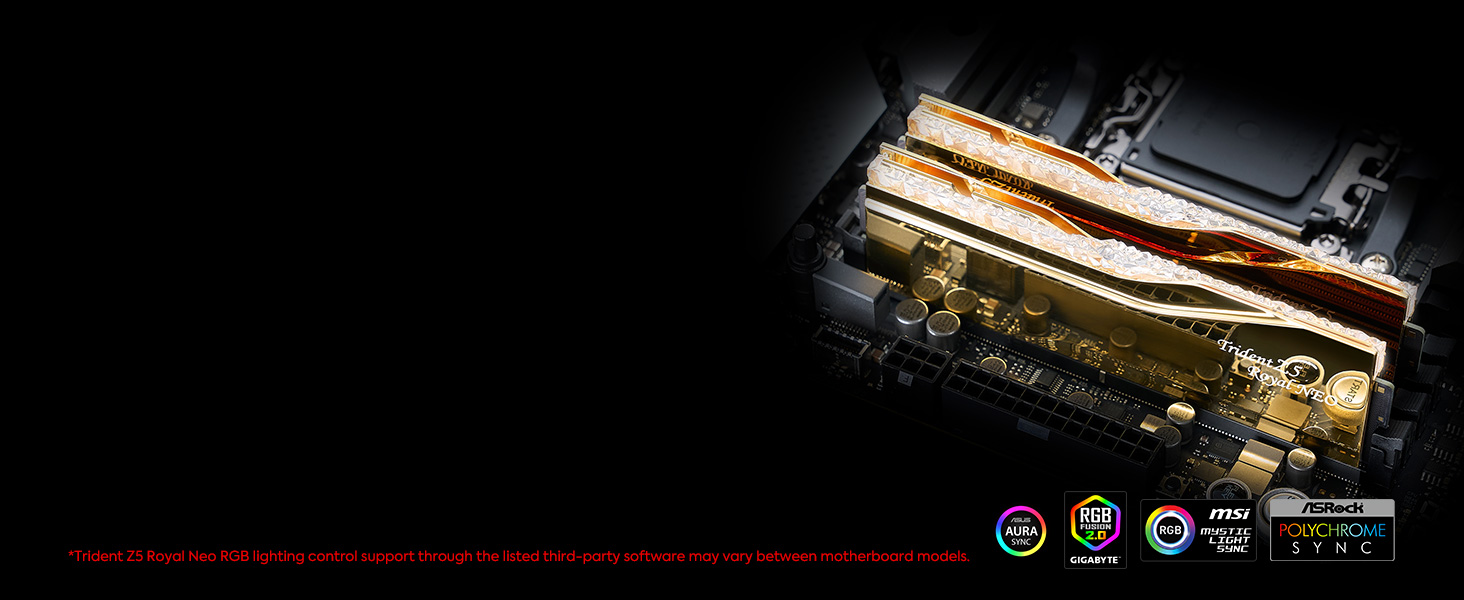
Image: G.SKILL Trident Z5 Royal Neo RAM with RGB lighting synchronized with system lighting software.
4. Maintenance
G.SKILL Trident Z5 Royal Neo Series DDR5 RAM modules are designed for durability and require minimal maintenance.
- Keep your computer's interior clean and free of dust to ensure proper airflow and heat dissipation.
- Avoid touching the gold contacts on the memory modules. If necessary, handle modules by their edges.
- Do not attempt to disassemble the heatspreaders, as this may damage the modules and void the warranty.

Image: The luxurious aluminum heatspreaders of the G.SKILL Trident Z5 Royal Neo RAM, designed for efficient heat dissipation.
5. Troubleshooting
If you encounter issues with your memory modules, consider the following troubleshooting steps:
- System Instability or Failure: Ensure that you are not mixing memory kits from different manufacturers or models. Memory kits are designed to run as a matched set.
- Lower Speeds: Verify that the AMD EXPO profile is correctly enabled in your motherboard's BIOS. If not, the memory will operate at JEDEC default SPD speeds.
- Compatibility Issues: Confirm that your motherboard and CPU are officially supported by referring to the G.SKILL memory QVL.
- Physical Installation: Re-check that the memory modules are fully seated in their DIMM slots and that the retention clips are securely closed.
- System Damage: Usage inconsistent with manufacturer specifications, warnings, designs, or recommendations may lead to lower speeds, system instability, or damage. Always adhere to recommended usage.
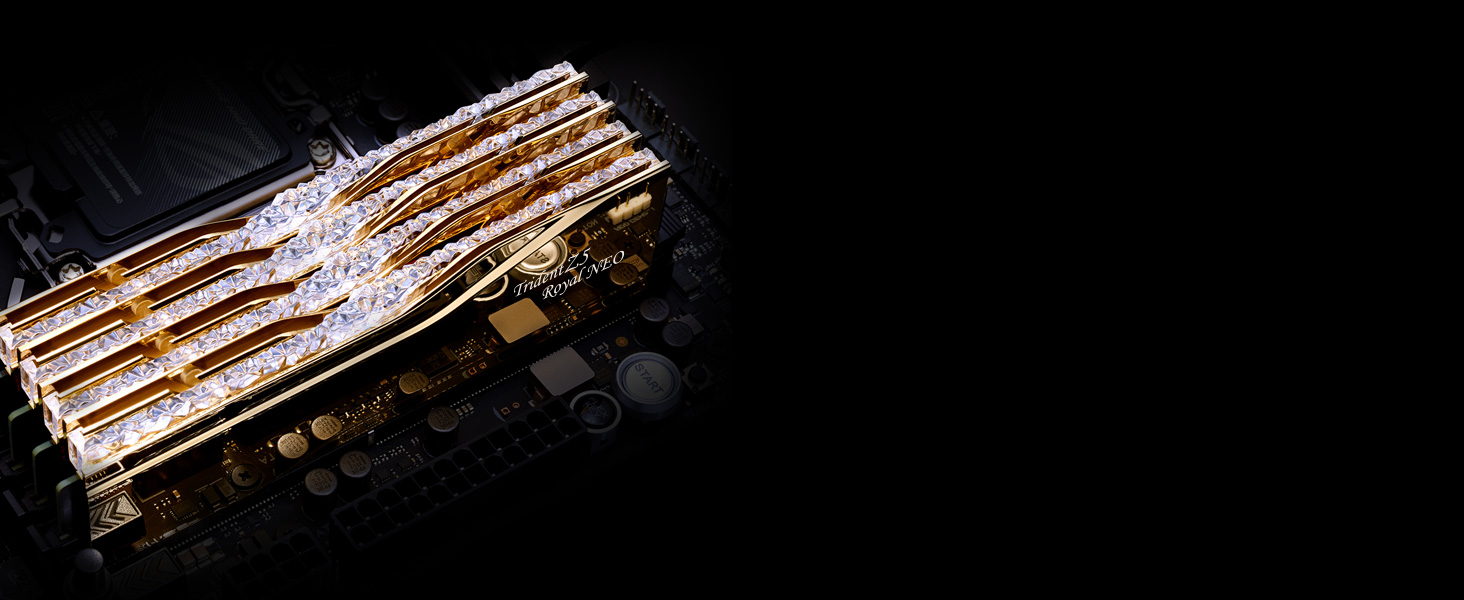
Image: Multiple G.SKILL Trident Z5 Royal Neo RAM modules installed in a system, highlighting their quality construction.
6. Specifications
| Feature | Specification |
|---|---|
| Brand | G.SKILL |
| Model Name | Trident Z5 Royal Neo |
| Model Number | F5-6000J2836G16GX2-TR5NG |
| Computer Memory Size | 32 GB (2x16GB) |
| RAM Memory Technology | DDR5 |
| Memory Speed | 6000 MT/s |
| Column Address Strobe Latency (CL) | CL28 (28-36-36-96) |
| Voltage | 1.4 volts |
| Form Factor | DIMM, U-DIMM |
| Number of Pins | 288 |
| Compatible Devices | Desktop |
| Additional Features | AMD EXPO |
| UPC | 848354046745 |
7. Warranty Information
This G.SKILL memory product is covered by a Limited Lifetime Manufacturer Warranty. For complete details regarding warranty terms, conditions, and claims procedures, please visit the official G.SKILL warranty policy webpage.
8. Support
For further assistance, technical support, or to access the latest drivers and software (such as RGB lighting control software), please visit the official G.SKILL website. You can also find the memory QVL and RAM Configurator tool there for detailed compatibility checks.
Official G.SKILL Website: www.gskill.com