1. Introduction
The usogood TC18 Cellular Trail Camera is an advanced surveillance device designed for outdoor monitoring, wildlife observation, and property security. Featuring 4G cellular connectivity, live view capabilities, 360° pan and tilt, 2K night vision, and solar power, it provides comprehensive coverage and real-time alerts. This manual provides detailed instructions for setting up, operating, and maintaining your camera to ensure optimal performance.

Image: The usogood TC18 Cellular Trail Camera, showcasing its solar panel, cellular connectivity, and included accessories.
2. What's in the Box
Please verify that all components are present before proceeding with the setup.
- 1x usogood Cellular Trail Camera
- 1x EN/DE/IT/FR/ES User Guide
- 1x SIM card & 1x Memory card (32GB)
- 1x Solar panel & 1x Solar panel bracket
- 1x Accessories for Mounting on the wall or tree
3. Setup Guide
3.1 Initial Charging
Before first use, fully charge the camera's internal 8400mAh rechargeable battery using the provided solar panel or a compatible USB charger. Ensure the solar panel is positioned to receive maximum sunlight for continuous power.

Image: The camera and solar panel mounted on a tree, illustrating the continuous power supply.
3.2 SIM Card and Memory Card Installation
The camera comes with a built-in 4G LTE SIM card and a 32GB memory card. Locate the SIM card and memory card slots on the camera body. Carefully insert the SIM card and memory card into their respective slots until they click into place. Ensure the camera is powered off before inserting or removing cards.

Image: Detailed view of the SIM card and memory card insertion points on the camera.
The included SIM card offers 300MB of trial data. You can also use your own compatible SIM card (Verizon, T-Mobile, AT&T).
3.3 App Installation and Pairing
Download the official usogood app (e.g., Ubox app) from your smartphone's app store (iOS or Android). Once installed, open the app and follow the on-screen instructions to create an account. To pair your camera, scan the QR code located on the camera body using the app's scanning function. This will link your camera to your account for remote access and control.

Image: Scanning the QR code on the camera to connect it with the mobile application.
3.4 Mounting the Camera and Solar Panel
Utilize the included mounting accessories to securely attach the camera and solar panel to a wall or tree. Ensure the camera has a clear line of sight to the area you wish to monitor. Position the solar panel in a location that receives ample direct sunlight throughout the day to maximize charging efficiency.

Image: Demonstrating the process of mounting the camera to a tree.
4. Operating Instructions
4.1 Live View and 360° Coverage
Access real-time video streaming through the app's 'Live View' feature. The camera supports 355° pan and 108° tilt, providing a full 360° coverage. Use the app controls to adjust the monitoring angle and eliminate blind spots.
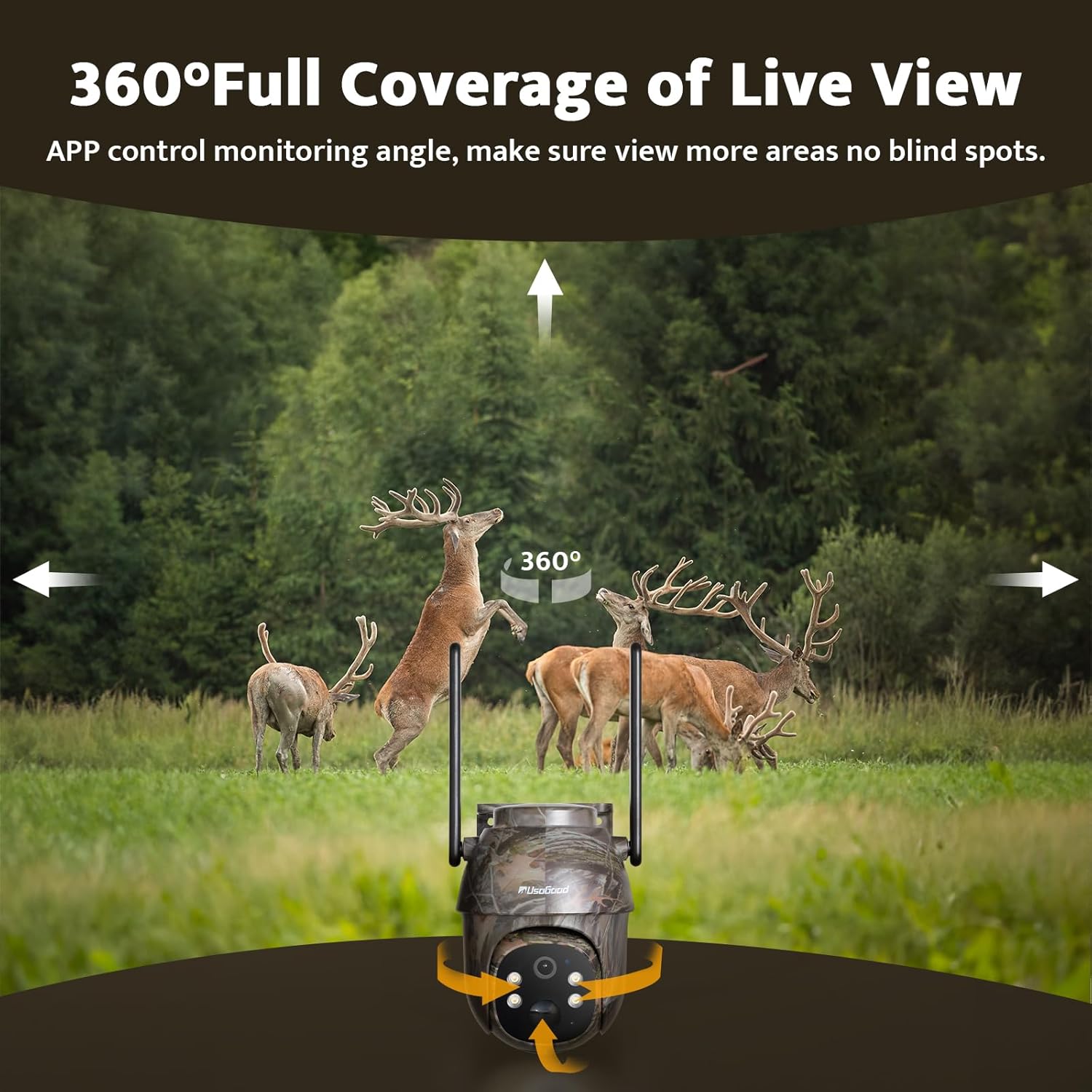
Image: Visual representation of the camera's 360° pan and tilt functionality.

Image: Watching live video anytime and anywhere via the Ubox App, with sharing options.
4.2 Real-Time Notifications and Motion Detection
The camera is equipped with motion detection. When motion is detected, the camera will automatically capture footage and send real-time alerts to your smartphone via the app. This feature ensures you are promptly informed of any activity in the monitored area.

Image: Real-time notifications on a smartphone when motion is detected by the camera.

Image: The camera detecting motion in an outdoor setting.
4.3 2K Night Vision
The TC18 camera features 2K resolution and 4pcs 850nm infrared lights and spotlights, enabling clear and vivid image capture up to 12m even in low-light or complete darkness. This ensures reliable monitoring day and night.

Image: Comparison of day and night vision quality, highlighting the 2K resolution.

Image: Night vision clarity comparison.
4.4 0.2s Fast Trigger Speed
The camera boasts a rapid 0.2-second trigger speed, ensuring that fast-moving subjects are captured without significant delay. This minimizes the chance of missing critical moments.
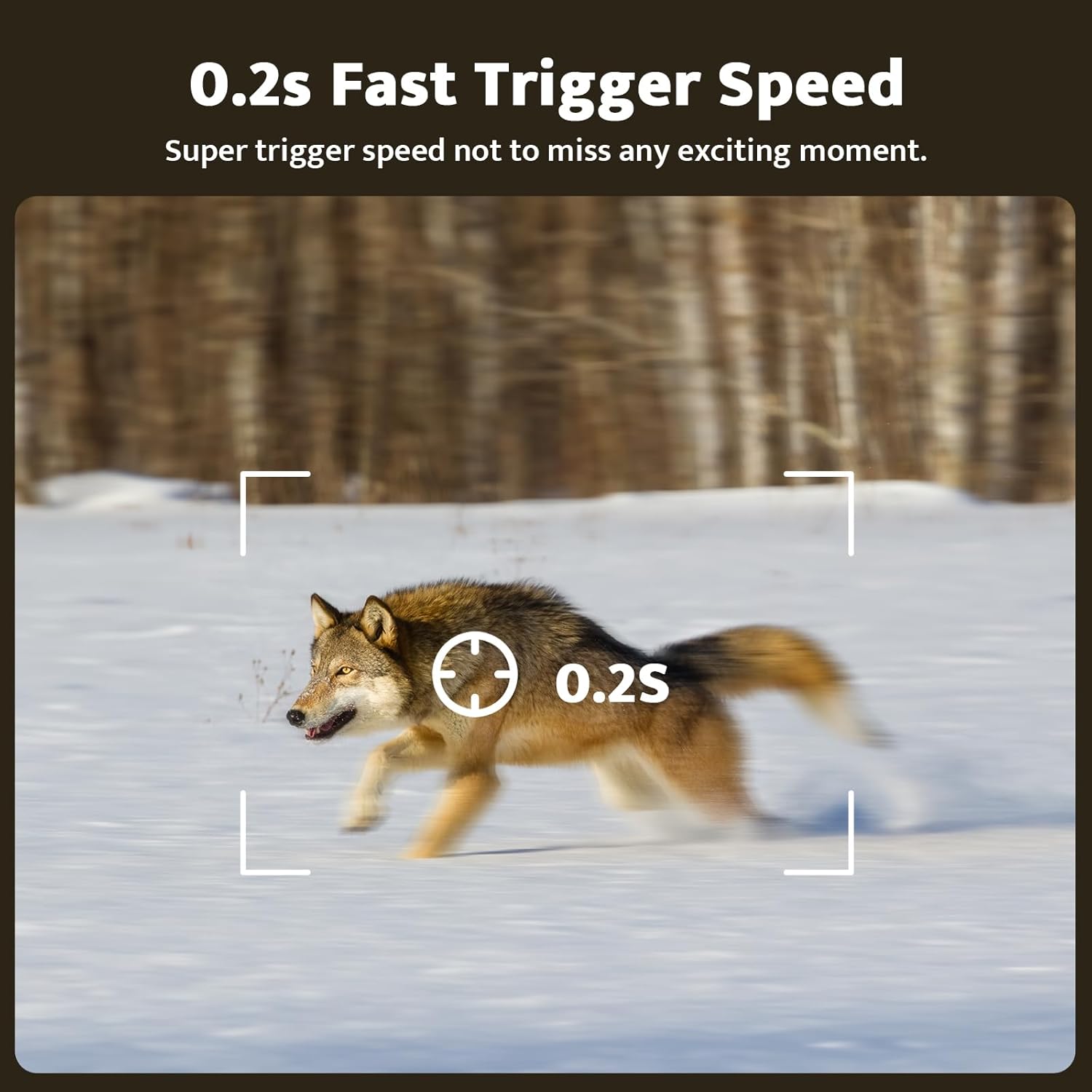
Image: Illustration of the camera's fast trigger speed capturing a moving subject.
4.5 Cellular Data Plan Management
The camera operates on a 4G LTE network. While a trial data plan is included, subsequent data subscriptions can be managed and renewed directly through the Ubox app. Various data plans are available to suit your monitoring needs.

Image: Overview of available cellular data plans.

Image: Details on included data and memory card, along with cloud storage.
4.6 Arming Settings
Configure specific arming schedules within the app to activate or deactivate motion detection and recording during desired times. This allows for customized monitoring based on your needs.
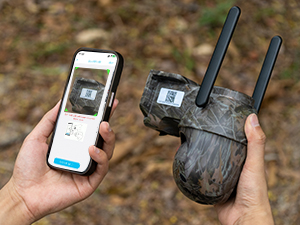
Image: App interface for setting arming schedules.
4.7 Applications
The usogood TC18 camera is versatile and can be used in various scenarios where Wi-Fi is unavailable, including:
- Wildlife monitoring (deer, bears, wolves)
- Hunting and game scouting
- Remote property surveillance (barns, farms, ranches, construction sites)
- RV security
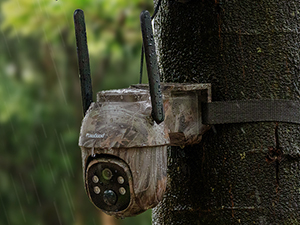
Image: Examples of where the 4G trail camera can be used without Wi-Fi.
5. Maintenance
5.1 Weather Resistance (IP66 Waterproof)
The usogood TC18 camera is rated IP66 waterproof, ensuring reliable performance in various weather conditions, including rain and snow. It is designed to operate within a wide temperature range, from -4°F to 140°F (-20°C to 60°C).

Image: The camera's IP66 waterproof rating and operational temperature range.

Image: The camera enduring rainy conditions.
5.2 Solar Panel Efficiency
The 6W solar panel is designed to provide continuous power to the 8400mAh battery. For optimal performance, regularly clean the solar panel surface to remove dirt or debris that may obstruct sunlight. Ensure the panel is angled correctly to capture maximum sunlight throughout the day.
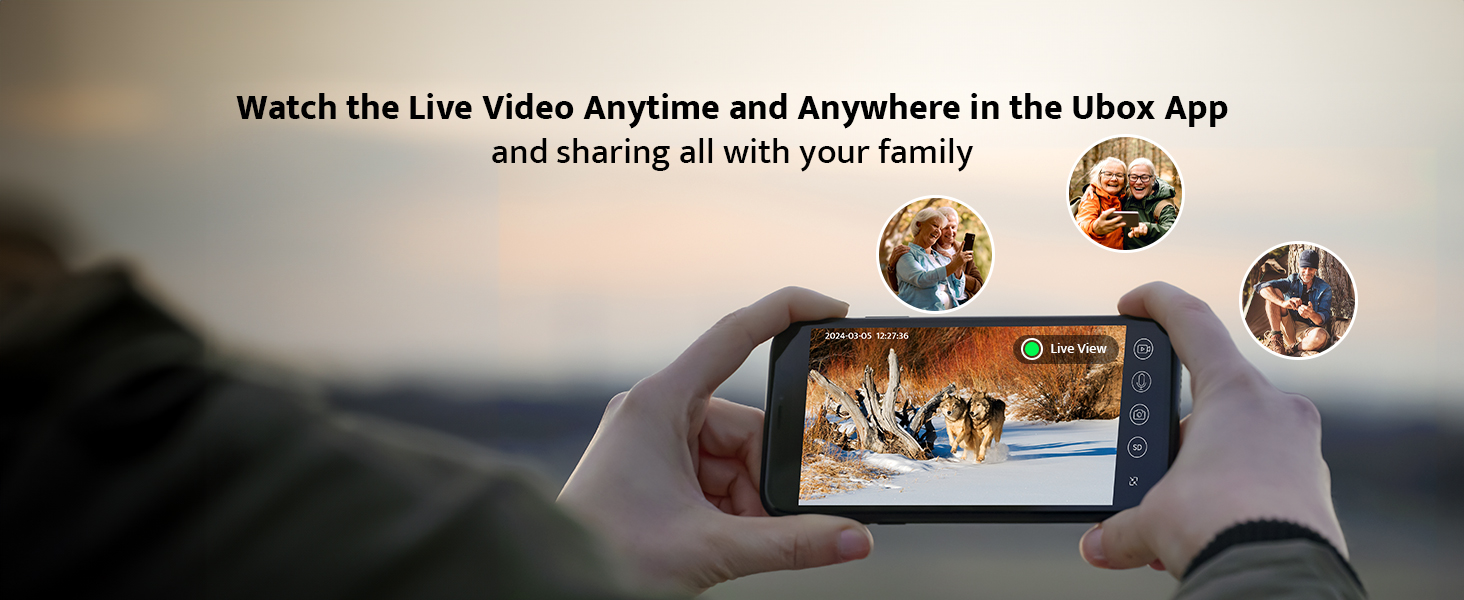
Image: Solar panel charging mechanism and battery life indication.
6. Troubleshooting
| Problem | Possible Cause | Solution |
|---|---|---|
| No cellular signal or weak signal | Poor network coverage in the area; SIM card not properly inserted or activated; incompatible SIM card. | Relocate the camera to an area with better 4G coverage. Ensure the SIM card is correctly inserted and activated. Verify SIM card compatibility with Verizon, T-Mobile, or AT&T. |
| Night vision images are blurry or dark | Lens or infrared lights obstructed; insufficient ambient light for optimal night vision; camera too far from subject. | Clean the camera lens and infrared lights. Ensure there are no obstructions. Position the camera closer to the target area if possible. |
| Camera not sending notifications | App notification settings disabled; camera not connected to network; low battery; incorrect arming schedule. | Check app notification settings on your phone. Verify camera's network connection and battery level. Review and adjust arming schedules in the app. |
| Battery not holding charge | Solar panel not receiving enough sunlight; extreme temperatures; faulty battery. | Ensure solar panel is clean and positioned for maximum sunlight exposure. Avoid extreme temperature conditions if possible. Contact support if battery issues persist. |
7. Specifications
| Feature | Detail |
|---|---|
| Model Name | TC18 |
| Indoor/Outdoor Usage | Outdoor |
| Power Source | Solar Powered |
| Connectivity Protocol | Cellular |
| Video Capture Resolution | 2K |
| Battery Capacity | 8400mAh (30.24 Watt Hours) |
| Solar Panel Wattage | 6 watts |
| Trigger Speed | 0.2 seconds |
| Pan/Tilt Coverage | 355° Pan, 108° Tilt |
| Night Vision Range | Up to 12m (4pcs 850nm infrared lights and spotlights) |
| Waterproof Rating | IP66 |
| Operating Temperature | -4°F to 140°F (-20°C to 60°C) |
| Dimensions (L x W x H) | 6.1 x 5.9 x 3.54 inches |
| Item Weight | 4.9 ounces (140 Grams) |
| Material | Acrylonitrile Butadiene Styrene (ABS) |
| Compatible Carriers | Verizon, T-Mobile, AT&T |
| Included Memory Card | 32GB (Max 128GB supported) |
8. Warranty and Support
The usogood TC18 Cellular Trail Camera comes with a 3-year warranty, ensuring peace of mind regarding product quality and performance.
For technical assistance, troubleshooting, or any inquiries, please contact usogood customer support:
- Email: support@usogood.co
Image: Contact information for customer support.


