
1. Introduction
This manual provides detailed instructions for the safe and effective operation of your One Fire Galaxy Projector. This versatile device combines a star projector, night light, and Bluetooth speaker with built-in white noise options to create a relaxing and immersive environment. Please read this manual thoroughly before use and retain it for future reference.
2. What's in the Box
- Galaxy Projector
- Remote Control
- Charging Cable
- User Manual

Image: Contents of the One Fire Galaxy Projector package.
3. Setup Instructions
- Power Connection: Connect the provided charging cable to the projector's power input and plug the other end into a compatible USB power adapter (not included).
- Placement: Place the projector on a stable, flat surface. For optimal projection, position it in the center of the room or area where you desire the light effects. The projector has 2 adjustable projection angles.
- Power On: Press the power button on the projector or the remote control to turn on the device.
4. Operating Instructions
4.1. Light Modes and Effects
The projector offers 15 color combinations and 360-degree dynamic light effects, including green stars. You can customize the colors and effects using the remote control.
- Color Selection: Use the color buttons (Red, Green, Blue, White) on the remote to select individual colors or combinations.
- Star Projection: Toggle the green stars on or off using the dedicated button on the remote.
- Dynamic Speed: Adjust the flowing speed of the nebula effects with 4 available settings (0%, 30%, 60%, 100%).
- Brightness: Select from 7 brightness levels to suit your preference.
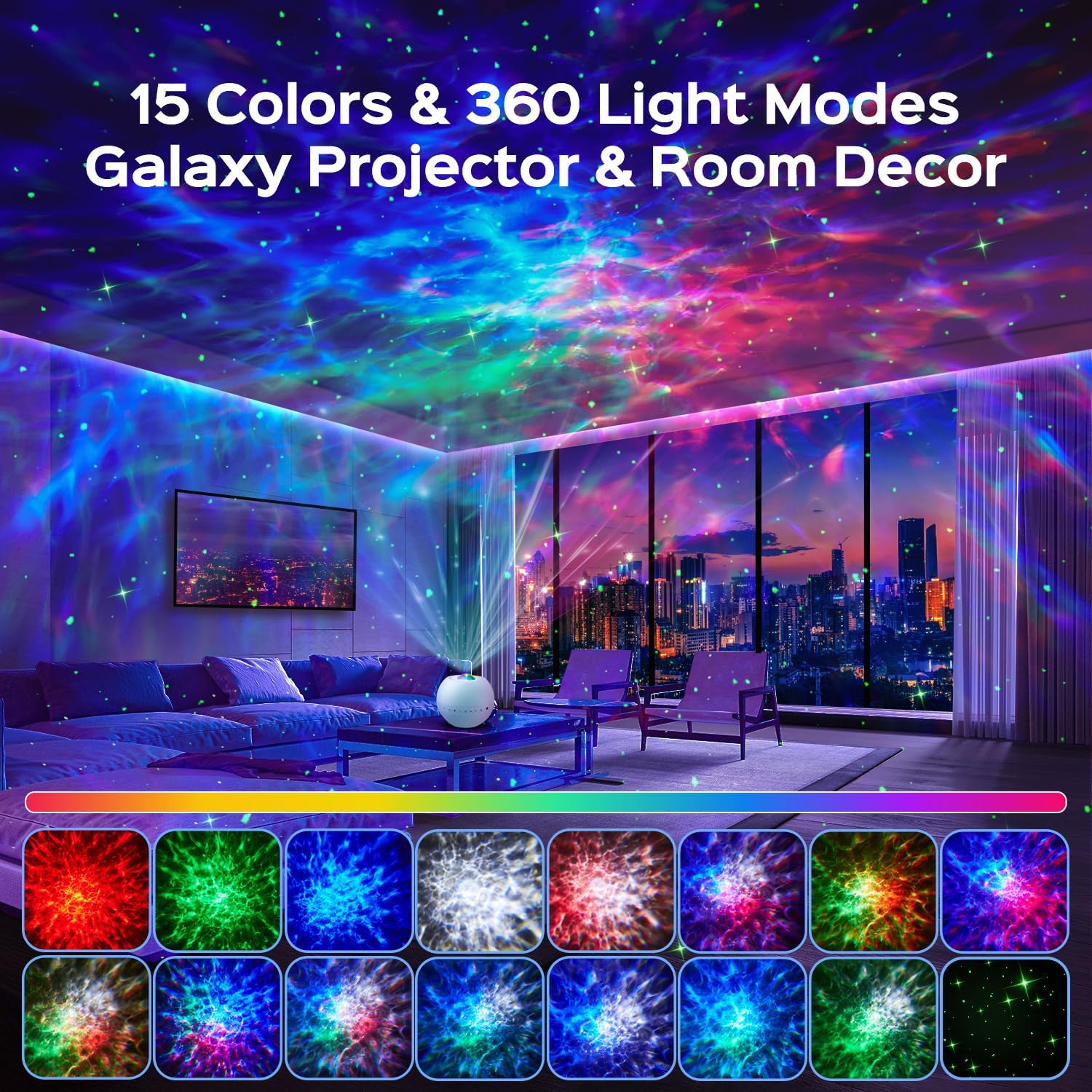
Image: Example of 15 color and 360-degree light modes projected by the device.
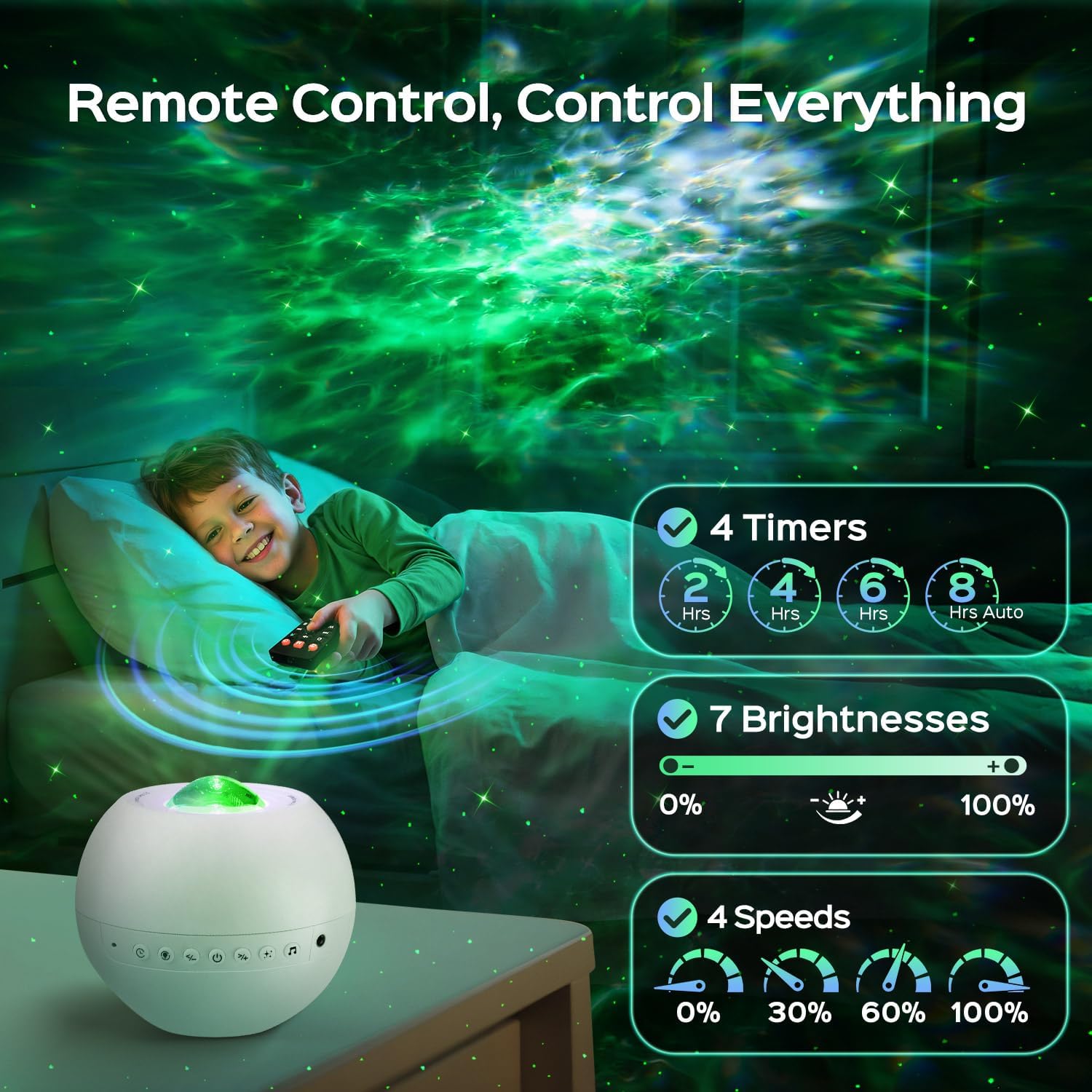
Image: Remote control for adjusting timer, brightness, and speed settings.
4.2. White Noise and Bluetooth Speaker
The projector features 15 built-in white noise sounds and a Bluetooth 5.3 HiFi speaker.
- White Noise: Choose from 15 calming sounds including lullabies, white noises, and nature sounds (rain, sea wave, fan, bird singing).
- Bluetooth Pairing: Activate Bluetooth on your mobile device and connect to the projector (device name usually 'WH-E14A' or similar). You can then play music or stories through the projector's speaker.
- Volume Control: Adjust the volume using the remote control or the buttons on the projector.
- Music Sync: The light effects can flash rhythmically with the music played via Bluetooth.
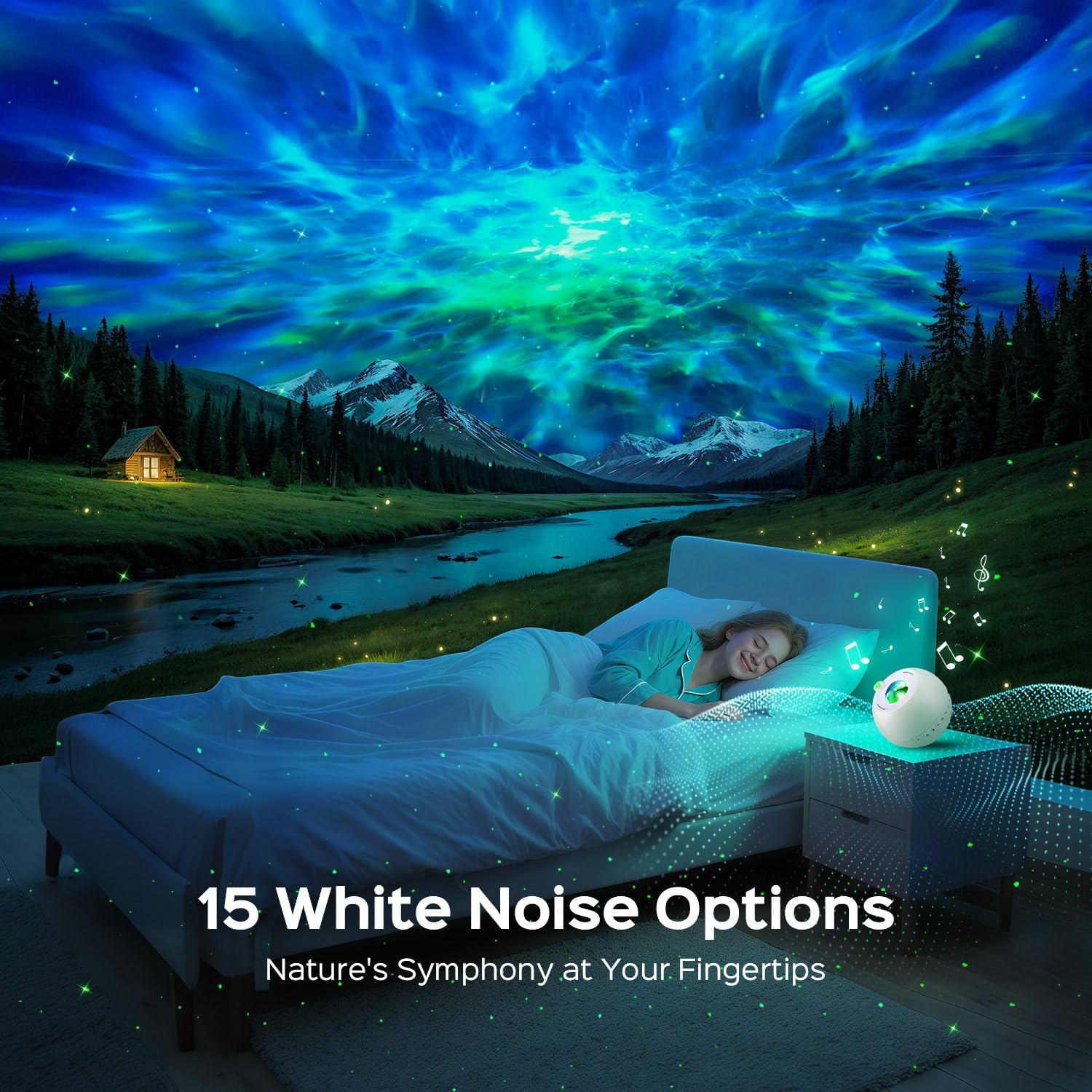
Image: The projector's white noise feature creating a calming atmosphere.

Image: A visual representation of the 15 white noise options.

Image: Bluetooth speaker functionality for playing music.
4.3. Timer Function
Set an automatic shut-off timer for 2, 4, 6, or 8 hours using the remote control.
Video: Demonstration of the One Fire Galaxy Projector's light effects and features in a room setting.
5. Maintenance
- Cleaning: Use a soft, dry cloth to clean the projector's surface. Do not use liquid cleaners or abrasive materials.
- Storage: Store the projector in a cool, dry place when not in use.
- Safety: Avoid direct eye exposure to the laser light. Keep the device away from water and high temperatures.
6. Troubleshooting
| Problem | Possible Cause | Solution |
|---|---|---|
| Projector does not turn on. | No power or loose connection. | Ensure the charging cable is securely connected and the power adapter is working. |
| No light projection. | Light effects are turned off or brightness is too low. | Check remote settings to ensure light effects are enabled and brightness is adjusted. |
| Bluetooth not connecting. | Device not in pairing mode or out of range. | Ensure Bluetooth is enabled on your device and the projector is within range. Re-enter pairing mode if necessary. |
| Remote control not working. | Low battery or obstruction. | Replace remote control batteries. Ensure no obstructions between the remote and the projector. |
7. Specifications
| Feature | Detail |
|---|---|
| Model Name | WH-E14A |
| Product Dimensions | 4"D x 4"W x 5"H |
| Item Weight | 9.1 ounces (0.57 Pounds) |
| Material | Plastic |
| Light Source Type | LED |
| Light Color | 15 Color Matches |
| Special Features | 15 Color Match + Stars + 360 Lighting Effects, 15 White Noises, Bluetooth 5.3, Remote Control + 7 Brightness + 4 Timer + 4 Speed |
| Power Source | Corded Electric |
| Control Method | Remote |
| Room Type | Bathroom, Bedroom, Kids Room, Living Room, Playroom |
| Indoor/Outdoor Usage | Indoor |
8. Warranty and Support
One Fire provides a 3-year quality promise for this product. For any inquiries or support needs, please contact the manufacturer directly. The brand is committed to world-class quality and customer-first service.