
1. Introduction
Thank you for choosing the Rumoon Spark 02 Wireless Gaming Headset. This headset offers versatile connectivity options including 2.4GHz wireless, Bluetooth 5.3, and a wired 3.5mm connection, making it compatible with a wide range of devices such as PC, PS5, PS4, Nintendo Switch, mobile phones, and tablets. It features a detachable noise-cancelling microphone, 7.1 surround sound, and comfortable ear cushions for extended use. This manual provides detailed instructions for setup, operation, and maintenance to ensure optimal performance.

Image: The Rumoon Spark 02 Wireless Gaming Headset, shown in white, alongside its USB-A dongle, USB-C adapter, and 3.5mm audio cable.
2. Package Contents
Please verify that all items are present in your package:
- Rumoon Spark 02 Wireless Gaming Headset
- Detachable Microphone
- 2.4GHz USB-A Wireless Dongle
- USB-C Adapter for Dongle
- 3.5mm Audio Cable
- USB Charging Cable (USB-A to USB-C)
- User Manual (this document)
3. Product Overview
Familiarize yourself with the various components and controls of your headset.
3.1 Headset Components
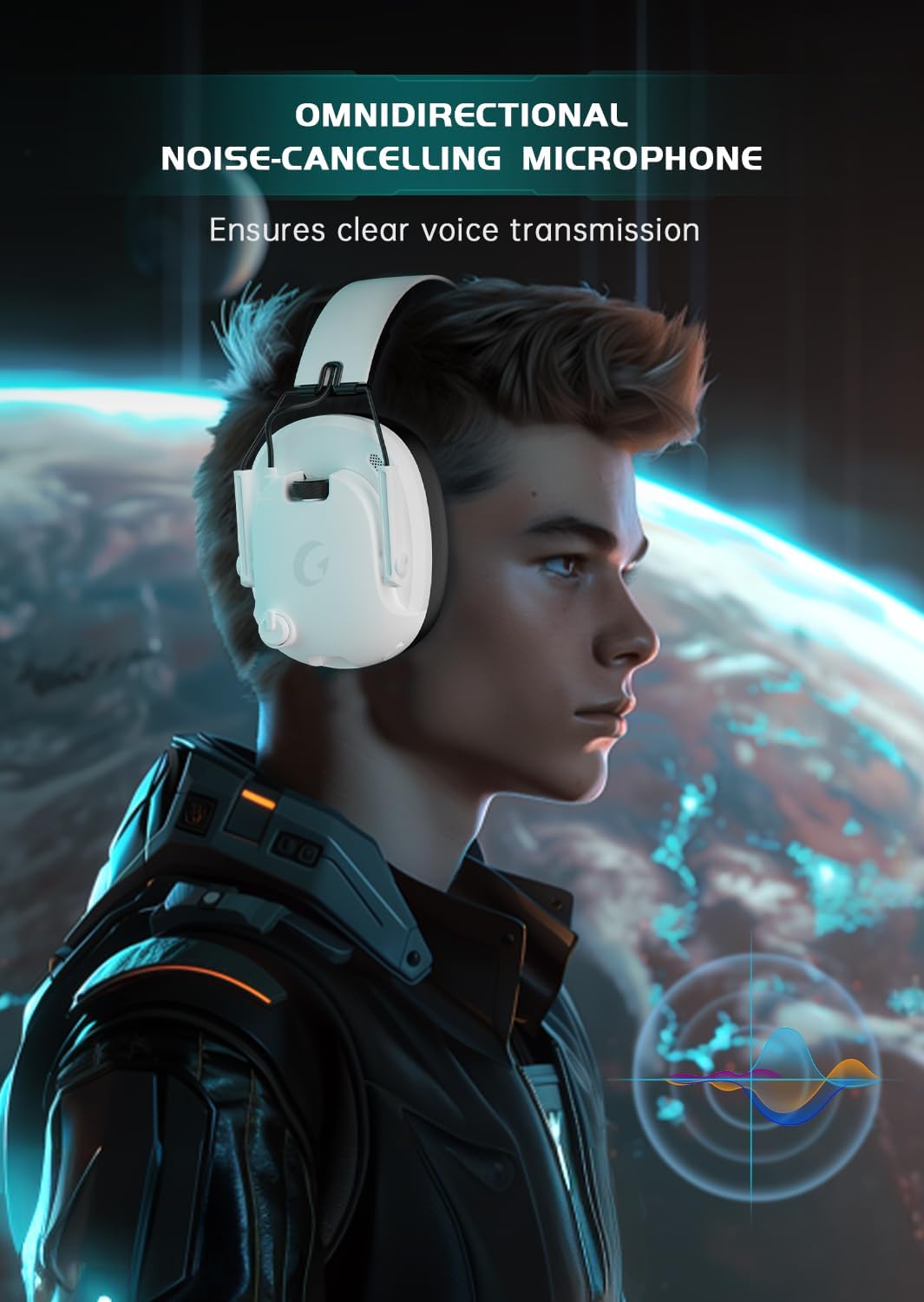
Image: An exploded view diagram illustrating the internal components of the headset's 50mm dynamic driver, including the mesh professional gaming earmuffs, steel-reinforced slider, ring transducer, neodymium magnet, titanium coat diaphragm, and PET shock absorber.
- Adjustable Headband: For a comfortable and secure fit.
- Earcups: Over-ear design with breathable, skin-friendly material.
- Detachable Microphone: Flexible and omnidirectional with noise-cancelling capabilities.
- 50mm Dynamic Drivers: Deliver high-fidelity audio with 7.1 surround sound.
- Control Dial/Buttons: Located on the earcups for volume, mute, and power.
3.2 Controls and Indicators

Image: A detailed view of the headset's right earcup, highlighting the multifunction audio dial for volume control (turn right to increase) and the microphone mute switch (up to mute, down to turn on).
- Volume Dial: Rotate to adjust audio output level.
- Microphone Mute Switch: Slide up to mute the microphone, slide down to unmute.
- Power Button: Press and hold to power on/off.
- Mode Switch Button: (If applicable, for switching between 2.4GHz/Bluetooth/Wired modes).
- LED Indicator: Displays power status, charging status, and connection mode.
4. Setup and Connectivity
The Rumoon Spark 02 headset offers multiple connectivity options for various devices.

Image: A diagram detailing the four connectivity modes: 2.4GHz wireless (USB Type-A/Type-C dongle for PS4/5, Notebook, Desktop, Switch), Bluetooth 5.3 (for Phone, Pad, Laptop), and 3.5mm wired (for all platforms). Note that wireless mode is not compatible with Xbox Series, and Xbox Series consoles only support wired connections.
4.1 Charging the Headset

Image: The headset with an illustration of its 1050mAh battery, highlighting approximately 40-45 hours of gaming time, a voice alert for battery levels below 3%, and a 3-hour charging time.
- Connect the supplied USB charging cable to the headset's charging port.
- Connect the other end of the cable to a USB power source (e.g., computer USB port, USB wall adapter).
- The LED indicator will show charging status (e.g., red for charging, off or blue for fully charged).
- A full charge takes approximately 3 hours and provides up to 45 hours of usage.
- A voice alert will notify you when the battery level is below 3%.
4.2 2.4GHz Wireless Connection (USB Dongle)
This mode offers low-latency wireless audio for PC, PS4, PS5, and Nintendo Switch.

Image: The headset connected wirelessly via its 2.4GHz dongle to a gaming console or PC, illustrating high-speed wireless transmission with delays less than 20ms and an accessible connection range of less than 49ft.
- Insert the 2.4GHz USB-A wireless dongle into an available USB port on your device (PC, PS4, PS5, or Nintendo Switch dock). Use the USB-C adapter if your device only has USB-C ports.
- Power on the headset by pressing and holding the power button.
- The headset will automatically connect to the dongle. The LED indicator will show a stable light when connected.
- On your device, ensure the audio output is set to "Rumoon Spark 02" or "USB Headset".
Note: Wireless mode is not compatible with Xbox Series consoles.
4.3 Bluetooth 5.3 Connection
Connect to mobile phones, tablets, and laptops via Bluetooth.
- Power on the headset.
- Press and hold the mode switch button (if available) or the power button (refer to specific product instructions if different) to enter Bluetooth pairing mode. The LED indicator will flash rapidly.
- On your device, enable Bluetooth and search for "Rumoon Spark 02".
- Select "Rumoon Spark 02" from the list of available devices to pair.
- The LED indicator will show a stable light when successfully paired.
Note: Bluetooth mode is not compatible with Xbox Series consoles.
4.4 3.5mm Wired Connection
Use the 3.5mm audio cable for universal compatibility, including Xbox Series consoles.
- Connect one end of the 3.5mm audio cable to the headset's 3.5mm port.
- Connect the other end to the 3.5mm audio jack on your device (e.g., controller, PC, phone).
- The headset will operate in passive wired mode. Power is not required for basic audio, but some features may require power.
Compatibility Overview:

Image: A detailed compatibility chart showing voice and microphone support for PS4/PS5, PC, Switch, Pad/Phone, Laptop, and Xbox Series across 2.4GHz (USB), Bluetooth 5.3, and 3.5mm wired modes.
5. Operating Instructions
5.1 Adjusting Volume
Use the volume dial located on the earcup to adjust the audio level.
- Rotate the dial upwards to increase volume.
- Rotate the dial downwards to decrease volume.
5.2 Using the Microphone

Image: A close-up of the detachable omnidirectional noise-cancelling microphone, showing its connection point and flexible arm, emphasizing its ability to ensure clear voice transmission by eliminating background noise.
- Attaching the Microphone: Insert the microphone into the designated port on the headset until it clicks into place.
- Adjusting the Microphone: Bend the flexible microphone arm to position it optimally near your mouth for clear communication.
- Muting the Microphone: Use the microphone mute switch on the earcup. Slide it up to mute and down to unmute.
- Detaching the Microphone: Gently pull the microphone out of its port for storage or when not needed.
5.3 7.1 Surround Sound
The headset supports 7.1 surround sound for an immersive audio experience. This feature is typically enabled automatically when connected via 2.4GHz wireless or USB on compatible platforms (PC, PS5). Ensure your device's audio settings are configured for surround sound output if necessary.
6. Maintenance
Proper care will extend the life and performance of your headset.
- Cleaning: Use a soft, dry cloth to wipe the headset. For ear cushions, a slightly damp cloth with mild soap can be used, then wipe dry immediately. Avoid harsh chemicals or abrasive materials.
- Storage: Store the headset in a cool, dry place away from direct sunlight and extreme temperatures. The foldable design allows for compact storage.
- Battery Care: To preserve battery life, avoid fully discharging the headset frequently. Charge it regularly, even if not in use for extended periods.
- Microphone Care: When detaching the microphone, handle it gently to avoid damaging the connector.

Image: A close-up view of the headset's ear cushion, highlighting its premium protein material which is comfortable, skin-friendly, and breathable, designed to prevent discomfort during long periods of wear.
7. Troubleshooting
| Problem | Possible Cause | Solution |
|---|---|---|
| No audio from headset |
|
|
| Microphone not working |
|
|
| Bluetooth pairing issues |
|
|
| 2.4GHz wireless connection unstable |
|
|
8. Specifications
| Feature | Detail |
|---|---|
| Model Name | Spark 02 |
| Connectivity Technology | 2.4GHz Wireless, Bluetooth 5.3, 3.5mm Wired |
| Wireless Range | Up to 49ft (15m) for 2.4GHz |
| Audio Driver Type | 50mm Dynamic Driver |
| Sound Features | 7.1 Surround Sound |
| Microphone | Detachable, Omnidirectional, Noise-Cancelling (ENC) |
| Battery Capacity | 1050mAh |
| Battery Life | Up to 45 hours (approx. 40-45 hours gaming) |
| Charging Time | Approx. 3 hours |
| Frequency Range | 20 Hz - 20,000 Hz |
| Impedance | 32 Ohm |
| Material | Silicone, Fabric (ear cushions) |
| Weight | 0.44 Kilograms (15.5 ounces) |
| Compatible Devices | PC, PS5, PS4, Nintendo Switch, Cellphones, Tablets, Laptops, Mac |

Image: The Rumoon Spark 02 headset displayed on a stand, with approximate dimensions indicated: 6.2 inches height, 5.9 inches width, and 2.6 inches depth for the earcup.
9. Warranty and Support
Rumoon products are designed and manufactured to the highest quality standards. For warranty information, technical support, or customer service inquiries, please refer to the contact information provided with your purchase or visit the official Rumoon website.
Please retain your proof of purchase for warranty claims.