
Introduction
Thank you for purchasing the ZDK Mini Projector. This manual provides essential information for setting up, operating, and maintaining your projector. Please read it thoroughly before use to ensure optimal performance and safety.
The ZDK Mini Projector is designed to deliver a high-quality home cinema experience with its Full HD 1080P native resolution, 20000 lumens brightness, and versatile connectivity options including Bluetooth 5.2 and WiFi. Enjoy a large screen projection up to 300 inches for movies, games, and presentations.
Product Overview
Package Contents
- ZDK Mini Projector
- Remote Control
- HDMI Cable
- USB Cable
- Power Cable
- User Manual (this document)
Projector Features
- Native 1080P Resolution: Delivers clear and sharp images.
- 20000 Lumens Brightness: Provides vibrant and bright visuals.
- Bluetooth 5.2: For connecting external audio devices.
- Dual-band WiFi (5G+2.4G): Ensures stable and efficient screen mirroring.
- Multiple Connectivity: HDMI, USB, AV ports for various devices.
- Large Projection Size: Up to 300 inches for an immersive experience.
- Built-in Speaker: Integrated audio for convenience.
- Keystone Correction: Manual adjustment for image distortion.
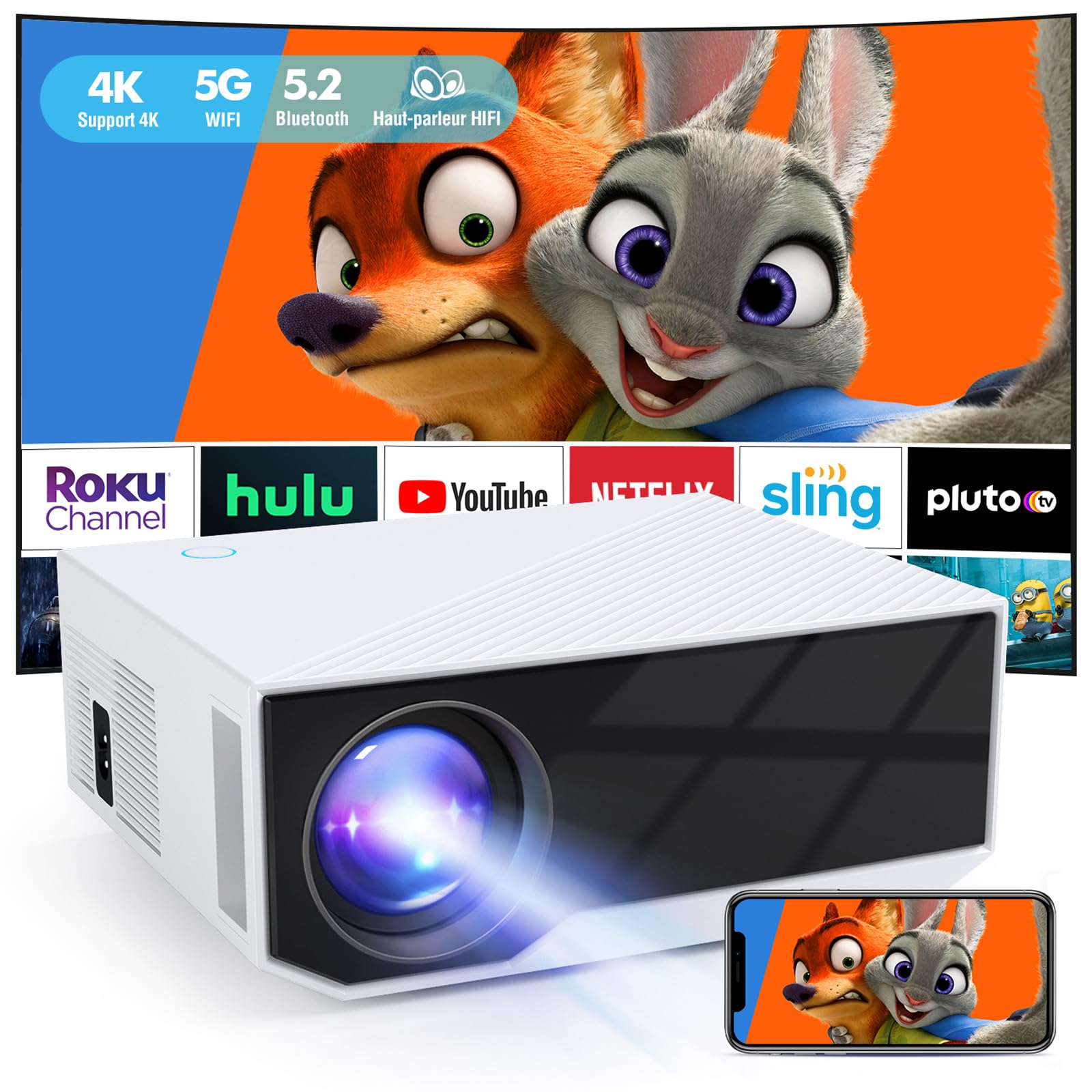
Image: Front view of the ZDK Mini Projector, showcasing its lens and compact design.

Image: A visual comparison highlighting the ZDK projector's native 1080P resolution and 20000 lumens brightness against a 720P 10000 lumens projector, also showing its 6-layer high-reflection glass lens.

Image: A close-up showing the detailed image quality produced by the ZDK Mini Projector, emphasizing accurate color restoration.
Setup
1. Placement
Position the projector on a stable, flat surface or mount it according to your preference (table, tripod, or ceiling). Ensure there are no obstructions in front of the lens.

Image: Diagram illustrating various projector placement options including table, tripod, and ceiling mounting for a 300-inch screen.
2. Power Connection
Connect the power cable to the projector's power input and then plug it into a power outlet. The power indicator light will illuminate.
3. Initial Power On
Press the power button on the projector or the remote control to turn on the device. The ZDK logo will appear on the screen.
Video: A demonstration of powering on the ZDK Mini Projector and its initial projection. The video also highlights various ports and connectivity options, including HDMI and Bluetooth audio connection.
Operating Instructions
1. Focus and Keystone Correction
Adjust the focus ring near the lens until the image is clear. Use the keystone correction dial (usually on the top or side of the projector) to correct trapezoidal image distortion, ensuring a rectangular projection.
2. Input Source Selection
Use the "Source" button on the remote control or projector to select the desired input (HDMI, USB, AV, WiFi, etc.).
3. Connecting Devices
HDMI/USB/AV Connection
Connect your devices (e.g., TV stick, game console, laptop, USB drive) to the corresponding ports on the projector using the appropriate cables.
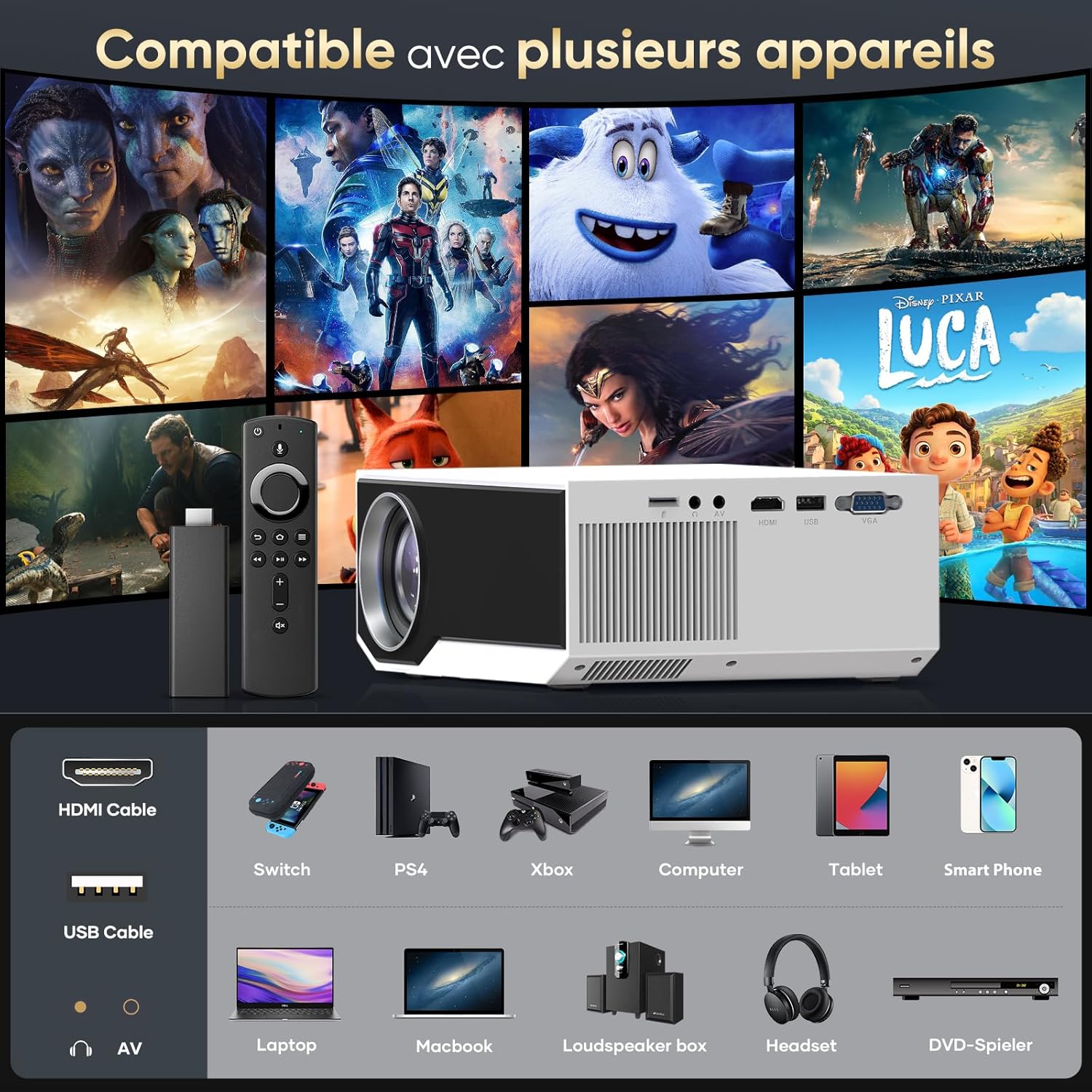
Image: An illustration of the ZDK Mini Projector's various input ports (HDMI, USB, AV) and examples of compatible devices such as smartphones, laptops, game consoles, and TV sticks.
WiFi Screen Mirroring (Android/iOS)
- Select the "WiFi" input source on the projector.
- Connect your mobile device (smartphone, tablet) to the same WiFi network as the projector.
- On your mobile device, activate the screen mirroring function (e.g., "Screen Mirroring," "Smart View," "AirPlay").
- Select the projector from the list of available devices.
- The mobile device screen will be mirrored on the projection surface.
Note: Due to copyright restrictions, streaming services like Netflix, Prime Video, and Hulu may not support screen mirroring directly from mobile devices. Use a TV stick (e.g., Amazon Fire Stick, Roku) connected via HDMI for these services.

Image: A smartphone wirelessly mirroring its screen content to the ZDK Mini Projector, demonstrating the 5G+2.4G WiFi screen mirroring feature.
Bluetooth Audio Connection
The projector features Bluetooth 5.2 for connecting external speakers or headphones.
- Go to the projector's Bluetooth settings.
- Enable Bluetooth on your external audio device and set it to pairing mode.
- Select your audio device from the list on the projector to pair.
Note: Bluetooth is for audio output only and does not support screen mirroring from phones.

Image: The ZDK Mini Projector wirelessly connected to an external Bluetooth speaker and headphones, illustrating its audio output capabilities.
Maintenance
1. Cleaning the Lens
Use a soft, lint-free cloth specifically designed for optical lenses to gently wipe the projector lens. Avoid using abrasive cleaners or excessive force, as this can scratch the lens.
2. Cleaning the Projector Body
Wipe the exterior of the projector with a soft, dry cloth. For stubborn marks, a slightly damp cloth can be used, followed by a dry cloth. Do not allow liquids to enter the projector.
3. Air Vents
Ensure the air vents are clear of dust and debris to prevent overheating. Regularly clean the vents using a soft brush or compressed air.
4. Storage
When not in use for extended periods, store the projector in a cool, dry, and dust-free environment. Use the original packaging or a protective case to prevent damage.
Troubleshooting
| Problem | Possible Cause | Solution |
|---|---|---|
| No image on screen |
|
|
| Blurred image |
|
|
| No sound |
|
|
| WiFi screen mirroring issues |
|
|
Specifications
| Feature | Detail |
|---|---|
| Model Name | Mini Proyector Portátil |
| Brand | ZDK |
| Native Resolution | 1920 x 1080 (Full HD) |
| Maximum Display Resolution | 1920 x 1080 |
| Brightness | 20000 Lumens |
| Display Type | LCD |
| Connectivity Technology | HDMI, USB, AV, WiFi (5G+2.4G), Bluetooth 5.2 |
| Projection Size | 35 to 300 inches |
| Projection Distance | 1.2 to 10 meters |
| Light Source Life | Up to 50,000 hours |
| Control Method | Remote Control |
| Included Components | HDMI Cable, USB Cable, Remote Control |
Warranty and Support
ZDK offers a 2-year exchange warranty and 100% satisfaction guarantee for this product. If you encounter any issues or have questions regarding your ZDK Mini Projector, please contact our customer support team for assistance.
For technical support or warranty claims, please refer to the contact information provided on the product packaging or our official website.