1. Product Overview
This YEABRICKS LED Light Kit is designed to enhance the 21350 Ideas Jaws Building Blocks Model (building set not included). It provides illumination to various parts of your model, bringing it to life with dynamic lighting effects.
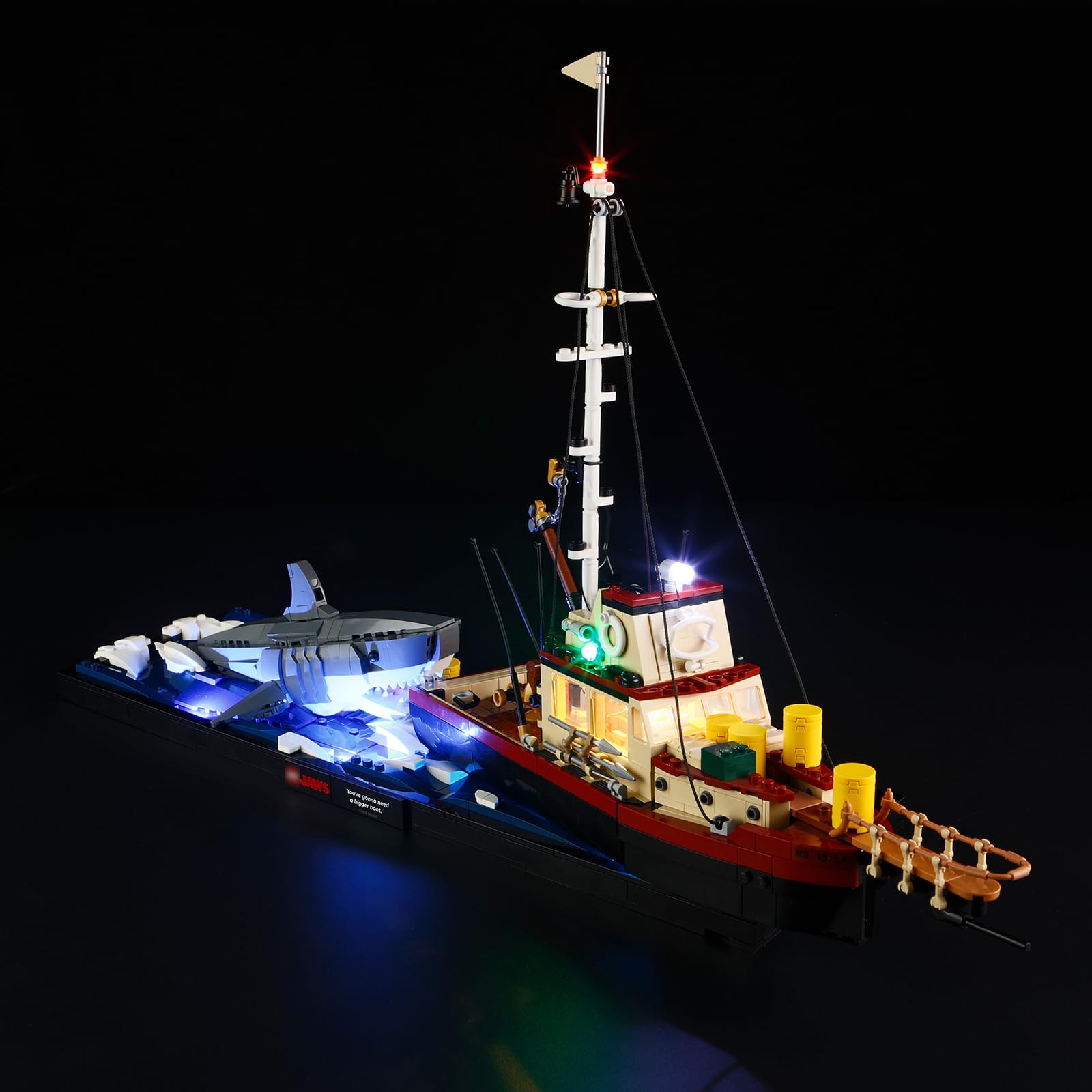
Image: The 21350 Ideas Jaws model with the YEABRICKS LED light kit installed, showcasing the illuminated boat and shark against a dark background.
2. What's Included
The package contains the following components for the LED light kit. Please note that the 21350 Ideas Jaws Building Blocks Model itself is not included.
- LED Light Kit components
- Battery Box (batteries not included)
- Service Card

Image: Contents of the light kit package, showing the LED components, battery box, and service card. It also illustrates how to access instructions.
3. Setup and Installation
Follow these steps to install your YEABRICKS LED Light Kit onto the 21350 Ideas Jaws Building Blocks Model. Detailed, step-by-step instructions are available via QR code.
- Prepare your model: Ensure your 21350 Ideas Jaws Building Blocks Model is fully assembled and stable.
- Access Instructions: Scan the QR code provided in the box or on the Amazon listing to access detailed PDF and video instructions. This will guide you through the specific placement of each LED component. Click here for PDF instructions.
- Install LED Components: Carefully integrate the LED lights and wires into your model according to the instructions. Pay attention to wire routing to ensure a neat and secure installation.
- Connect Power: Connect the LED light kit to the battery box. Insert the required batteries (not included) into the battery box.
- Test Lights: Turn on the power to test all lights. If any lights do not function, refer to the troubleshooting section.
Video: An official YEABRICKS video demonstrating the installed LED light kit on the 21350 Ideas Jaws model, showcasing various illuminated details.
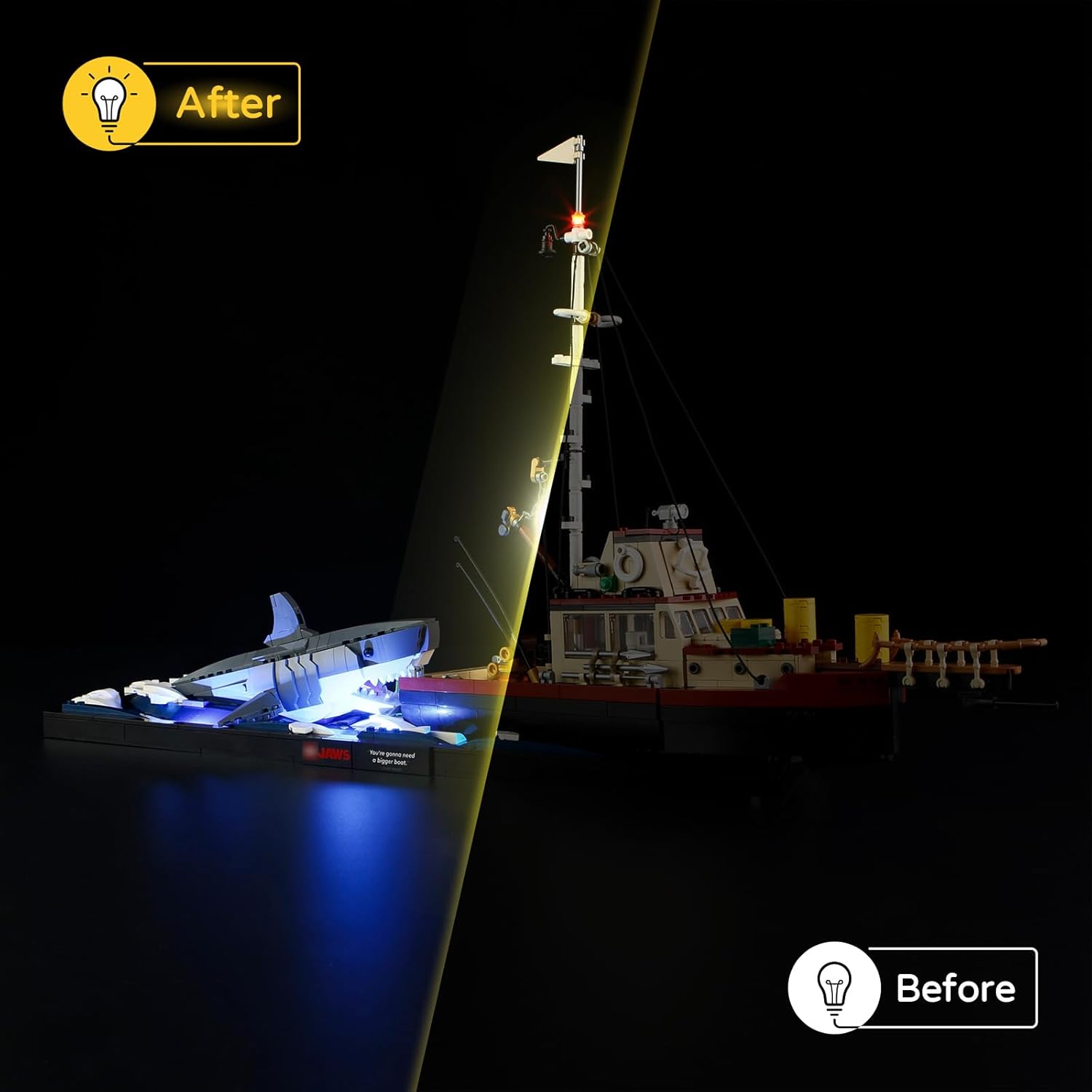
Image: A comparison showing the 21350 Ideas Jaws model unlit (Before) and illuminated with the YEABRICKS LED light kit (After).
4. Operating Instructions
Once the LED light kit is fully installed and connected to a power source (battery box with batteries), simply activate the power switch on the battery box to turn the lights on or off. There are no complex operating modes; the lights are designed for continuous illumination.
5. Maintenance
To ensure the longevity and optimal performance of your LED light kit:
- Cleaning: Gently dust the LED components and wires with a soft, dry cloth. Avoid using liquids or abrasive cleaners.
- Handling: Handle the model with care to prevent damage to the delicate wires and LED components.
- Storage: When not in use for extended periods, remove batteries from the battery box to prevent leakage. Store the model in a cool, dry place away from direct sunlight.
6. Troubleshooting
If you encounter issues with your LED light kit, consider the following troubleshooting steps:
| Problem | Possible Cause | Solution |
|---|---|---|
| Lights do not turn on. |
|
|
| Some lights are not working. |
|
|
If these steps do not resolve the issue, please contact YEABRICKS customer support.
7. Specifications
| Feature | Detail |
|---|---|
| Product Dimensions | 6.3 x 4.3 x 1.18 inches |
| Item Weight | 5.6 ounces |
| Model Number | 33d76c77-fcff-43f4-a8ee-56c5f20805a5 (Internal Identifier) |
| Recommended Age | 6 years and up |
| Compatibility | Designed for 21350 Ideas Jaws Building Blocks Model |
8. Warranty and Support
YEABRICKS is committed to providing quality products and customer satisfaction.
- Free Replacement: We offer complimentary replacements for any quality issues, such as missing parts or non-functional lights.
- Customer Support: If you have any problems, difficulties, questions, or suggestions regarding the product, please do not hesitate to contact us. Refer to the provided service card for contact information. We are available for assistance.

Image: Details on YEABRICKS support services, including instruction access, replacement policy, and customer assistance.


