
Introduction
The Philips Sonicare 5300 rechargeable electric toothbrush is designed to provide effective cleaning for brighter teeth. Utilizing advanced sonic technology, it removes up to 7 times more plaque than a manual toothbrush. This manual provides essential information for the proper use, maintenance, and care of your Philips Sonicare 5300 toothbrush.
Key features include two intensity levels for personalized brushing, a pressure alert to protect your gums, EasyStart for a gentle introduction to sonic brushing, and SmarTimer and BrushPacer to guide you through a complete and thorough cleaning.
Safety Information
Important Safety Instructions:
- Do not use this product if you have had oral surgery or gum surgery in the previous 2 months. Consult your dentist if excessive bleeding occurs after using this product or if bleeding continues after 1 week of use.
- This appliance is not intended for use by persons (including children) with reduced physical, sensory or mental capabilities, or lack of experience and knowledge, unless they have been given supervision or instruction concerning use of the appliance by a person responsible for their safety.
- Please note that this item is not suitable for children to prevent choking hazards.
- Keep the charging base away from water. Do not place or store the product where it can fall or be pulled into a tub or sink.
What's in the Box
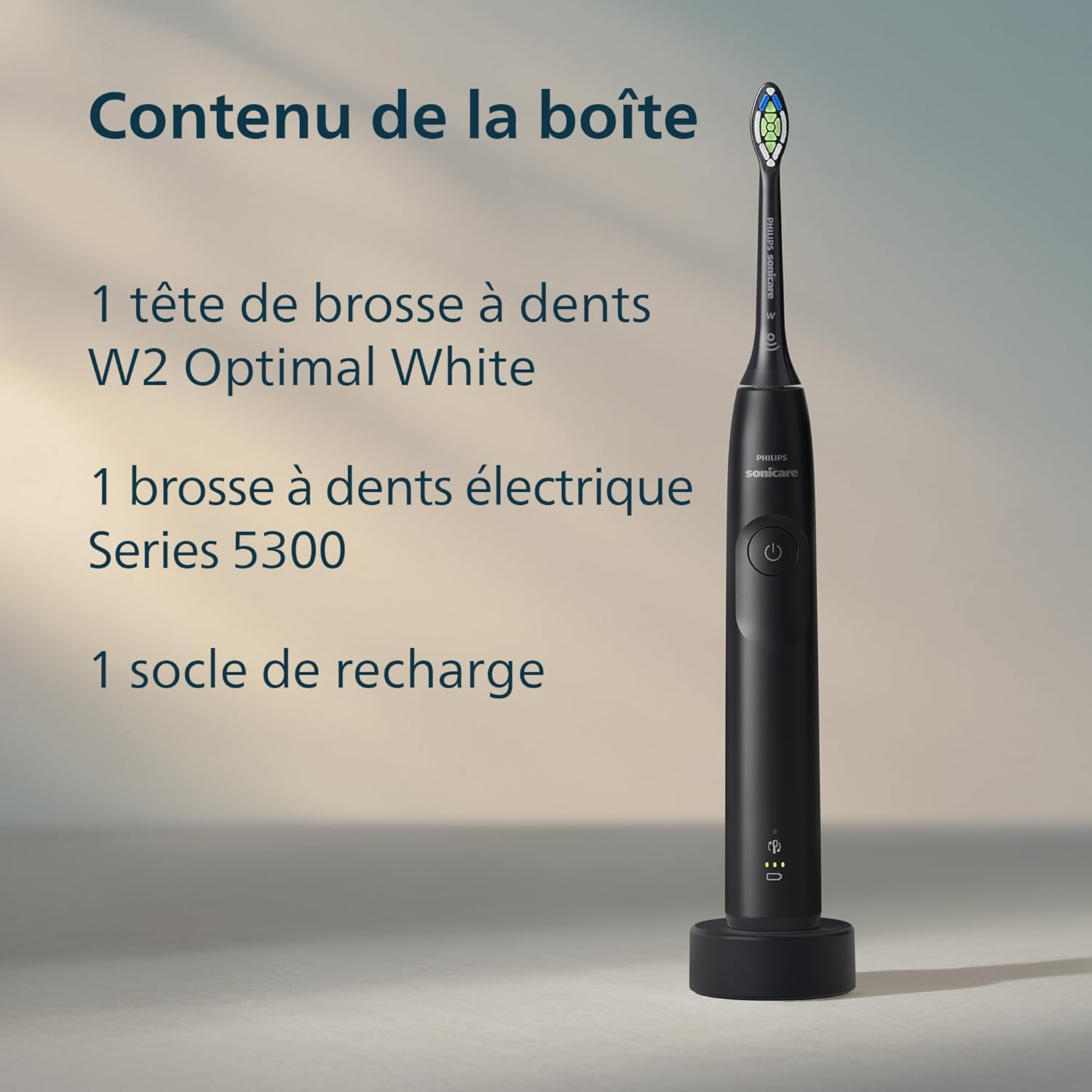
Your Philips Sonicare 5300 package includes the following components:
- 1 Philips Sonicare 5300 Sonic Electric Toothbrush Handle
- 1 W2 Optimal White Brush Head
- 1 Charging Base
Setup
1. Attaching the Brush Head
- Align the brush head so the bristles face the same direction as the front of the handle.
- Firmly push the brush head down onto the metal shaft until it stops.
2. Charging the Toothbrush
Before first use, charge your Philips Sonicare toothbrush for at least 24 hours. A full charge provides approximately three weeks of daily brushing (based on two 2-minute brushings per day).
- Plug the charging base into an electrical outlet.
- Place the toothbrush handle on the charging base. The battery indicator lights on the handle will illuminate to show the charging status.
Operating Instructions
1. Brushing Your Teeth
- Wet the bristles and apply a small amount of toothpaste.
- Place the toothbrush bristles against your teeth at a slight angle towards the gumline.
- Press the power button to turn on the toothbrush.
- Gently move the brush head slowly across your teeth in small back-and-forth motions, allowing the sonic action to do the work. Do not scrub.
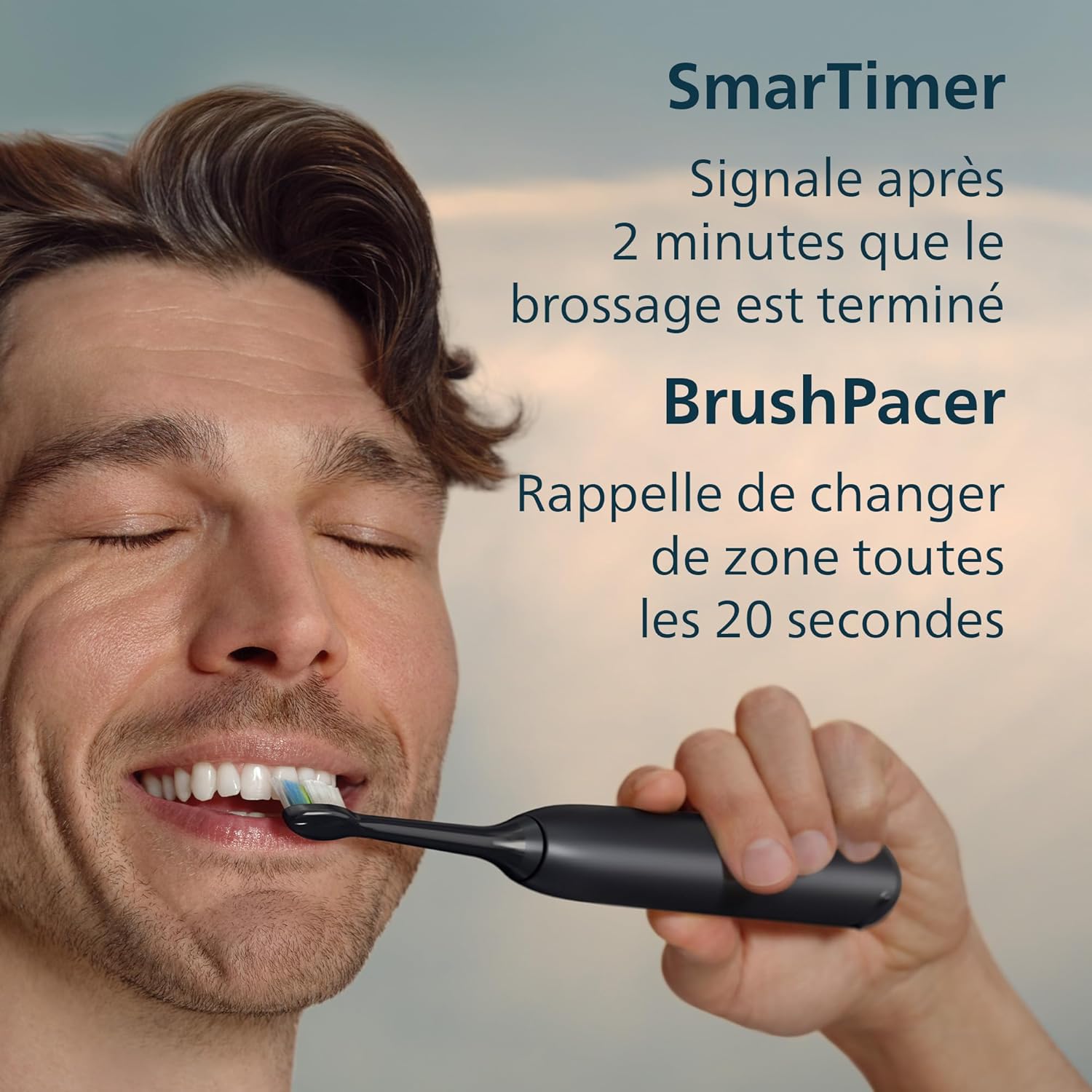
- The BrushPacer feature will pause briefly every 20 seconds to indicate when to move to the next section of your mouth.
- The SmarTimer will automatically turn off the toothbrush after 2 minutes, signaling the completion of your recommended brushing time.

2. Intensity Settings
Your Philips Sonicare 5300 offers two intensity levels:
- Low Intensity: For a gentle yet thorough cleaning.
- High Intensity: For a more powerful cleaning experience.
To change the intensity, press the mode button (usually below the power button) while the toothbrush is operating.
3. Pressure Sensor
The intelligent optical pressure sensor protects your gums and teeth from excessive brushing force. If you apply too much pressure, the toothbrush will emit gentle pulses and reduce vibrations to alert you to adjust your brushing technique.

4. EasyStart Feature
The EasyStart feature gradually increases the brushing power over the first 14 brushing sessions. This helps you adapt to the Philips Sonicare brushing experience comfortably.


Maintenance
1. Cleaning the Toothbrush
- After each use, rinse the brush head and bristles thoroughly under running water.
- Wipe the handle with a damp cloth. Do not immerse the handle in water.
- Clean the charging base regularly with a damp cloth. Ensure it is unplugged before cleaning.
2. Replacing the Brush Head
For optimal performance and hygiene, it is recommended to replace your Philips Sonicare brush head every 3 months, or sooner if the bristles are splayed or worn.
Troubleshooting
If you encounter any issues with your Philips Sonicare 5300 toothbrush, please refer to the following common solutions:
- Toothbrush not turning on: Ensure the toothbrush is fully charged. If it still doesn't turn on, try placing it back on the charger for a few minutes.
- Reduced vibration: Check if the brush head is securely attached. A loose brush head can reduce vibration effectiveness.
- Battery not charging: Ensure the charging base is properly plugged into a working outlet and the toothbrush handle is correctly placed on the charger.
- Pressure sensor activating too often: Try reducing the pressure you apply while brushing. The sensor is designed to protect your gums from excessive force.
For further assistance, please contact Philips customer support.
Specifications
| Feature | Specification |
|---|---|
| Model Number | HX7101/01 |
| Brand | PHILIPS |
| Power Source | Rechargeable Electric |
| Intensity Levels | 2 |
| Special Features | Pressure Alert, EasyStart, SmarTimer, BrushPacer |
| Brush Head Type | W2 Optimal White |
| Battery Life | Up to 21 days (based on 2x daily, 2-minute brushing) |
| Dimensions (L x W x H) | 3 x 3 x 20 cm |
| Weight | 237 grams |
| Color | Black |
Warranty and Support
Warranty Information
The Philips Sonicare 5300 electric toothbrush comes with a 2-year limited warranty from the date of purchase. This warranty covers defects in materials or workmanship under normal use. Please retain your proof of purchase for warranty claims.
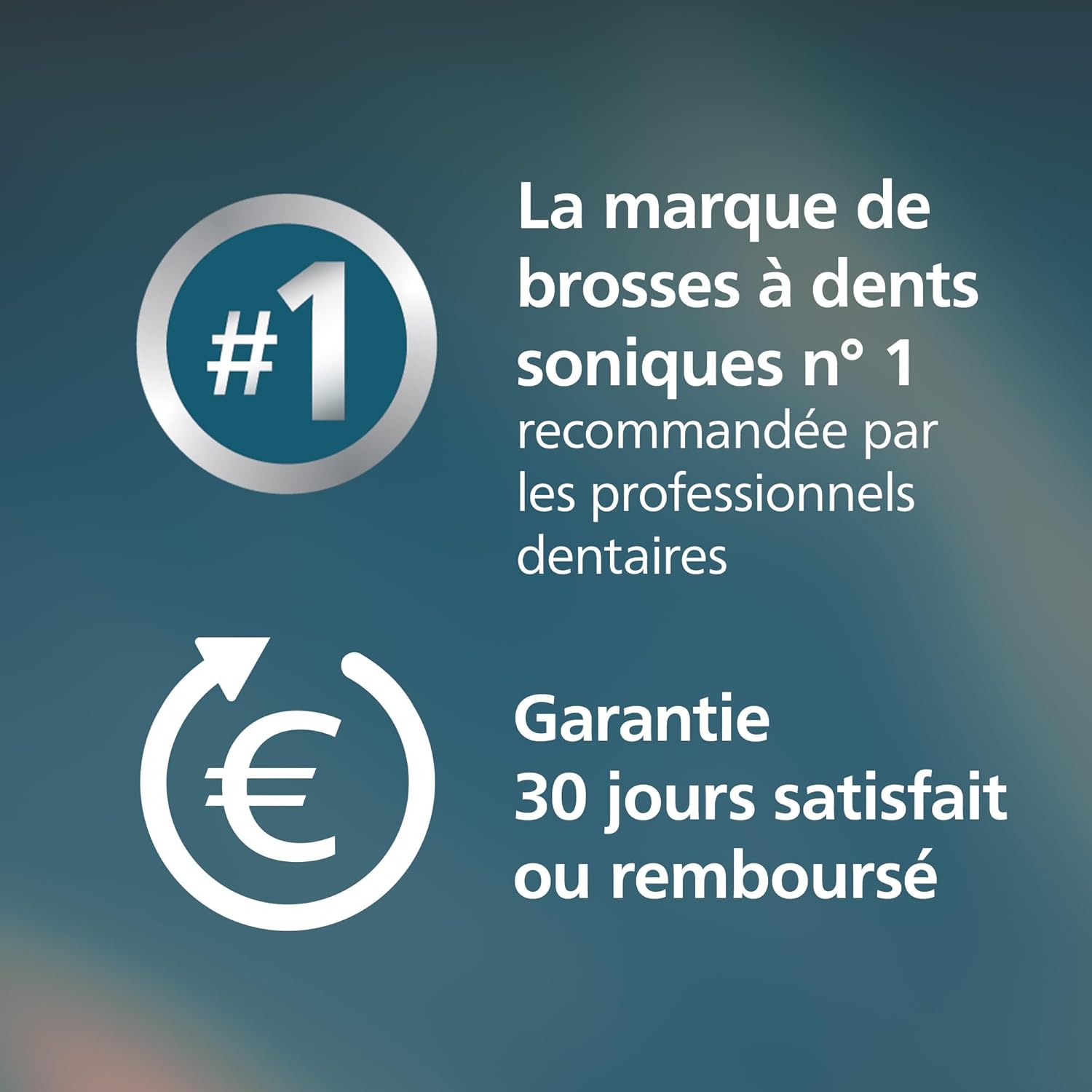
Additionally, Philips offers a 30-day money-back guarantee. If you are not completely satisfied with your purchase, you may return the product within 30 days for a full refund.
Customer Support
For product support, troubleshooting, or warranty inquiries, please visit the official Philips website or contact their customer service department. You can find contact information and FAQs on the Philips Support website.


