
1. Important Safety Information
Please read all instructions carefully before beginning installation and retain this manual for future reference. Improper installation or operation can lead to electric shock, fire, or personal injury.
- Electrical Safety: Always disconnect power at the main circuit breaker before installing, cleaning, or servicing the fan. Ensure all electrical connections comply with local codes and ordinances. If you are unsure about wiring, consult a qualified electrician.
- Mounting: The ceiling fan must be mounted to a structure capable of supporting the fan's weight (approximately 4.99 kg). Ensure the mounting box is securely fastened and rated for ceiling fan support.
- Blade Clearance: Maintain a minimum clearance of 7 feet (2.1 meters) from the floor to the fan blades. Ensure there is adequate clearance from walls and other obstructions.
- Bulb Requirements: Use only E26 standard base bulbs. Do not exceed the maximum wattage: 60W for incandescent bulbs or 10W for LED bulbs. Bulbs are not included.
- Remote Control: Keep the remote control away from water and extreme temperatures.
2. Package Contents
Verify that all components are present and undamaged before beginning installation. If any parts are missing or damaged, contact customer service.
- Caged Ceiling Fan Unit (with integrated motor and light fixture)
- Remote Control
- Mounting Bracket
- Down Rods (2 sizes included, typically 4-inch and 8-inch)
- Hardware Pack (screws, wire nuts, washers, etc.)
- Instruction Manual
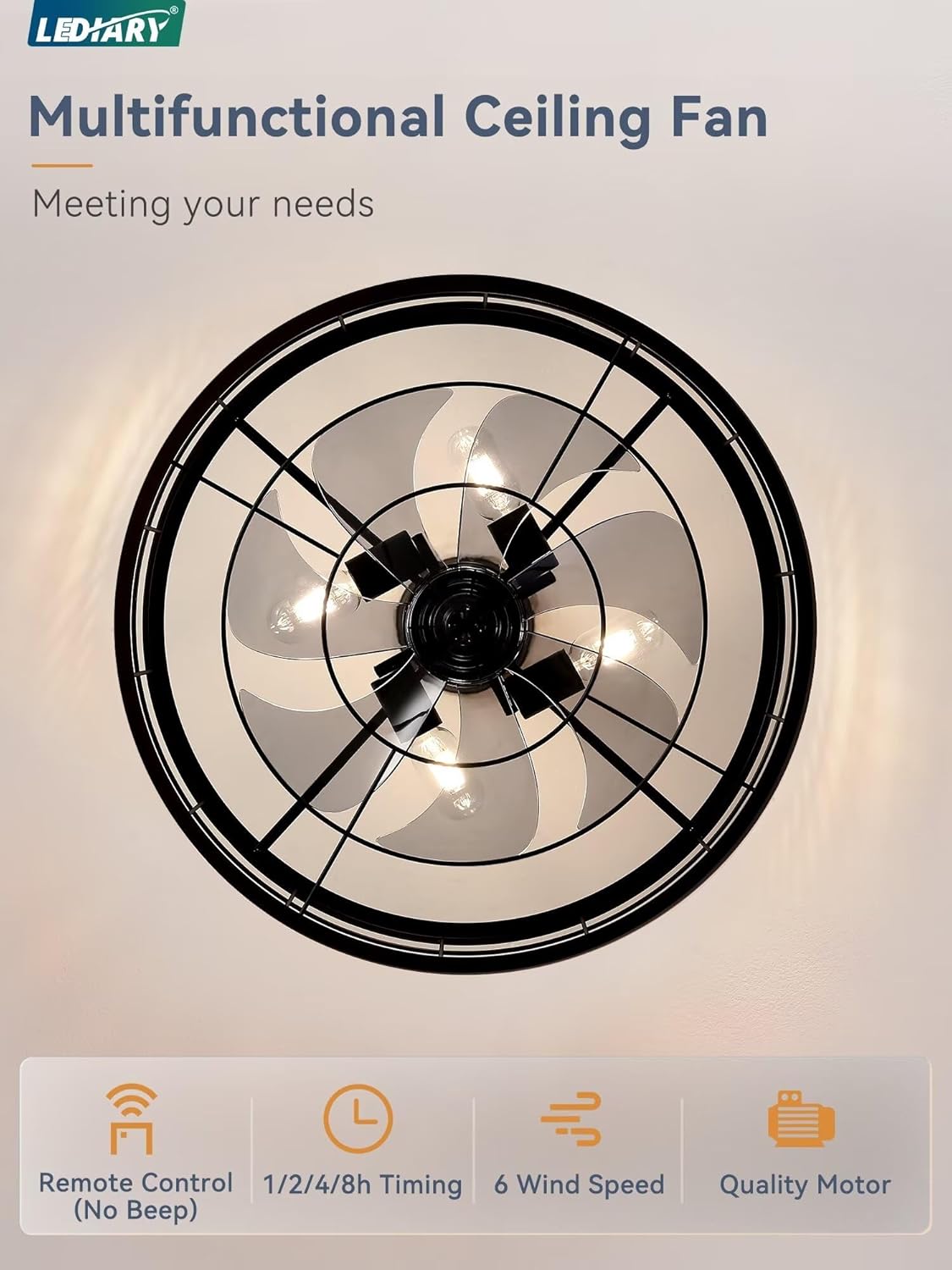
Figure 2.1: Overview of main fan components and accessories.
3. Installation Guide
Follow these steps for proper installation. It is recommended to have two people for installation due to the fan's weight and size.
- Prepare for Installation: Turn off power at the circuit breaker. Clear the work area.
- Mounting Bracket Installation: Secure the mounting bracket to the ceiling junction box. Ensure the junction box is rated for ceiling fan support.
- Assemble Down Rod: Choose the appropriate down rod length (4-inch for low ceilings, 8-inch for high ceilings) and attach it to the fan motor housing.
- Wiring: Carefully connect the fan's electrical wires to the household wiring according to the wiring diagram provided in the separate detailed instructions. This fan typically uses a single set of electrical wires for power.
- Secure Fan to Bracket: Lift the fan assembly and hang it onto the mounting bracket. Secure it with the provided screws.
- Install Bulbs: Insert four E26 standard base bulbs (not included) into the light sockets.
- Final Checks: Ensure all connections are secure and the fan is firmly mounted. Restore power at the circuit breaker.
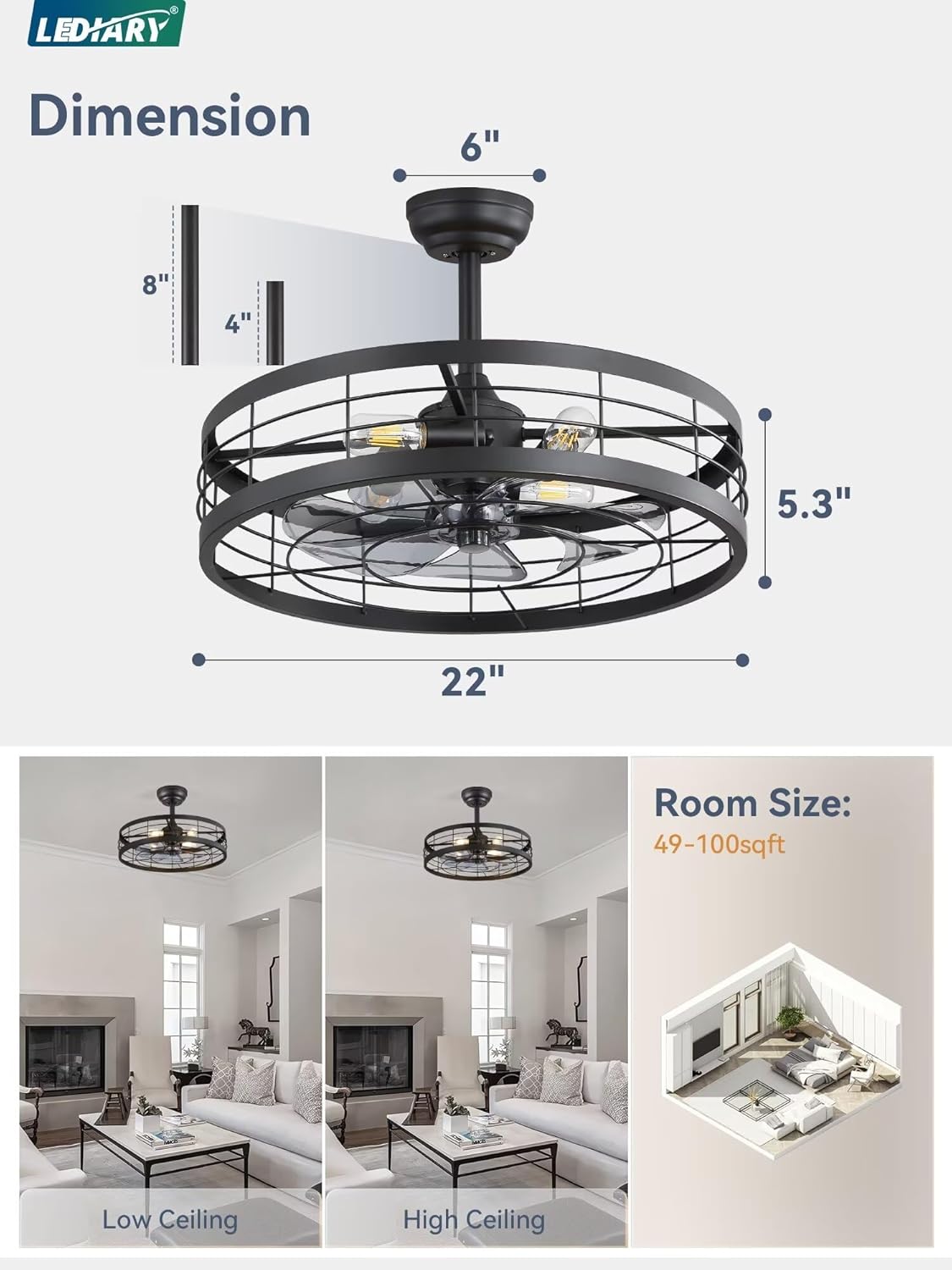
Figure 3.1: Fan dimensions and down rod options for different ceiling heights.
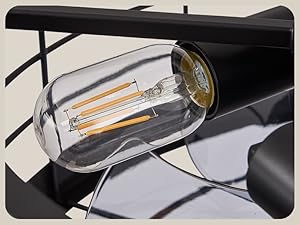
Figure 3.2: Detail of E26 standard bulb bases.
4. Operating Instructions
The LEDIARY ceiling fan is operated primarily by the included remote control. A wall switch can control the light's ON/OFF function.
4.1 Remote Control Functions
The remote control provides full functionality for the fan and light. Ensure batteries are installed correctly.
- Light ON/OFF: Press the light button to turn the light on or off.
- Fan ON/OFF: Press the fan button to turn the fan on or off.
- Speed Adjustment: Select from 6 wind speeds to customize airflow.
- Timing Function: Set the fan to turn off automatically after 1, 2, 4, or 8 hours.
- Reversible Function (Summer/Winter Mode):
- Summer Mode (Clockwise Rotation): Creates a downward airflow, providing a cooling effect.
- Winter Mode (Counter-clockwise Rotation): Creates an upward airflow, circulating warm air trapped near the ceiling to help balance room temperature.
- No Beep Function: A dedicated button allows you to disable the beeping sound when pressing remote buttons.

Figure 4.1: Remote control functions.

Figure 4.2: Summer and Winter operating modes.
4.2 Quiet Operation
The fan is designed for quiet operation, with sound levels typically less than 30dB, ensuring a peaceful environment, especially during sleep.

Figure 4.3: Quiet operation for undisturbed sleep.
5. Maintenance
Regular maintenance ensures optimal performance and extends the lifespan of your ceiling fan.
- Cleaning: To clean the fan, wipe surfaces with a soft, damp cloth. Do not use abrasive cleaners or solvents, as these may damage the finish. Ensure power is disconnected before cleaning.
- Bulb Replacement: When replacing bulbs, ensure the power is off. Allow old bulbs to cool before removal. Install new E26 standard base bulbs, adhering to the maximum wattage limits (60W incandescent, 10W LED).
- Tighten Fasteners: Periodically check and tighten all screws and fasteners on the fan and mounting hardware to ensure secure operation.
6. Troubleshooting
If you encounter issues with your LEDIARY ceiling fan, refer to the following common problems and solutions:
| Problem | Possible Cause | Solution |
|---|---|---|
| Fan does not operate | No power to the fan; Remote control battery low/dead; Incorrect wiring. | Check circuit breaker; Replace remote control batteries; Verify wiring connections. |
| Light does not turn on | Bulbs are faulty or loose; No power to the light; Incorrect wiring. | Check/replace bulbs; Check circuit breaker; Verify wiring connections. |
| Fan makes excessive noise | Loose screws; Improper mounting; Obstruction. | Tighten all screws; Ensure fan is securely mounted; Check for anything obstructing the fan blades. |
| Remote control not responding | Low/dead batteries; Remote not paired (if applicable); Obstruction between remote and receiver. | Replace batteries; Refer to remote pairing instructions (if any); Ensure clear line of sight. |
If the problem persists after attempting these solutions, please contact LEDIARY customer support for further assistance.
7. Product Specifications
| Feature | Specification |
|---|---|
| Brand | LEDIARY |
| Model | 22 Inch Black Caged Ceiling Fan |
| ASIN | B0DCGHB4FZ |
| Color | Black |
| Material | Metal (Cage), ABS (Fan Blades) |
| Product Dimensions (L x W x H) | 55.88 x 55.88 x 23.62 cm (22 x 22 x 9.3 inches) |
| Item Weight | 4.99 kg (11 lbs) |
| Voltage | 120 Volts (AC) |
| Power Source | DC (Motor) |
| Light Base Type | E26 (4 bases) |
| Max. Bulb Wattage | 60W Incandescent / 10W LED per bulb |
| Special Features | Timer, Remote Control, Reversible Motor, 6 Speed Settings, Quiet Operation |
| Room Type Compatibility | Bedroom, Kitchen, Living Room, Outdoor (Covered Patio) |
| Indoor/Outdoor Usage | Indoor |
8. Warranty and Support
LEDIARY provides comprehensive support for your product.
- Warranty: This product comes with a 2-year (730 days) after-sales service warranty from the date of purchase.
- Customer Service: If you encounter any problems or have questions regarding your ceiling fan, please do not hesitate to contact LEDIARY customer service. We are committed to replying and resolving your problem within 24 hours.