
1. Introduction
The Retevis RT86S is a robust and versatile two-way radio designed for reliable communication in various environments, including industrial and business settings. This second-generation RT86 model features an LCD screen, group call capabilities, NOAA weather alerts, and convenient Type-C charging. This manual provides detailed instructions to help you effectively use and maintain your RT86S walkie talkie.
2. Package Contents
Please verify that all items listed below are included in your package:
- RT86S walkie talkie x4
- Battery x4
- Type-C charging cable x4
- Adapter x4
- Charging base x4
- Hand strap x4
- Belt clip x4
- User manual x4
- Speaker microphone x4
- Cable x1 (likely for charging base connection)

Figure 2.1: Included Package Contents
3. Setup
3.1 Battery Installation and Charging
The RT86S walkie talkie uses a 2600 mAh Lithium Ion battery. Ensure the battery is fully charged before first use.
- Align the battery with the compartment on the back of the walkie talkie and press firmly until it clicks into place.
- To charge, connect the Type-C charging cable directly to the radio or place the radio in the charging base. Connect the adapter to the charging base and plug it into a power outlet.
- The LCD screen will indicate charging status. A full charge typically takes approximately 6.5 hours.
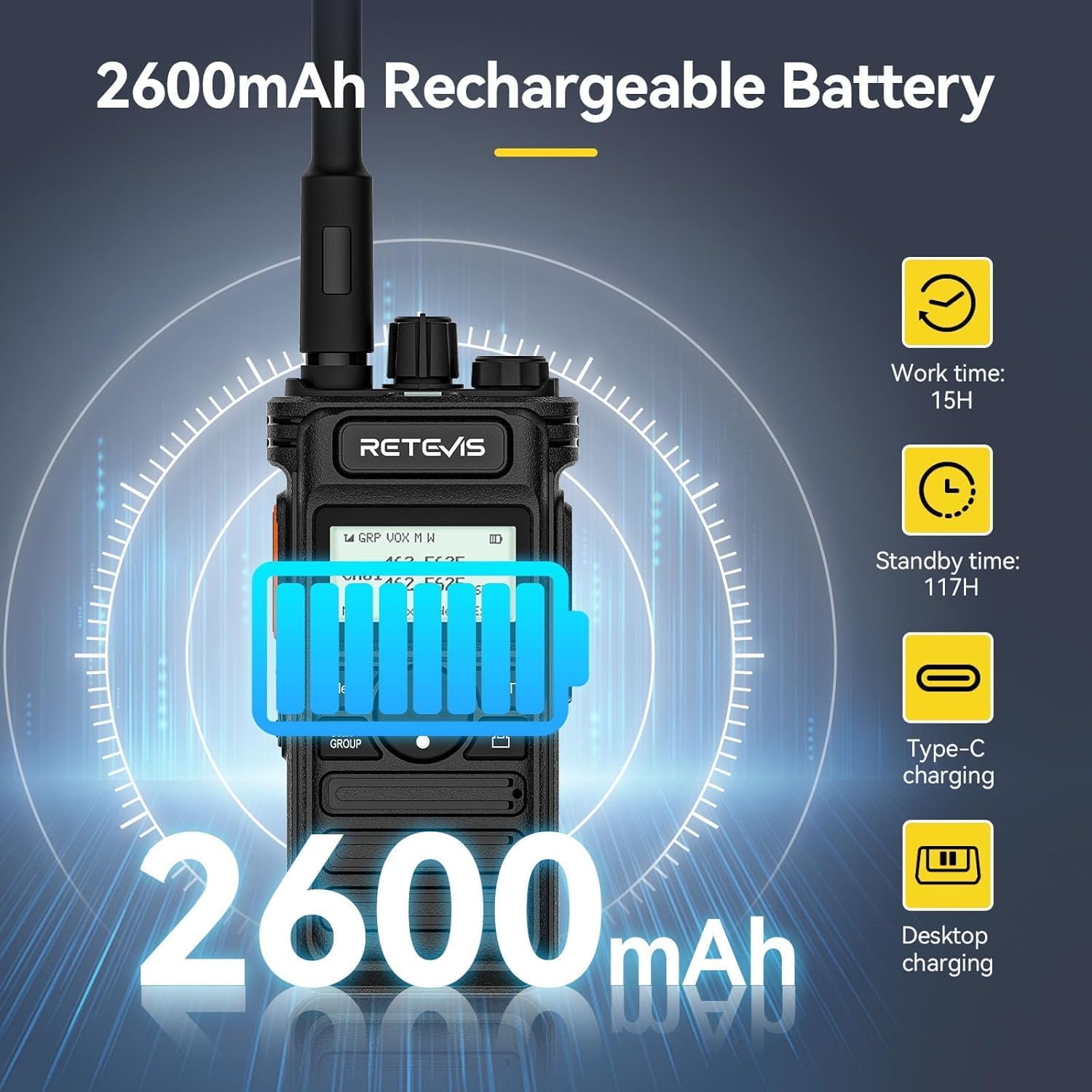
Figure 3.1: Battery Capacity and Charging Options

Figure 3.2: Two Charging Methods
3.2 Attaching Accessories
Attach the shoulder microphone, hand strap, and belt clip as needed for convenient use.

Figure 3.3: Retevis RT86S Walkie Talkies with Shoulder Mics
4. Operating Instructions
4.1 Power On/Off
Rotate the power/volume knob clockwise to turn the radio on. Continue rotating to adjust the volume. Rotate counter-clockwise until a click is heard to turn the radio off.
4.2 Channel Selection
The RT86S supports 30 channels. Use the menu keys and navigation buttons to select your desired channel. The 1.46-inch LCD display shows the current channel and other relevant information.
4.3 Push-to-Talk (PTT) Operation
To transmit, press and hold the PTT button on the side of the radio. Speak clearly into the microphone. Release the PTT button to receive.
4.4 Group Call Function
The group call function allows for quick and efficient communication with multiple radios simultaneously. This feature is ideal for team coordination.

Figure 4.1: Group Call Function in Use

Figure 4.2: Enhanced Team Communication with Group Call
4.5 NOAA Weather Function
The RT86S includes 11 NOAA channels to provide the latest weather information and warning alerts. When a NOAA warning is issued, the radio will emit an alarm sound to notify users of extreme weather conditions.
4.6 Emergency Features
- Flashlight: Long press the PF1 button to activate the external large-diameter flashlight for emergency lighting.
- Emergency Alarm: Long press the PF2 button to activate the emergency alarm, designed to protect personal safety.

Figure 4.3: LED Flashlight Function

Figure 4.4: Emergency Alarm Activation
4.7 Compatibility and Easy Pairing
The RT86S GMRS walkie-talkies are compatible with other Retevis GMRS walkie-talkies and other brands of GMRS walkie-talkies. The one-key pairing function allows for quick compatibility with models like Retevis RT29 and RB85.
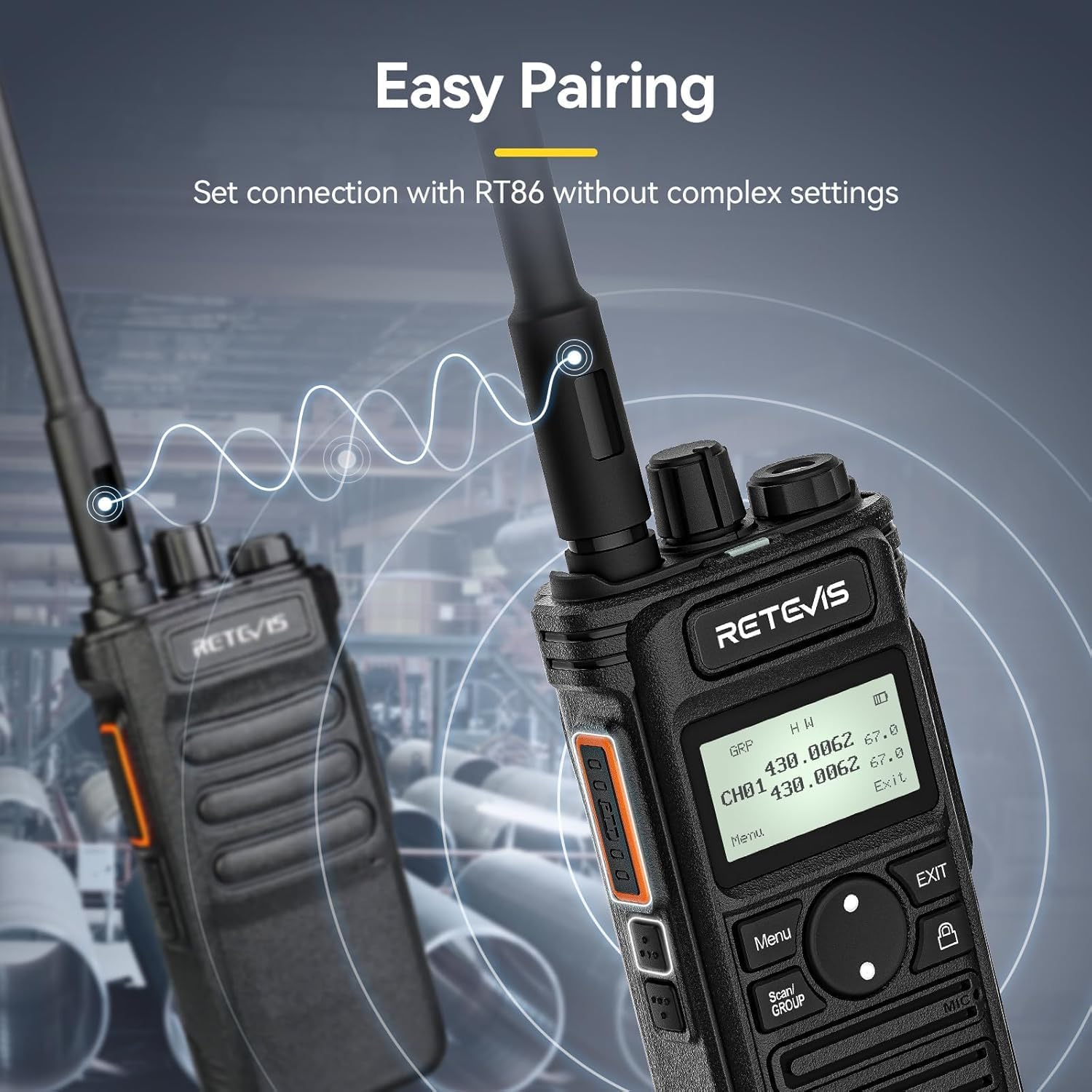
Figure 4.5: Easy Pairing Feature

Figure 4.6: One-Key Pairing for Flexibility
4.8 High Power Transmission
High power transmission can be set on channels 1-7 and 15-30 through the keyboard. This allows the signal to cover up to 700,000 sq. ft. and 50 floors of buildings, ensuring clear audio in challenging environments.

Figure 4.7: High Power Long Range Communication

Figure 4.8: Long Range Communication Coverage
4.9 VOX Hands-free Operation
The RT86S supports VOX (Voice Operated Exchange) for hands-free communication, allowing you to transmit by speaking without pressing the PTT button.

Figure 4.9: VOX Hands-free Feature
4.10 Interoperability and Frequency Restoration Video
This video demonstrates how to quickly communicate with another RT86 radio and how to restore the RT86S frequency settings.
Video 4.1: Interoperability with RT86 and Frequency Restoration
5. Maintenance
5.1 General Care and Cleaning
To ensure optimal performance and longevity of your RT86S walkie talkie:
- Wipe the radio with a soft, damp cloth. Do not use harsh chemicals or abrasive cleaners.
- Keep the charging contacts clean and free of debris.
- Avoid exposing the radio to extreme temperatures or direct sunlight for prolonged periods.
5.2 Durability and Water Resistance
The RT86S features an ABS material shell, providing impact resistance, heat resistance, and low-temperature resistance for long-term use. It is designed to withstand a 1-meter height drop and is water-resistant.
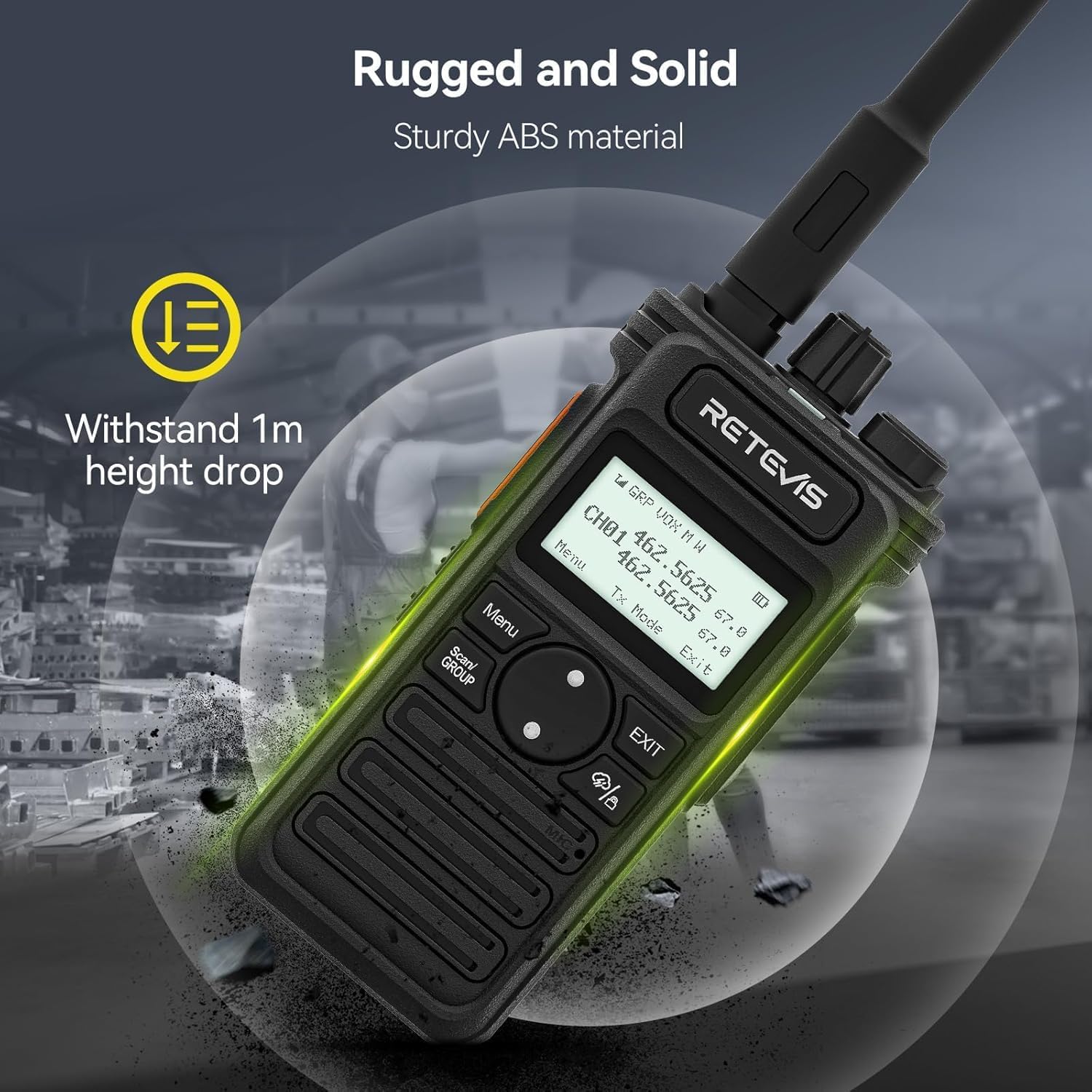
Figure 5.1: Rugged and Solid Construction

Figure 5.2: Shock-resistant Design

Figure 5.3: Weather Resistance
6. Troubleshooting
If you encounter issues with your Retevis RT86S walkie talkie, please refer to the following common problems and solutions:
| Problem | Possible Cause | Solution |
|---|---|---|
| Radio does not power on | Low or dead battery; Incorrect battery installation | Charge the battery; Reinstall the battery correctly |
| Cannot transmit or receive | Incorrect channel/frequency; Out of range; Obstructions | Verify channel settings; Move closer to other radios; Move to an open area |
| Poor audio quality | Low battery; Obstructions; Microphone/speaker issues | Charge battery; Reduce obstructions; Check microphone/speaker for damage or blockage |
| LCD screen not displaying | Radio off; Screen damage | Turn radio on; If damaged, contact support |
If the issue persists after attempting these solutions, please refer to the Warranty and Support section for further assistance.
7. Specifications
Key technical specifications for the Retevis RT86S Walkie Talkie:
- Item Weight: 10.2 ounces
- Product Dimensions: 1.5 x 2.17 x 4.76 inches
- Item Model Number: RT86S
- Batteries: 4 Lithium Ion batteries required (included)
- Display Type: LCD
- Manufacturer: Retevis
- Color: Black
- Number of Channels: 30
- Frequency Range: GMRS
- Voltage: 7.4 Volts (DC)
- Water Resistance Level: Water Resistant

Figure 7.1: Product Label with Model and FCC ID

Figure 7.2: Detailed Product Views
8. Warranty and Support
Retevis provides a 2-year warranty for the radio body and a 1-year warranty for accessories. Additionally, there is a 30-day no-reason return policy.
Beyond the warranty period, maintenance services are still offered, with buyers responsible for associated costs. For any inquiries or support, please contact Retevis through Amazon. They aim to reply within 12 hours.


