
Retevis RT86S
Retevis RT86S GMRS Two-Way Radio User Manual
Model: RT86S
Product Overview
The Retevis RT86S is a high-power GMRS two-way radio designed for long-range communication, featuring an LCD screen, a 2600mAh battery, and NOAA weather alert capabilities. It is suitable for various outdoor activities such as camping, off-road adventures, and hunting, providing reliable communication in challenging environments.

Image: Two Retevis RT86S walkie-talkies, each with its charging base and power adapter, ready for use.
Package Contents
Upon opening the package, verify that all the following items are included:
- RT86S walkie talkie x2
- Battery x2
- Type-C charging cable x2
- Adapter x2
- Charging base x2
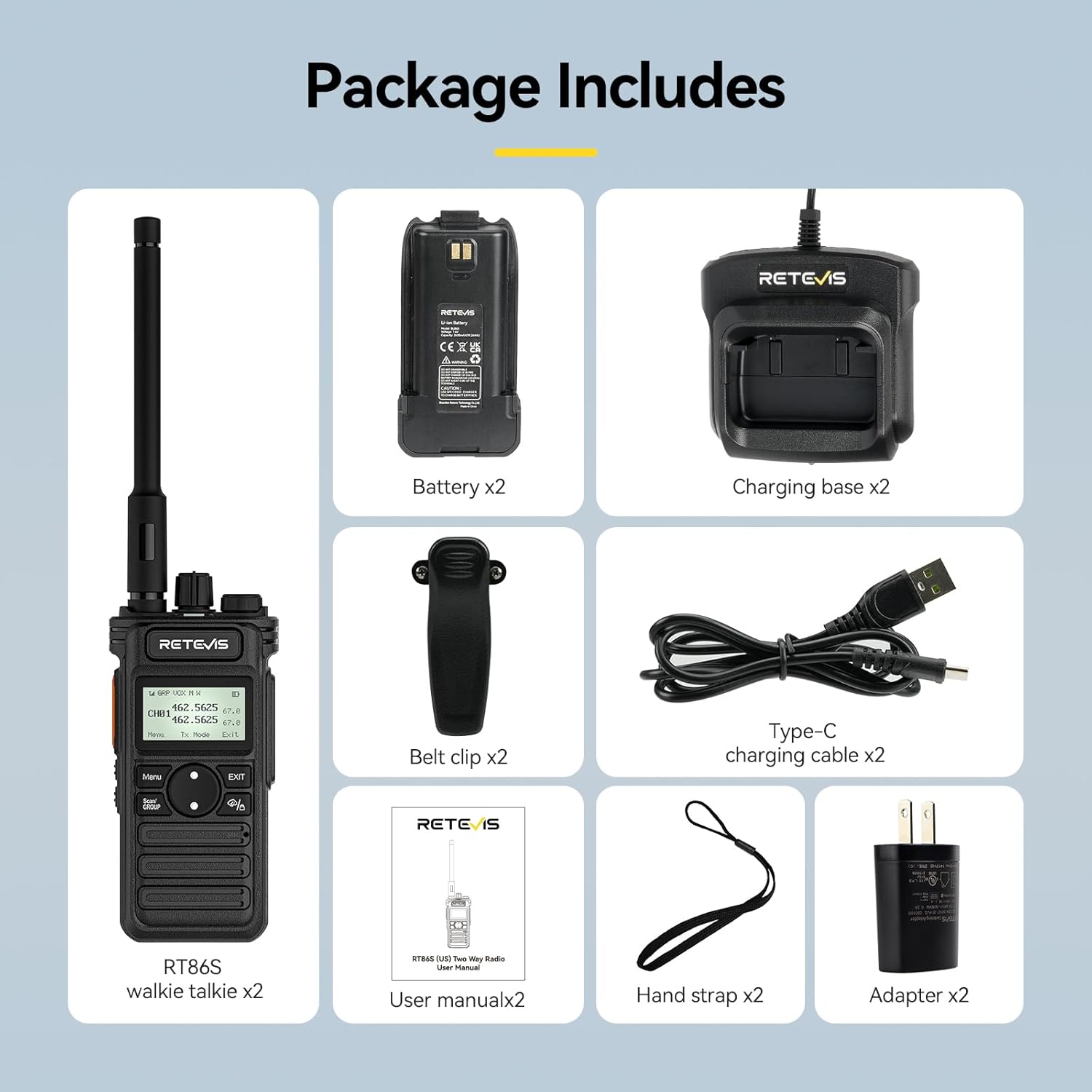
Image: A visual representation of the complete package contents for the Retevis RT86S radio kit.
Setup and Initial Use
1. Battery Installation and Charging
Before first use, fully charge the radio's battery. Insert the battery into the back of the radio until it clicks into place. Place the radio into the charging base, and connect the Type-C charging cable to the adapter, then plug the adapter into a power outlet. The charging indicator on the base will show the charging status.
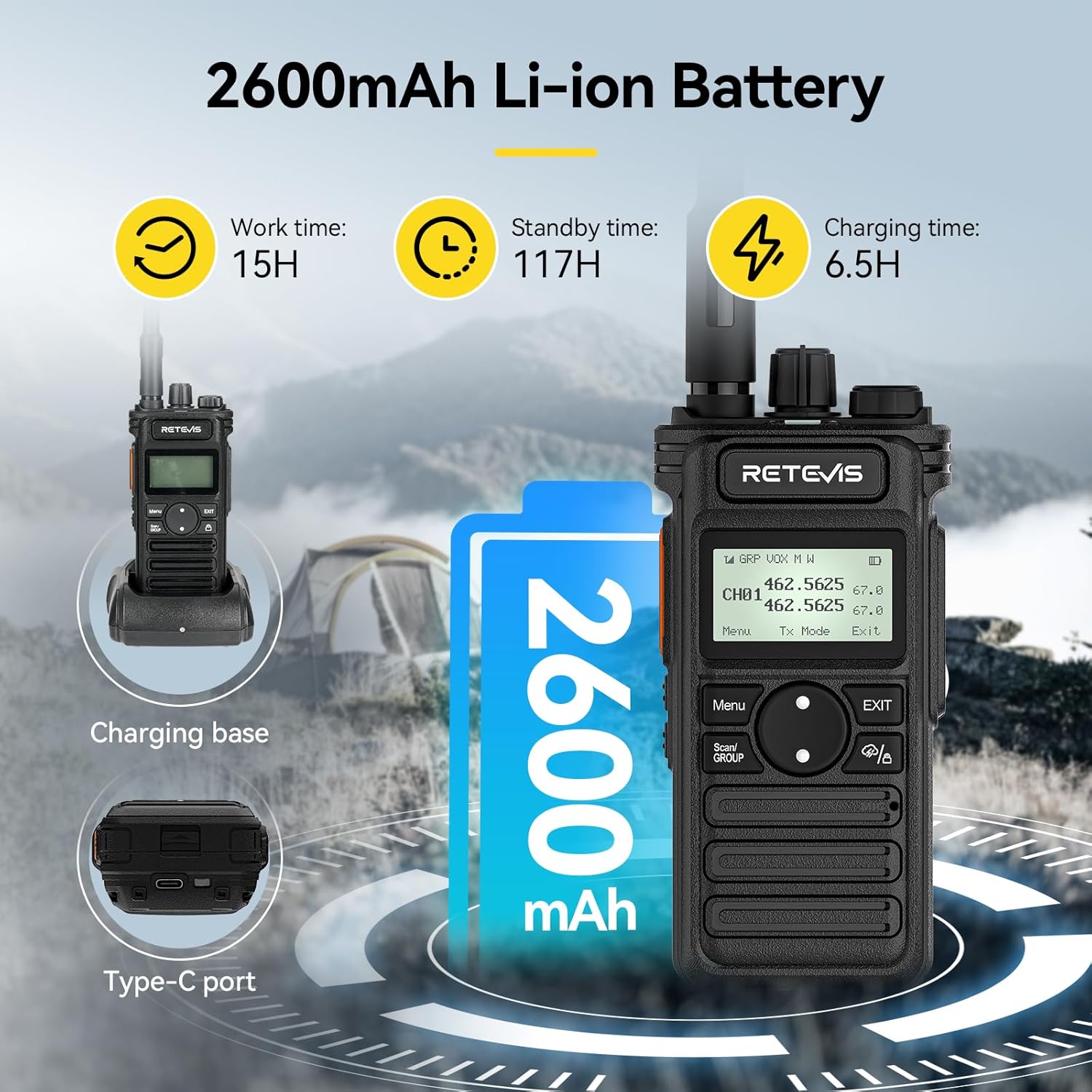
Image: The Retevis RT86S radio being charged in its base, highlighting the 2600mAh battery capacity and estimated usage times.
2. Attaching Accessories
- Antenna: Screw the antenna clockwise onto the connector at the top of the radio until it is finger-tight.
- Belt Clip: Attach the belt clip to the back of the radio using the provided screws.
- Hand Strap: Loop the hand strap through the designated slot on the radio for secure carrying.
Operating Instructions
1. Power On/Off and Volume Control
Rotate the top knob clockwise to power on the radio and increase volume. Rotate counter-clockwise to decrease volume and power off.
2. Channel Selection
Use the channel selector knob or the menu buttons to navigate and select desired channels. The LCD screen will display the current channel and frequency.
3. Transmitting and Receiving
To transmit, press and hold the Push-to-Talk (PTT) button on the side of the radio. Speak clearly into the microphone. Release the PTT button to receive. Ensure the channel is clear before transmitting.
4. Advanced Features
- High Power Output: For channels 1-7 and 15-30, the radio supports adjustable high power output for extended range. Refer to the on-screen menu for power level adjustments.
- NOAA Weather Channels: The RT86S includes 11 NOAA weather channels to detect severe weather alerts. Access these channels through the radio's menu.

Image: The radio's display showing weather-related icons, illustrating its NOAA weather channel capability.
- Emergency Alarm: Long press the PF2 button to activate the emergency alarm function, enhancing personal safety in critical situations.
- LED Flashlight: Long press the PF1 button to turn on the built-in LED flashlight for emergency lighting.
- Group Call Function: This feature allows quick communication with multiple members across different channels, ideal for team coordination.
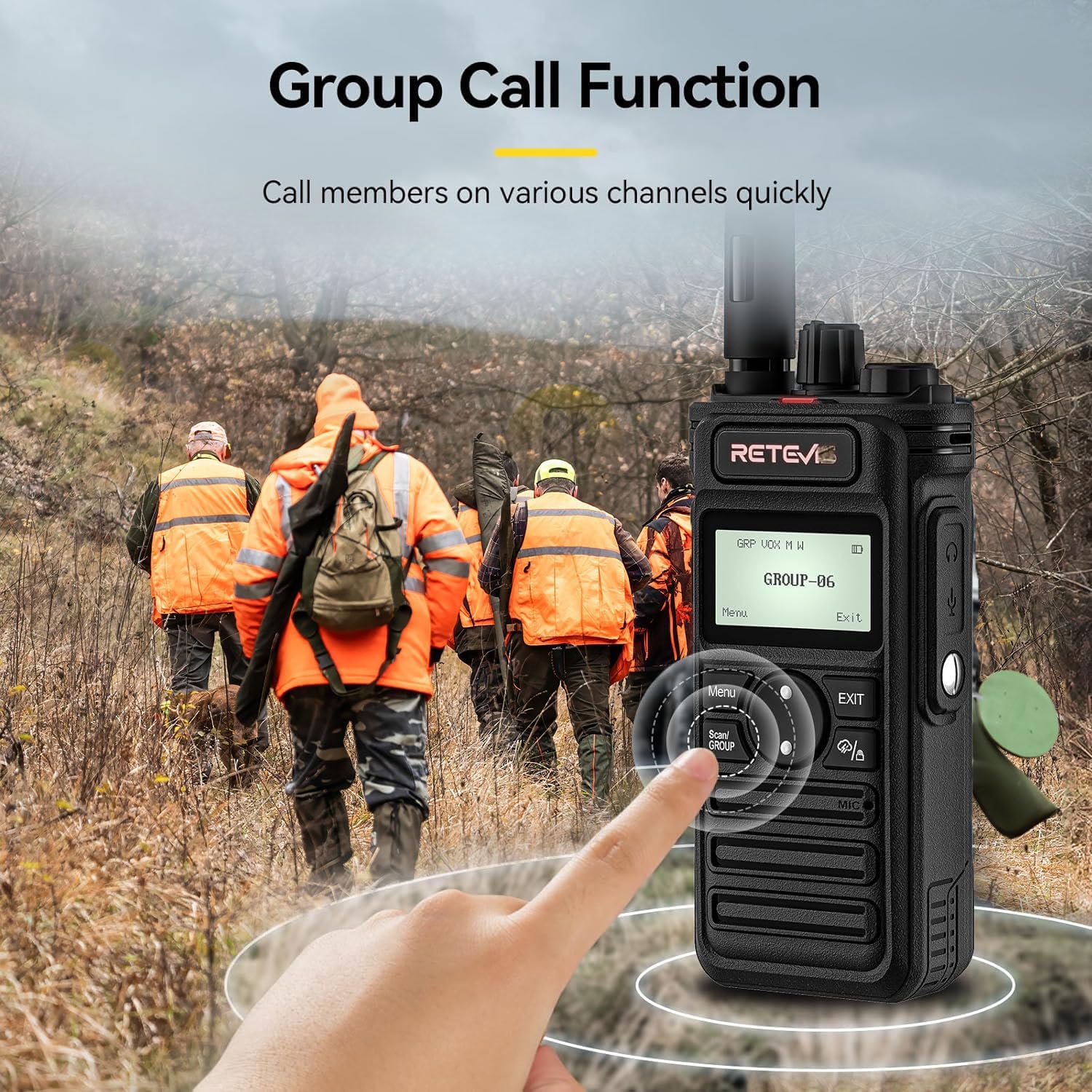
Image: Demonstrating the group call function, allowing users to quickly contact team members.
- One-Key Pairing: The RT86S supports one-key pairing with other Retevis GMRS radios (e.g., RT29, RB85) and other brands of GMRS walkie-talkies for seamless compatibility. To pair with an RT86 radio, press PTT and PF1 simultaneously while turning on the power knob; the RT86S frequency and CTCSS/DCS will align with the RT86.

Image: The radio's easy operation, including quick pairing with other RT86 models.
Maintenance
- Cleaning: Use a soft, damp cloth to clean the radio's exterior. Do not use harsh chemicals or abrasive cleaners.
- Battery Care: To prolong battery life, avoid overcharging and fully discharging the battery frequently. Store the radio and battery in a cool, dry place when not in use for extended periods.
- Storage: When storing the radio for long periods, remove the battery.
- Durability: The radio features an ABS material shell with impact resistance, heat resistance, and low-temperature resistance, designed for long-term use.
Troubleshooting
| Problem | Possible Cause | Solution |
|---|---|---|
| Radio does not power on. | Battery is low or not installed correctly. | Ensure battery is fully charged and properly seated. |
| Cannot transmit or receive. | Incorrect channel or CTCSS/DCS settings; out of range. | Verify channel and tone settings match the other radio. Move closer to the other radio. |
| Poor audio quality or static. | Weak signal; antenna not properly attached; interference. | Check antenna connection. Move to an open area. Adjust squelch level if available. |
| Battery drains quickly. | Frequent transmission; high power setting; aging battery. | Reduce transmission time. Use lower power setting if sufficient. Consider replacing battery if old. |
Specifications
| Feature | Detail |
|---|---|
| Model Number | RT86S |
| Dimensions (H x W x D) | 4.76 x 2.17 x 1.5 inches |
| Weight | 10.2 ounces |
| Battery Capacity | 2600mAh Lithium Ion |
| Display Type | LCD |
| Number of Channels | 30 |
| Frequency Range | GMRS |
| Voltage | 7.4 Volts (DC) |
| Water Resistance Level | Water Resistant |

Image: Detailed views of the Retevis RT86S radio, showcasing its design and key components.
Warranty and Support
Retevis provides a 2-year warranty for the radio body and a 1-year warranty for accessories. Additionally, there is a 30-day no-reason return policy. Beyond the warranty period, maintenance services are still offered, with buyers responsible for corresponding costs.
For support or warranty claims, please contact Retevis customer service through Amazon. They aim to reply within 12 hours.
Related documentsRT86S


Ask a question about this manual
Ask about setup, troubleshooting, compatibility, parts, safety, or missing instructions. Manuals+ will review the question and use this page’s manual context to help answer it.