Introduction
The Joyroom JR-TCG08 PD GaN 20W charger is designed to provide fast and efficient charging for compatible USB-C devices, including smartphones and tablets. Utilizing advanced GaN technology, this charger offers improved power efficiency and reduced heat generation within a compact design. Its small size makes it suitable for travel and daily use. The charger features a standard European plug for convenient compatibility and includes built-in protection features for safety and durability.
Important Safety Information
Please read all safety instructions before using this product. Failure to follow these instructions may result in electric shock, fire, or other hazards.
- Do not expose the charger to liquids, moisture, or extreme temperatures.
- Do not disassemble, modify, or attempt to repair the charger.
- Keep out of reach of children.
- Ensure the power outlet voltage is compatible with the charger's input voltage (240V).
- Unplug the charger during lightning storms or when unused for long periods.
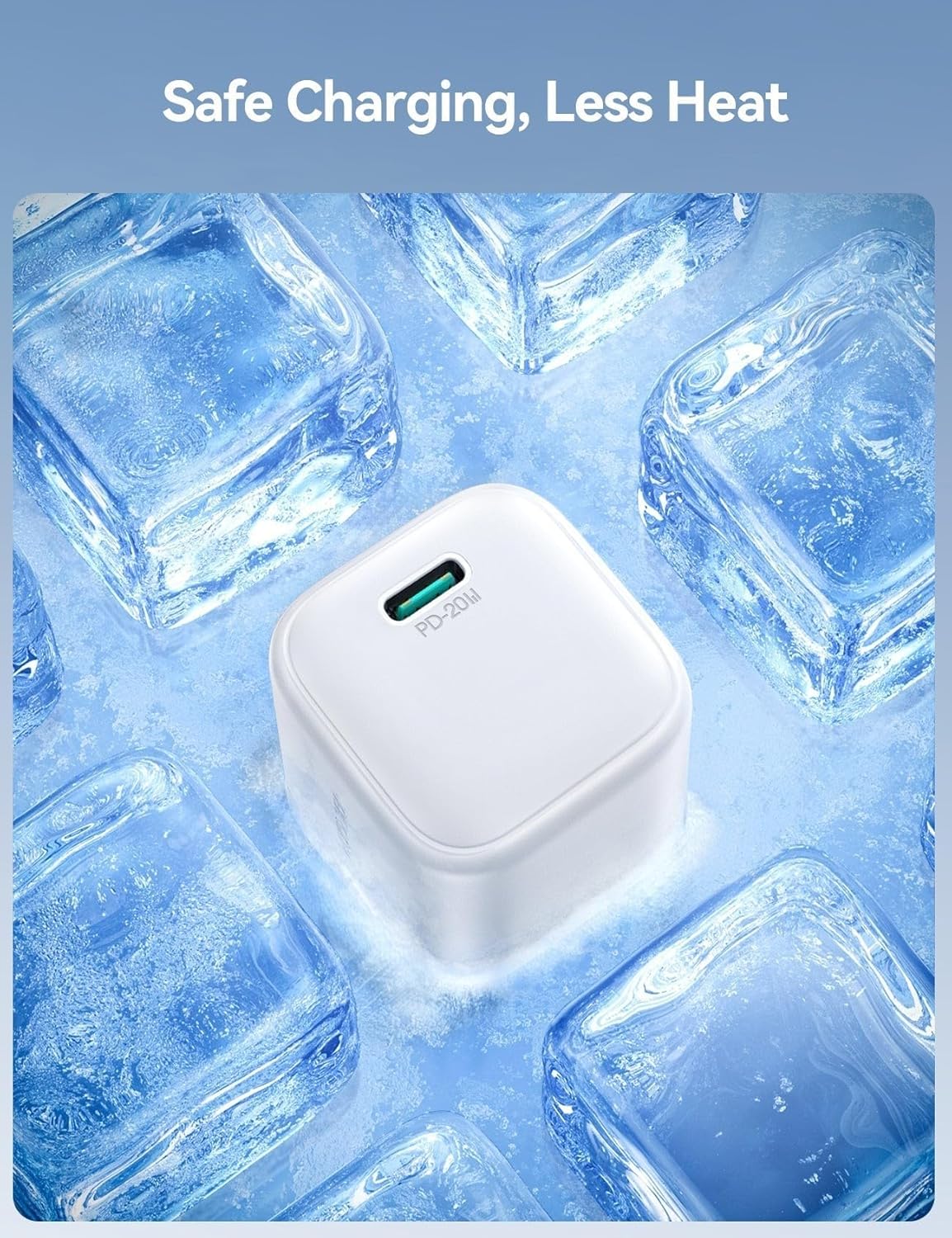
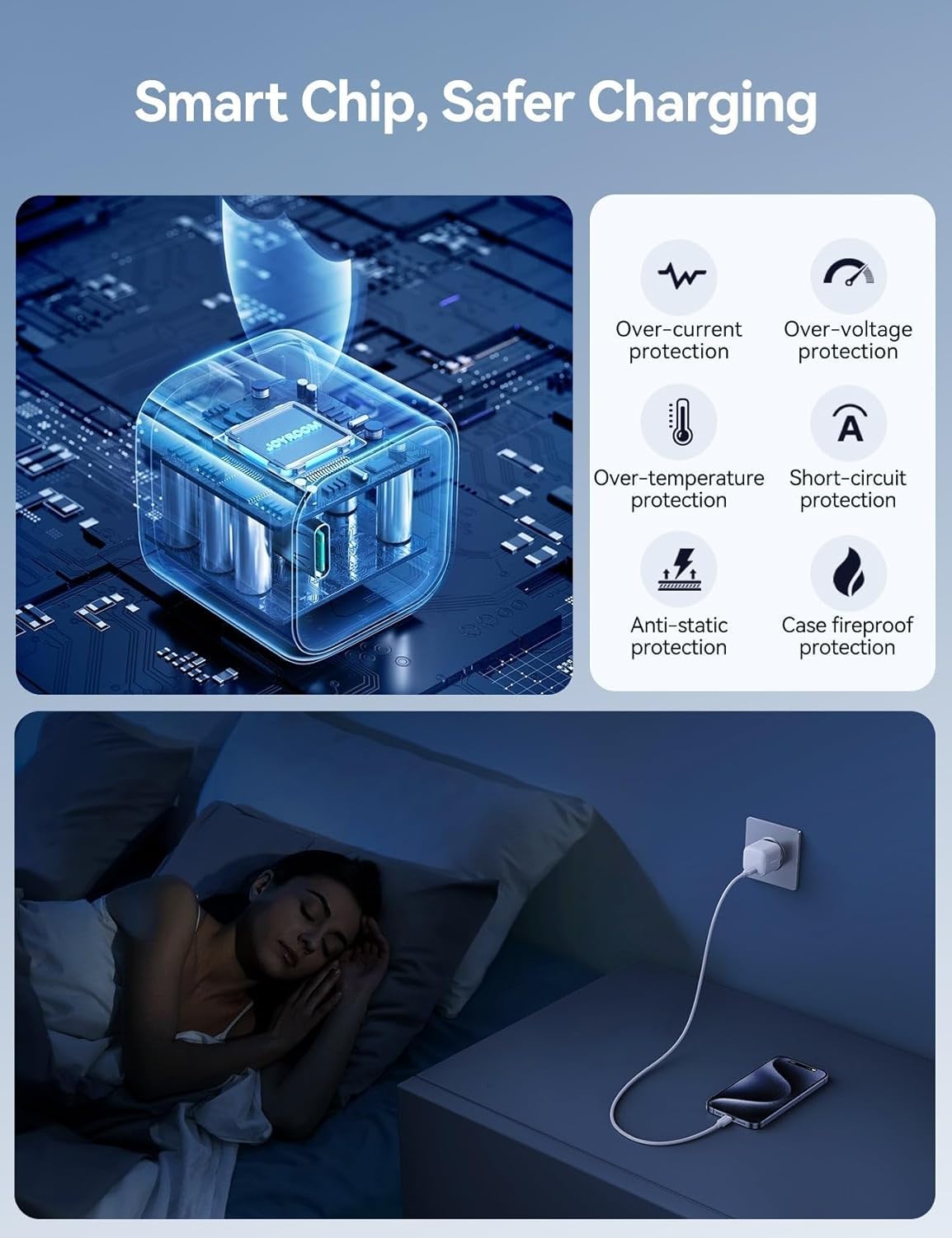
- This charger is equipped with 6-point safety protection, including over-current protection, over-voltage protection, over-temperature protection, short-circuit protection, anti-static protection, and case fireproof protection.
Package Contents
Verify that all items are present in your package:
- 1 x Joyroom JR-TCG08 PD 20W USB Fast Charger
- 1 x Instruction Manual (this document)
Product Overview
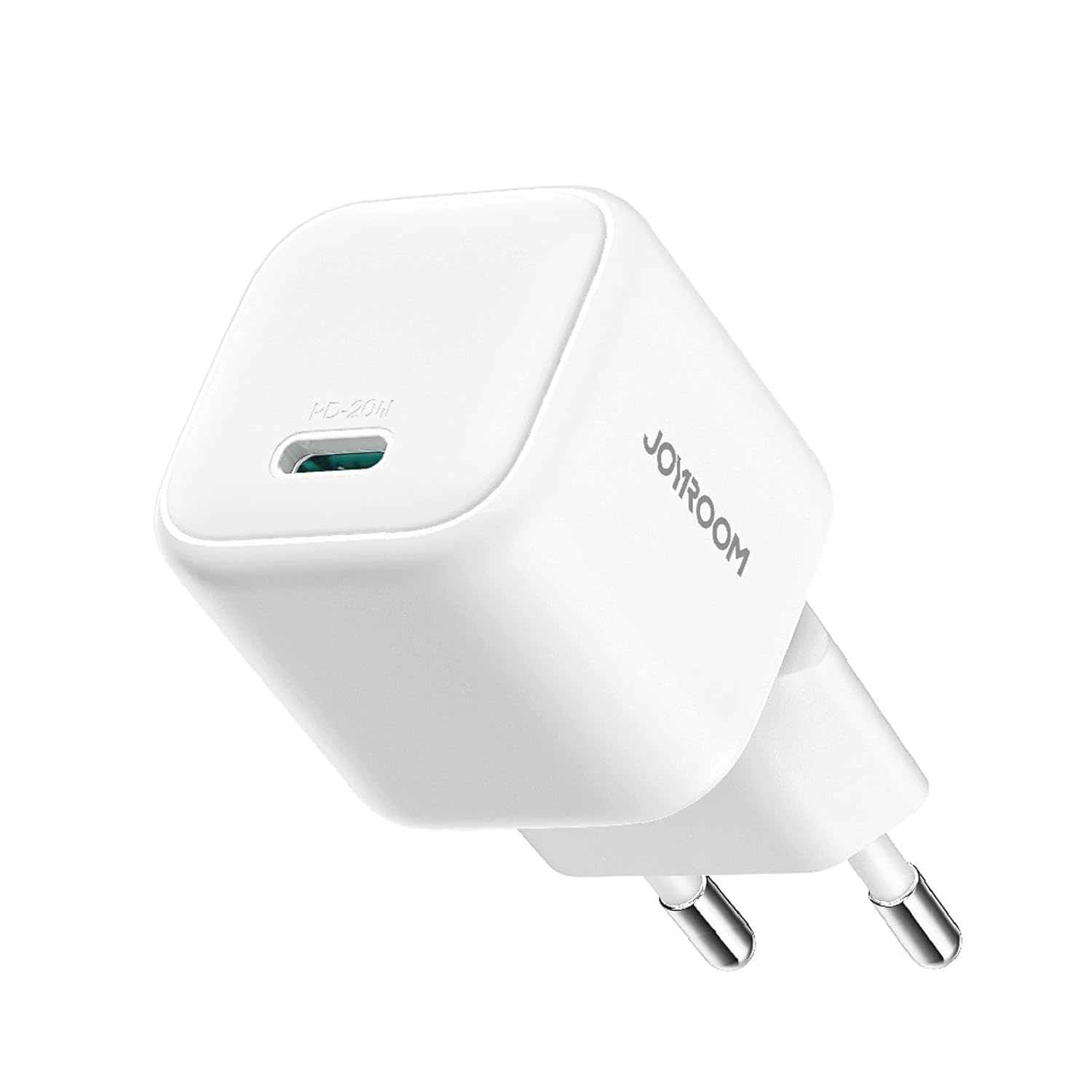
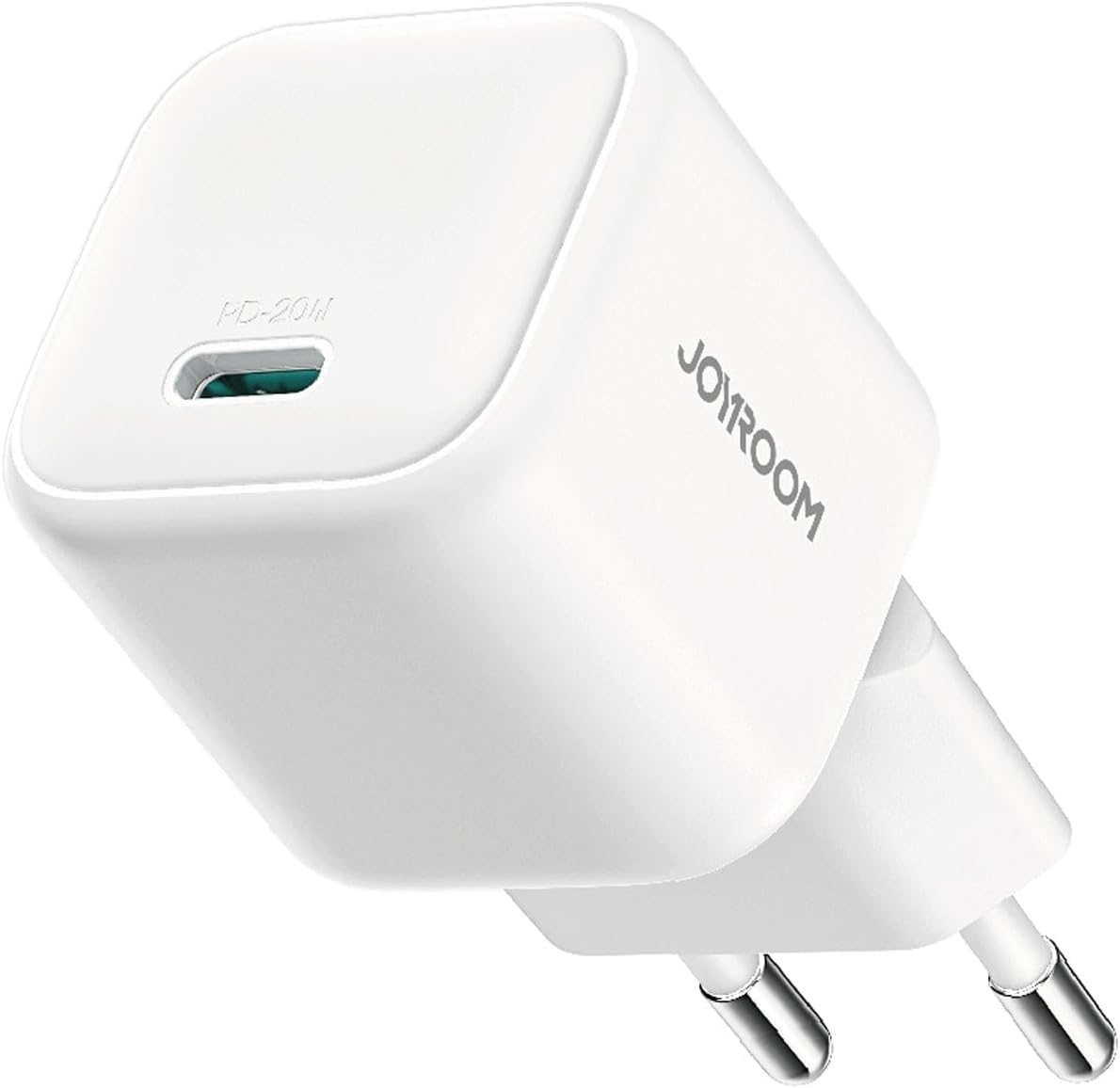
The Joyroom JR-TCG08 charger features a compact design with a single USB-C output port. It is designed for portability and efficient power delivery.
Setup
Setting up your Joyroom JR-TCG08 charger is straightforward:
- Unpack the Charger: Carefully remove the charger from its packaging.
- Inspect for Damage: Before use, check the charger for any visible damage. Do not use if damaged.
- Connect to Power Outlet: Plug the charger into a standard European wall power outlet.
- Prepare Charging Cable: Obtain a compatible USB-C to USB-C or USB-C to Lightning charging cable (not included).
Operating Instructions
Follow these steps to charge your device:
- Connect Cable to Charger: Insert one end of your USB-C charging cable into the USB-C port on the Joyroom JR-TCG08 charger.
- Connect Cable to Device: Insert the other end of the charging cable into your compatible smartphone, tablet, or other USB-C powered device.
- Begin Charging: The device should automatically begin charging. A charging indicator (if present on your device) will typically illuminate.
- Disconnect After Charging: Once your device is fully charged, disconnect the cable from your device, then unplug the charger from the wall outlet.

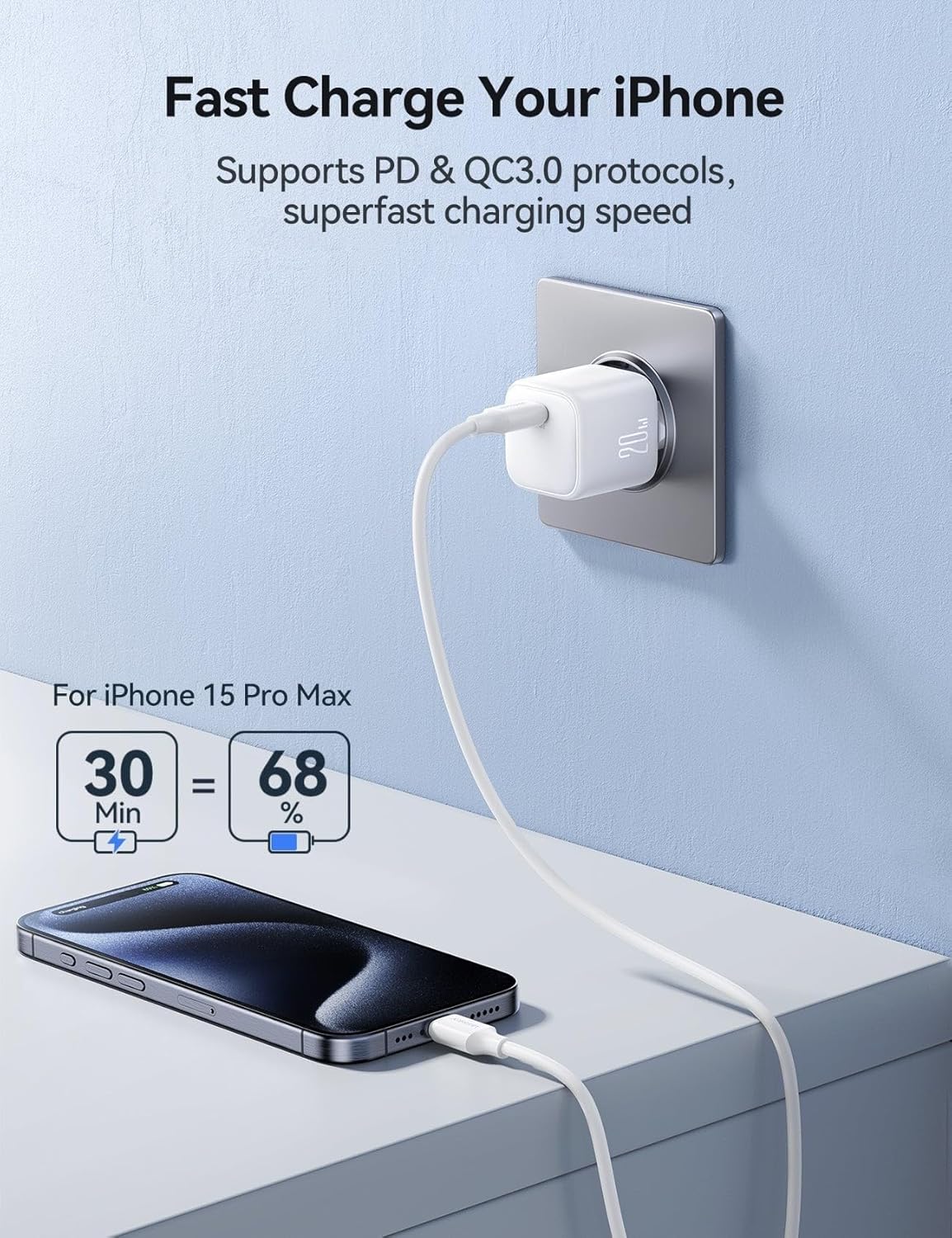
This charger supports Power Delivery (PD) and Quick Charge 3.0 protocols for rapid charging. For example, it can charge compatible iPhones up to 68% in approximately 30 minutes.
Care and Maintenance
To ensure the longevity and optimal performance of your charger, follow these maintenance guidelines:
- Cleaning: Disconnect the charger from the power outlet before cleaning. Use a soft, dry cloth to wipe the exterior. Do not use liquid cleaners or aerosols.
- Storage: Store the charger in a cool, dry place away from direct sunlight and extreme temperatures.
- Handling: Avoid dropping the charger or subjecting it to strong impacts.
- Cable Management: Do not bend or crimp the charging cable excessively, as this can damage the internal wires.

Troubleshooting
If you encounter issues with your Joyroom JR-TCG08 charger, refer to the following common problems and solutions:
| Problem | Possible Cause | Solution |
|---|---|---|
| Device not charging. | Charger not properly plugged in. Faulty charging cable. Device incompatibility. | Ensure the charger is securely plugged into a live power outlet. Try a different charging cable. Verify your device supports USB-C Power Delivery or Quick Charge 3.0. |
| Slow charging. | Non-fast charging cable. Device not supporting fast charge protocols. High background usage on device. | Use a high-quality USB-C cable designed for fast charging. Confirm your device supports PD or QC 3.0. Close unnecessary applications on your device. |
| Charger feels warm. | Normal operation during fast charging. Overload or poor ventilation. | A slight warmth is normal. If it becomes excessively hot, disconnect immediately. Ensure adequate ventilation around the charger. |
Specifications
| Feature | Detail |
|---|---|
| Brand | Joyroom |
| Model Number | JR-TCG08 |
| Connectivity Technology | USB |
| Connector Type | USB 3.0 (USB-C port) |
| Compatible Devices | Tablets, Smartphones (e.g., Apple iPhone 11 Pro Max, iPhone 12, iPhone 13, iPhone 7, iPhone 7 Plus, iPhone 8, iPhone X, iPhone XR, iPhone XS, iPhone XS Max) |
| Special Features | Fast Charging (PD & QC 3.0 support), GaN Technology, 6-point Safety Protection |
| Color | White |
| Input Voltage | 240 Volts |
| Total USB Ports | 1 (USB-C) |
| Power Output | 20 Watts |
| Output Current | 2.5 Amps (Max) |
| Output Voltage | 5 Volts (Variable with PD/QC) |
| Power Source | Corded Electric |
| Current Rating | 3 Amps |
| Main Power Connector Type | 2 Pin (European Standard) |
| Portable | Yes |
| Materials | Polycarbonate |
| Item Weight | 44.8 grams |
| Certifications | BIS Compliant |
Warranty and Support
Warranty Information:
This Joyroom product comes with a standard 12-month warranty from the date of purchase. This warranty covers manufacturing defects and material faults under normal use. It does not cover damage caused by misuse, accidents, unauthorized modifications, or natural disasters.
Customer Support:
For technical support, warranty claims, or general inquiries, please contact Joyroom customer service through their official website or the retailer where the product was purchased. Please have your model number (JR-TCG08) and proof of purchase ready when contacting support.
You can visit the Joyroom store for more information: Joyroom Official Store


