Sanpyl 1080P 48MP Digital Camera Instruction Manual
Model: Sanpyl1a4sgtdxpq
1. Introduction
Thank you for choosing the Sanpyl 1080P 48MP Digital Camera. This compact and versatile device is designed to capture high-quality photos and videos, offering a range of features including a touchscreen display, MP3 player, and educational games. Please read this manual carefully to ensure proper use and maintenance of your camera.
2. Package Contents
Please check the package for the following items:
- 1 x Sanpyl Digital Camera
- 1 x User Manual
- 1 x Charging Data Cable
- 1 x Built-in Lithium Ion Battery (280mAh)
3. Product Features
- Advanced Dual Camera Lens: Equipped with an automatic focus 48MP 1080P dual camera for clear photos and videos.
- High Definition Touchscreen: 2.8-inch HD touchscreen for sensitive control and smooth operation. Scratch-resistant display.
- MP3 Player Function: Upload HiFi music for listening anytime, anywhere. Also supports uploading stories.
- Multiple Educational Games: Enhances logical thinking, speed, and hand-eye coordination skills.
- Multifunctional Features: Includes built-in alarm clock, flashlight, timer, calculator, and voice recorder.
4. Setup Guide
4.1 Charging the Battery
The camera comes with a built-in lithium-ion battery. Before first use, fully charge the camera using the provided charging data cable. Connect the cable to the camera's charging port and the other end to a USB power adapter (not included) or a computer USB port.
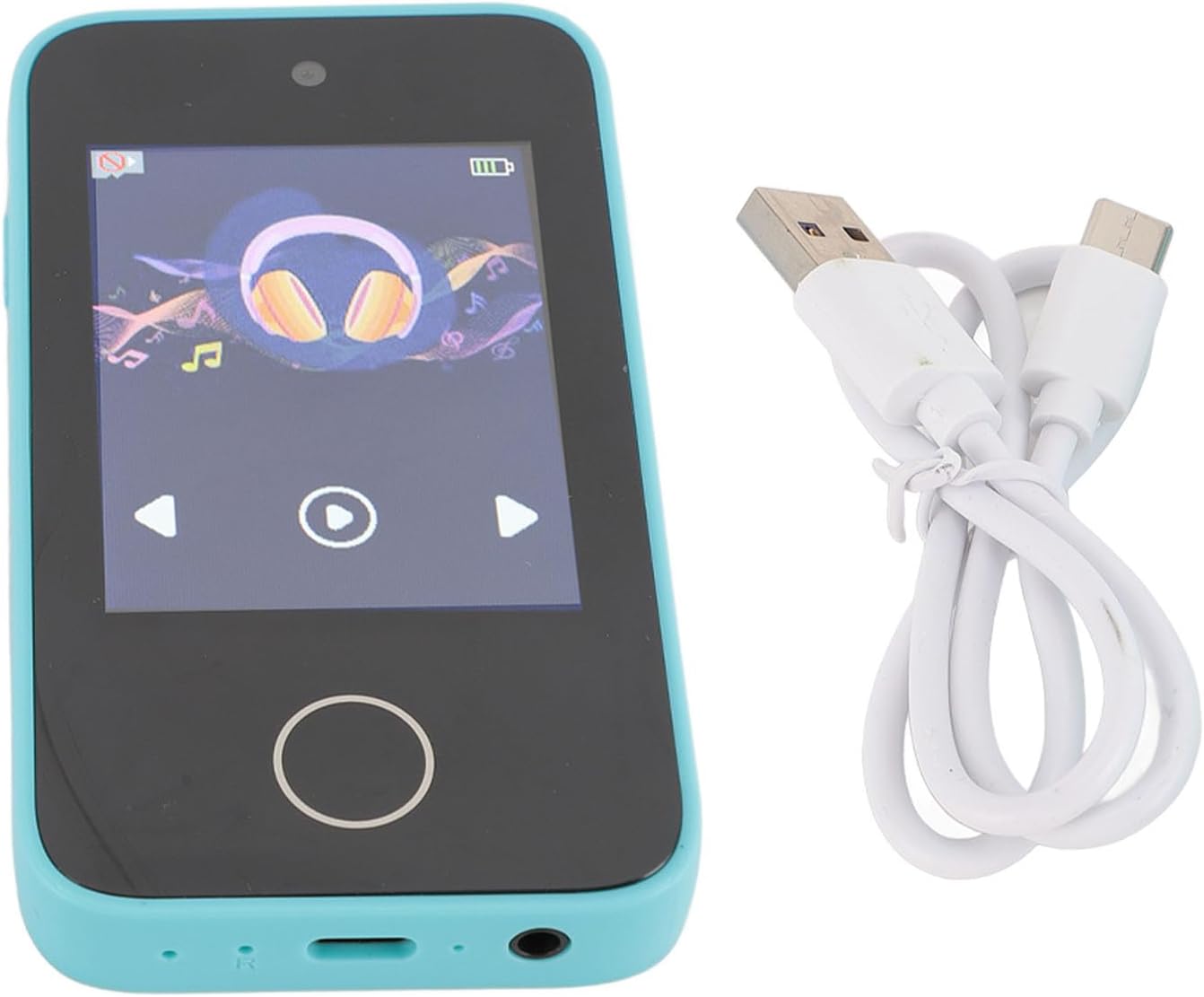
Image: The Sanpyl Digital Camera shown with its USB charging cable, illustrating the charging connection.
4.2 Inserting a Memory Card
The camera supports a small memory card (Micro SD) up to 128GB (not included). Locate the memory card slot, usually on the side or bottom of the camera. Gently insert the memory card with the gold contacts facing down until it clicks into place.

Image: A close-up view of the camera's bottom edge, showing the USB port and the slot for a Micro SD card.
5. Operating Instructions
5.1 Power On/Off
Press and hold the power button (usually located on the side or top) for a few seconds to turn the camera on or off.
5.2 Taking Photos and Videos
Once powered on, the camera will typically default to photo mode. Use the touchscreen or physical buttons to navigate between photo and video modes. Press the shutter button to capture a photo or start/stop video recording.
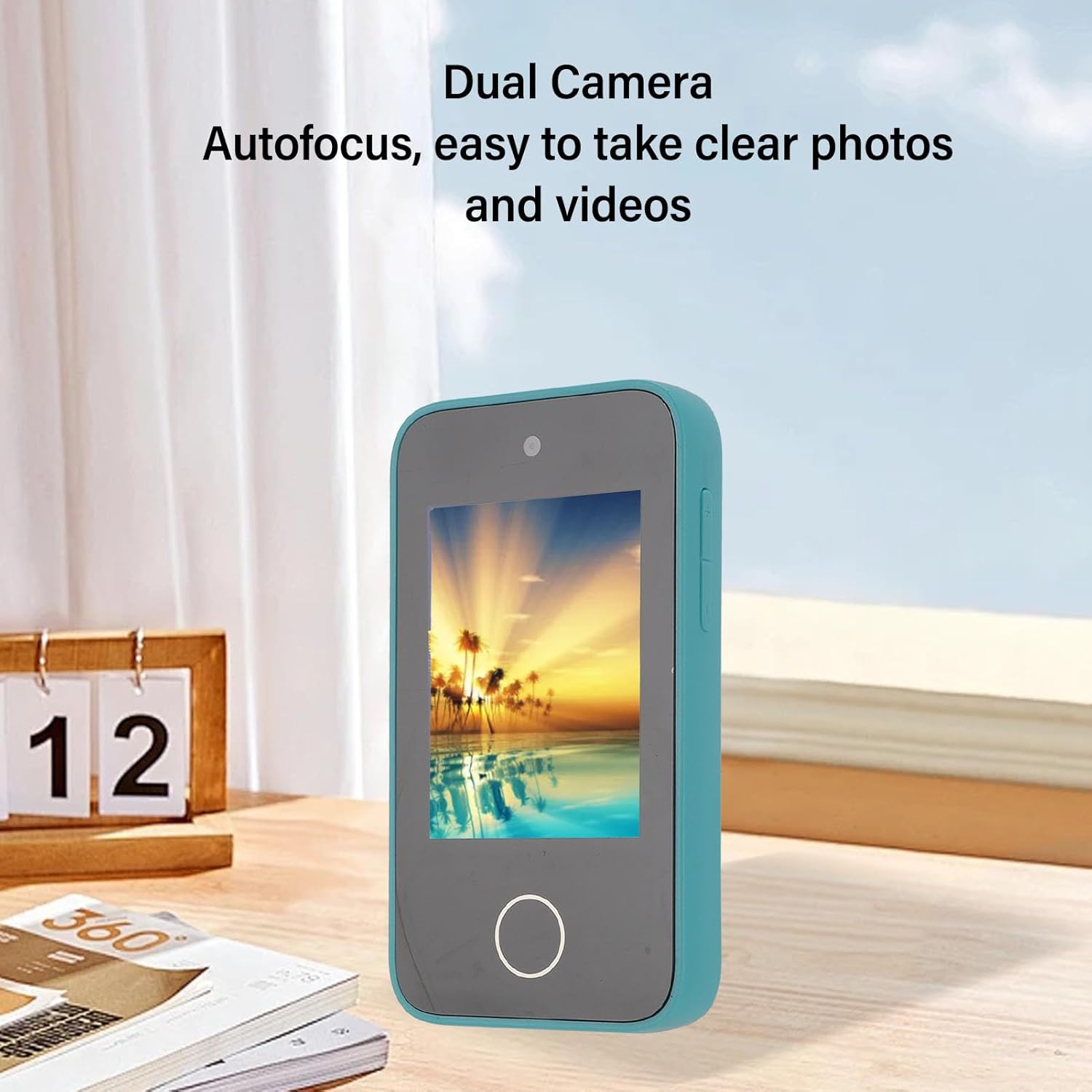
Image: The Sanpyl Digital Camera in a teal color, showing a vibrant image on its screen, highlighting its dual camera and autofocus capabilities.
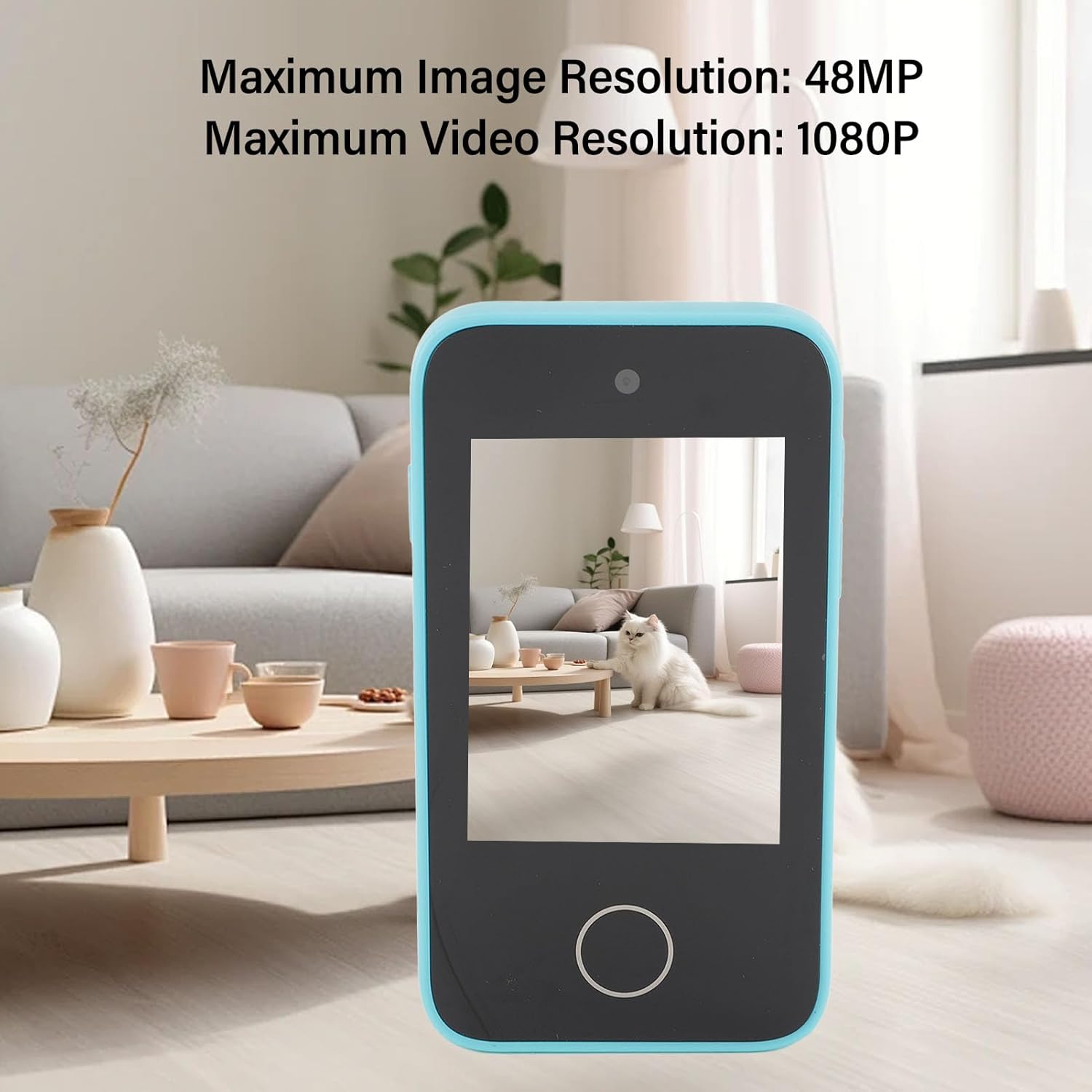
Image: The Sanpyl Digital Camera displaying a photo of a cat, with text overlays indicating its maximum image resolution of 48MP and maximum video resolution of 1080P.
5.3 Touchscreen Navigation
The 2.8-inch touchscreen allows for intuitive navigation through menus and settings. Tap icons to select options, and swipe to browse photos or videos in playback mode.

Image: The Sanpyl Digital Camera showcasing its 2.8-inch HD IPS touchscreen display with a scenic view, emphasizing its sensitive touch and scratch-resistant features.
5.4 MP3 Player Function
To use the MP3 player, connect the camera to a computer using the USB cable and transfer MP3 audio files to the designated music folder on the memory card. Disconnect, then select the MP3 player option from the camera's main menu to browse and play your music or stories.

Image: The Sanpyl Digital Camera showing its MP3 player interface with a headphones icon, indicating its multifunctional capabilities including music playback.
5.5 Educational Games and Other Functions
Access the 'Games' menu to choose from various educational games. The camera also includes an alarm clock, flashlight, timer, calculator, and voice recorder, accessible through the main menu or dedicated icons.
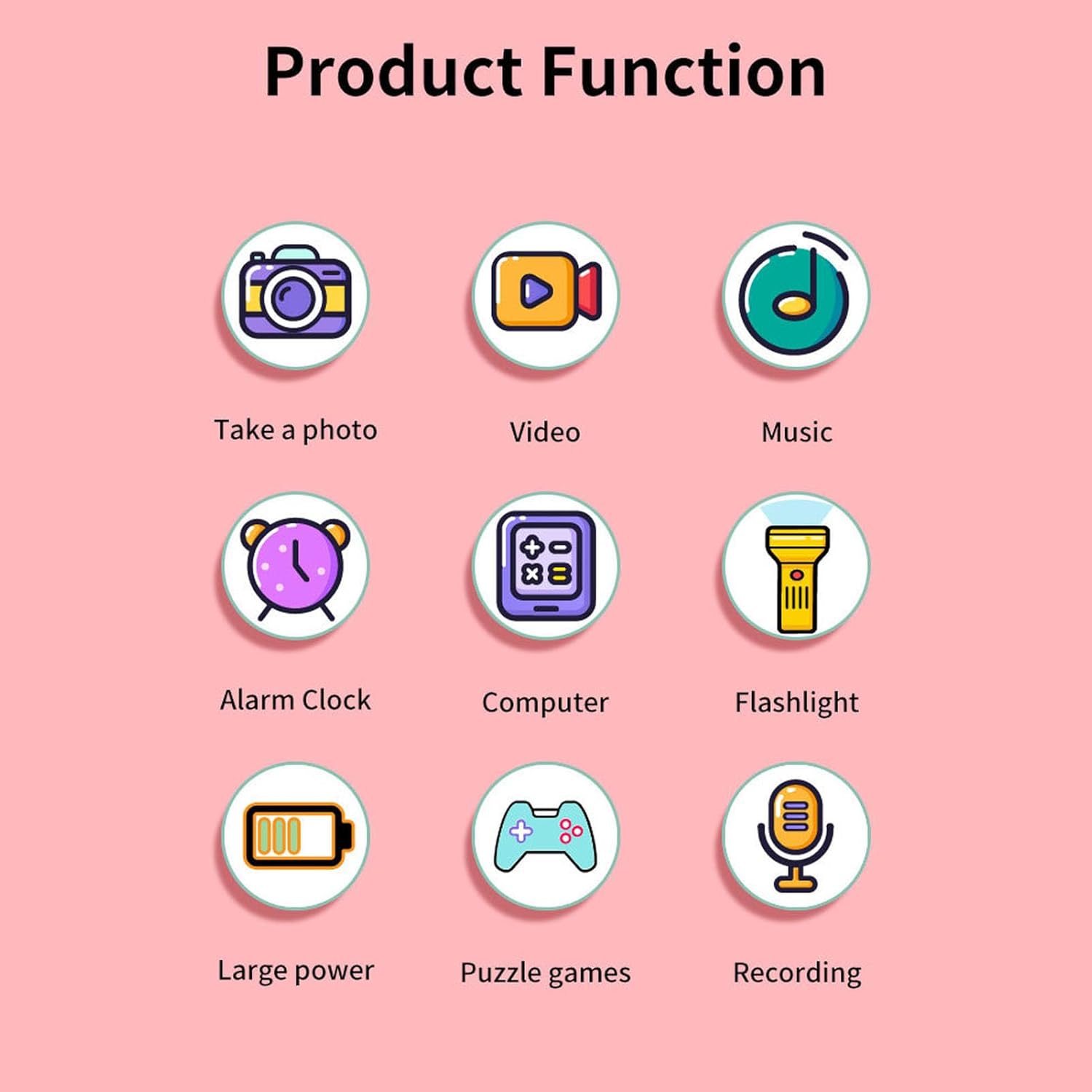
Image: A graphic illustrating the various functions of the camera, including photo, video, music, alarm clock, computer (calculator), flashlight, large power (battery), puzzle games, and recording.
6. Maintenance
- Keep the camera clean by wiping it with a soft, dry cloth.
- Avoid exposing the camera to extreme temperatures, dust, or moisture.
- Do not attempt to disassemble the camera, as this will void the warranty.
- Store the camera in a safe place when not in use to prevent damage.
7. Troubleshooting
7.1 Camera Not Turning On
- Ensure the battery is sufficiently charged. Connect the camera to a charger and wait for a few minutes before attempting to power on again.
- Press and hold the power button firmly for at least 5 seconds.
7.2 Unable to Take Photos/Videos
- Check if a memory card is inserted correctly and has sufficient free space.
- Ensure the camera is in the correct mode (photo or video).
- If the battery is low, some functions may be restricted. Charge the camera.
7.3 Touchscreen Unresponsive
- Restart the camera.
- Ensure the screen is clean and dry.
8. Specifications
| Feature | Specification |
|---|---|
| Item Type | Digital Camera |
| Material | ABS |
| Maximum Image Resolution | 48MP |
| Maximum Video Resolution | 1080P |
| Screen Size | 2.8 Inch Touchscreen |
| Battery Type | Lithium Ion Battery |
| Battery Capacity | 280mAh (Built-in) |
| Storage Support | Up to 128G Small Memory Card (Micro SD) |
| Item Weight | 4.8 ounces |
| Package Dimensions | 4.72 x 2.76 x 1.97 inches |
| Model Number | Sanpyl1a4sgtdxpq |
| Video Capture Resolution | 1080p |
| Flash Memory Type | Micro SD |
| Video Capture Format | MP4 |
| Supported Audio Format | MP3 |
| Connectivity Technology | Ethernet |
| Optical Zoom | 16 x |
9. Product Video
Video: This video demonstrates various shooting scenarios for the digital camera, showcasing its use by children in different settings to capture moments.
10. Warranty and Support
This Sanpyl Digital Camera comes with a standard manufacturer's warranty. For detailed warranty information, please refer to the warranty card included in your package or visit the official Sanpyl website. For technical support, troubleshooting assistance, or service inquiries, please contact Sanpyl customer service through the contact information provided on the product packaging or website.