
1. Introduction
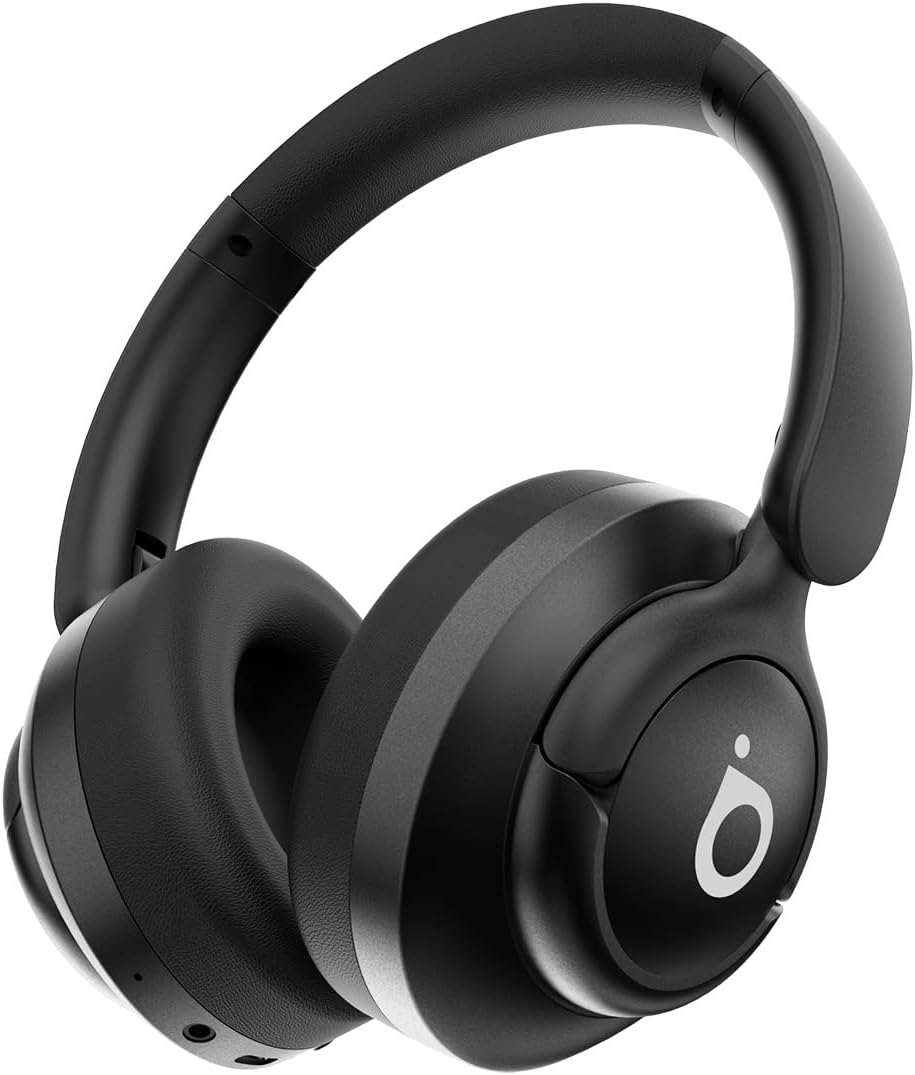
Thank you for choosing the Basike LE29 Bluetooth 5.4 ANC Headphones. These headphones are designed to provide a superior audio experience with active noise cancellation, long battery life, and comfortable wear. This manual will guide you through the setup, operation, and maintenance of your new headphones.
What's in the Box
- Basike LE29 Headphones
- USB Type-C Charging Cable
- AUX Cable (3.5mm)
- User Manual
2. Setup
2.1 Charging the Headphones
Before first use, fully charge your headphones. Connect the provided USB Type-C charging cable to the charging port on the headphones and the other end to a USB power source (e.g., computer, wall adapter). The indicator light will show charging status.
- Charging Time: Approximately 2.5 hours
- Battery Duration: Up to 30 hours (at medium volume)

2.2 Bluetooth Pairing
To connect your headphones to a device via Bluetooth:
- Ensure the headphones are charged and powered off.
- Press and hold the Power button until the indicator light flashes, indicating pairing mode.
- On your device (smartphone, tablet, laptop), enable Bluetooth and search for available devices.
- Select "Basike LE29" from the list of devices.
- Once connected, the indicator light will change, and you will hear an audio confirmation.
Bluetooth Version: 5.4
Wireless Distance: > 10 meters

3. Operating the Headphones
3.1 Multifunctional Controls
The Basike LE29 headphones feature intuitive buttons for easy control of your audio and calls.

- ON/OFF Button: Press and hold to power on/off.
- Volume + / Next Track: Short press for volume up, long press for next track.
- Volume - / Previous Track: Short press for volume down, long press for previous track.
- Noise Reduction (ANC) Button: Press to activate/deactivate Active Noise Cancellation.
- Indicator Light: Displays power, charging, and pairing status.
- Type-C Port: For charging the headphones.
- AUX 3.5mm Input: For wired connection.
- Microphones: Integrated for calls.
3.2 Active Noise Cancellation (ANC)
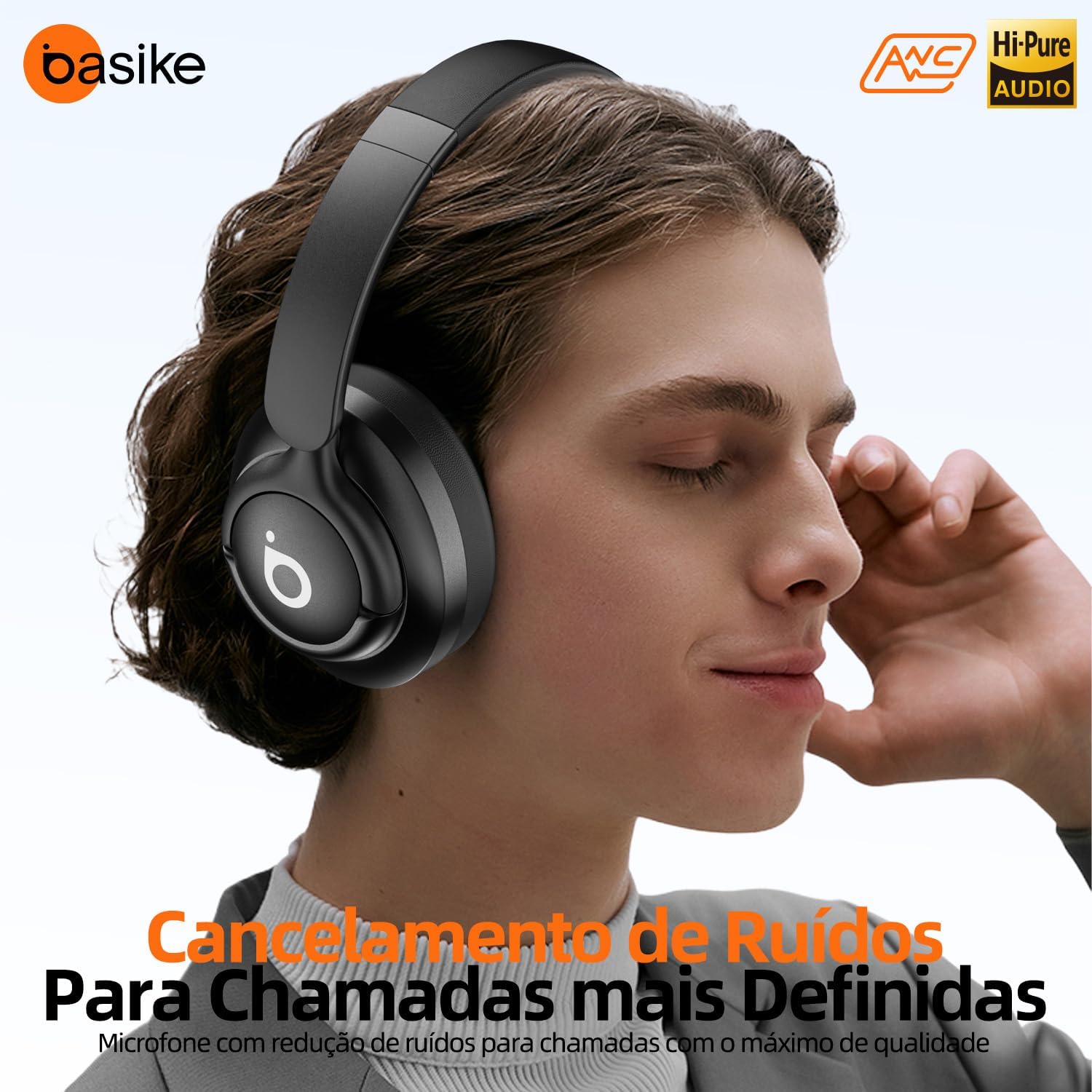
The Active Noise Cancellation feature reduces external ambient noise, allowing for a more immersive listening experience. Press the dedicated ANC button to toggle this feature on or off. This is particularly useful in noisy environments.
3.3 Audio Quality and Comfort
Experience high-fidelity audio transmission with Hi-Pure Audio certification. The ergonomic design with a flexible and adjustable headband, along with soft earcups, ensures prolonged comfort during use.


3.4 Portability
The headphones feature a foldable and retractable design, making them compact and easy to transport, even in small spaces.

4. Maintenance
4.1 Cleaning
- Wipe the headphones with a soft, dry cloth.
- Do not use abrasive cleaners or solvents.
- Keep the charging port and audio jack free of dust and debris.
4.2 Storage
- Store the headphones in a cool, dry place away from direct sunlight.
- Avoid extreme temperatures.
- When not in use for extended periods, charge the headphones periodically to maintain battery health.
5. Troubleshooting
5.1 Common Issues and Solutions
- No Power: Ensure the headphones are charged. Connect to a power source and check the indicator light.
- Cannot Pair: Make sure Bluetooth is enabled on your device and the headphones are in pairing mode. Try restarting both devices.
- No Sound: Check the volume levels on both the headphones and your connected device. Ensure the headphones are properly paired or the AUX cable is securely connected.
- Poor Audio Quality: Move closer to your Bluetooth device to reduce interference. Ensure there are no physical obstructions between the headphones and the device.
- ANC Not Working: Press the ANC button to ensure it is activated.
6. Specifications
| Feature | Specification |
|---|---|
| Model | Ba-FON041 (LE29) |
| Wireless Version | Bluetooth 5.4 |
| Frequency Response | 20Hz~20KHz |
| Wireless Distance | > 10 meters |
| Sensitivity | 113±3dB |
| Impedance | 32Ω |
| Battery Capacity | 400mAh |
| Battery Duration | 30 hours (medium volume) |
| Charging Time | 2.5 hours |
| Charging Interface | Type-C |
| Voltage | DC5V |
| Max Power | 5W |
| Noise Control | Active Noise Cancellation |
| Special Features | Noise Cancellation, Fast Charging, Adjustable Headband, Built-in Microphone, Sweatproof |
| Compatible Devices | Cell phones, Desktops, Laptops, Tablets |
7. Warranty and Support
7.1 Warranty Information
The Basike LE29 headphones come with a 1-year warranty. Basike is not responsible for damages caused by improper use of the product or use with an incompatible electrical device.
7.2 Customer Support
For any questions, technical assistance, or warranty claims, please contact Basike customer support. Our commitment is to ensure your satisfaction with fast and efficient service.
Contact Information: Please refer to the contact details provided on the Basike official website or your purchase documentation.
8. Product Video
Watch this official product video for a visual overview of the Basike headphones features and usage.