
MekedeTech DUDUAUTO 360° Panoramic Camera
MekedeTech DUDUAUTO 360° Panoramic Camera System User Manual
Model: DUDUAUTO 360° Panoramic Camera
1. Introduction
This manual provides comprehensive instructions for the installation, operation, and maintenance of your MekedeTech DUDUAUTO 360° Panoramic Camera System. Please read this manual thoroughly before installation and use to ensure proper function and safety.
2. Package Contents
Verify that all items listed below are included in your package:
- Four (4) DUDU-360° Panoramic Cameras (Front, Rear, Left, Right)
- Wiring Harnesses and Cables
- Mounting Accessories (screws, rubber rings, brackets)

3. Setup and Installation
Proper installation is crucial for optimal performance. It is recommended that installation be performed by a qualified professional.
3.1 Compatibility Requirements
This 360° panoramic camera system is designed to work exclusively with DUDUAUTO head units that have a built-in 360 APP and a 12-pin socket on the back. Compatibility with other head units is not guaranteed.
3.2 Camera Placement
The system includes four cameras for comprehensive coverage: front, rear, left, and right. Install each camera in its designated position to capture a full 360° panoramic view around the vehicle.

3.3 Wiring Connection Method
Refer to the following video for detailed instructions on connecting the power wires for the monitoring system. Ensure proper polarity and secure connections.
Note: Vehicle wiring modules vary. Always consult your specific vehicle's wiring diagram for accurate connection points. The video provides general guidance.
4. Operating Instructions
4.1 Panoramic View Functionality
The system provides a seamless 360° panoramic view, eliminating blind spots around your vehicle. This view is displayed on your compatible DUDUAUTO head unit.
4.2 Driving and Parking Assistance
Utilize the multi-angle coverage from the front, rear, left, and right cameras to navigate tight spaces and park with increased confidence. The system aids in identifying obstacles and blind spots.
4.3 Recorder Function
The panoramic front, rear, left, and right cameras can record simultaneously, providing 360-degree recording without blind spots. This feature allows for comprehensive evidence capture if needed. Recorded data is stored on an external USB flash drive (not included).

5. Maintenance
5.1 Cleaning the Cameras
Regularly clean the camera lenses with a soft, damp cloth to ensure clear image quality. Avoid abrasive cleaners or materials that could scratch the lens.
5.2 Waterproofing
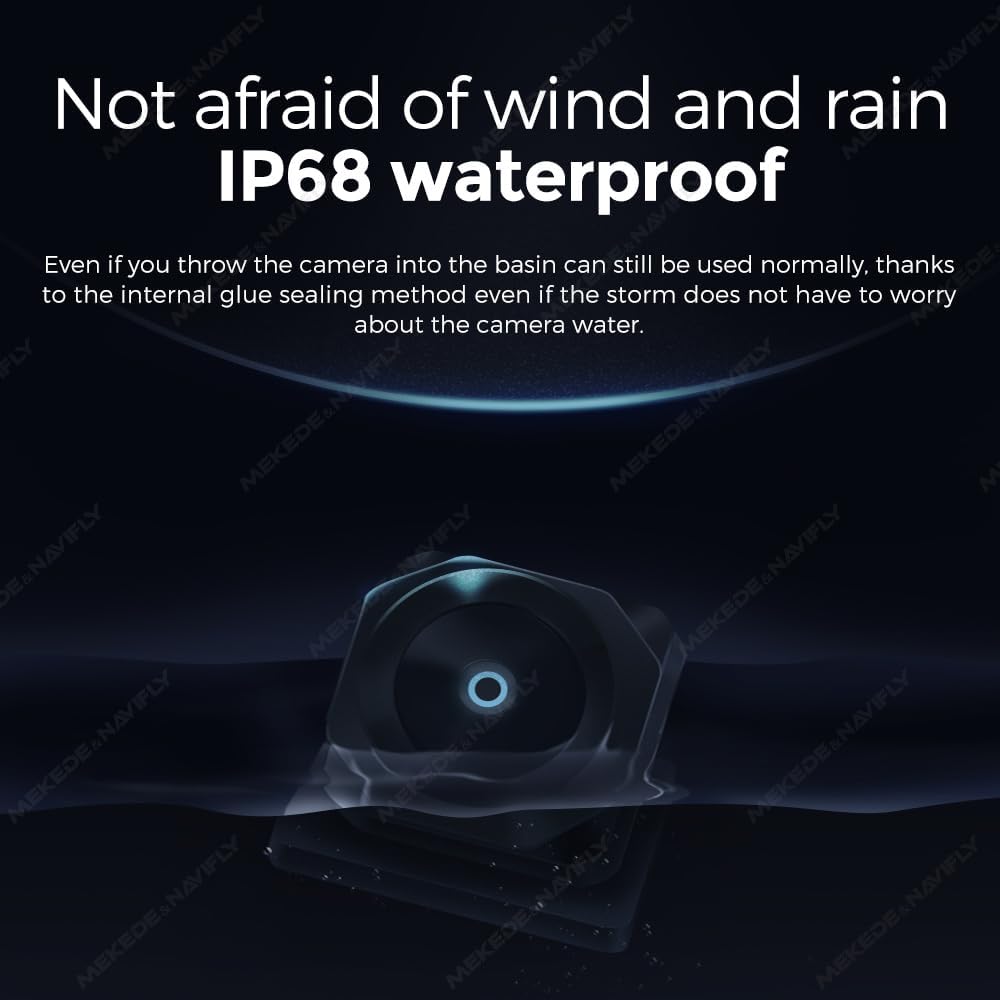
The cameras are designed with IP68 waterproofing, ensuring durability against water exposure. However, avoid high-pressure water jets directly on the camera lenses during cleaning.

6. Troubleshooting
| Problem | Possible Cause | Solution |
|---|---|---|
| No image displayed on head unit. | Incorrect wiring, incompatible head unit, power issue. | Verify all wiring connections (refer to Section 3.3). Ensure your head unit is a compatible DUDUAUTO model with the 360 APP and 12-pin socket. Check power supply to the system. |
| Distorted or unclear image. | Dirty lens, loose connection, camera malfunction. | Clean camera lenses (refer to Section 5.1). Check video cable connections. If problem persists, contact support. |
| Recorder function not working. | No USB flash drive, incompatible USB drive, system setting. | Ensure a compatible USB flash drive is inserted. Check the system settings on your DUDUAUTO head unit to activate the recording function. |
7. Specifications
- Product Dimensions: 2 x 2 x 2 inches
- Item Weight: 1 pounds
- Video Quality: 1080P AHD
- Optical Sensor Technology: CMOS
- Lens Type: Fisheye
- Real Angle of View: 90 Degrees
- Connector Type: RCA
- Voltage: 5 Volts
- Installation Type: Surface Mount
- Color: Black
- Waterproof Rating: IP68
- Manufacturer: Shenzhen Mekede Technology Co.,Ltd
8. Warranty Information
For information regarding product warranty, please refer to the warranty card included in your product packaging or contact MekedeTech customer support directly. Protection plans are available for purchase separately.
9. Customer Support
If you encounter any issues or have questions not covered in this manual, please contact MekedeTech customer support for assistance. Visit the MekedeTech Store for more information and contact details.
Ask a question about this manual
Ask about setup, troubleshooting, compatibility, parts, safety, or missing instructions. Manuals+ will review the question and use this page’s manual context to help answer it.