
Introduction
This manual provides essential information for setting up, operating, and maintaining your Foxsky FS32GATV 32-inch QLED HD Ready Google Smart TV. Please read these instructions carefully before using the product to ensure proper functionality and safety. Keep this manual for future reference.
What's in the Box
Upon unboxing, verify that all components listed below are present:
- 1 x Foxsky LED TV
- 2 x Table Stand Bases
- 1 x User Manual
- 1 x Remote Control
- 1 x Warranty Card
- 2 x AAA Batteries (for remote control)
- 4 x M4 x L15 Screws (for stand assembly)

Image: Contents of the Foxsky FS32GATV packaging.
Product Overview
The Foxsky FS32GATV is a 32-inch QLED HD Ready Google Smart TV designed for an immersive viewing experience. It features a frameless design, a powerful quad-core processor, and integrated Google TV for smart functionality.

Image: Overview of the Foxsky FS32GATV TV highlighting its main features.

Image: The frameless design of the Foxsky FS32GATV for an expansive viewing area.

Image: The TV is powered by a Quad Core Processor for smooth performance.
Setup Instructions
1. Attaching the TV Stands
- Carefully place the TV screen-down on a soft, flat surface to prevent damage.
- Align each table stand base with the corresponding slots on the bottom of the TV.
- Secure the stands using the provided M4 x L15 screws. Ensure they are tightened firmly.
2. Wall Mounting (Optional)
If you prefer wall mounting, ensure you use a VESA-compatible wall mount (150 x 150 mm) and follow the instructions provided with your wall mount kit. Professional installation is recommended for wall mounting.
3. Initial Power On and Setup
- Connect the power cord to the TV and then to a power outlet.
- Press the power button on the TV or remote control to turn it on.
- Follow the on-screen instructions to complete the initial setup, including language selection, network connection, and Google account login.
Operating Instructions
Remote Control
The TV comes with an all-new remote control featuring quick access buttons for popular streaming services and Google Assistant.

Image: The Foxsky FS32GATV remote control with dedicated app buttons and Google Assistant.
Basic Functions
- Power: Turn the TV on or off.
- Volume: Adjust the sound level.
- Channel: Change TV channels (if connected to an antenna/cable).
- Navigation: Use the directional pad and OK button to navigate menus.
- Home: Access the Google TV home screen.
- Back: Return to the previous screen.
- Input: Select input sources (HDMI, USB, AV).
Connectivity
The Foxsky FS32GATV offers multiple connectivity options for various devices.

Image: Detailed view of the TV's connectivity ports.
- HDMI Ports (2): Connect set-top boxes, Blu-ray players, gaming consoles, or other HDMI-enabled devices.
- USB Ports (2): Connect hard drives, USB flash drives, or other USB devices for media playback.
- Wi-Fi (Dual Band): Connect to your home wireless network for internet access and smart features.
- Bluetooth 5.0: Connect wireless headphones, soundbars, or other Bluetooth audio devices.
- AV Input: Connect older devices using RCA cables.
- Ethernet (RJ45): For a stable wired internet connection.
- Headphone Output: Connect wired headphones.
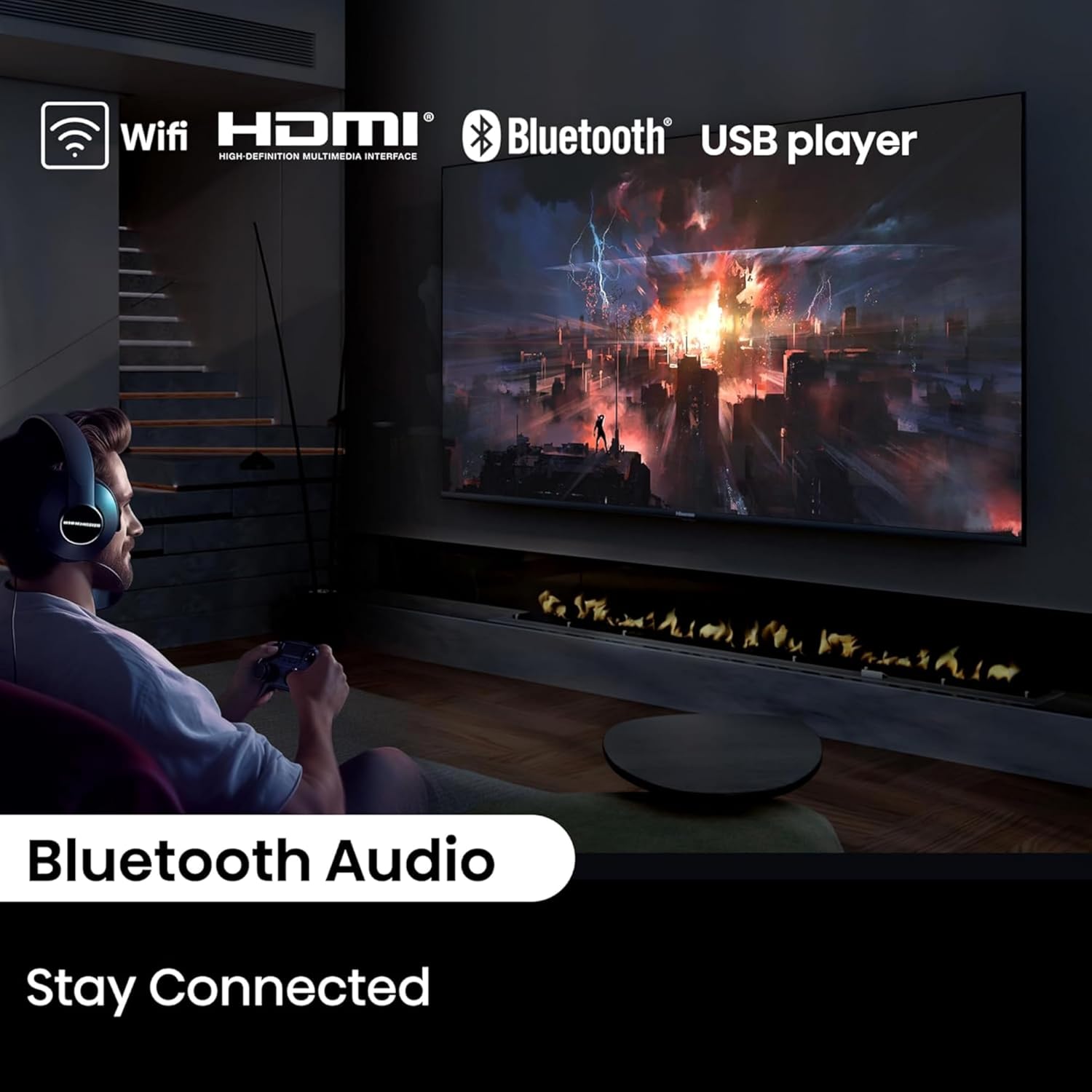
Image: Bluetooth Audio connectivity for an enhanced sound experience.

Image: Easy access to content through various connectivity options.
Smart TV Features (Google TV)
The Foxsky FS32GATV integrates Google TV, offering a personalized and intuitive smart TV experience.

Image: Key features of the Google TV interface.
- Google TV Interface: Organizes movies, shows, and live TV from all your apps into one easy-to-navigate screen.
- Built-in Chromecast: Cast content directly from your smartphone, tablet, or computer to the TV.
- Google Assistant: Use voice commands via the remote to search for content, control smart home devices, and get answers.
- Supported Apps: Access popular streaming services like Netflix, Prime Video, YouTube, Disney+ Hotstar, Sony Liv, Zee5, JioCinema, and more.
- Personal Profiles: Create individual profiles for personalized recommendations.
- Kids Profile: A dedicated profile for children with age-appropriate content.
- 8GB ROM: Provides ample storage for apps and system data.

Image: The Google TV interface with content from various streaming platforms.

Image: Access to a wide variety of streaming applications.
Display and Audio Features
Experience vibrant visuals and clear audio with your Foxsky Smart TV.
- QLED HD Ready Panel: Delivers rich and fuller colors with a resolution of 1366 x 768 pixels.
- HDR10: Enhances contrast and color accuracy for a more dynamic picture.
- Vivid Picture Engine 2: Optimizes image quality for stunning visuals.
- 178-Degree Wide Viewing Angle: Ensures consistent picture quality from various positions.
- Micro Dimming: Improves contrast by analyzing and adjusting brightness in different zones of the screen.
- 30 Watts Output with Dolby Audio: Powerful sound output with enhanced audio quality for an immersive experience.
- DTS Virtual:X: Provides a virtual surround sound experience.

Image: QLED technology for enhanced color reproduction.

Image: HDR10 support for improved picture quality.

Image: Vivid Picture Engine 2 enhances color and clarity.

Image: 30W surround sound for a cinematic audio experience.
Gaming Features
The Foxsky FS32GATV is equipped with features to enhance your gaming experience.
- Game Mode: Optimizes settings for gaming, reducing input lag.
- 120 Hz Game Accelerator (T-Screen): Provides smoother motion for compatible games.
- HDMI 2.1: Supports advanced gaming features for compatible consoles.

Image: Game Mode features for an optimized gaming experience.
Specifications
| Feature | Specification |
|---|---|
| Screen Size | 32 Inches (80 cm) |
| Display Technology | QLED |
| Resolution | HD Ready (1366 x 768) |
| Refresh Rate | 60 Hz |
| Operating System | Google TV |
| Processor | 64-bit Quad Core Processor |
| RAM | 1GB |
| ROM | 8GB |
| Sound Output | 30 Watts |
| Audio Technology | Dolby Audio, DTS Virtual:X |
| Connectivity | 2 HDMI, 2 USB, Dual Band Wi-Fi, Bluetooth 5.0, Ethernet, AV In, Headphone Out |
| HDR Support | HDR10 |
| Viewing Angle | 178 Degrees |
| Product Dimensions (D x W x H) | 8D x 71.5W x 42.1H Centimeters |
| Weight | 4200 Grams |
| VESA Mount Standard | 150 x 150 mm |
| Model Year | 2024 |

Image: Physical dimensions of the Foxsky FS32GATV.
Troubleshooting
If you encounter issues with your TV, refer to the following common troubleshooting steps:
- No Power: Ensure the power cord is securely connected to both the TV and a working power outlet. Try a different outlet.
- No Picture/Sound: Check that the correct input source is selected. Verify all cables (HDMI, AV) are properly connected.
- Remote Not Working: Replace the AAA batteries. Ensure there are no obstructions between the remote and the TV's IR sensor.
- No Internet Connection: Check your Wi-Fi router. Restart the TV and router. Ensure the Wi-Fi password is entered correctly. For wired connections, check the Ethernet cable.
- App Issues: Ensure the TV's software is up to date. Try clearing the app's cache or reinstalling the app.
- Slow Performance: Close unused applications. Restart the TV.
For more complex issues, please contact Foxsky customer support.
Maintenance
Proper care and maintenance will extend the life of your TV.
- Cleaning the Screen: Use a soft, lint-free cloth specifically designed for electronics. Do not use harsh chemicals or abrasive cleaners. Lightly dampen the cloth with water if necessary.
- Cleaning the Body: Wipe the TV's exterior with a soft, dry cloth.
- Ventilation: Ensure adequate airflow around the TV. Do not block ventilation openings.
- Power Off: Unplug the TV from the power outlet during lightning storms or when it will be unused for extended periods.
Warranty and Support
Your Foxsky FS32GATV comes with a standard warranty to ensure your peace of mind.
- Product Warranty: 1-Year Foxsky India Standard Warranty from the date of purchase.
- Remote Control Warranty: Six months standard warranty for technical defects in the remote controller.
- Warranty Claims: Can be processed using your Amazon e-invoice.
For assistance, contact Foxsky customer care:
- Customer Care Number: +91-7079797902 (Monday to Saturday, 10:00 AM to 06:00 PM)
- Service Manager Email ID: customer.service@foxskyindia.com
- Website: www.foxskyindia.com

Image: Foxsky's customer support network and contact information.
Product Video Overview
Watch this video for a quick overview of the Foxsky FS32GATV Smart TV's features and benefits.
Video: Foxsky 80 cm (32 inch) Smart TV product overview, highlighting key features and specifications.