
1. Product Overview
The PINDOWS PDS-603 is a robust 50M waterproof analog-digital sports watch designed for active individuals. It combines classic analog timekeeping with modern digital functionalities, including date, day of the week, multiple alarms, stopwatch, and an LED backlight for visibility in low-light conditions. Its durable construction features a stainless steel back and a clear, resilient case and strap.

Image 1.1: PINDOWS PDS-603 watch on a wrist, showcasing its clear design and digital display.
2. Key Features
- Analog and Digital Display: Provides both traditional and electronic time display.
- 50M Water Resistance: Suitable for swimming, bathing, rain, and handwashing. Not recommended for diving.
- Multi-Functionality: Includes date, day of the week, 3 alarms, stopwatch (1/100 seconds), countdown timer, and hourly chime.
- LED Backlight: Ensures clear visibility of the digital display in dark environments.
- Durable Construction: Features a stainless steel back, pull-tested watch buckle, and non-slip lightweight buttons.
- Japanese Quartz Movement: For accurate timekeeping.
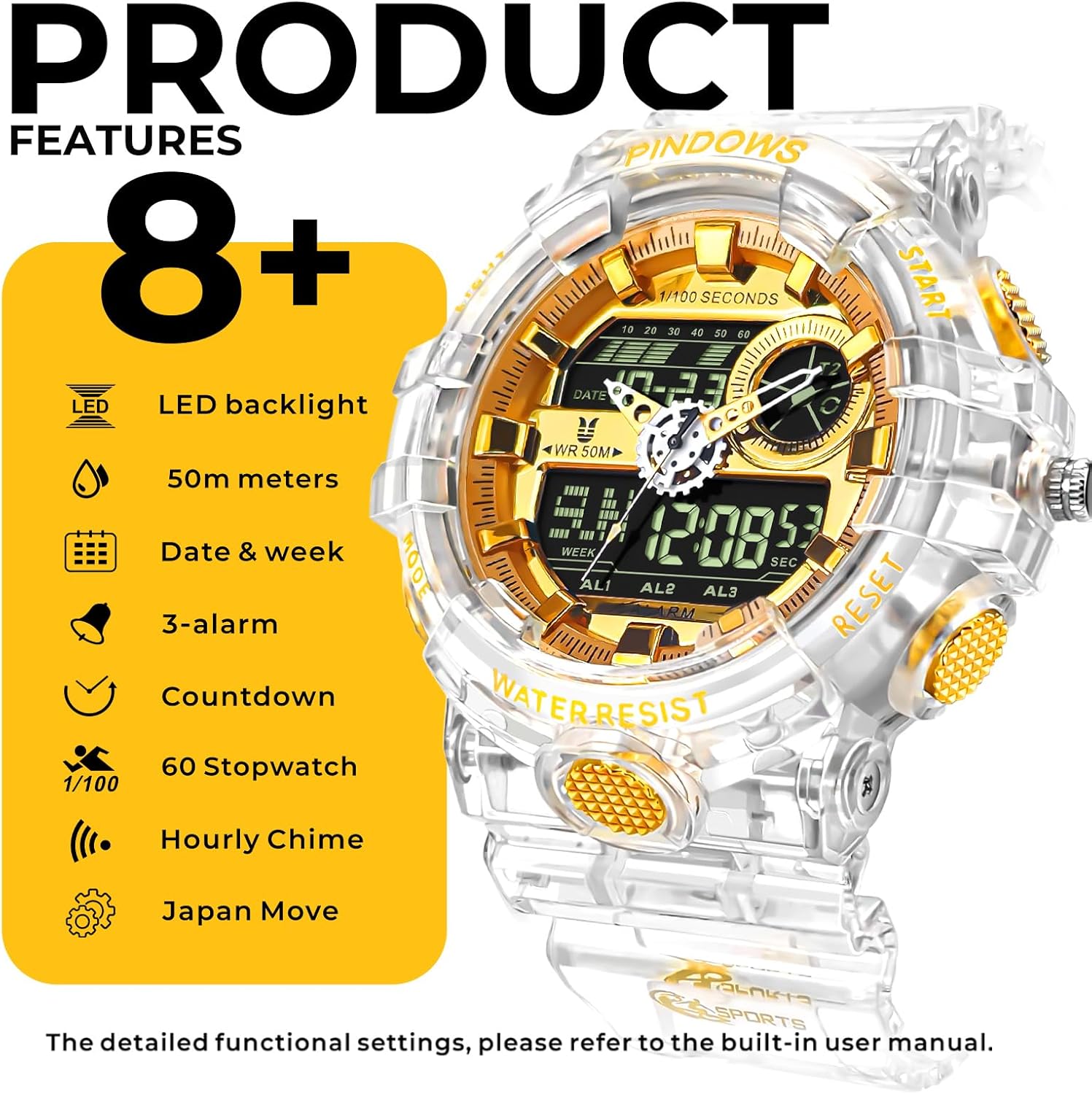
Image 2.1: Visual representation of the watch's multi-functional features.
3. Setup Guide
3.1 Button Functions
- LIGHT: Activates the LED backlight.
- MODE: Cycles through different modes (Time, Stopwatch, Alarm, Timer).
- START/UP: Used to start/stop functions or increase values during setting.
- RESET/DOWN: Used to reset functions or decrease values during setting.
3.2 Setting Time and Date
- In normal time mode, press the MODE button repeatedly until the time setting screen appears (usually indicated by flashing digits).
- Use the START/UP and RESET/DOWN buttons to adjust the flashing hour, minute, second, year, month, and day.
- Press the MODE button to move to the next setting item.
- Once all settings are complete, press the MODE button to exit the setting mode.
3.3 Setting Alarms
- Press the MODE button until you reach the alarm mode (indicated by 'AL' or similar).
- Press the START/UP button to select Alarm 1, Alarm 2, or Alarm 3.
- Press and hold the RESET/DOWN button to enter alarm setting mode (flashing digits).
- Use START/UP and RESET/DOWN to set the desired alarm time.
- Press MODE to confirm and exit.
4. Operating Instructions
4.1 Using the Stopwatch
- Press the MODE button until you reach the stopwatch mode (indicated by 'STW' or similar).
- Press START/UP to begin timing.
- Press START/UP again to pause timing.
- Press RESET/DOWN to reset the stopwatch to zero.
4.2 Activating the LED Backlight
Press the LIGHT button to illuminate the digital display. The backlight will remain on for a few seconds.

Image 4.1: The watch display with its green LED backlight activated for night visibility.
4.3 Water Resistance Guidelines
The PDS-603 watch is rated for 50M (5ATM) water resistance. This means it is suitable for:
- Daily use, handwashing, and splashes.
- Showering and bathing (avoid hot water).
- Swimming in shallow water.
Important: Do not press any buttons while the watch is submerged in water. Avoid exposing the watch to hot water or steam, as this can compromise the water resistance seals.
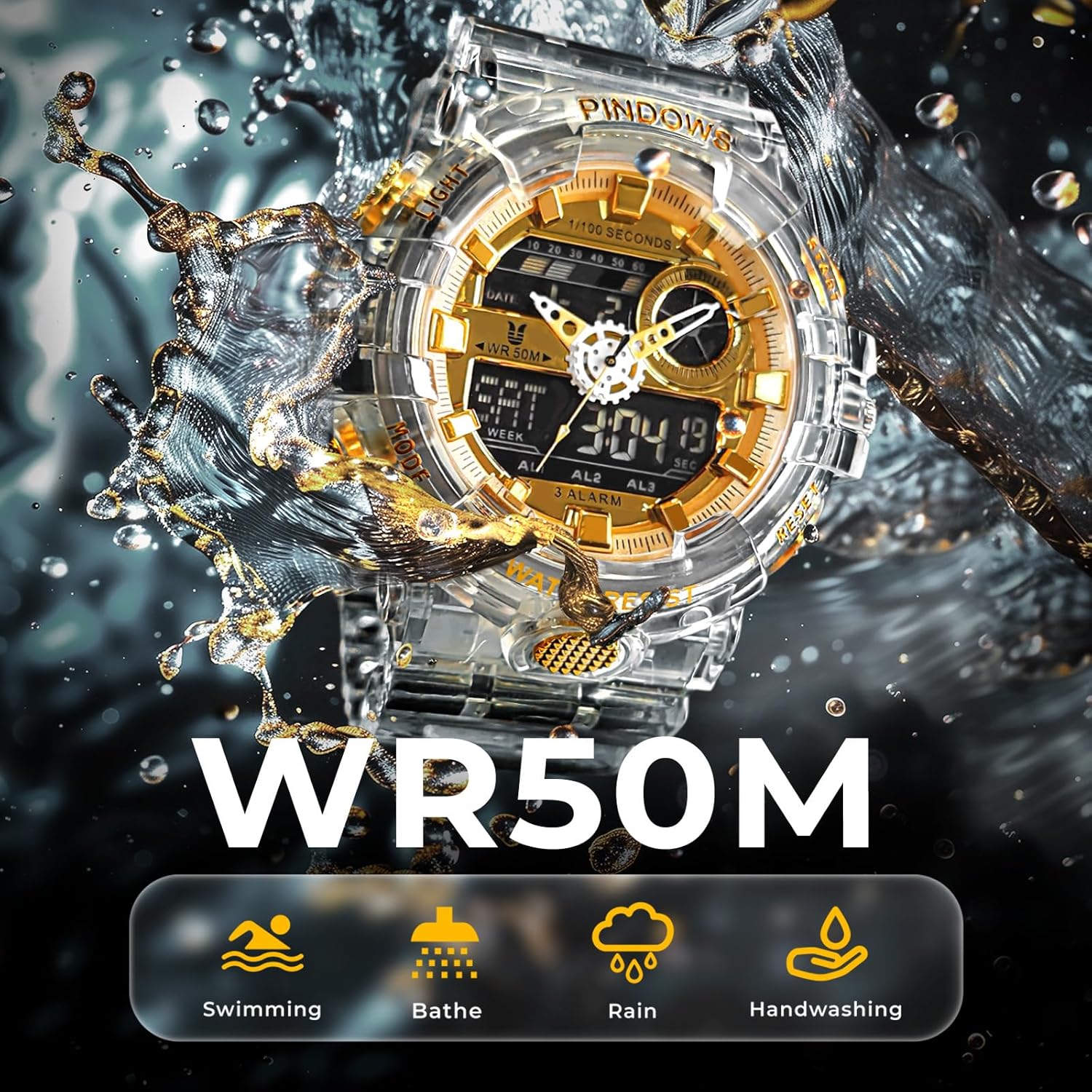
Image 4.2: The watch demonstrating its 50M water resistance.
5. Maintenance
- Cleaning: Wipe the watch regularly with a soft, dry cloth to remove dirt and sweat. For stubborn grime, a slightly damp cloth can be used, followed by immediate drying.
- Avoid Chemicals: Do not expose the watch to harsh chemicals, solvents, or detergents, as these can damage the case, strap, and internal components.
- Temperature Extremes: Avoid exposing the watch to extreme temperatures (hot or cold) for prolonged periods, as this can affect battery life and accuracy.
- Battery Replacement: The watch uses 1 Lithium Metal battery. Battery life is approximately 2 years. When the display dims or functions become erratic, it's time for a battery replacement by a qualified technician.
6. Troubleshooting
- Watch not displaying time: Check if the battery needs replacement. Ensure no buttons are stuck.
- Incorrect time/date: Refer to Section 3.2 to reset the time and date.
- Backlight not working: Ensure the battery has sufficient power. If the issue persists after battery replacement, contact support.
- Water inside the watch: Immediately stop using the watch and seek professional repair to prevent further damage.
7. Specifications
| Feature | Detail |
|---|---|
| Model Number | PDS-603 |
| Display Type | Analog, Digital |
| Movement Type | Japanese Quartz |
| Water Resistance Depth | 50 Meters (5ATM) |
| Case Material | Stainless Steel (back) |
| Band Material Type | Plastic (TPU Band) |
| Case Diameter | 52.5 mm |
| Case Thickness | 19 mm |
| Item Weight | 66 Grams |
| Battery | 1 Lithium Metal battery required |
8. Official Product Videos
8.1 PINDOWS PDS-603 Overview
Video 8.1: An official video showcasing the PINDOWS PDS-603 watch, highlighting its transparent material style, large dial, anti-corrosion bottom cover, and 50M waterproof capabilities. It also demonstrates the LED backlight and suitability for various occasions.
8.2 PINDOWS PDS-603 Outdoor Use
Video 8.2: An official video demonstrating the PINDOWS PDS-603 watch in an outdoor trekking environment, emphasizing its stopwatch function, transparent design, 50M water resistance, and LED light for night visibility.
9. Warranty & Support
PINDOWS products are covered by a manufacturer's warranty. For specific warranty details, claims, or technical support, please refer to the documentation included with your purchase or visit the official PINDOWS website. Keep your proof of purchase for warranty services.
