
1. Introduction
Thank you for choosing the itel T11Pro True Wireless Earbuds. This manual provides essential information for setting up, operating, maintaining, and troubleshooting your earbuds to ensure optimal performance and longevity. The itel T11Pro earbuds feature 360° Super Bass, up to 42 hours of playback, Quad Microphones for clear calls, and Active Noise Cancellation for an immersive audio experience.

Image 1.1: itel T11Pro True Wireless Earbuds in their charging case.
2. Setup
2.1. What's in the Box
- itel T11Pro True Wireless Earbuds (Left and Right)
- Charging Case
- User Manual
- Charging Cable (USB Type-C)
- Eartips (various sizes)
2.2. Initial Charging
Before first use, fully charge the earbuds and the charging case. Place the earbuds into the charging case and connect the case to a power source using the provided USB Type-C cable. The indicator lights on the case will show the charging status.
- Charging Case: Connect the USB-C cable to the charging port on the case and a power adapter.
- Earbuds: Place the earbuds into the charging slots inside the case. They will charge automatically.
2.3. Bluetooth Pairing
- Ensure the earbuds are charged.
- Open the charging case. The earbuds will automatically enter pairing mode, indicated by a flashing LED light on one or both earbuds.
- On your device (smartphone, tablet, etc.), enable Bluetooth.
- Search for available Bluetooth devices and select "itel T11Pro" from the list.
- Once connected, the LED indicator on the earbuds will stop flashing.
- The earbuds will automatically reconnect to the last paired device when taken out of the case, if Bluetooth is enabled on the device.
2.4. Wearing the Earbuds
Gently insert the earbuds into your ears and rotate them slightly to find a comfortable and secure fit. Choose the appropriate eartip size for optimal sound quality and noise isolation.
3. Operating Instructions
The itel T11Pro earbuds feature touch controls for various functions.
3.1. Power On/Off
- Power On: Open the charging case, or long-press the touch area on both earbuds for 3 seconds.
- Power Off: Place the earbuds back into the charging case and close the lid, or long-press the touch area on both earbuds for 5 seconds.
3.2. Music Playback Control
| Action | Function |
|---|---|
| Single tap (Left/Right earbud) | Play/Pause music |
| Double tap (Right earbud) | Next track |
| Double tap (Left earbud) | Previous track |
| Long press (Right earbud) | Volume Up |
| Long press (Left earbud) | Volume Down |
3.3. Call Control
| Action | Function |
|---|---|
| Single tap (Left/Right earbud) | Answer/End call |
| Long press (Left/Right earbud) | Reject call |
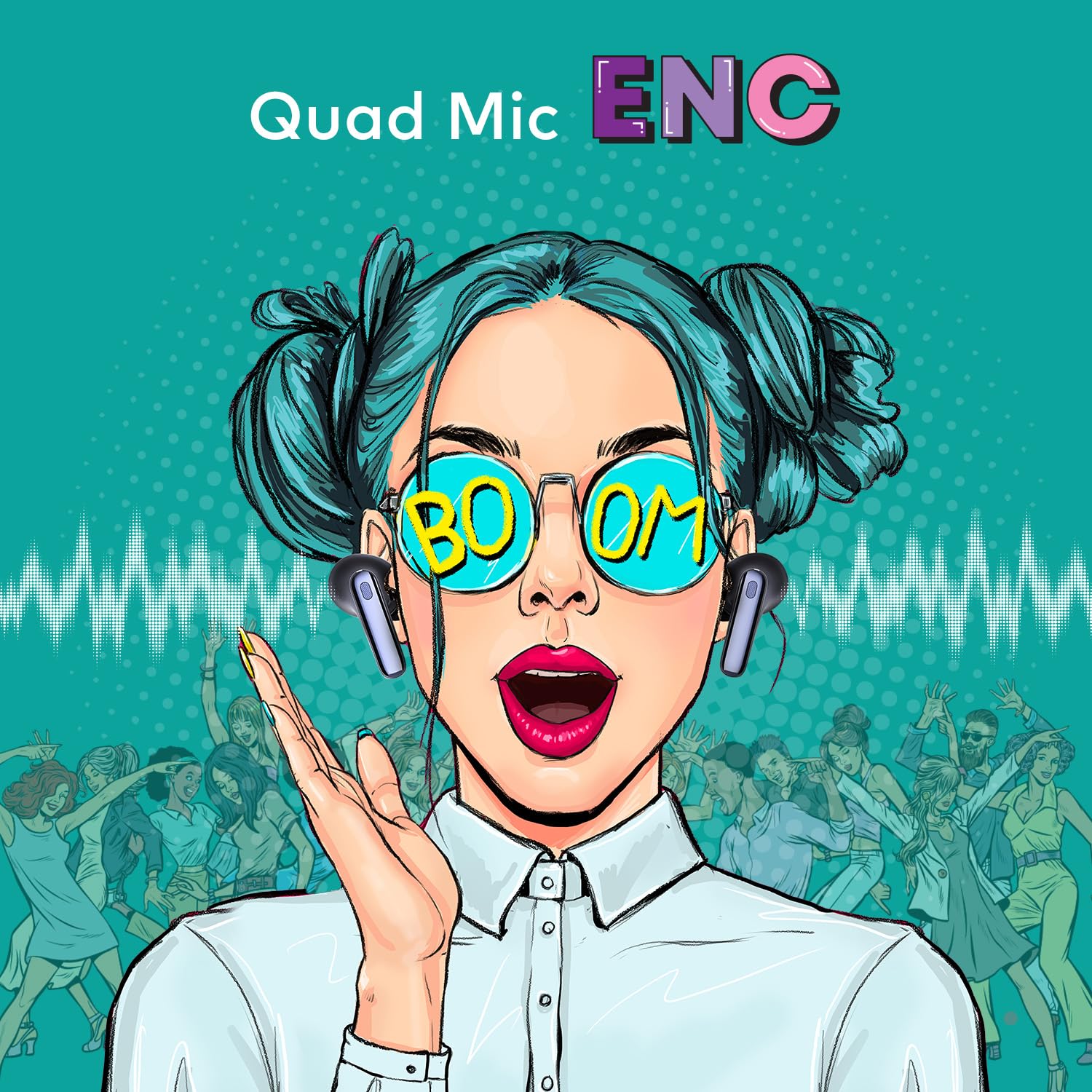
Image 3.1: The Quad Mic ENC (Environmental Noise Cancellation) feature ensures clear voice calls.
3.4. Voice Assistant
Triple tap the touch area on either earbud to activate your device's voice assistant (e.g., Siri, Google Assistant).
3.5. Low Latency Mode
The earbuds support a 45ms low latency mode, ideal for gaming. Refer to the product packaging or specific instructions for activating this mode, typically via a specific touch gesture.

Image 3.2: The 45ms low latency feature provides a synchronized audio experience for gaming.
4. Maintenance
4.1. Cleaning
- Use a soft, dry, lint-free cloth to clean the earbuds and charging case.
- Do not use abrasive cleaners, solvents, or aerosol sprays.
- Regularly clean the eartips and mesh grilles to prevent wax buildup, which can affect sound quality.
4.2. Storage
When not in use, store the earbuds in their charging case to protect them from dust, damage, and to keep them charged.
4.3. Battery Care
- Avoid exposing the earbuds and case to extreme temperatures (hot or cold).
- Charge the device regularly, even if not used for extended periods, to maintain battery health.
5. Troubleshooting
If you encounter issues with your itel T11Pro earbuds, refer to the following common solutions:
5.1. Earbuds Not Pairing
- Ensure both earbuds are charged.
- Turn off and on Bluetooth on your device.
- Place earbuds back in the case, close the lid, wait a few seconds, then open to re-enter pairing mode.
- Forget "itel T11Pro" from your device's Bluetooth list and attempt to pair again.
5.2. No Sound or Low Volume
- Check the volume level on both your device and the earbuds.
- Ensure the earbuds are properly connected to your device.
- Clean any debris from the earbud mesh grilles.
5.3. Charging Issues
- Verify the charging cable is securely connected to both the case and the power source.
- Try a different charging cable or power adapter.
- Ensure the charging contacts on the earbuds and inside the case are clean and free of obstruction.
6. Specifications
| Feature | Detail |
|---|---|
| Model Name | itel-T11Pro |
| Item Model Number | T11Pro-cr |
| Connectivity Technology | Wireless (Bluetooth) |
| Noise Control | Active Noise Cancellation |
| Playback Time | Up to 42 hours (with charging case) |
| Microphone | Quad Mic with Environmental Noise Cancellation (ENC) |
| Audio Driver Type | Dynamic Driver (13mm Bass Boost Driver) |
| Low Latency | 45ms |
| Control Method | Touch Control, Voice Control |
| Material | Plastic |
| Item Weight | 40 Grams |
| Product Dimensions (LxWxH) | 6.5 x 2 x 4.5 cm |
| Battery Type | Lithium Polymer (included) |
| UPC | 703670562693 |
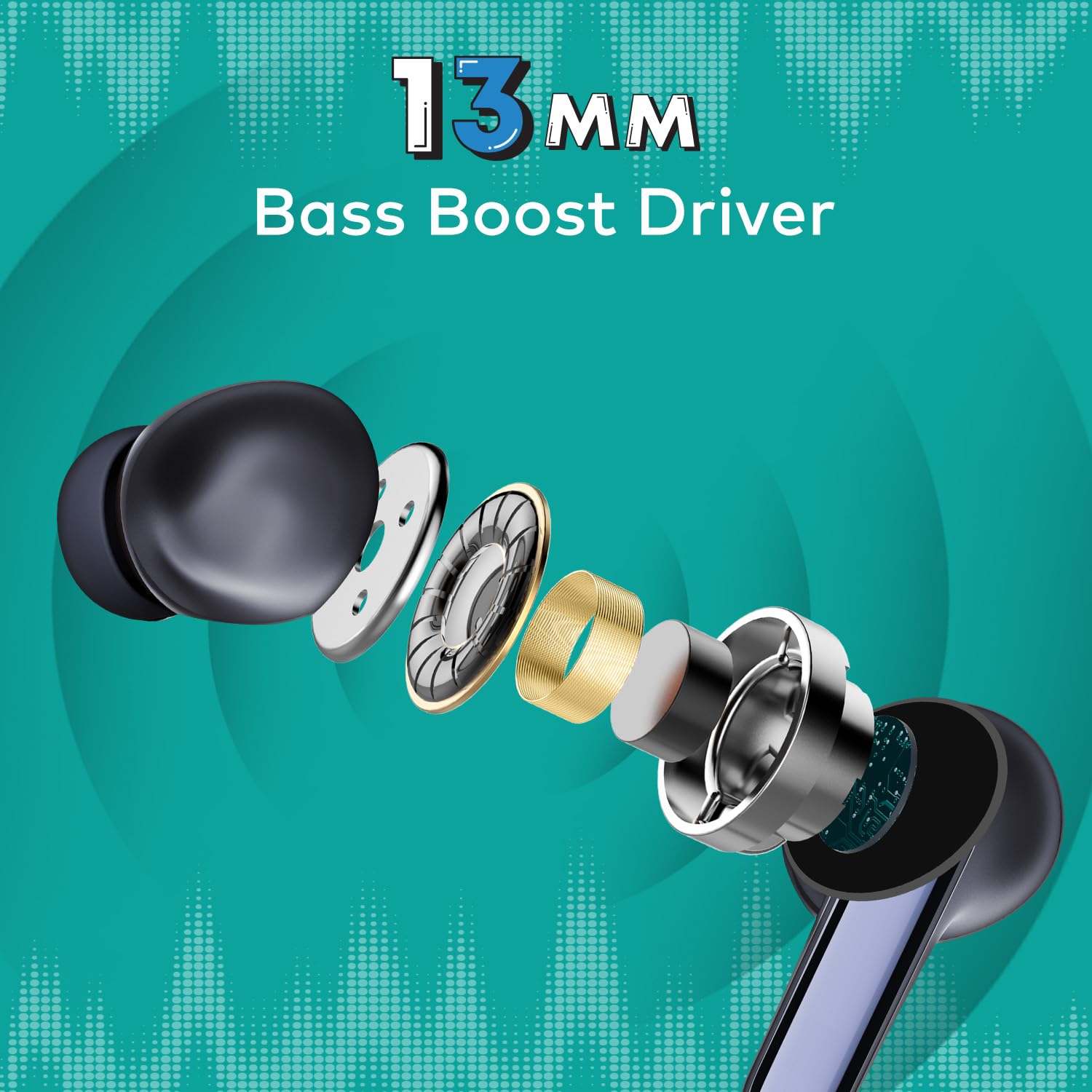
Image 6.1: Detailed view of the 13mm Bass Boost Driver components.
7. Warranty and Support
7.1. Warranty Information
This product is covered by a minimum six-month seller warranty. Please retain your proof of purchase for warranty claims. The warranty covers manufacturing defects and malfunctions under normal use conditions.
7.2. Customer Support
For further assistance, troubleshooting not covered in this manual, or warranty inquiries, please contact the seller or the manufacturer's customer support. Refer to the product packaging or the point of purchase for specific contact details.
