Introduction
The ATUMTEK ATYK185 Bluetooth Camera Remote Shutter provides wireless control for your smartphone or tablet camera. This device is designed for ease of use, allowing you to capture photos and videos from a distance of up to 10 meters (33 feet). It features Bluetooth 5.2 technology for stable and rapid connections, universal compatibility with iOS and Android devices, and a long-lasting CR2032 battery.
What's in the Box
Upon unboxing your ATUMTEK ATYK185, you will find the following items:
- 2 x ATUMTEK Bluetooth Camera Remote Shutters (Model: ATYK185)
- 2 x Detachable Wrist Straps
- 1 x User Manual
- 2 x CR2032 Batteries (pre-installed)
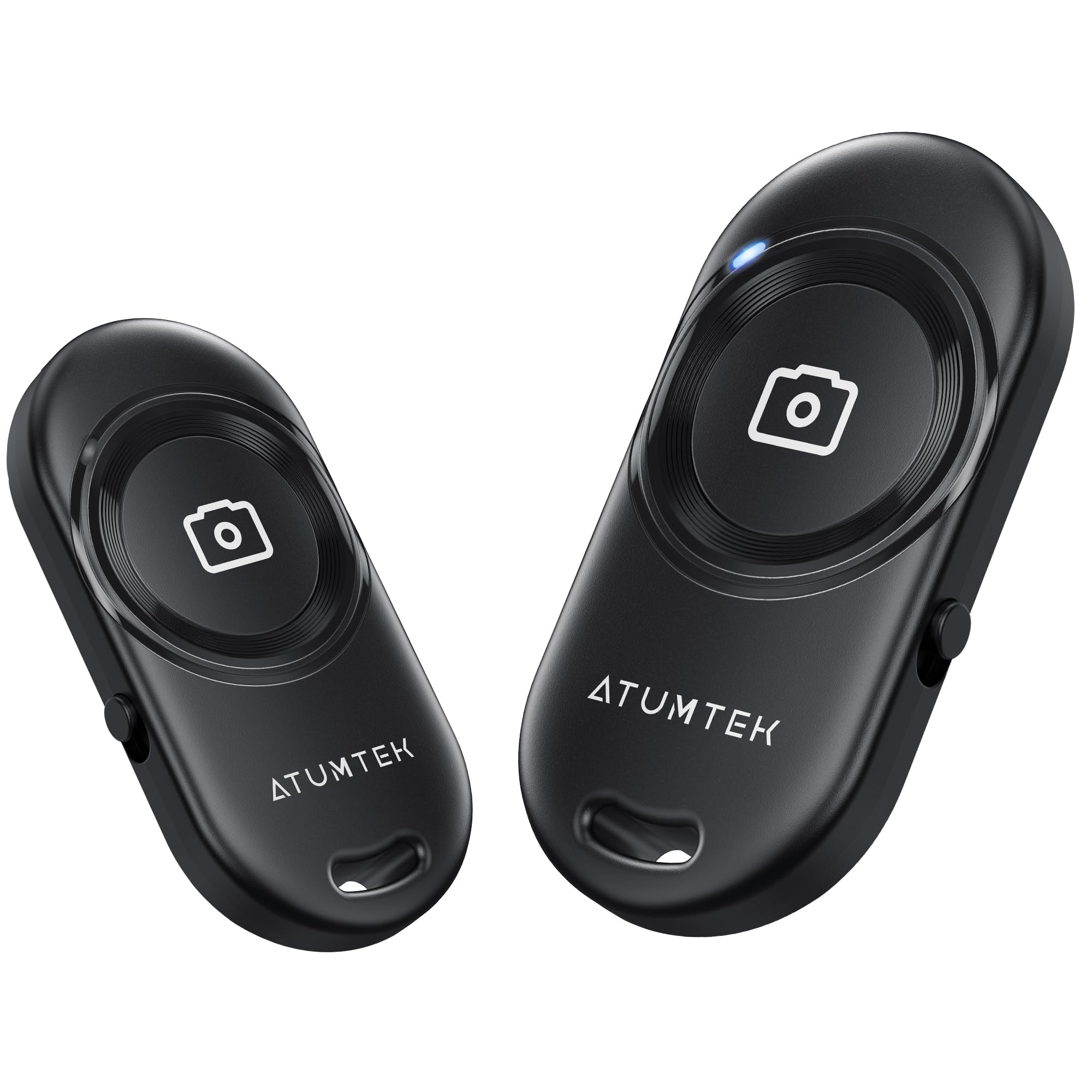
Image: The ATUMTEK ATYK185 package contents, including two black remote shutters, two wrist straps, the product box, and the user manual.
Setup
Pairing with Your Device
- Power On: Locate the ON/OFF switch on the side of the remote shutter. Slide the switch to the "ON" position. The blue indicator light on the remote will rapidly flash, indicating it is in Bluetooth pairing mode.
- Enable Bluetooth: On your smartphone or tablet, go to your device's settings and enable Bluetooth.
- Connect: In the list of available Bluetooth devices, locate and tap on "ATUMTEK". A pairing request may appear; confirm by tapping "Pair". The blue indicator light on the remote will turn off, signifying a successful connection.
- Open Camera App: Return to your device's camera application. The remote is now ready for use.

Image: One-step auto pairing process, showing the remote connecting to a smartphone via Bluetooth.
Video: This video demonstrates the pairing process of the ATUMTEK Bluetooth Remote Shutter with a smartphone, showing how to activate the remote, enable Bluetooth on the phone, and connect to the "ATUMTEK" signal for successful pairing.
Operating Instructions
Taking Photos and Recording Videos
- For Photos: With your camera app open and in photo mode, briefly press the large camera button on the remote to capture a photo.
- For Videos: Switch your camera app to video recording mode. Briefly press the large camera button on the remote to start recording. Press it again to stop recording.
The remote operates within a 10-meter (33-foot) range, providing flexibility for various shooting scenarios, including selfies, group photos, and remote nature shots.

Image: Various usage scenarios demonstrating the versatility of the remote shutter for different types of photography and videography.
Sleep Mode and Waking Up
- Sleep Mode: If there is no operation for 10 minutes after powering on, the remote will automatically enter sleep mode to conserve battery. The blue indicator light will deactivate.
- Waking Up: To wake up the remote from sleep mode, simply press the camera button briefly. It will automatically reconnect to the last paired device if Bluetooth is enabled on your phone.

Image: Explanation of Bluetooth indicator light behavior for standby, connected, sleep, and low battery states.
Maintenance
Battery Replacement
The ATUMTEK ATYK185 uses an upgraded CR2032 button battery, which supports the capture of up to 20,000 images. When the battery is low, the indicator light will turn off, and the connection may be lost. To replace the battery:
- Locate the battery compartment on the back of the remote.
- Use a small coin or a similar tool to gently twist open the battery cover.
- Remove the old CR2032 battery and insert a new one, ensuring the positive (+) side faces upwards.
- Close the battery cover securely.
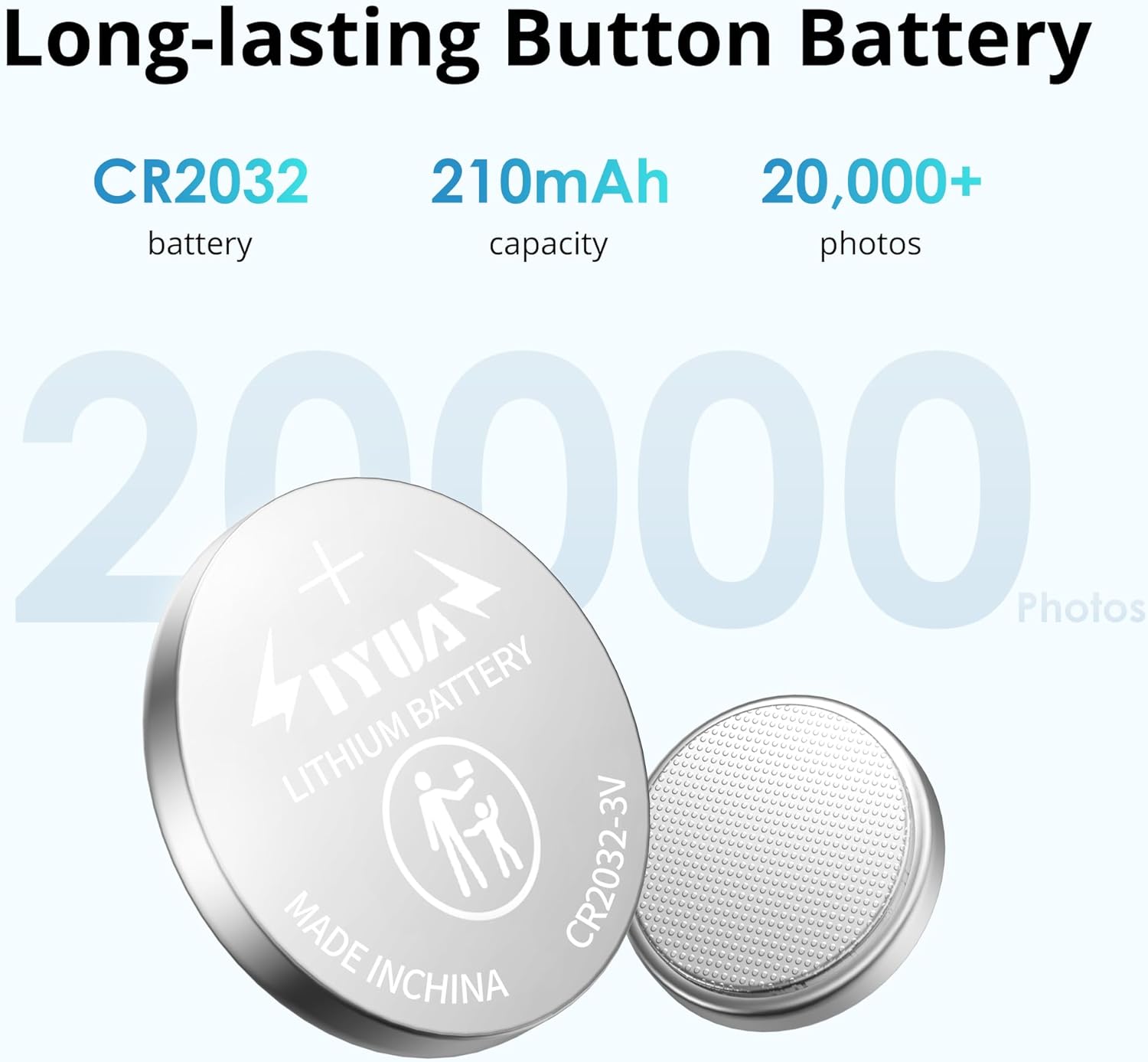
Image: The CR2032 button battery, emphasizing its capacity and long lifespan.
Using the Wrist Strap
The detachable wrist strap provides an extra layer of security and portability. To attach and use the wrist strap:
- Thread the thin loop of the wrist strap through the small hole on the remote shutter.
- Pass the larger part of the strap through the loop to secure it.
- Adjust the buckle on the strap to fit comfortably around your wrist.

Image: The compact design of the remote, shown being stored in a small case and attached to a backpack with its wrist strap.
Video: This video demonstrates how to attach and adjust the wrist strap to the ATUMTEK Bluetooth Remote Shutter for secure and convenient carrying.
Troubleshooting
- Remote not pairing:
- Ensure the remote is switched "ON" and the blue indicator light is flashing.
- Make sure Bluetooth is enabled on your smartphone/tablet.
- Check if the remote is already paired with another device. Disconnect from other devices if necessary.
- Restart your smartphone/tablet and try pairing again.
- If the blue light is not flashing, the battery might be dead. Replace the CR2032 battery.
- Remote not taking photos/videos:
- Ensure the remote is successfully paired (blue light off after initial pairing).
- Verify that your camera app is open and active.
- Some phones may require the volume button to be set as the shutter button in camera settings.
- Ensure the remote is within the 10-meter operating range of your device.
- Remote enters sleep mode too quickly:
- The remote is designed to enter sleep mode after 10 minutes of inactivity to save battery. This is normal operation. Simply press the camera button to wake it up.
Specifications
| Model Number | ATYK185 |
| Bluetooth Version | 5.2 |
| Operating Range | Up to 10 meters (33 feet) |
| Battery Type | CR2032 Button Battery (included) |
| Battery Life | Approx. 20,000 photos per battery |
| Compatibility | iOS 7.0 and Android 5.0 or higher devices |
| Dimensions | 3.78 x 1.97 x 0.67 inches |
| Item Weight | 1.13 ounces |

Image: Key features of the remote shutter, including Bluetooth 5.2 technology for stable and rapid connections.

Image: Universal compatibility of the remote shutter with a wide range of smartphones and tablets.
Warranty Information
ATUMTEK products typically come with a standard manufacturer's warranty. Please refer to the warranty card included in your product packaging or visit the official ATUMTEK website for detailed warranty terms and conditions. Keep your purchase receipt as proof of purchase for any warranty claims.
Customer Support
For any questions, technical assistance, or support regarding your ATUMTEK ATYK185 Bluetooth Camera Remote Shutter, please contact ATUMTEK customer service through the following channels:
- Official Website: Visit the ATUMTEK Store on Amazon for product information and support resources.
- Email Support: Refer to your user manual for specific customer service email addresses.
When contacting support, please have your product model number (ATYK185) and purchase details ready.


