
1. Introduction
The Nobsound NS-13G MAX is a high-performance Class D stereo amplifier designed for home audio systems. It integrates a powerful TPA3255 amplifier chip, delivering up to 300W per channel, and offers versatile input options including MM-Phono and stereo RCA. This amplifier is suitable for connecting various audio sources such as turntables, CD/DVD players, computers, and televisions, providing exceptional sound quality with high efficiency and low distortion.
2. Safety Information
- Ensure the amplifier is placed on a stable, level surface.
- Do not expose the unit to water, moisture, or extreme temperatures.
- Ensure proper ventilation around the amplifier to prevent overheating. Do not block ventilation openings.
- Use only the provided power adapter. Using an incorrect power supply may damage the unit and void the warranty.
- Disconnect the power cord from the outlet before cleaning or if the unit will be unused for an extended period.
- Do not attempt to open or service the unit yourself. Refer all servicing to qualified personnel.
3. Package Contents
Please check the package for the following items:
- 1x Nobsound NS-13G MAX Amplifier
- 1x DC 48V/5A Power Adapter
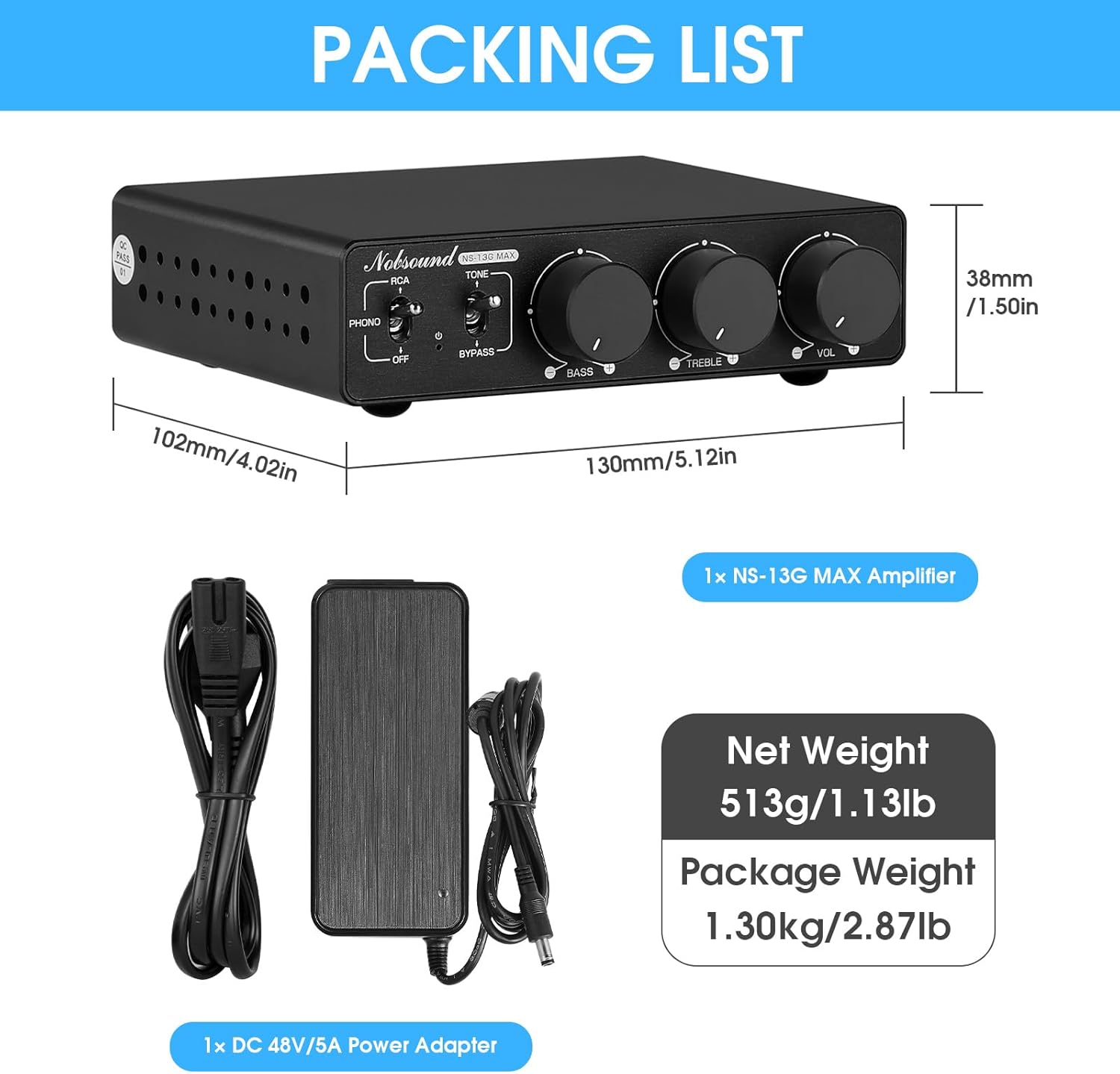
Image: Contents of the Nobsound NS-13G MAX package, showing the amplifier unit and its power adapter.
4. Product Overview
4.1 Front Panel Controls

Image: Detailed diagram illustrating the front panel controls and rear panel connections of the Nobsound NS-13G MAX amplifier.
- PHONO/RCA Input Switch: Selects between Phono input (for turntables) and RCA input (for other audio devices).
- Power OFF Switch: Turns the amplifier on or off.
- Tone/Bypass Mode Switch: Engages or bypasses the Bass and Treble tone controls. In Bypass mode, audio is unprocessed for pure sound.
- Bass Knob: Adjusts the low-frequency output.
- Treble Knob: Adjusts the high-frequency output.
- Volume Knob: Controls the overall output volume.
4.2 Rear Panel Connections
- RCA IN (Left/Right): Standard stereo RCA inputs for connecting audio sources like CD players, DACs, or streaming devices.
- PHONO IN (Left/Right): Dedicated MM-Phono input for connecting turntables with a Moving Magnet cartridge. Includes a ground terminal.
- AUX OUT (3.5mm): 3.5mm auxiliary output for connecting to another amplifier, active speakers, or a subwoofer.
- SPK OUT (Banana Speaker Terminals): Outputs for connecting passive speakers. Supports banana plugs or bare wire.
- DC IN (24V-48V): Power input for the DC 48V/5A power adapter.
5. Setup Instructions
5.1 Connecting Speakers
- Ensure the amplifier is turned off and unplugged from the power outlet.
- Connect your passive speakers to the SPK OUT banana speaker terminals on the rear panel. Ensure correct polarity (red to red, black to black) for each channel (Left and Right).
5.2 Connecting Audio Sources
- For Turntables: Connect your turntable's RCA output cables to the PHONO IN (Left/Right) jacks. If your turntable has a ground wire, connect it to the ground terminal next to the PHONO IN.
- For Other Audio Devices (CD Player, PC, TV, etc.): Connect your device's RCA output cables to the RCA IN (Left/Right) jacks.
5.3 Connecting to External Amplifier/Subwoofer (Optional)
- If you wish to connect an additional amplifier, active speakers, or a subwoofer, use a 3.5mm audio cable to connect the AUX OUT jack on the NS-13G MAX to the input of your external device.
5.4 Connecting Power
- Connect the DC 48V/5A power adapter to the DC IN port on the rear of the amplifier.
- Plug the power adapter into a suitable wall outlet.
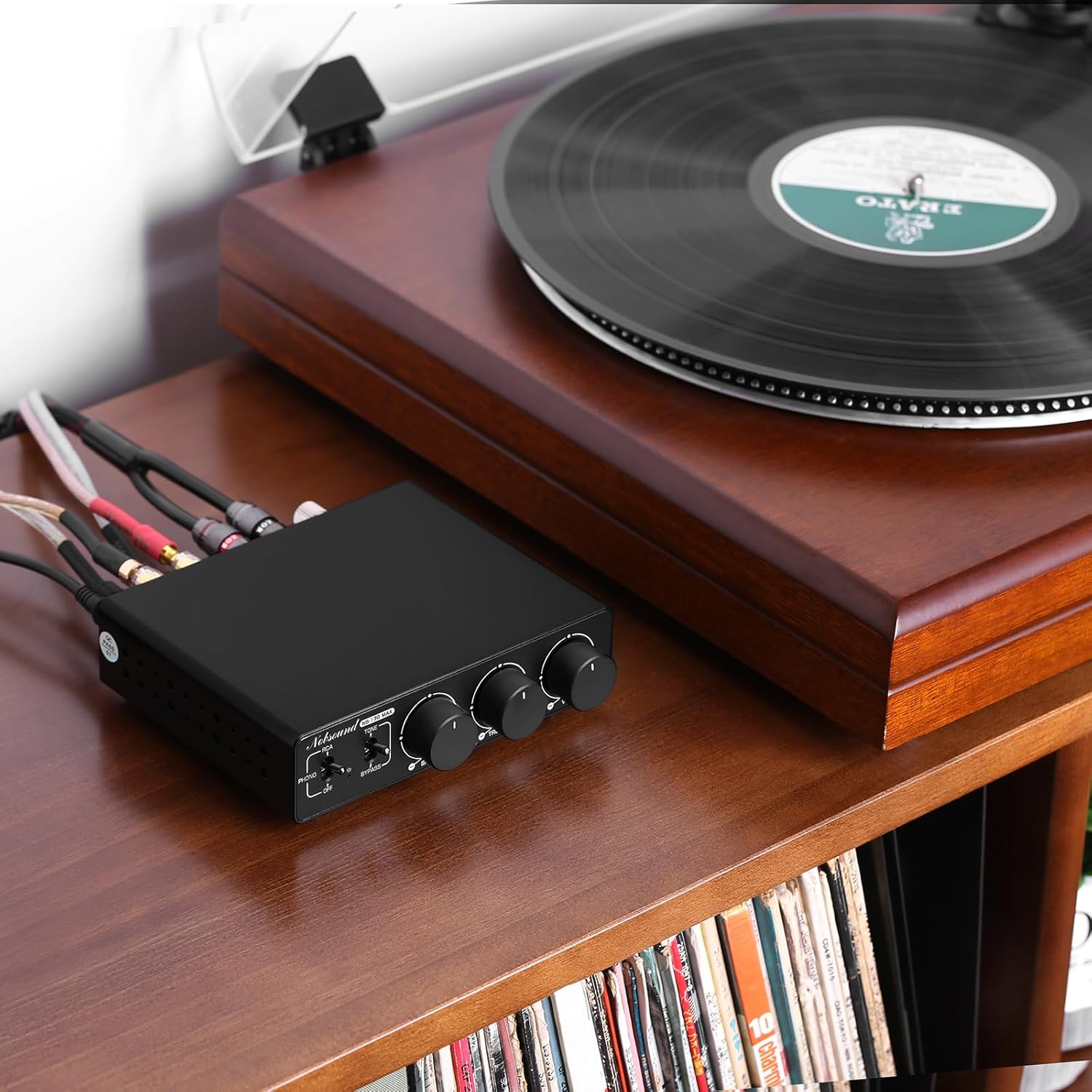
Image: The Nobsound NS-13G MAX amplifier set up with a turntable and passive speakers, demonstrating typical connections.
6. Operating Instructions
6.1 Power On/Off
- After all connections are made, flip the Power OFF switch to the 'ON' position to power on the amplifier. The power indicator light will illuminate.
- To power off, flip the Power OFF switch to the 'OFF' position.
6.2 Input Selection
- Use the PHONO/RCA Input Switch on the front panel to select the desired audio source. Set it to 'PHONO' for turntables or 'RCA' for other devices.
6.3 Volume Control
- Rotate the Volume Knob clockwise to increase the volume and counter-clockwise to decrease it. Start with a low volume setting and gradually increase it to a comfortable listening level.
6.4 Tone Control
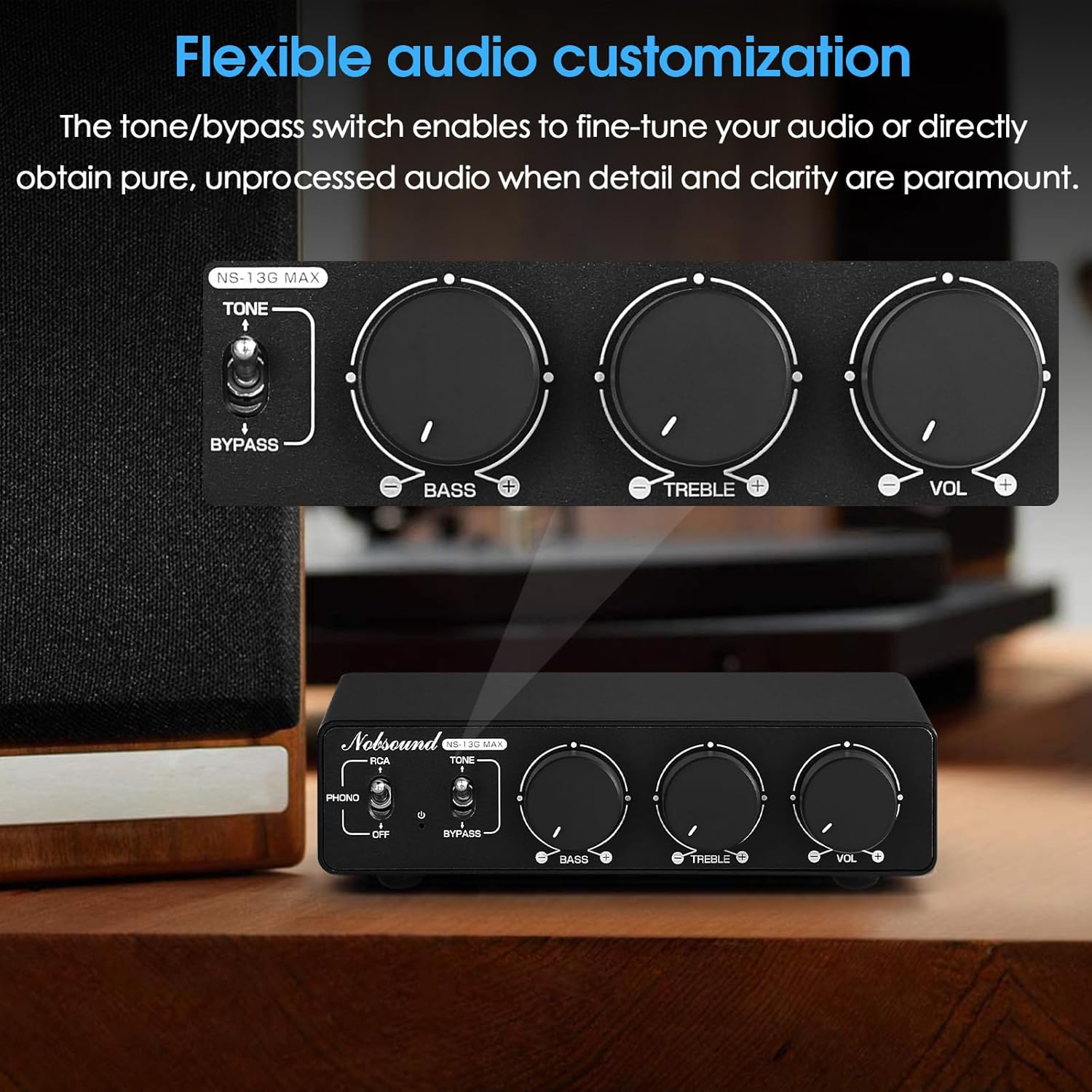
Image: Close-up of the Nobsound NS-13G MAX front panel, highlighting the Tone/Bypass switch and Bass/Treble controls for flexible audio customization.
- The Tone/Bypass Mode Switch allows you to engage or bypass the tone controls.
- In 'TONE' mode, you can adjust the sound using the Bass Knob and Treble Knob to suit your preferences.
- In 'BYPASS' mode, the Bass and Treble controls are deactivated, providing a direct, unprocessed audio signal for maximum clarity and detail.
7. Maintenance
7.1 Cleaning
- Wipe the exterior of the amplifier with a soft, dry cloth. Do not use liquid cleaners or abrasive materials.
- Avoid spraying cleaning solutions directly onto the unit.
7.2 Heat Dissipation
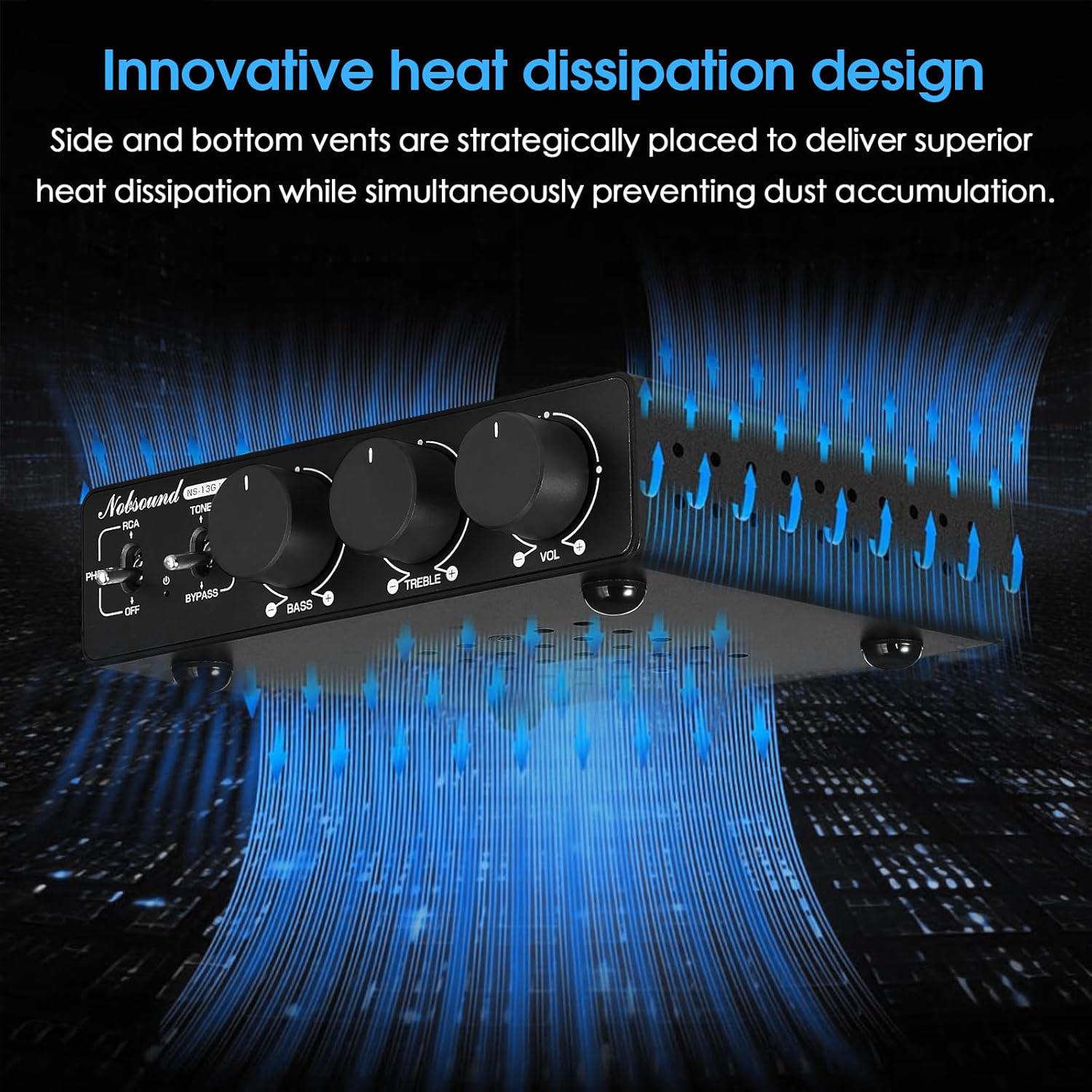
Image: Diagram illustrating the innovative heat dissipation design of the Nobsound NS-13G MAX, with air flowing through side and bottom vents.
- The NS-13G MAX features strategically placed side and bottom vents for effective heat dissipation. Ensure these vents are not obstructed to maintain optimal operating temperature and prolong the device's lifespan.
- Place the amplifier in an area with adequate airflow.
7.3 Op-Amp Replacement
- The integrated NE5532P operational amplifier is designed to be pluggable, allowing for replacement with other compatible dual op-amps such as OPA2604, OPA2134, or MUSE02 for audio customization.
- Only attempt op-amp replacement if you are familiar with electronic components and static discharge precautions. Disconnect power before attempting any internal modifications.
8. Troubleshooting
| Problem | Possible Cause | Solution |
|---|---|---|
| No sound output |
|
|
| Distorted sound |
|
|
| Unit feels warm |
|
|
| Humming or buzzing noise |
|
|
9. Specifications
- Model: NS-13G MAX
- Amplifier Chip: TPA3255
- Op-Amp: NE5532P (pluggable)
- Inputs: MM-Phono, Stereo RCA
- Outputs: Banana Speaker Terminals, 3.5mm AUX Output
- Power Supply: DC 48V/5A (included)
- Dimensions (L x W x H): Approximately 130mm x 102mm x 38mm (5.12in x 4.02in x 1.50in)
- Net Weight: 513g (1.13lb)
- Package Weight: 1.30kg (2.87lb)
9.1 Output Power Table

Image: Table detailing the power output of the NS-13G MAX amplifier at various power supply voltages and speaker impedances.
| Model | Power Supply | Speaker Impedance | Output Power |
|---|---|---|---|
| NS-13G MAX | 32V / 5A | 4 Ω | 78W+78W |
| 6 Ω | 71W+71W | ||
| 8 Ω | 65W+65W | ||
| 36V / 6A | 4 Ω | 107W+107W | |
| 6 Ω | 100W+100W | ||
| 8 Ω | 94W+94W | ||
| 48V / 5A | 4 Ω | 120W+120W | |
| 6 Ω | 110W+110W | ||
| 8 Ω | 102W+102W | ||
| 48V / 10A | 4 Ω | 250W+250W | |
| 6 Ω | 210W+210W | ||
| 8 Ω | 185W+185W |
10. Warranty Information
Warranty information for this product is not explicitly provided in the available documentation. Please refer to the retailer or manufacturer's official website for details regarding warranty coverage and terms.
11. Customer Support
For technical assistance, troubleshooting beyond this manual, or inquiries regarding your Nobsound NS-13G MAX amplifier, please contact Nobsound customer support through their official website or the retailer from whom you purchased the product.
Manufacturer: Nobsound
Website: www.doukaudio.com