
Introduction
This manual provides detailed instructions for the WELLFINE F5030B Water Dental Flosser. Please read this manual thoroughly before first use to ensure proper operation, maintenance, and safety. Retain this manual for future reference.
Product Overview
The WELLFINE F5030B Water Dental Flosser is designed to enhance oral hygiene by effectively removing food particles and plaque from between teeth and below the gumline. It features multiple cleaning modes and specialized nozzles to cater to various oral care needs.
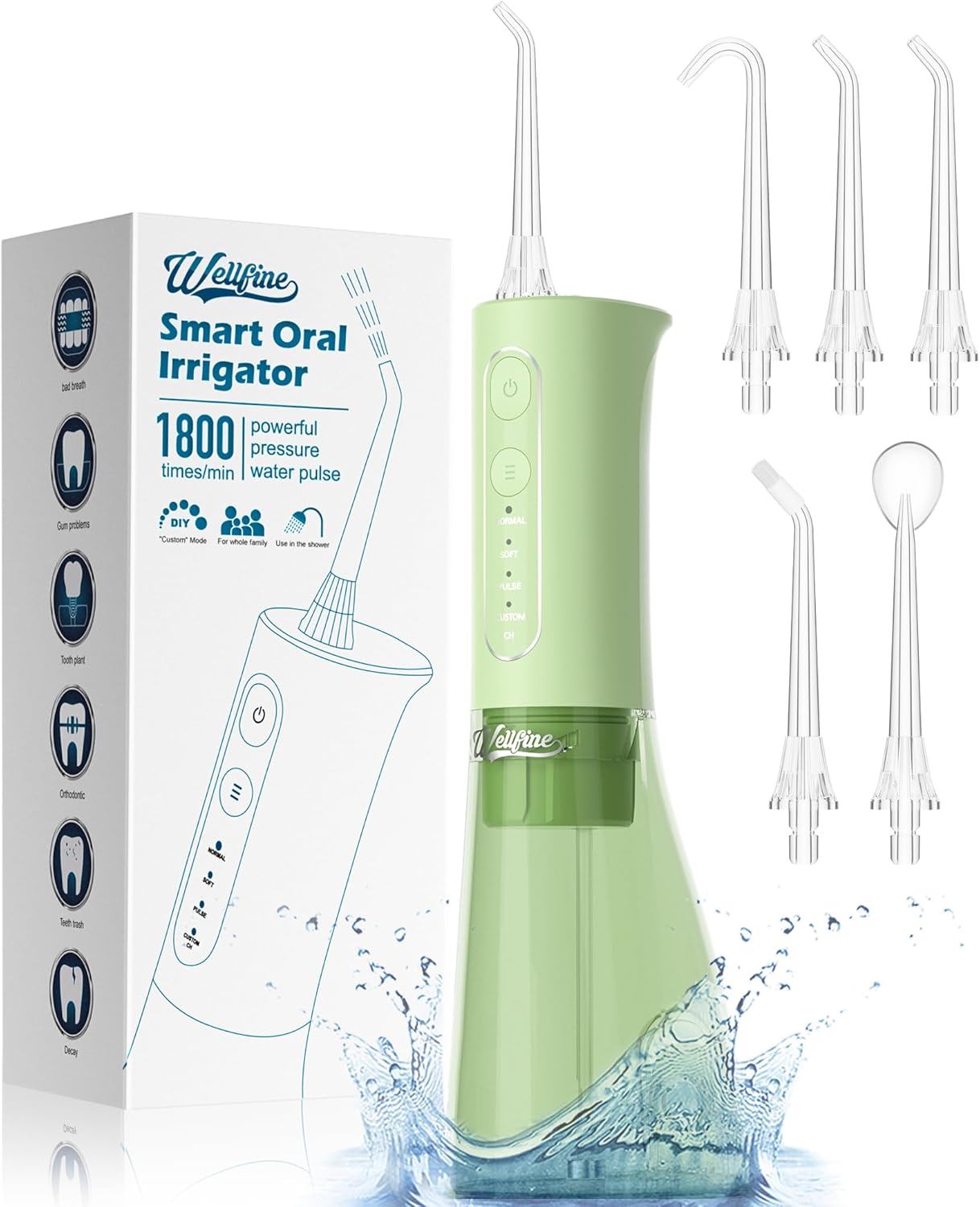
Image: WELLFINE F5030B Water Dental Flosser, showing the device, its packaging, and included nozzles.
Key Features:
- High-Frequency Pulsation: Delivers 1,400-1,800 pulses per minute for deep cleaning.
- Adjustable Water Pressure: Ranges from 30-120 PSI.
- 4 Customizable Modes: Includes Normal, Soft, Pulse, and a Custom mode with 11 pressure settings.
- Long Battery Life: Up to 30 days of use on a single charge.
- IPX7 Waterproof: Suitable for use in the shower.
- Large Water Tank: 300ML capacity, detachable for easy refilling and cleaning.
- 5 Specialized Nozzles: Includes curved nozzle, standard jet tips, orthodontic tip, and tongue scraper.

Image: Diagram showing the device's cleaning modes (Normal, Soft, Pulse, Custom) and various oral issues it helps address, such as dental calculus, orthodontics, halitosis, cavity, and misaligned teeth.
Nozzles and Tips:
The WELLFINE F5030B comes with five specialized nozzles for comprehensive oral care:

1 x Curved Nozzle: For thorough cleaning around dentures and hard-to-reach areas.

2 x Standard Jet Tips: For general daily cleaning and family use.

1 x Orthodontic Tip: Designed for cleaning around braces, bridges, and other dental work.

1 x Tongue Scraper: Helps remove tongue coating and bacteria for fresher breath.
Setup
Follow these steps to prepare your water flosser for use:
- Charge the Device: Before first use, fully charge the water flosser using the provided charger. The device lasts approximately 30 days on a single charge.
- Attach Nozzle: Select the desired nozzle and firmly insert it into the opening at the top of the flosser until it clicks into place.
- Fill Water Tank: Detach the water tank from the main unit. Fill the tank with lukewarm water. Ensure the tank is securely reattached to prevent leaks.

Image: Step 1 of setup, showing how to add water to the detachable tank.

Image: Step 2 of setup, demonstrating how to insert a nozzle into the device.
Operating Instructions
Follow these steps for effective use of your WELLFINE Water Dental Flosser:
- Select Mode: Press the "MODE" button to cycle through the available cleaning modes: Normal, Soft, Pulse, and Custom. The indicator light will show the selected mode.
- Adjust Pressure (Custom Mode): If Custom mode is selected, use the pressure adjustment buttons to set your preferred water pressure level (1-11 settings).
- Position Nozzle: Lean over a sink and place the nozzle tip into your mouth, directing it towards your gumline at a 90-degree angle.
- Activate Flosser: Press the power button to start the water flow. Keep your mouth slightly open to allow water to drain into the sink.
- Floss Technique: Guide the water jet along your gumline and between each tooth. Pause briefly between teeth to ensure thorough cleaning.
- Complete Cleaning: Continue until you have cleaned all areas of your mouth or the water tank is empty.
- Turn Off: Press the power button again to turn off the device.

Image: Step 3 of operation, showing how to select a cleaning mode using the mode button.

Image: Step 4 of operation, demonstrating the correct positioning of the nozzle in the mouth towards the gumline.

Image: Step 5 of operation, showing how to turn off the device after use.
Maintenance and Cleaning
Regular cleaning ensures optimal performance and extends the lifespan of your water flosser.
Daily Cleaning:
- Empty Water Tank: After each use, empty any remaining water from the tank.
- Rinse Tank: Rinse the water tank with clean water.
- Rinse Nozzle: Remove the nozzle and rinse it under running water.
- Wipe Device: Wipe the main unit with a soft, damp cloth.
Weekly Cleaning:
- Deep Clean Tank: For a more thorough cleaning, detach the water tank and clean it with mild soap and water. Ensure all soap residue is rinsed away.
- Nozzle Cleaning: Soak nozzles in a cup of white vinegar for 5-10 minutes to remove mineral deposits, then rinse thoroughly.
- Air Dry: Allow all components to air dry completely before reassembling or storing.
Caution: Do not immerse the main unit in water for extended periods. Do not use abrasive cleaners or harsh chemicals.

Image: Illustration comparing the WELLFINE's 300ML removable water tank with smaller, less accessible tanks from other brands, emphasizing ease of filling and cleaning.
Troubleshooting
If you encounter issues with your WELLFINE Water Dental Flosser, refer to the following common solutions:
| Problem | Possible Cause | Solution |
|---|---|---|
| Device does not turn on. | Low battery or not charged. | Ensure the device is fully charged. |
| Weak water pressure. | Low battery, clogged nozzle, or incorrect mode/pressure setting. | Charge the device. Clean the nozzle. Adjust to a higher pressure setting or 'Normal' mode. |
| Water leakage. | Water tank not properly seated or damaged O-ring. | Ensure the water tank is securely attached. Check for any damage to the O-ring seal. |
| Device stops during use. | Water tank empty or low battery. | Refill the water tank. Recharge the device. |
Specifications
| Feature | Detail |
|---|---|
| Model Number | F5030B |
| Water Tank Capacity | 300 ML |
| Water Pressure Range | 30-120 PSI |
| Pulse Frequency | 1,400-1,800 pulses/minute |
| Waterproof Rating | IPX7 |
| Battery Life | Up to 30 days on a single charge |
| Power Source | Corded Electric (for charging) |
| Wattage | 25 watts |
| Dimensions | 9.06 x 3.86 x 3.11 inches |
| Weight | 13.12 ounces |

Image: The water flosser being charged, illustrating compatibility with PC, portable, wall, and car chargers, highlighting its ultra-long battery life.
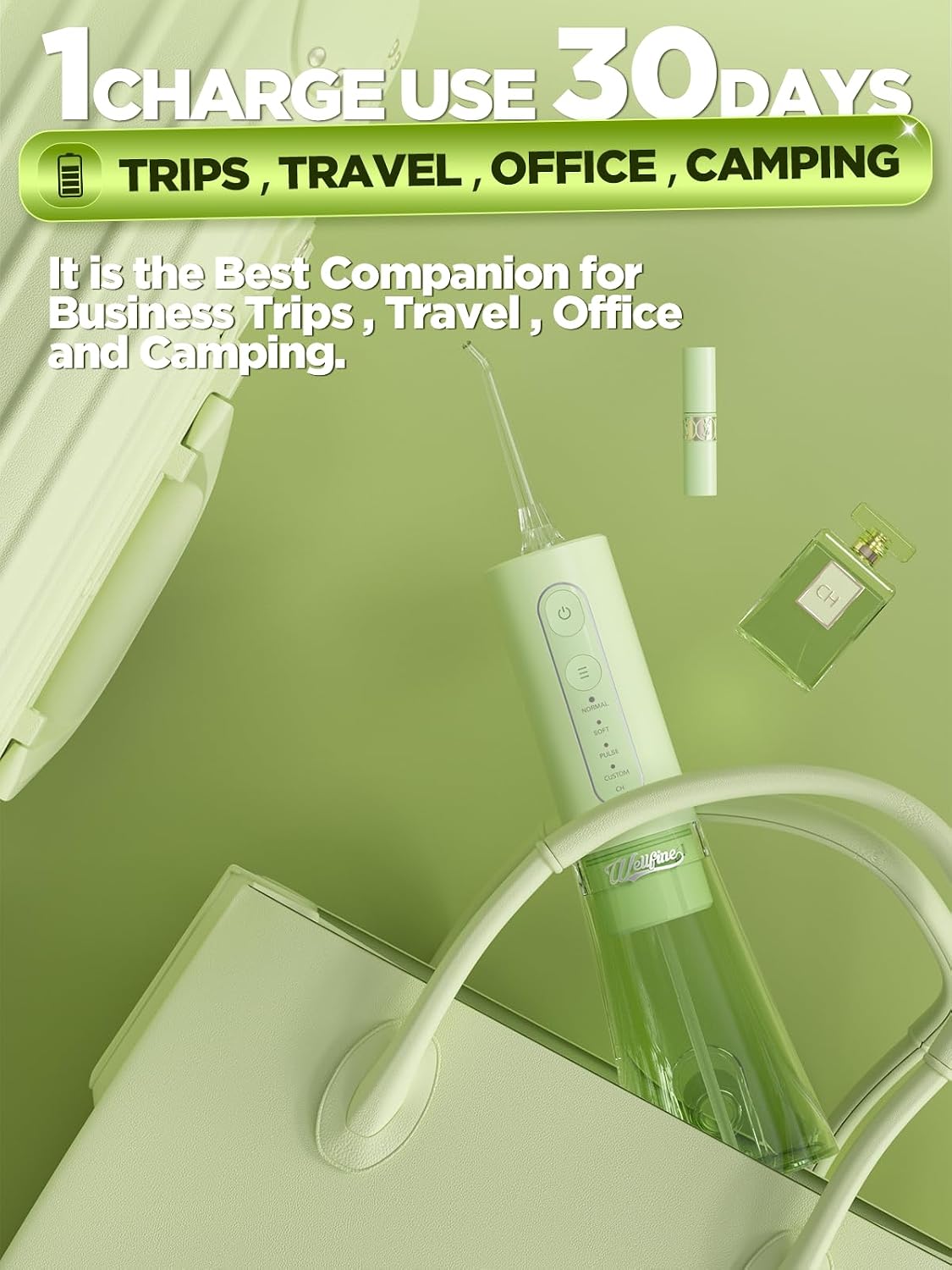
Image: A woman using the water flosser in the shower, showcasing its IPX7 waterproof feature for convenient use.
Safety Information
Please observe the following safety guidelines to prevent injury or damage to the device:
- Use the device only as directed in this manual.
- Keep the device out of reach of children.
- Fill the water tank with lukewarm water only. Do not use hot water, mouthwash, or other solutions unless specifically recommended by a dental professional or the manufacturer.
- Store the device in a clean, dry place when not in use.
- Do not operate the device if it has been dropped, damaged, or immersed in water (beyond its IPX7 rating).
- This product is intended for personal oral hygiene. It is not intended to diagnose, treat, cure, or prevent any disease or health condition. Consult your dental professional for any specific oral health concerns.
Warranty and Support
For warranty information or technical support, please refer to the product packaging or contact WELLFINE customer service directly. Keep your purchase receipt as proof of purchase.
Return Policy: This product typically includes a 30-day return/replacement policy. Please check with your retailer for specific details.