1. Important Safety Information
Please read all safety instructions carefully before using this product. Failure to follow these instructions may result in electric shock, fire, or other hazards.
- Do not block ventilation openings. Ensure adequate airflow around the projector to prevent overheating.
- Do not look directly into the projector lens when the lamp is on. The bright light can cause eye damage.
- Keep the projector away from water or other liquids. Do not operate in wet environments.
- Use only the power adapter supplied with the projector.
- Do not attempt to repair this product yourself. Refer all servicing to qualified personnel.
- Keep out of reach of children.
2. Package Contents
Verify that all items are present in your package:
- Mentech HY300PRO Mini Projector
- Remote Control (batteries not included)
- User Manual
- Power Cord
- HD Cable
3. Product Overview
The Mentech HY300PRO Mini Projector is a versatile and portable device designed for various entertainment and presentation needs. It features a 180° rotatable design, allowing for flexible projection angles, including ceilings. With native 720P resolution and support for 4K decoding, it delivers clear and vibrant images on screens up to 150 inches.

Figure 3.1: Mentech HY300PRO Mini Projector with key features highlighted.
Equipped with Android 11, dual-band 2.4G/5G/6G WiFi 6, and Bluetooth 5.2, the projector offers seamless streaming and connectivity options. Its compact size and low noise operation make it ideal for both home and outdoor use.

Figure 3.2: Projector ports and built-in Android 11 interface.
4. Setup
4.1 Initial Placement
Place the projector on a stable, flat surface. For optimal viewing, position the projector directly in front of the projection surface (wall or screen). The 180° rotatable design allows for projection onto ceilings or other angled surfaces.

Figure 4.1: Projecting to the ceiling using 180° rotation.
4.2 Power Connection
- Connect the power cord to the projector's DC input port.
- Plug the other end of the power cord into a power outlet.
- Press the power button on the projector or remote control to turn it on.
4.3 Connecting External Devices
The projector supports various input sources:
- HDMI: Connect laptops, TV sticks, gaming consoles (e.g., Switch, PS5) using the provided HD cable.
- USB: Insert USB flash drives to play media files directly.
- Audio Out: Connect external speakers or headphones via the 3.5mm audio jack.
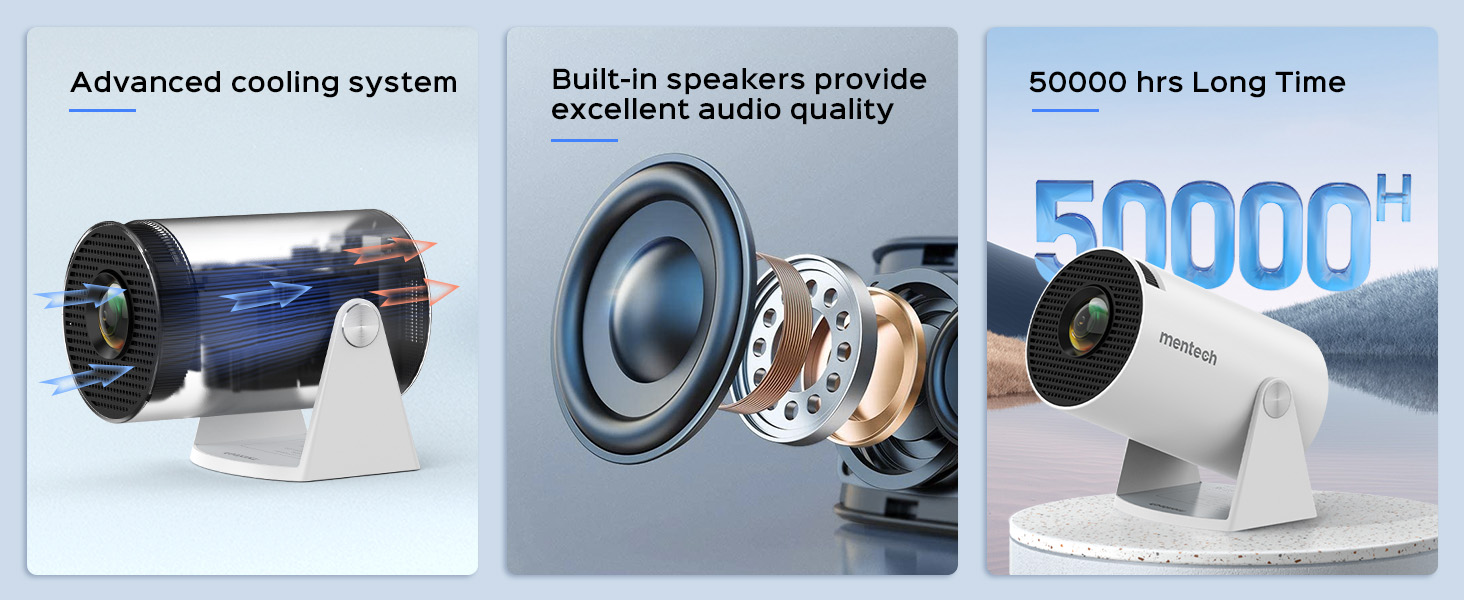
Figure 4.2: Multi-device compatibility and port layout.
5. Operating Instructions
5.1 Focus Adjustment
Rotate the focus wheel located on the side of the projector until the image appears clear and sharp.
5.2 Keystone Correction
The projector features automatic keystone correction. If the image appears trapezoidal, the projector will automatically adjust it to a rectangular shape. For more precise adjustments, manual 4P/4D keystone correction is available through the settings menu.

Figure 5.1: Auto and manual keystone correction options.
5.3 Screen Zoom Function
Adjust the screen size from 50% to 100% using the zoom function in the settings menu. This allows you to fit the image perfectly to your projection surface without moving the projector.
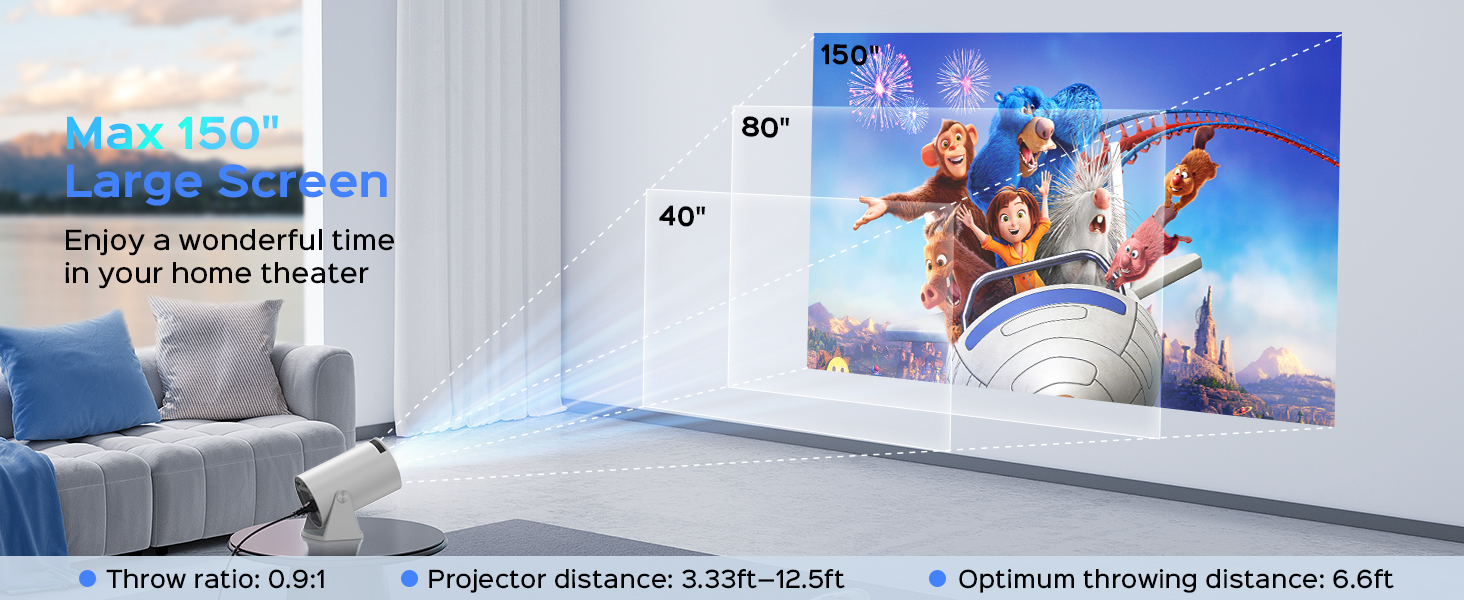
Figure 5.2: Screen zoom functionality.
5.4 Network and Connectivity
- Wi-Fi Connection: Navigate to the network settings to connect to your 2.4G, 5G, or 6G Wi-Fi network. This enables access to online streaming services and updates.
- Bluetooth Pairing: Go to Bluetooth settings to pair with external Bluetooth speakers or headphones for enhanced audio.
- Screen Mirroring: The projector supports Miracast, Airplay, and DLNA for mirroring content from your smartphone or tablet.

Figure 5.3: Dual-band Wi-Fi 6 connectivity.
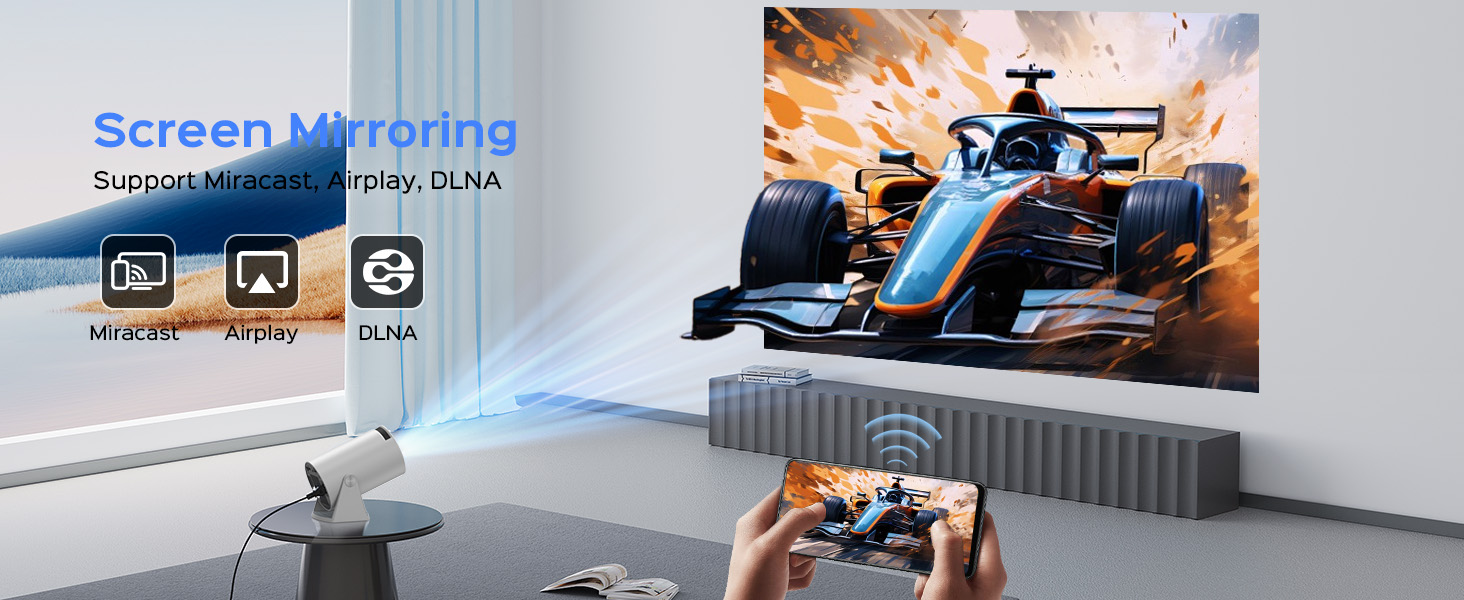
Figure 5.4: Bluetooth 5.2 connectivity for external audio.
5.5 Android TV 11 Features
The built-in Android 11 operating system provides access to a wide range of applications. Navigate the interface using the remote control to browse and install apps from the app store, including popular streaming services like YouTube, Prime Video, and Plex.
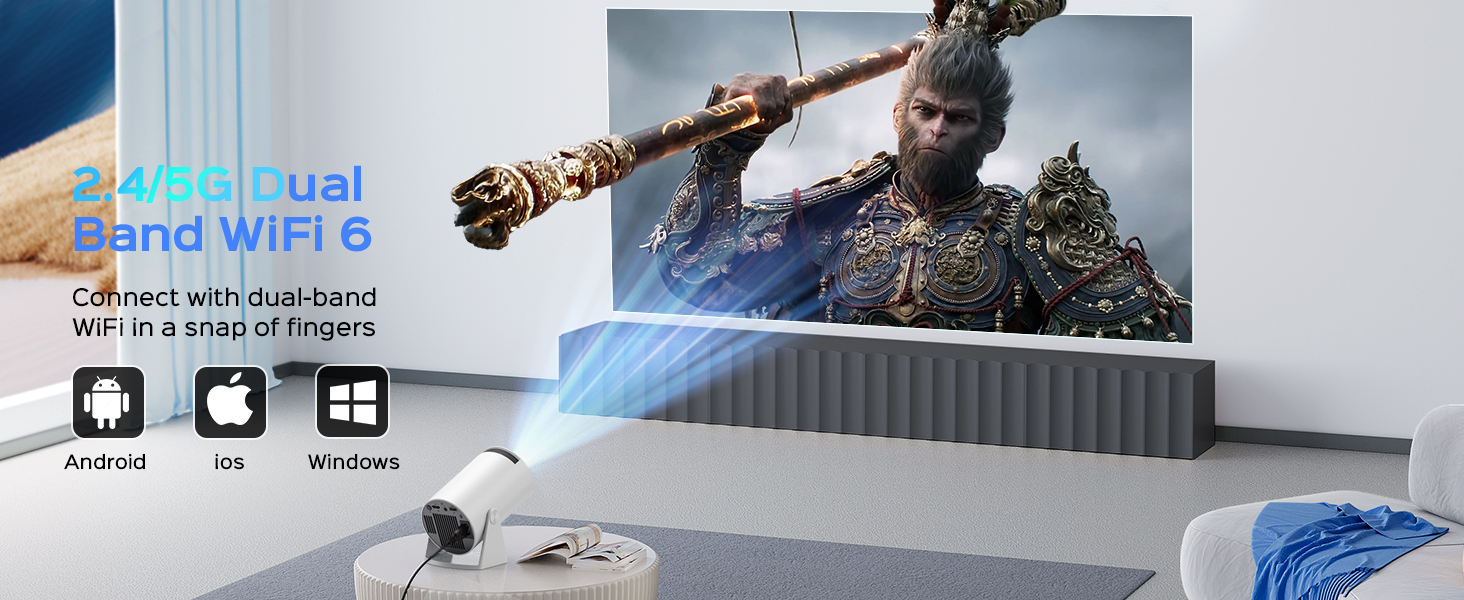
Figure 5.5: Android 11.0 interface with pre-installed and downloadable apps.
6. Maintenance
- Lens Cleaning: Use a soft, lint-free cloth specifically designed for optical lenses to gently wipe the projector lens. Do not use abrasive cleaners or excessive force.
- Dust Removal: Regularly clean the projector's exterior with a soft, dry cloth. Use a small brush or compressed air to clear dust from ventilation openings.
- Storage: When not in use for extended periods, store the projector in a cool, dry place, protected from dust and direct sunlight.
7. Troubleshooting
If you encounter issues with your Mentech HY300PRO projector, refer to the following common problems and solutions:
| Problem | Possible Cause | Solution |
|---|---|---|
| No image or blurry image | Incorrect focus, keystone not adjusted, input source issue. | Adjust the focus wheel. Check auto/manual keystone correction. Ensure the correct input source is selected (HDMI, USB). |
| No sound | Volume too low, external audio device not connected/paired, incorrect audio output setting. | Increase volume. Check Bluetooth connection to external speakers. Ensure internal speakers are selected if no external device is used. |
| Wi-Fi connection issues | Incorrect password, out of range, network interference. | Re-enter Wi-Fi password. Move projector closer to router. Try connecting to a different Wi-Fi band (2.4G or 5G). |
| Apps not loading or performing slowly | Poor internet connection, app compatibility, insufficient memory. | Ensure stable internet connection. Some apps may not be fully optimized for the projector's Android TV version; try alternative apps or use an external streaming device via HDMI. Clear app cache. |
| HDMI signal cutting in/out | Faulty HDMI cable, loose connection, source device issue. | Try a different HDMI cable. Ensure the cable is securely connected to both the projector and the source device. Test with a different source device. |
8. Specifications
| Feature | Detail |
|---|---|
| Brand | Mentech |
| Model Number | HY300PRO |
| Native Resolution | 1280 x 720 (720P) |
| Supported Resolution | Up to 4K decoding |
| Brightness | 280 ANSI Lumens (8500 Lumens) |
| Contrast Ratio | 10000:1 |
| Projection Size | Up to 150 inches |
| Connectivity | HDMI, USB, Audio Out, Wi-Fi (2.4G/5G/6G), Bluetooth 5.2 |
| Operating System | Android 11 |
| Light Source Life | Up to 50,000 hours |
| Noise Level | Below 25 dB |
| Dimensions | 7.8 x 5.28 x 4.69 inches |
| Weight | 1.63 pounds |
9. Warranty and Support
Mentech is committed to providing excellent customer service. Your Mentech HY300PRO Mini Projector comes with comprehensive support:
- 30-Day Unconditional Return Guarantee: For peace of mind.
- 2 Years Service: Covering manufacturing defects and issues.
- Lifetime Technical Support: Assistance with setup, operation, and troubleshooting for the life of the product.
- Software Updates: Updates are automatically pushed via OTA when connected to the internet. Contact customer support if you haven't received an update.
For any inquiries or assistance, please contact Mentech Customer Support. Our US-local customer service is available via online email and phone (Mon-Fri 9am-5pm PST).
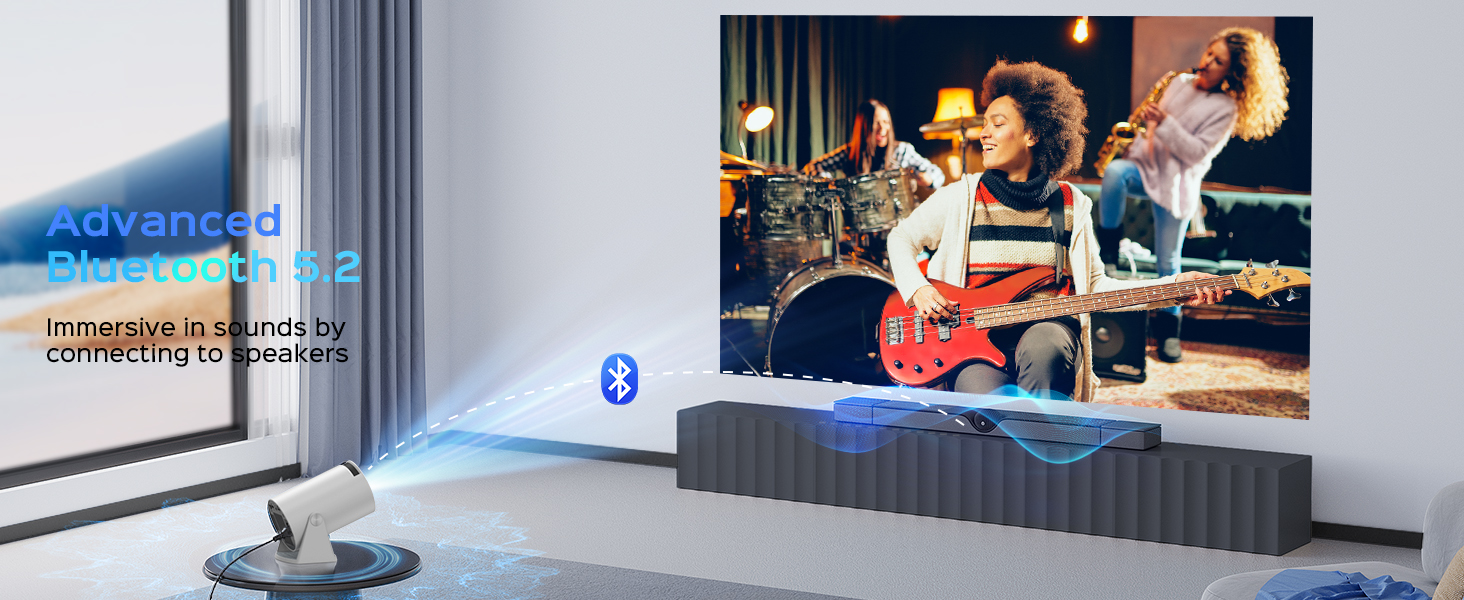
Figure 9.1: Mentech Customer Support Information.