Introduction
Welcome to the Aqua Marina Bluedrive X Pro Water Propulsion Device manual. This device is designed to enhance your water sports experience with its powerful propulsion and user-friendly features. Its demountable design ensures compact storage and easy installation, making it a versatile companion for various water activities.
Important Safety Information
Always read and understand all safety warnings and instructions before operating the device. Failure to follow these instructions may result in electric shock, fire, serious injury, or death.
- Keep out of reach of children.
- Do not operate if damaged.
- Ensure all seals are secure before submersion.
- Always use in clear, open water, away from obstacles.
- Do not attempt to modify the device.
- Refer to local regulations for water propulsion device usage.
Package Contents
Verify that all components are present before beginning setup.
- Aqua Marina Bluedrive X Pro Water Propulsion Device
- Double Battery (included)
- Charging Cable
- Wristwatch Type Remote Control
- Handheld Wireless Control (optional, if applicable to X Pro)
- Mounting Kit (for SUP/Kayak attachment)
- User Manual

This image shows the main components of the Aqua Marina Bluedrive X Pro, including the propulsion unit, handle assembly, and control interface. The device is designed for easy handling and integration with various watercraft.
Setup and Assembly
1. Battery Installation
Ensure the device is dry before installing or removing the battery.

This image illustrates the battery compartment of the Bluedrive X Pro, highlighting the secure and waterproof design for battery insertion and removal.
- Unscrew the battery compartment cap.
- Insert the fully charged battery, aligning the connectors.
- Securely screw the cap back on, ensuring a watertight seal.
2. Attaching the Handlebar/Mounting
The Bluedrive X Pro can be used handheld or mounted to a SUP/kayak.
Handheld Use:
Attach the provided handlebar assembly to the main unit. Ensure it clicks securely into place.
SUP/Kayak Mounting:
Utilize the included mounting kit to attach the propulsion unit to the fin box or designated mounting points on your watercraft. Follow the specific instructions for your board/kayak model.

This image demonstrates the process of attaching the Bluedrive X Pro to the underside of a paddleboard, showcasing its compatibility with various watercraft.

This image provides a close-up view of the Bluedrive X Pro securely mounted to the bottom of a paddleboard, ready for use.
Operating Instructions
1. Powering On/Off
Press and hold the power button on the control unit until the indicator lights illuminate. To power off, press and hold the power button again.
2. Speed Control
The device features 3-speed adjustment. Use the controls on the wristwatch remote or handheld unit to cycle through speed settings (3.0km/h to 7.0km/h).

This image shows a person using the Bluedrive X Pro underwater, demonstrating the ease of control with the wristwatch remote.
3. Nose Illuminating System
The integrated nose light provides illumination up to 3 meters for better visibility in low-light conditions or underwater. It also features a 10m depth rating and overheating protection.
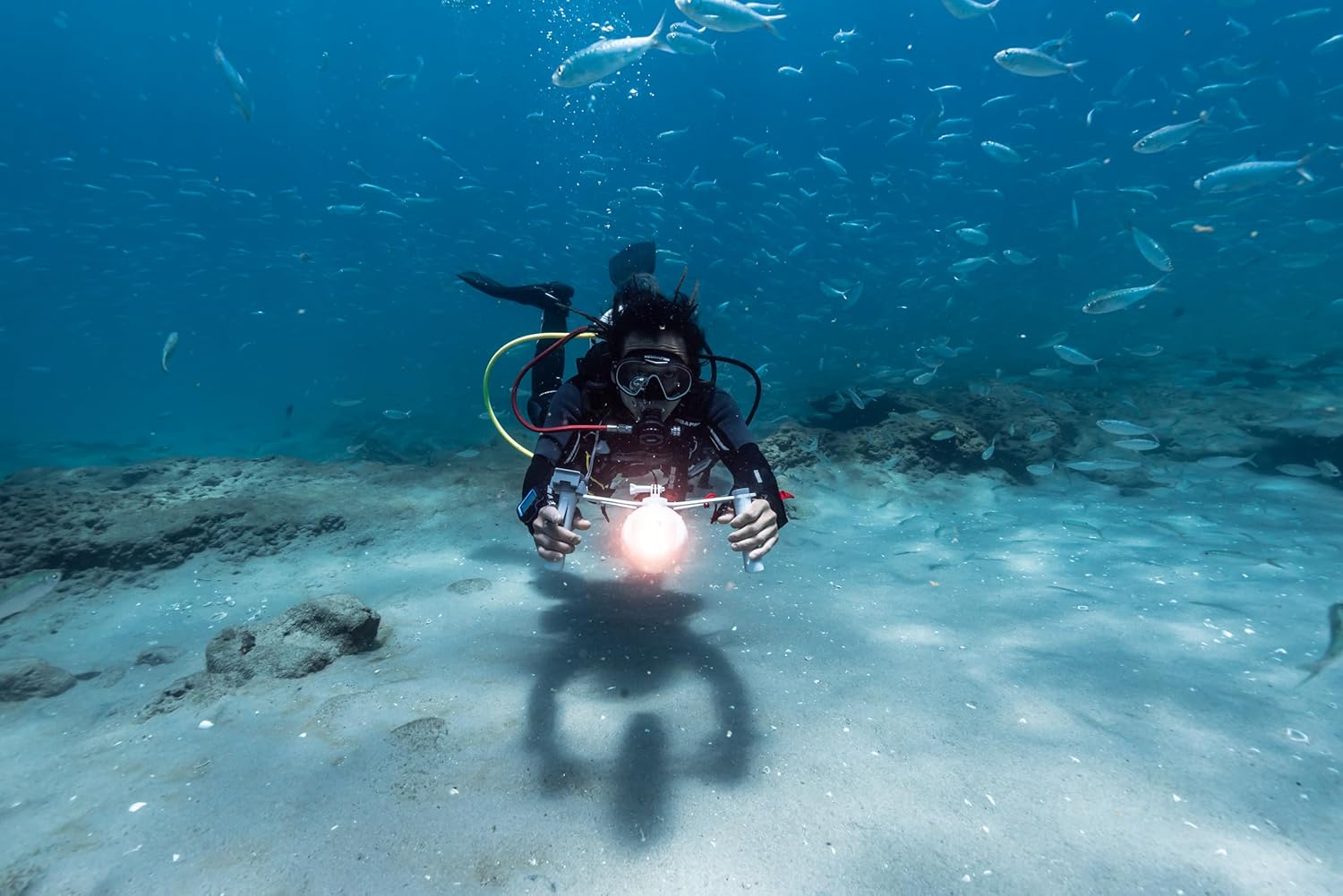
This image captures a diver utilizing the Bluedrive X Pro's illuminated nose, providing visibility in an underwater environment.
4. General Usage Tips
Always maintain a firm grip on the device or ensure it is securely mounted.
Be aware of your surroundings and other water users.
Avoid operating in shallow water or near debris to prevent damage to the propeller.

This image provides a detailed view of the Bluedrive X Pro's propeller, which is crucial for its propulsion system.

This image shows a person gracefully moving through the water with the assistance of the Bluedrive X Pro, highlighting its effectiveness for underwater exploration.
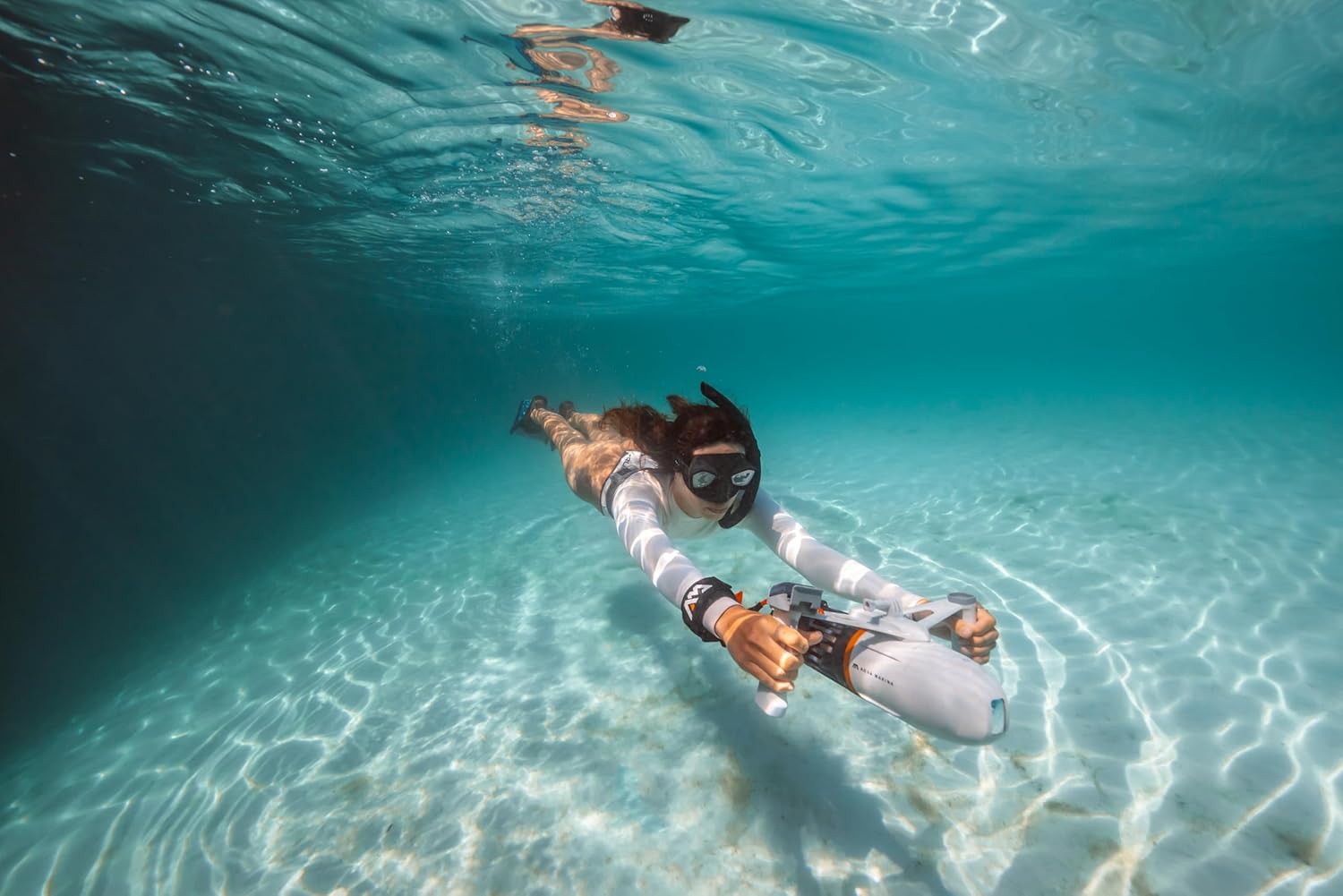
This image provides a rear perspective of a person using the Bluedrive X Pro underwater, showcasing the device's streamlined design and propulsion.
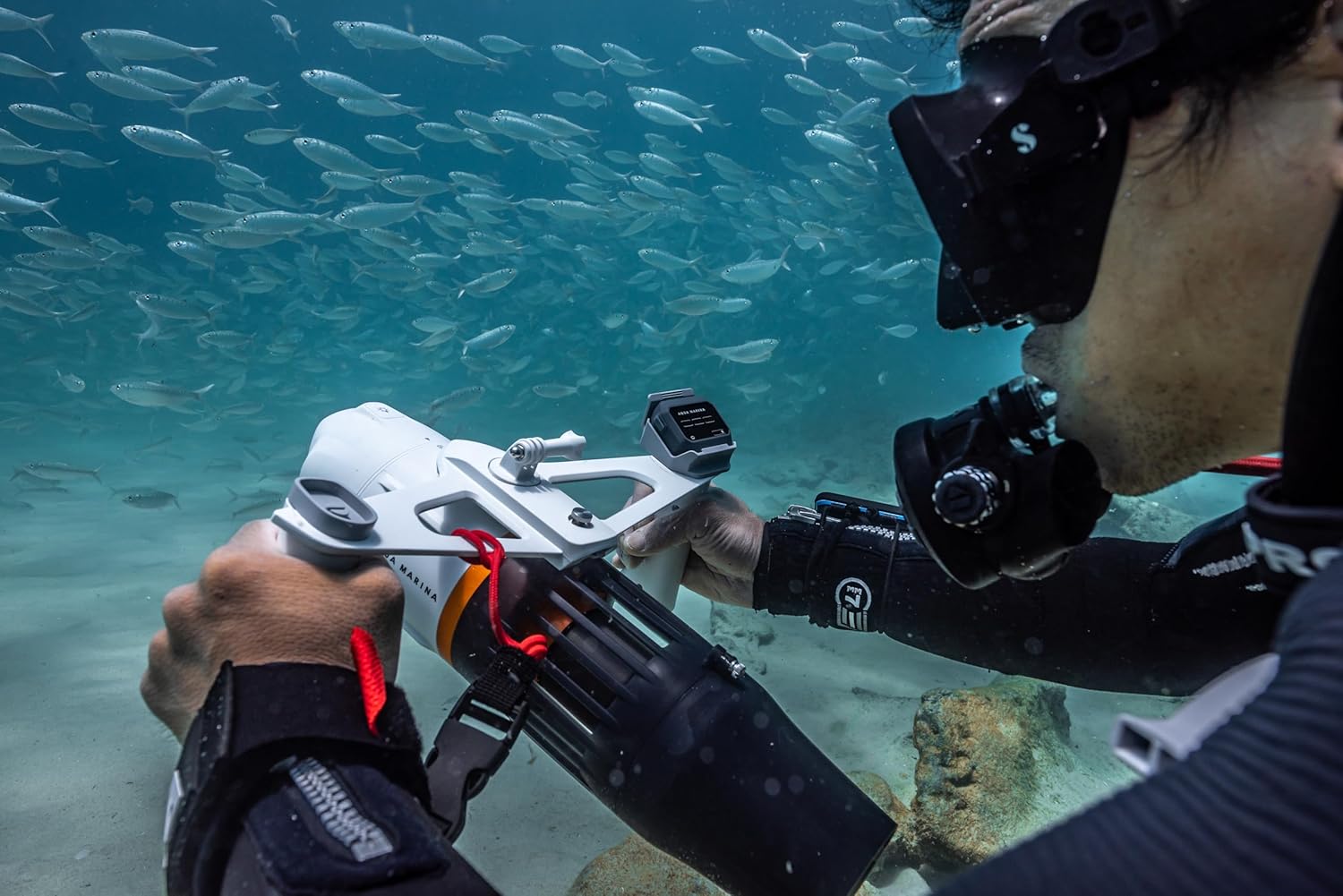
This image shows a diver holding the Bluedrive X Pro while observing marine life, emphasizing its utility for underwater exploration and photography.
Video Demonstration
This video provides a comprehensive overview of the Aqua Marina Bluedrive Series, demonstrating its setup, operation, and various applications in different water environments, including paddleboarding, kayaking, and diving. It highlights the device's versatility and ease of use.
Maintenance and Care
- After Each Use: Rinse the device thoroughly with fresh water to remove salt, sand, or chlorine.
- Drying: Ensure the device is completely dry before storing. Pay special attention to the battery compartment and charging ports.
- Battery Care:
- Charge the battery fully after each use.
- Store the battery in a cool, dry place, away from direct sunlight.
- If storing for extended periods, charge the battery to 50-60% every 3 months.
- Propeller Inspection: Regularly check the propeller for any debris, fishing lines, or damage. Clean as necessary.
- Seals: Inspect all O-rings and seals for cracks or wear. Replace if necessary to maintain watertight integrity.
Troubleshooting
| Problem | Possible Cause | Solution |
|---|---|---|
| Device does not power on. | Battery not charged or improperly installed. | Ensure battery is fully charged and correctly inserted. Check battery compartment seal. |
| Reduced propulsion power. | Propeller fouled or damaged; low battery. | Check propeller for debris and clean. Recharge battery. |
| Water ingress in battery compartment. | Improperly sealed battery cap or damaged O-ring. | Immediately remove battery and dry compartment. Inspect and replace O-ring if damaged. Ensure cap is tightly sealed. |
Specifications
- Brand: Aqua Marina
- Model Name: Bluedrive X Pro Water Propulsion Device
- Color: Grey/Black
- Material: Plastic
- Propulsion: Up to 7.0kgf forward propulsion
- Speed Settings: 3 speeds (3.0km/h to 7.0km/h)
- Runtime (X PRO): Up to 100 minutes
- Depth Rating: 10 meters
- Illumination: Nose illuminating system, lighting up to 3 meters
- Overheating Protection: Yes
- Item Package Dimensions: 21.5 x 8.98 x 6.14 inches
- Package Weight: 11.46 Pounds
Warranty and Support
The Aqua Marina Bluedrive X Pro Water Propulsion Device comes with a manufacturer's warranty. Please refer to the warranty card included in your package for specific terms and conditions. For technical support, spare parts, or warranty claims, please contact Aqua Marina customer service through their official website or the retailer where you purchased the product.
Visit the official Aqua Marina Store for more information: Aqua Marina Store


