1. Product Overview
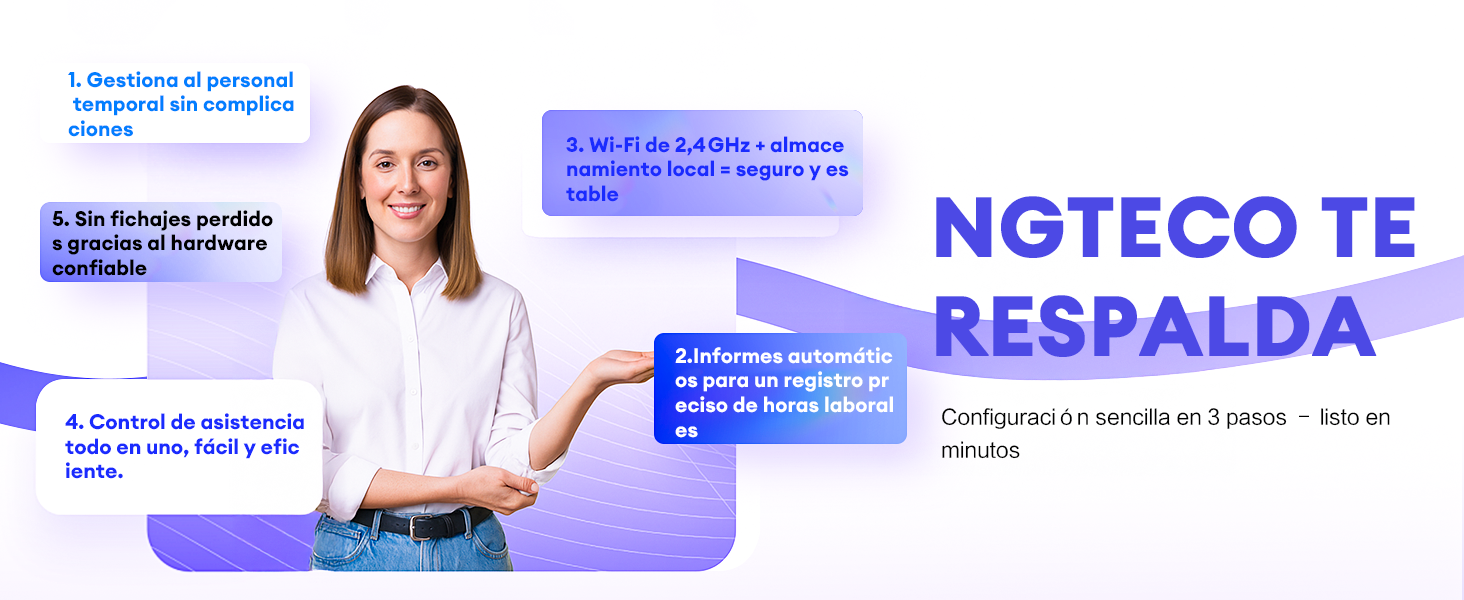
The NGTeco K4 is a state-of-the-art fingerprint time clock and attendance system designed for efficient employee time management. Featuring biometric fingerprint recognition, WiFi connectivity, and a robust 2000 mAh backup battery, this device ensures accurate and reliable attendance tracking. Manage your workforce effortlessly with the free NGTeco Time app for iOS and Android.
Key Features:
- Easy to Use: No complex programming required. The device is ready for use right out of the box.
- No Monthly Subscription: Enjoy full functionality without recurring fees. Utilize the free NGTeco Time app to send time reports directly to your email.
- 2000 mAh Backup Battery: An integrated battery provides up to 4 hours of standby time, safeguarding punch data during temporary power outages.
- Automatic Punch: The automatic punch mode ensures that the system updates automatically, preventing employees from forgetting to clock in or out.
- One-Year Warranty & Technical Support: NGTeco offers a one-year warranty and dedicated phone support during business hours.
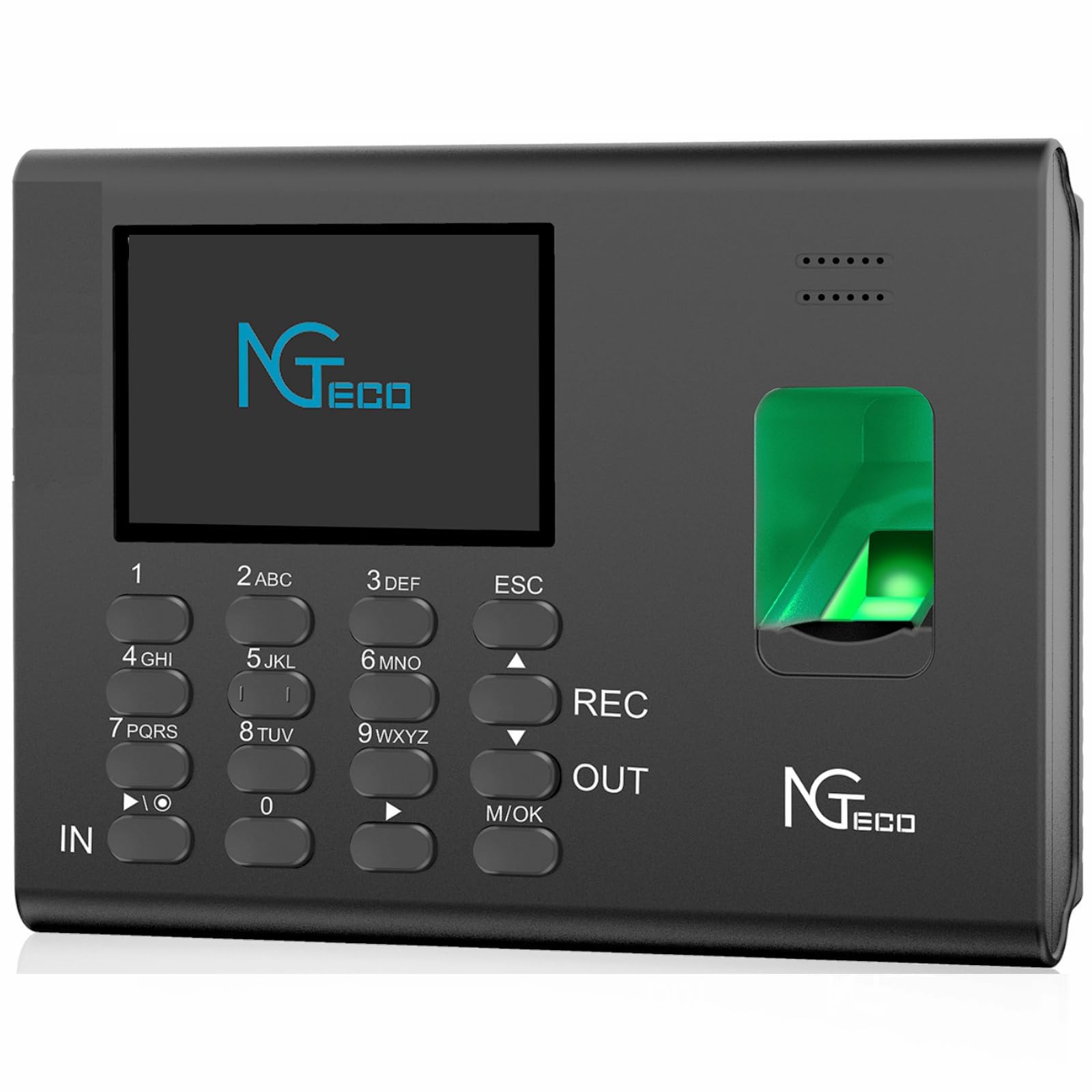
The NGTeco K4 is designed to simplify attendance management for businesses of all sizes, offering a reliable and user-friendly solution.
2. Package Contents
Please verify that all items are present in the package:
- 1 x NGTeco K4 Attendance Control Clock
- 1 x 8G USB Drive
- 1 x Quick Start Guide
- 1 x User Manual
- 1 x Power Adapter (5V/0.8A)
- 1 x Wall Mount Bracket
- 1 x Set of Mounting Screws
3. Setup
Follow these steps to set up your NGTeco K4 device:
- Power Connection: Connect the power adapter to the device and plug it into a power outlet. The device will power on automatically.
- Initial Configuration: Follow the on-screen prompts to set the date, time, and language.
- Network Connection: Navigate to the network settings on the device and connect to your 2.4G WiFi network. Ensure the device is within range of your router.
- Download NGTeco Time App: Download the free NGTeco Time app from the iOS App Store or Google Play Store on your smartphone.
- Device Pairing: Open the NGTeco Time app and follow the instructions to pair it with your K4 device. This typically involves scanning a QR code displayed on the device screen.
- Add Users: Register employees by adding their fingerprints and other necessary information through the device interface or the NGTeco Time app.

For detailed visual instructions on setting up your device and managing attendance, please refer to the video below:
Video 1: NGTeco W2 Biometric Fingerprint Time Clock Overview (similar functionality to K4)
4. Operation
4.1 Clocking In/Out
- Fingerprint: Place your registered finger on the fingerprint sensor. The device will verify your identity and record your punch.
- Password: Enter your user ID and password using the keypad, then press 'OK' to record your punch.
- Automatic Punch Mode: If enabled, the device will automatically switch between 'In' and 'Out' status for consecutive punches, preventing missed records.
4.2 Managing Attendance with the NGTeco Time App
The NGTeco Time app allows you to manage various aspects of attendance:
- User Management: Add, edit, or delete user information.
- Attendance Rules: Set up pay periods, shift schedules, and other attendance rules.
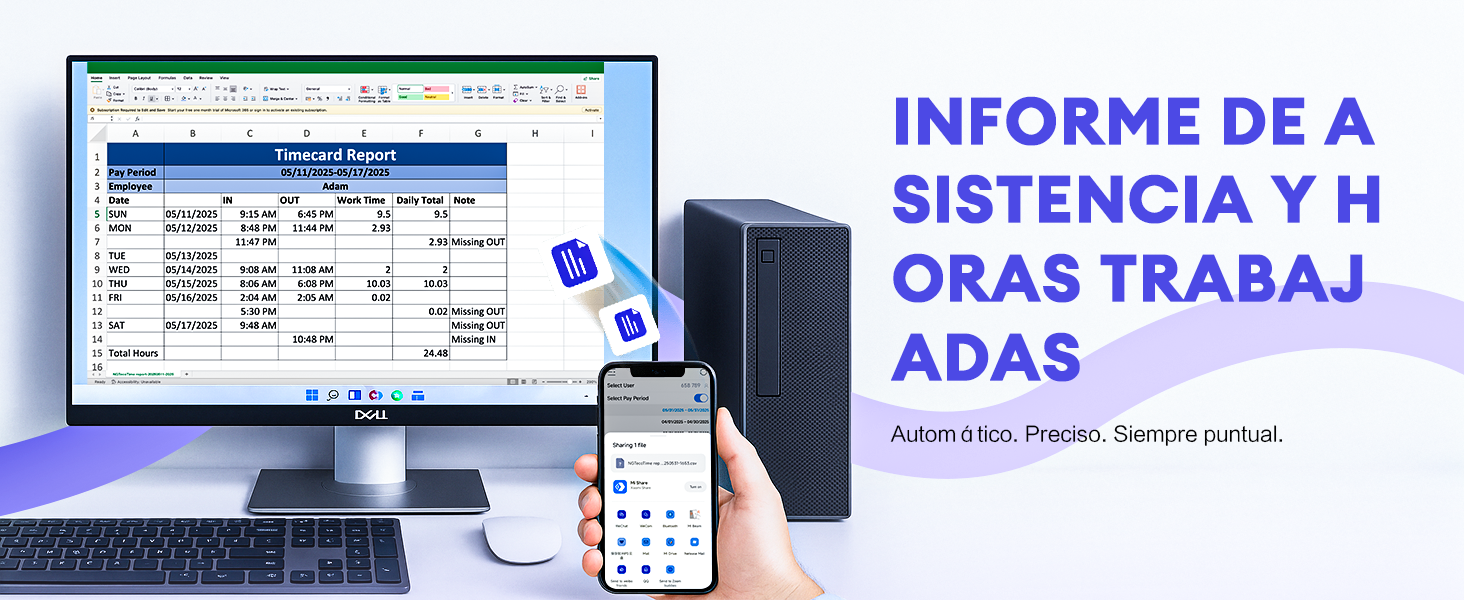
- Reports: Generate and email detailed time reports for payroll and record-keeping.
4.3 Downloading Reports via USB
You can also download attendance reports directly to a USB drive:
- Insert the provided 8G USB drive into the USB port on the side of the K4 device.
- Navigate to the 'Reports' menu on the device screen.
- Select the desired report type and date range.
- Choose the option to download the report to the USB drive. The device will process and save the data.
- Safely remove the USB drive once the download is complete.
5. Maintenance
- Cleaning: Use a soft, dry cloth to clean the device. Avoid abrasive cleaners or solvents.
- Fingerprint Sensor: Keep the fingerprint sensor clean and free of dust or debris for optimal performance.
- Battery Care: To prolong battery life, avoid fully discharging the device frequently. Charge it regularly.
- Software Updates: Periodically check for firmware updates to ensure your device has the latest features and security enhancements.
6. Troubleshooting
- Device Not Powering On: Ensure the power adapter is securely connected and the power outlet is functional.
- Fingerprint Recognition Issues: Ensure your finger is clean and dry. Try re-registering your fingerprint if issues persist.
- WiFi Connection Problems: Verify your WiFi password and ensure the device is within range of a 2.4G network. Restarting the device and router may help.
- App Connection Issues: Ensure both the device and your smartphone are connected to the same 2.4G WiFi network.
- Data Loss During Power Outage: The 2000 mAh backup battery is designed to prevent data loss. If data is lost, contact support.
7. Specifications
| Feature | Detail |
|---|---|
| Manufacturer | NGTeco |
| Model Number | NG-K4 |
| Color | K4-Black |
| Power Source | Batteries |
| Backup Battery | 2000 mAh (up to 4 hours standby) |
| Display Type | Digital |
| Connectivity | WiFi 2.4G |
| App Support | iOS/Android (NGTeco Time App) |
| Product Dimensions | 18.5 x 3.81 x 13 cm; 940 g |
| Special Features | Light saving, Automatic Punch |
8. Warranty and Support
8.1 Warranty Information
The NGTeco K4 Fingerprint Time Clock comes with a one-year limited warranty from the date of purchase. This warranty covers manufacturing defects and malfunctions under normal use. Please retain your proof of purchase for warranty claims.
8.2 Technical Support
For technical assistance, troubleshooting, or any questions regarding your NGTeco K4 device, please contact NGTeco customer support. Support is available via phone during business hours.
For the most up-to-date contact information, please visit the official NGTeco website or refer to the Quick Start Guide included in your package.