
1. Introduction
The TESMEN TSM-192 is a handheld smart digital multimeter designed for ease of use and reliable measurements. It features an automatic mode that intelligently selects the appropriate measurement range, making it suitable for both beginners and experienced users. This device is ideal for various applications including automotive testing, household electrical maintenance, and general electrician tasks.
Key features include AC/DC voltage measurement, resistance, continuity, non-contact voltage (NCV) detection, live wire detection, and phase measurement. Its compact design, backlight display, and built-in flashlight enhance usability in diverse environments.
2. What's in the Box
Upon opening your TESMEN TSM-192 package, you will find the following components:
- 1 x TESMEN TSM-192 Smart Digital Multimeter
- 2 x Test Leads (non-removable)
- 1 x Storage Bag
- 2 x 1.5V AAA Batteries
- 1 x User Manual

Image: The TESMEN TSM-192 Smart Digital Multimeter, including its test leads, storage bag, and two AAA batteries.
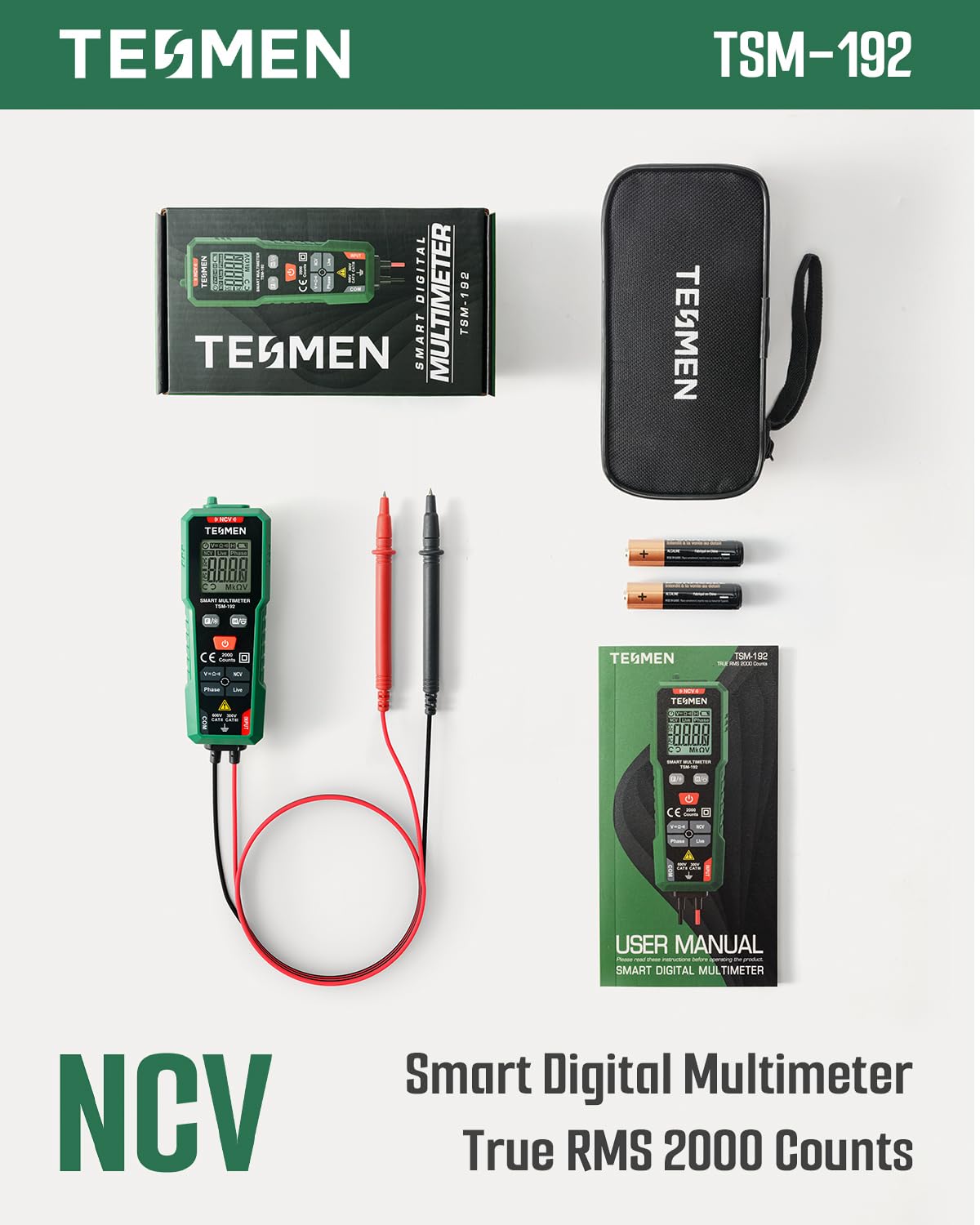
Image: A flat lay showing all items included in the TESMEN TSM-192 package, neatly arranged.
3. Setup
3.1 Battery Installation
- Locate the battery compartment on the back of the multimeter.
- Use a small screwdriver to open the battery compartment cover.
- Insert the two included 1.5V AAA batteries, ensuring correct polarity (+/-).
- Securely close the battery compartment cover with the screw.

Image: A hand inserting AAA batteries into the open battery compartment of the multimeter.
3.2 Test Leads
The test leads for the TSM-192 are permanently connected to the device for convenience and to prevent loss. Ensure they are not damaged before use.
4. Operating Instructions
4.1 Smart Automatic Mode
The TSM-192 features a smart automatic mode that simplifies operation. When powered on, the multimeter automatically detects the type of measurement (voltage, resistance, continuity) and selects the appropriate range. This eliminates the need for manual mode selection for common measurements.

Image: The multimeter's display showing 'Auto', indicating its smart automatic mode is active.
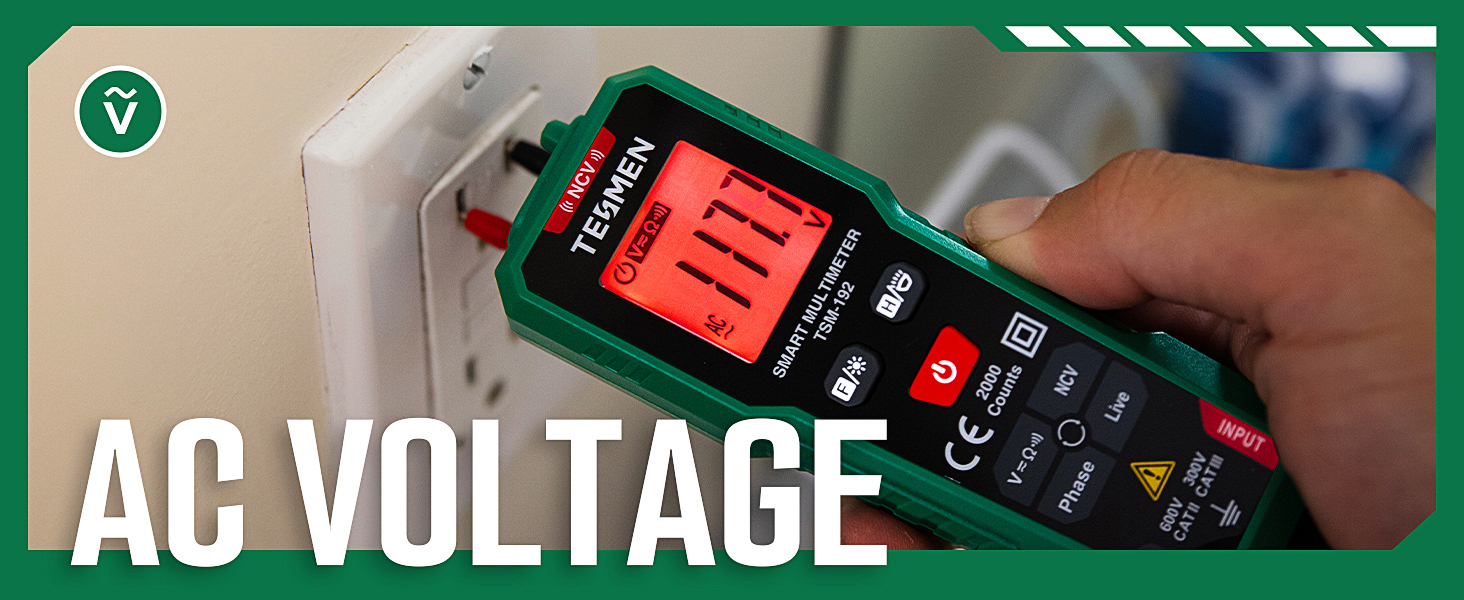
Image: A promotional banner highlighting the 'SMART Auto-Mode' feature of the multimeter, emphasizing its fast, simple, and effective operation.
4.2 Measurement Functions
While in Smart Auto Mode, the multimeter can perform the following measurements:
- AC/DC Voltage: Measures alternating current and direct current voltage.
- Resistance: Measures electrical resistance in ohms (Ω).
- Continuity: Checks for a complete electrical path, typically indicated by an audible beep.
- NCV (Non-Contact Voltage): Detects the presence of AC voltage without direct contact. The display will indicate 'L' for low voltage and 'H' for high voltage.
- Live Wire: Identifies live electrical wires.
- Phase: Detects electrical phase.
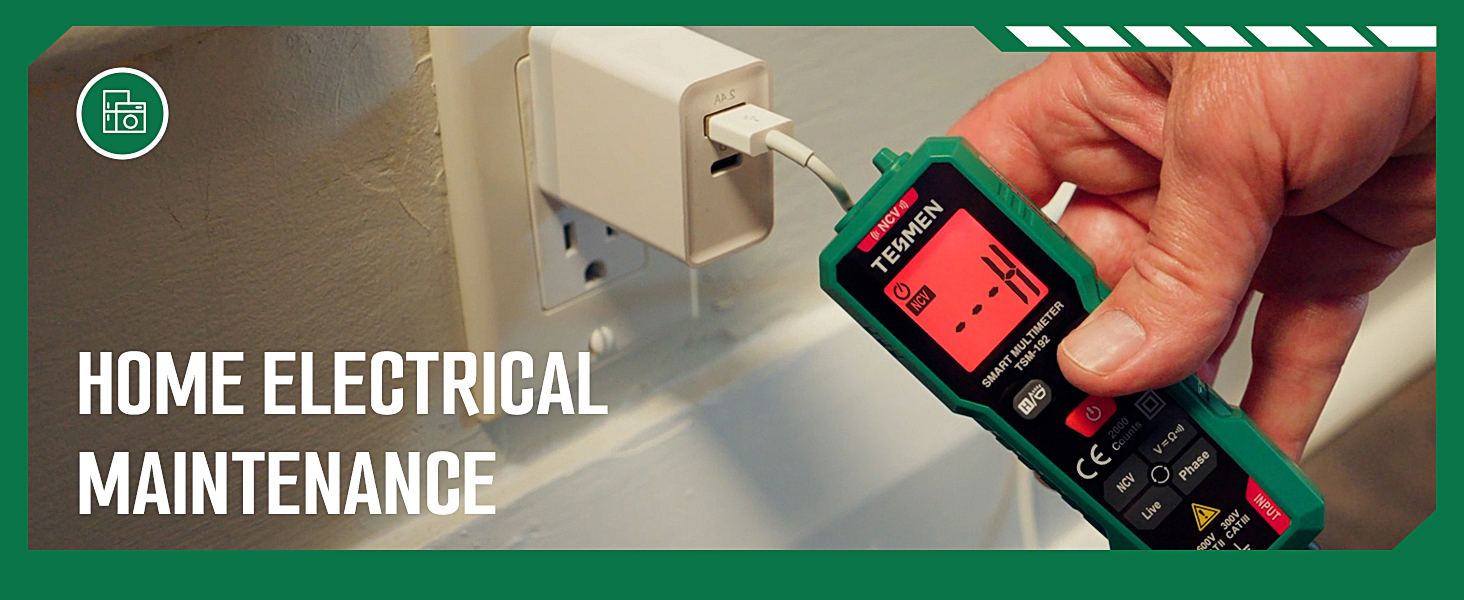
Image: A person using the multimeter to measure DC voltage in an automotive engine bay.
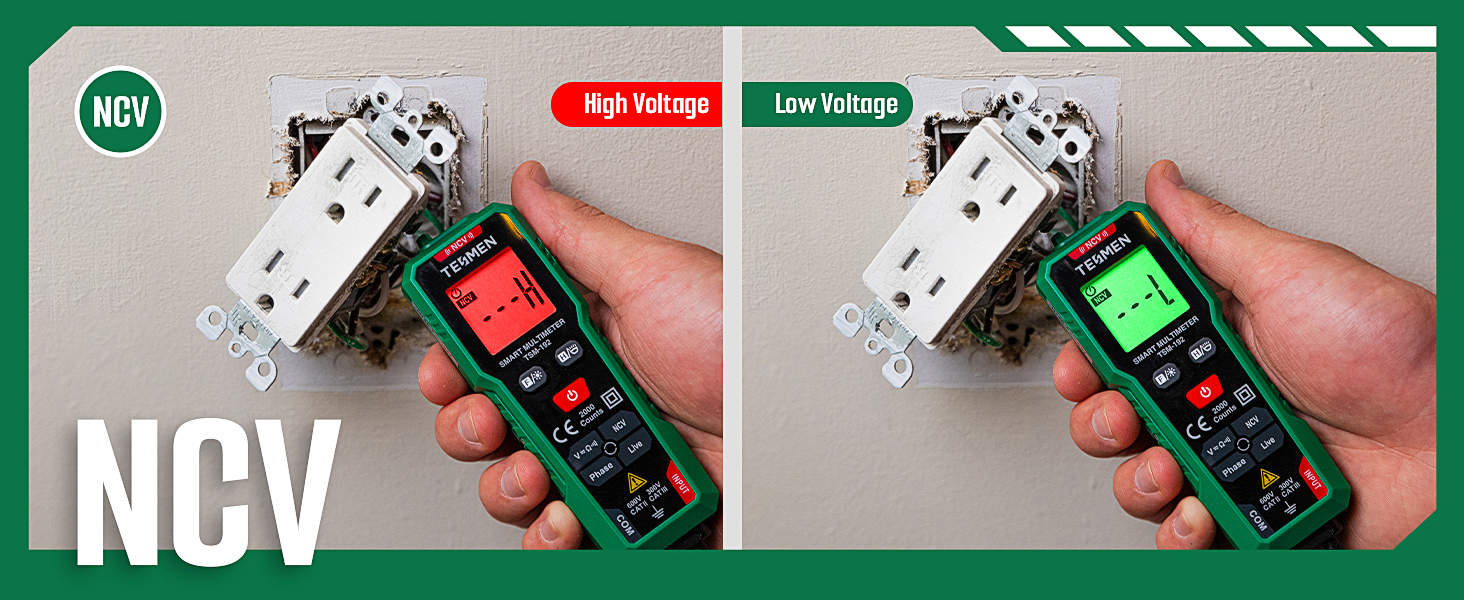
Image: The multimeter's probes inserted into an electrical outlet to measure AC voltage.

Image: The multimeter displaying 'NCV' with indicators for low and high voltage detection.

Image: The multimeter's probes touching components on a circuit board to measure resistance.

Image: The multimeter's probes touching each other to demonstrate continuity testing.
4.3 Additional Features
- Auto Power Off: The device will automatically power off after a period of inactivity to conserve battery life.
- Flashlight: A built-in flashlight provides illumination for working in dimly lit areas.
- Backlight Display: The display features a backlight for easy reading in dark environments.
- Data Hold: Allows you to freeze the current measurement on the display for easy recording.
- Low Battery Indicator: Notifies you when the batteries are running low and need replacement.

Image: A hand holding the multimeter, with its built-in flashlight illuminating a dark electrical box.
5. Maintenance
To ensure the longevity and accuracy of your TESMEN TSM-192 multimeter, follow these maintenance guidelines:
- Cleaning: Wipe the device with a dry, clean cloth. Do not use abrasive cleaners or solvents.
- Storage: Store the multimeter in its provided storage bag in a cool, dry place away from direct sunlight and extreme temperatures.
- Battery Replacement: Replace batteries promptly when the low battery indicator appears. Refer to Section 3.1 for battery installation instructions.
- Inspection: Periodically inspect the test leads and the device for any signs of damage or wear. Do not use if damaged.
6. Troubleshooting
If you encounter issues with your TESMEN TSM-192 multimeter, consider the following common troubleshooting steps:
- No Display/Power: Check if the batteries are correctly installed and have sufficient charge. Replace batteries if necessary.
- Inaccurate Readings: Ensure the test leads are properly connected and not damaged. Verify that the measurement mode is appropriate for the task (though Smart Auto mode handles most common scenarios).
- No Continuity Beep: Confirm that the circuit being tested is de-energized and that there is a complete path.
- NCV Not Detecting: Ensure the NCV sensor is positioned correctly near the voltage source.
For persistent issues not resolved by these steps, please refer to the full user manual or contact TESMEN customer support.
7. Specifications
| Specification | Detail |
|---|---|
| Product Dimensions | 5.31 x 1.73 x 1.18 inches |
| Item Model Number | TSM-192 |
| Batteries | 2 AAA batteries required (included) |
| Manufacturer | TESMEN |
| Brand | TESMEN |
| Power Source | Battery Powered |
| Style | Compact, Modern |
| Color | Green |
| Item Weight | 8.82 Ounces |
8. Warranty and Support
Specific warranty information for the TESMEN TSM-192 Smart Digital Multimeter is typically provided with the product packaging or can be found on the official TESMEN website. For technical support, troubleshooting assistance, or warranty claims, please refer to the contact information provided in your product's full user manual or visit the TESMEN brand store online.