Introduction
Thank you for choosing gorsun Kids Bluetooth Headphones. These headphones are designed with your child's safety and comfort in mind, featuring an 85 dBA safe volume limit and a durable, lightweight design. This manual provides detailed instructions to help you set up, operate, and maintain your headphones for an optimal listening experience.
Safety Information: Protecting Little Ears
Your child's hearing safety is paramount. These toddler headphones feature a built-in 85 dBA volume cap, which is the recommended safe limit for children. This essential protection for developing ears gives you real peace of mind with every use.

Image: Illustration of SafeAudio volume control, demonstrating how gorsun headphones maintain sound within safe volume ranges below 85dB, unlike other headphones.
Exposure to high-frequency sounds poses a significant risk to children's hearing health. Our headphones are professionally tuned by sound engineers specifically for kids' sensitive ears, delivering clear, balanced sound without distortion.
Product Overview
The gorsun Kids Bluetooth Headphones are designed for comfort and durability, suitable for ages 3-12. They are lightweight and feature soft, plush faux leather ear cups.

Image: A pair of purple gorsun Kids Bluetooth Headphones, showcasing their design and color.
Included Components:
- gorsun Kids Bluetooth Headphones
- User Manual
- Charging Cable (USB-C)
Setup
1. Charging the Headphones:
Before first use, fully charge the headphones. A quick 30-minute charge provides an amazing 45 hours of playtime.
- Connect the provided USB-C charging cable to the charging port on the headphone.
- Connect the other end of the cable to a USB power source (e.g., computer, wall adapter).
- The indicator light will show charging status (refer to LED indicator section for details).

Image: An icon representing 45 hours of long-lasting listening, indicating the extended battery life of the headphones.
2. Powering On/Off:
- To power on, press and hold the power button until the indicator light turns on.
- To power off, press and hold the power button until the indicator light turns off.
3. Bluetooth Pairing:
The headphones feature the latest Bluetooth 5.3 for a rock-solid, stable connection.
- Ensure the headphones are powered on and in pairing mode (indicator light will flash).
- On your device (smartphone, tablet, computer, iPad), go to Bluetooth settings.
- Select "gorsun-E65" from the list of available devices.
- Once connected, the indicator light will stop flashing and remain solid.

Image: A child wearing gorsun headphones while using a laptop, illustrating the stable Bluetooth 5.3 connection for seamless learning and entertainment.
Operating Instructions
Volume Control:
The handy, easy-to-use volume knob puts simple control right at your child's fingertips.
- Rotate the volume knob clockwise to increase the volume.
- Rotate the volume knob counter-clockwise to decrease the volume.
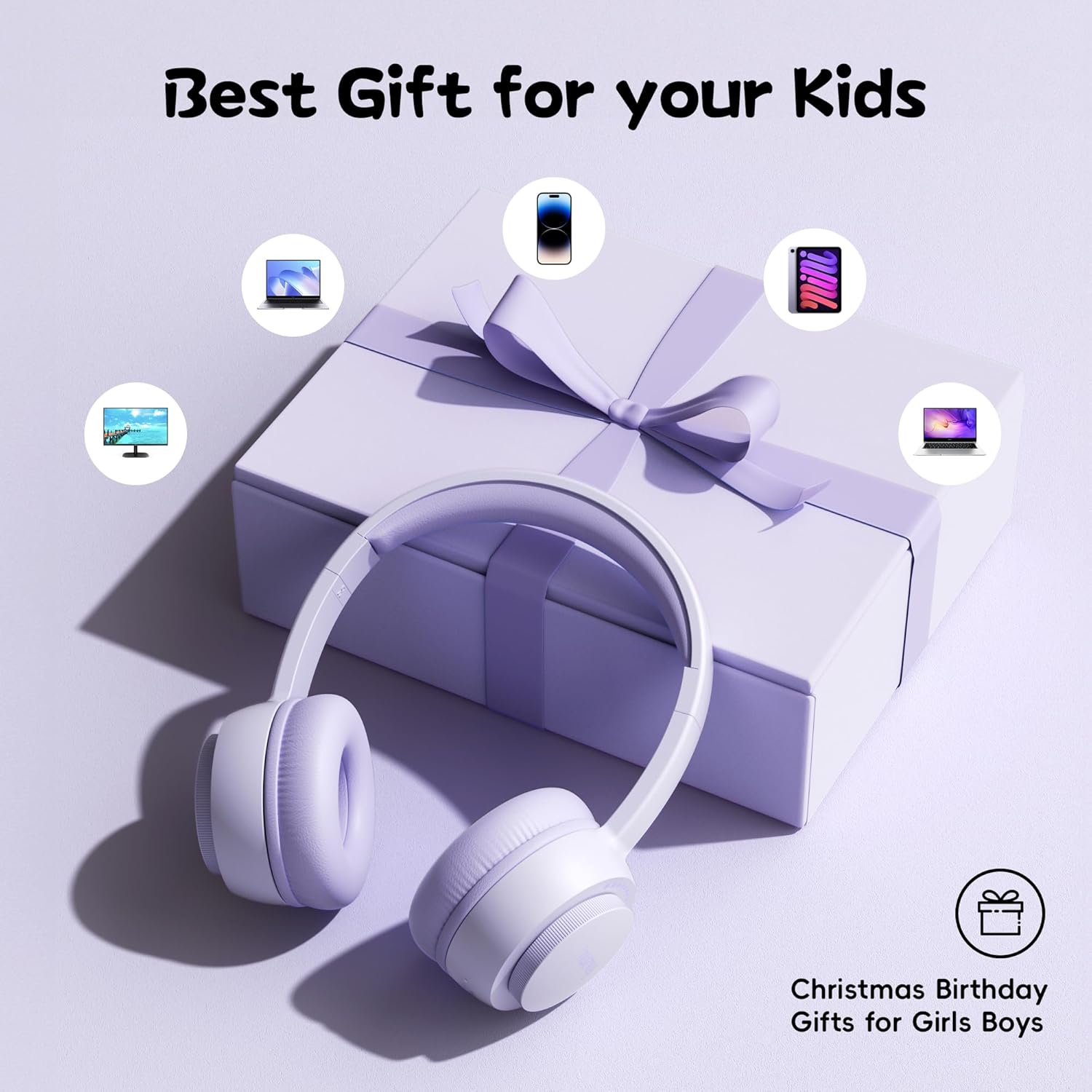
Image: A detailed view of the simpler control buttons on the gorsun headphones, specifically highlighting the rotatable volume knob for easy adjustment.
Playback and Call Control:
Use the integrated buttons for managing audio playback and phone calls.
- Play/Pause: Press the multi-function button once.
- Next Track: Press the multi-function button twice.
- Previous Track: Press the multi-function button three times.
- Answer/End Call: Press the multi-function button once during an incoming call or active call.
- Reject Call: Press and hold the multi-function button during an incoming call.
Maintenance
Cleaning:
- Wipe the headphones with a soft, dry cloth.
- Do not use abrasive cleaners or solvents.
Storage:
- Store the headphones in a cool, dry place away from direct sunlight and extreme temperatures.
- The durable headband is designed to be flexible, allowing for compact storage without damage.

Image: A close-up of the gorsun headphone's durable headband, demonstrating its flexibility and resilience.
Battery Care:
- Avoid fully discharging the battery frequently.
- Charge the headphones regularly, even if not in use, to maintain battery health.
Troubleshooting
Headphones not turning on:
- Ensure the headphones are fully charged.
- Press and hold the power button for a few seconds.
Cannot pair with device:
- Ensure Bluetooth is enabled on your device.
- Make sure the headphones are in pairing mode (flashing indicator light).
- Move the headphones closer to your device.
- Forget the device from your Bluetooth list and try pairing again.
No sound or low volume:
- Increase the volume on both the headphones and your connected device.
- Ensure the headphones are properly connected to your device.
- Check if the audio source is playing correctly.
Specifications
| Feature | Detail |
|---|---|
| Brand | gorsun |
| Model Name | gorsun-E65 |
| Connectivity Technology | Bluetooth |
| Bluetooth Version | 5.3 |
| Ear Placement | Over Ear |
| Form Factor | On Ear |
| Age Range (Description) | Kid Teen |
| Material | Plastic |
| Charging Time | 0.5 Hours |
| Playtime | Up to 45 Hours |
| Safe Volume Limit | 85 dBA |
| Item Weight | 7 ounces |
| Package Dimensions | 6.93 x 5.75 x 2.91 inches |
| Included Components | User Manual |
Warranty and Support
gorsun is committed to crafting high-quality products and providing excellent customer care. We stand by our products and are here to assist you.
If you have any questions or encounter issues with your gorsun Kids Bluetooth Headphones, please reach out to our customer service team. We aim to respond and resolve your concerns within 24 hours.
For support, please refer to the contact information provided with your purchase or visit the official gorsun website.


