Introduction
The SOLOS AI Powered Glasses, Argon X, are designed to integrate advanced AI features into everyday eyewear. These smart glasses offer features such as ChatGPT integration for travel and real-time translation, stereo speakers, and compatibility with both iOS and Android devices. They are built with an IP67 rating for durability and feature a long battery life, making them suitable for various lifestyles.
What's in the Box
Upon unboxing your SOLOS AI Powered Glasses, you should find the following items:
- Eyeglasses
- USB C charging cable
- USB C to Lightning adapter
- USB C to USB C adapter

Image: The complete package contents of the SOLOS AI Powered Glasses, showing the glasses, charging cable, and adapters neatly arranged.
Setup
1. App Download and Registration
To unlock the full functionality of your SOLOS AI Powered Glasses, you must download and install the Solos AirGo™ app on your smartphone (iOS or Android). Register an account within the app if you are a first-time user.

Image: Scan the QR code to launch the AI-guided setup of your new Solos Smartglasses. Includes links to App Store and Google Play.
For direct access, visit: https://swi2rq4ebjpntyui23lq7k3eoy0ovvnh.lambda-url.ap-southeast-1.on.aws/
Video: This video provides a detailed user guide for the SOLOS Smartglasses, covering initial setup and various features.
2. Pairing Your Glasses
Follow these steps to pair your SOLOS AI Powered Glasses with your smartphone:
- Ensure Bluetooth is enabled on your phone.
- Place your SOLOS glasses close to your phone.
- Long press the Virtual Button on the right temple for 5 seconds until the LED flashes red/blue and you hear a "Pairing" voice prompt.
- Open Bluetooth settings on your phone and select "Solos AirGo3 xxxx" (where xxxx is the unique device number).
- Once paired, the LED on your glasses will flash blue, indicating they are ready for calls and music.
Video: This video demonstrates the pairing process for the SOLOS Smartglasses with a smartphone.
Operating Instructions
Power On/Off
- Power On: Press and hold the Virtual Button on the right temple for 2 seconds until you hear a "Power Status" voice prompt and the LED flashes blue. The glasses will automatically reconnect to the last paired phone.
- Power Off: Press and hold the Virtual Button on the right temple for 5 seconds until you hear a rapid "Beep" sound and a "Power Off" voice prompt. The LED will then turn off.
Music Playback
- Play/Pause: Single tap on the frame to play or pause music.
- Volume Control:
- To increase volume, slide on the Touch Sensor towards the ears on the right temple.
- To decrease volume, slide on the Touch Sensor away from the ears on the right temple.
Phone Calls
- Accept Call: Press and hold the Virtual Button on the right temple for 1 second.
- End Call: Press and hold the Virtual Button for 1 second again.
- Decline Call: Slide on the Touch Sensor away from the ears on the right temple.
Voice Assistant
Double tap on the frame to activate your phone's voice assistant (iOS or Android). This allows for hands-free voice commands, search, and other functions.
Video: This video demonstrates how to use the voice assistant feature on the SOLOS Smartglasses.
Whisper Message
Whisper Messages reads the content of instant messages through your glasses automatically when a message is received. To enable this feature:
- Go to the "AirGo" page in the Solos AirGo™ app.
- Navigate to "Messages Center".
- Switch on "Whisper Messages".
- Enable the specific messaging applications from which you wish to receive Whisper Messages.
Whisper Event
Whisper Events provides voice reminders for events set in your phone's calendar, helping you avoid missing important appointments. To enable this feature:
- Go to the "AirGo" page in the Solos AirGo™ app.
- Navigate to "Messages Center".
- Switch on "Whisper Event".
Interchangeable Frames
The SOLOS AI Powered Glasses feature a SmartHinge design, allowing for quick and convenient interchangeability of frames. This enables users to switch between different styles, such as clear lenses and sunglasses, for various occasions.
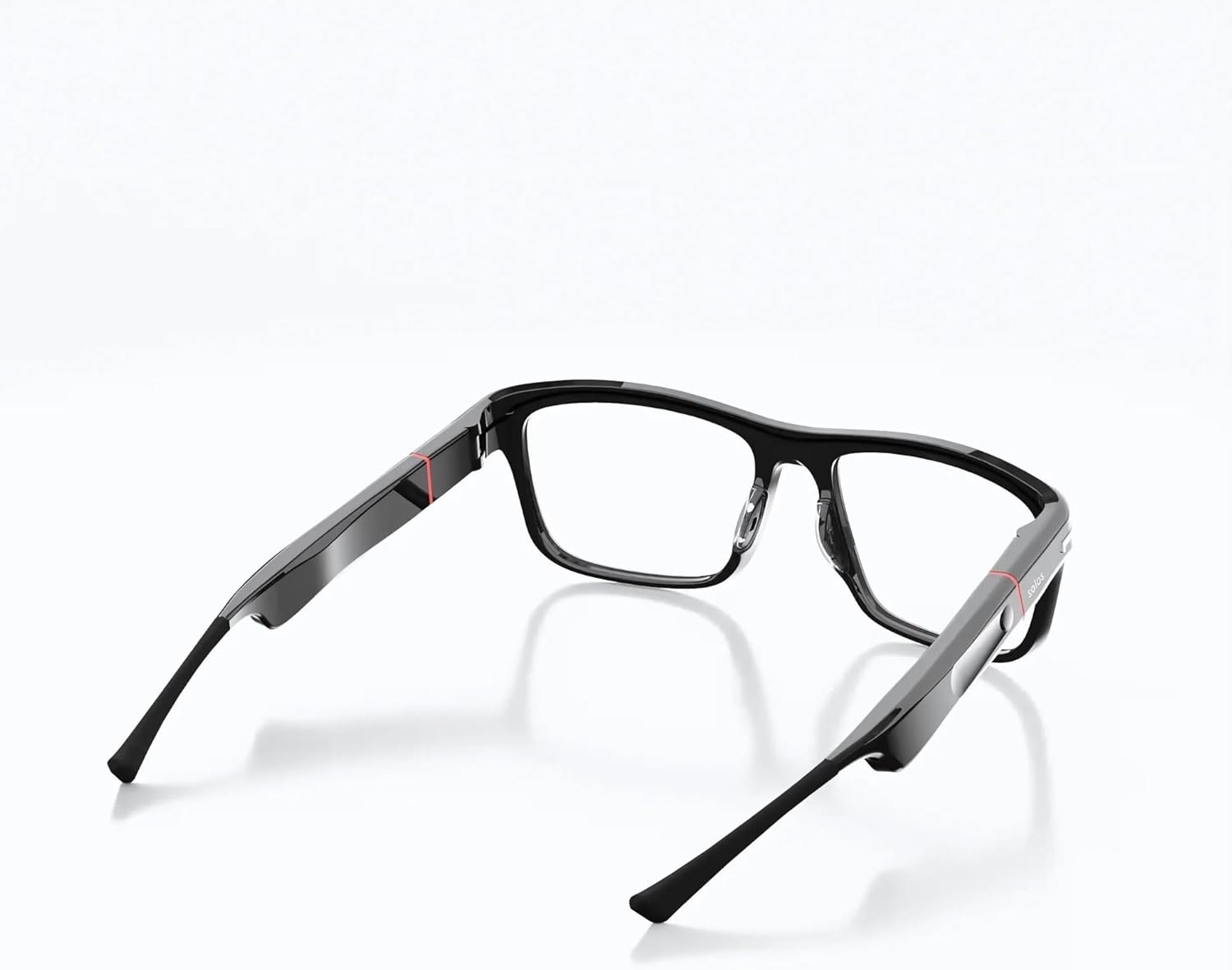
Image: The glasses demonstrating the interchangeable frame feature, allowing users to customize their eyewear.
Real-Time Translation
Utilize the SolosTranslate feature, powered by ChatGPT, for real-time language translation. This supports over 25 languages, making communication easier during travel or in multilingual environments. Simply tap your frame, speak naturally, and let your glasses handle the translation.
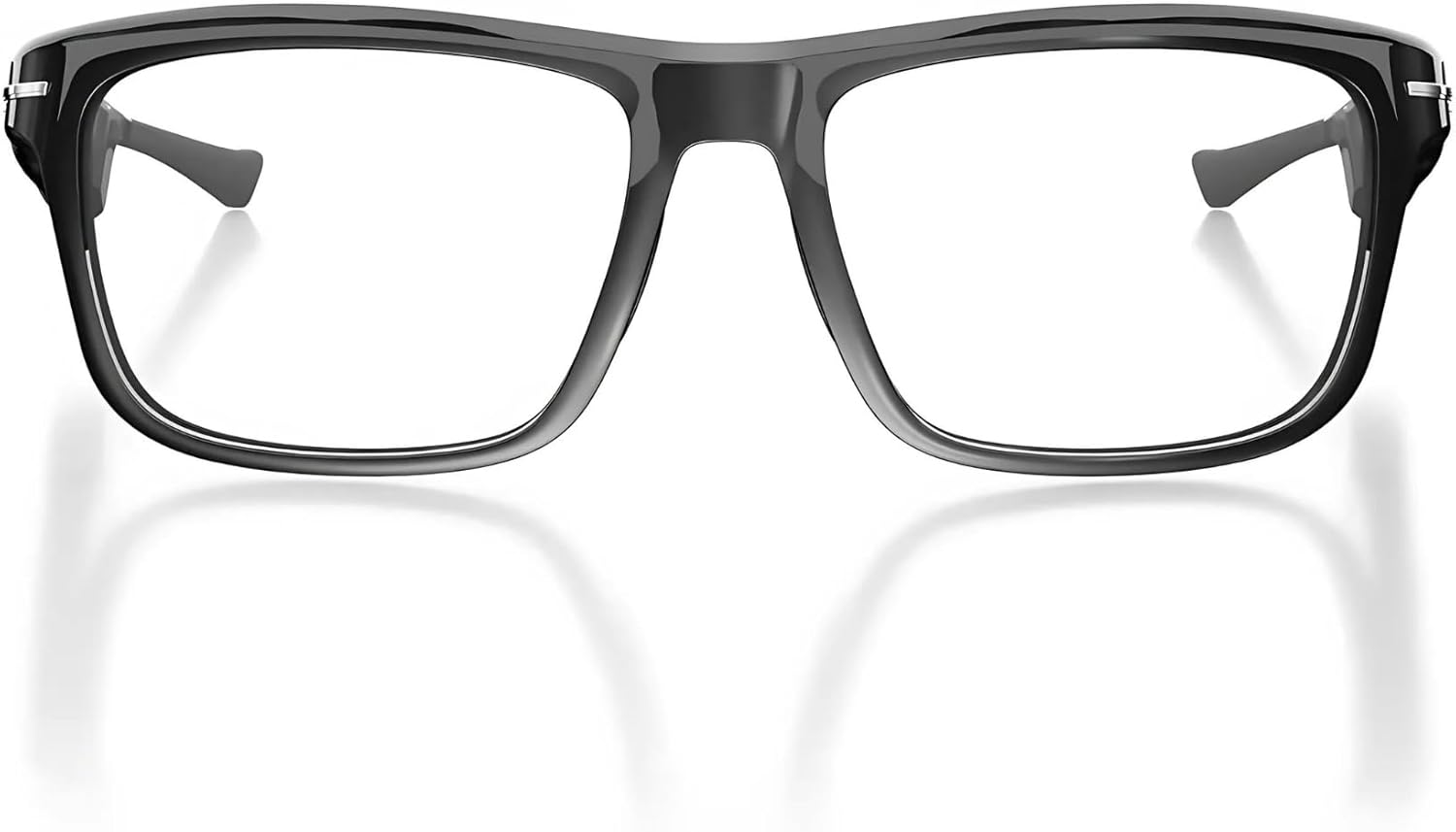
Image: A user interacting with the glasses for real-time translation, with the app interface visible on a smartphone.
Location Tracking
The Solos app includes a feature to help you locate your glasses using real-time location tracking, ensuring you can always find them if misplaced.

Image: The Solos app displaying a map with the last known location of the glasses, indicating the location tracking feature.
Maintenance
- Cleaning: Use the provided cleaning cloth or a soft, lint-free cloth to gently wipe the lenses and frame. Avoid abrasive materials or harsh chemicals that could damage the coatings or finish.
- Water Resistance: The glasses have an IP67 rating, meaning they are protected from dust and can withstand immersion in water up to 1 meter for up to 30 minutes. While durable, avoid prolonged submersion or exposure to high-pressure water jets.
- Storage: When not in use, store your SOLOS AI Powered Glasses in their protective case to prevent scratches and damage.
- Charging: Always use the provided USB-C charging cable and adapters. Ensure the charging ports are clean and dry before connecting.
Troubleshooting
If you encounter issues with your SOLOS AI Powered Glasses, try the following troubleshooting steps:
- Cannot Power On: Ensure the glasses are fully charged. Connect them to the charging cable and allow some time before attempting to power on again.
- Pairing Issues:
- Make sure Bluetooth is enabled on your phone and the glasses are within range.
- Forget the device in your phone's Bluetooth settings and attempt to pair again.
- Restart both your phone and the glasses.
- No Sound/Low Volume:
- Check the volume level on both your glasses (using the touch sensor) and your phone.
- Ensure the glasses are properly connected via Bluetooth.
- App Functionality Issues:
- Ensure the Solos AirGo™ app is updated to the latest version.
- Check your phone's internet connection for features requiring online access (e.g., translation, ChatGPT).
- Verify that necessary permissions are granted to the app in your phone's settings.
- Unresponsive Touch Sensor/Virtual Button: Ensure your finger is placed precisely on the virtual button as indicated in the pairing instructions. If the issue persists, try restarting the device.
Specifications
| Feature | Detail |
|---|---|
| Product Dimensions | 6.42 x 5.98 x 1.89 inches |
| Item Weight | 13.4 ounces |
| Item Model Number | Argon X-1, ABL |
| Batteries | 1 Lithium Ion batteries required (included) |
| Manufacturer | SOLOS Technologies |
| Operating System | Android and iOS |
| Special Feature | Interchangeable Frames |
| Connectivity Technology | Bluetooth |
| Wireless Communication Standard | Bluetooth |
| Battery Cell Composition | Lithium Ion |
| GPS | Built-in GPS |
| Shape | Rectangular |
| Screen Size | 63 Millimeters |
Warranty and Support
For information regarding product warranty, returns, or technical support, please refer to the official SOLOS Smartglasses website or contact their customer service directly. Details can often be found in the product packaging or through the Solos AirGo™ app.
You can also visit the SOLOS Store on Amazon for additional product information and support resources.


