
1. Introduction
Thank you for choosing the ZOMBIES CAT Wireless Bluetooth 5.3 Headphones, Model QSWSB202-DE. This manual provides essential information for setting up, operating, and maintaining your new headphones. Please read it carefully before use to ensure optimal performance and longevity of your device.
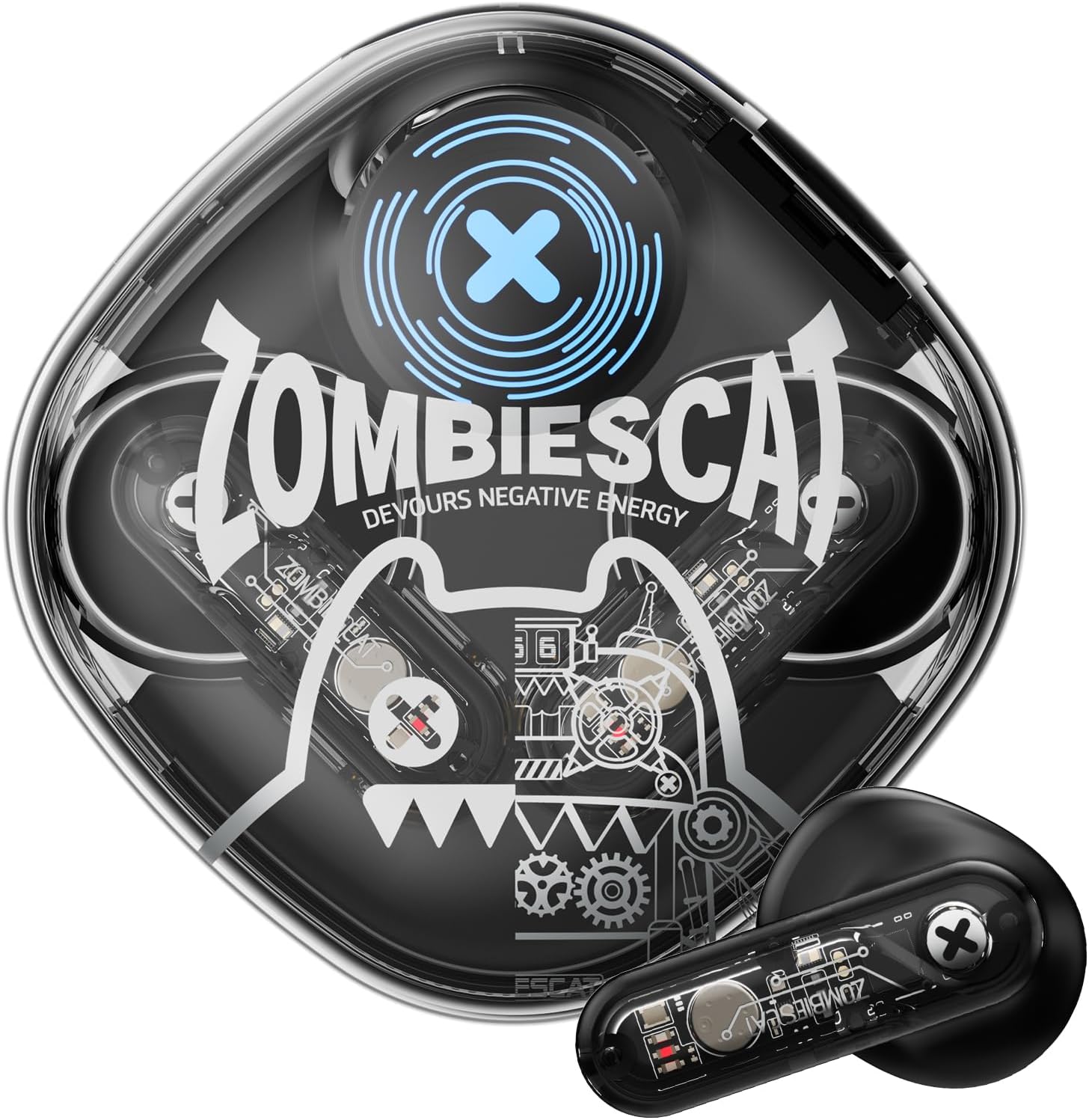
Image 1.1: ZOMBIES CAT Wireless Bluetooth 5.3 Headphones and Charging Case.
2. Package Contents
Please check the package for the following items:
- ZOMBIES CAT Wireless Bluetooth 5.3 Headphones (Left and Right earbuds)
- Charging Case
- USB Charging Cable
- User Manual (This document)
- Ear Tips (various sizes)

Image 2.1: Product packaging and included items.
3. Safety Information
- Do not expose the headphones or charging case to extreme temperatures, humidity, or liquids.
- Avoid dropping or applying excessive force to the device.
- Keep out of reach of children and pets.
- Do not attempt to disassemble or repair the device yourself. Contact customer support for assistance.
- Use only the provided charging cable or a certified equivalent.
- Listen at moderate volumes to prevent hearing damage.
4. Setup
4.1 Initial Charging
- Open the charging case and remove both earbuds.
- Important: Before first use, carefully check the charging contacts on the earbuds. Some units may have small protective stickers on these contacts. Remove any stickers to ensure proper charging.
- Place the earbuds back into the charging case.
- Connect the USB charging cable to the charging port on the case and plug the other end into a USB power source (e.g., computer, wall adapter).
- Allow the case and earbuds to fully charge. Charging typically takes approximately 1.5 hours. The LED indicator on the case will show charging status.
4.2 Bluetooth Pairing
To pair your ZOMBIES CAT headphones with a device:
- Ensure the earbuds are charged.
- Open the charging case. The earbuds will automatically enter pairing mode, indicated by flashing LED lights on the earbuds.
- On your device (smartphone, tablet, laptop), enable Bluetooth.
- Search for available Bluetooth devices. You should see "ZOMBIES CAT QSWSB202-DE" or a similar name in the list.
- Select the headphones to connect. Once connected, the earbud LEDs will stop flashing or change to a steady light, and you may hear an audible confirmation.
- If pairing fails, turn off Bluetooth on your device, place the earbuds back in the case, close the case, wait a few seconds, then repeat the steps.

Image 4.1: Bluetooth 5.3 connectivity for stable pairing.
5. Operating Instructions
5.1 Power On/Off
- Power On: Open the charging case, and the earbuds will automatically power on.
- Power Off: Place the earbuds back into the charging case and close the lid. They will automatically disconnect and power off.
5.2 Touch Controls
The ZOMBIES CAT headphones feature intuitive touch controls on each earbud. Specific gestures may vary slightly, but common functions include:
- Play/Pause: Single tap on either earbud.
- Next Track: Double tap on the right earbud.
- Previous Track: Double tap on the left earbud.
- Volume Up: Triple tap on the right earbud.
- Volume Down: Triple tap on the left earbud.
- Answer/End Call: Single tap on either earbud during an incoming call.
- Reject Call: Press and hold either earbud for 2 seconds during an incoming call.
- Activate Voice Assistant: Press and hold either earbud for 3 seconds.
5.3 Audio Quality and Features
These headphones are equipped with a 13mm dynamic driver for rich, detailed Hi-Fi stereo sound. The semi-in-ear design allows for natural sound reproduction while maintaining awareness of your surroundings.

Image 5.1: Hi-Fi sound quality components.
5.4 LED Light Effects
The headphones feature integrated LED light effects. These lights activate during certain operations, such as pairing mode, and can provide a visual indication of status.
6. Maintenance
6.1 Cleaning
- Wipe the earbuds and charging case with a soft, dry, lint-free cloth.
- Do not use abrasive cleaners, alcohol, or chemical solvents.
- Ensure charging contacts are clean and free of debris for optimal charging.
6.2 Storage
- Store the headphones in their charging case when not in use to protect them and keep them charged.
- Store in a cool, dry place away from direct sunlight and extreme temperatures.
6.3 Battery Care
To maximize battery life:
- Charge the headphones regularly, even if not used frequently.
- Avoid fully discharging the battery for extended periods.
- Do not expose the battery to high temperatures.
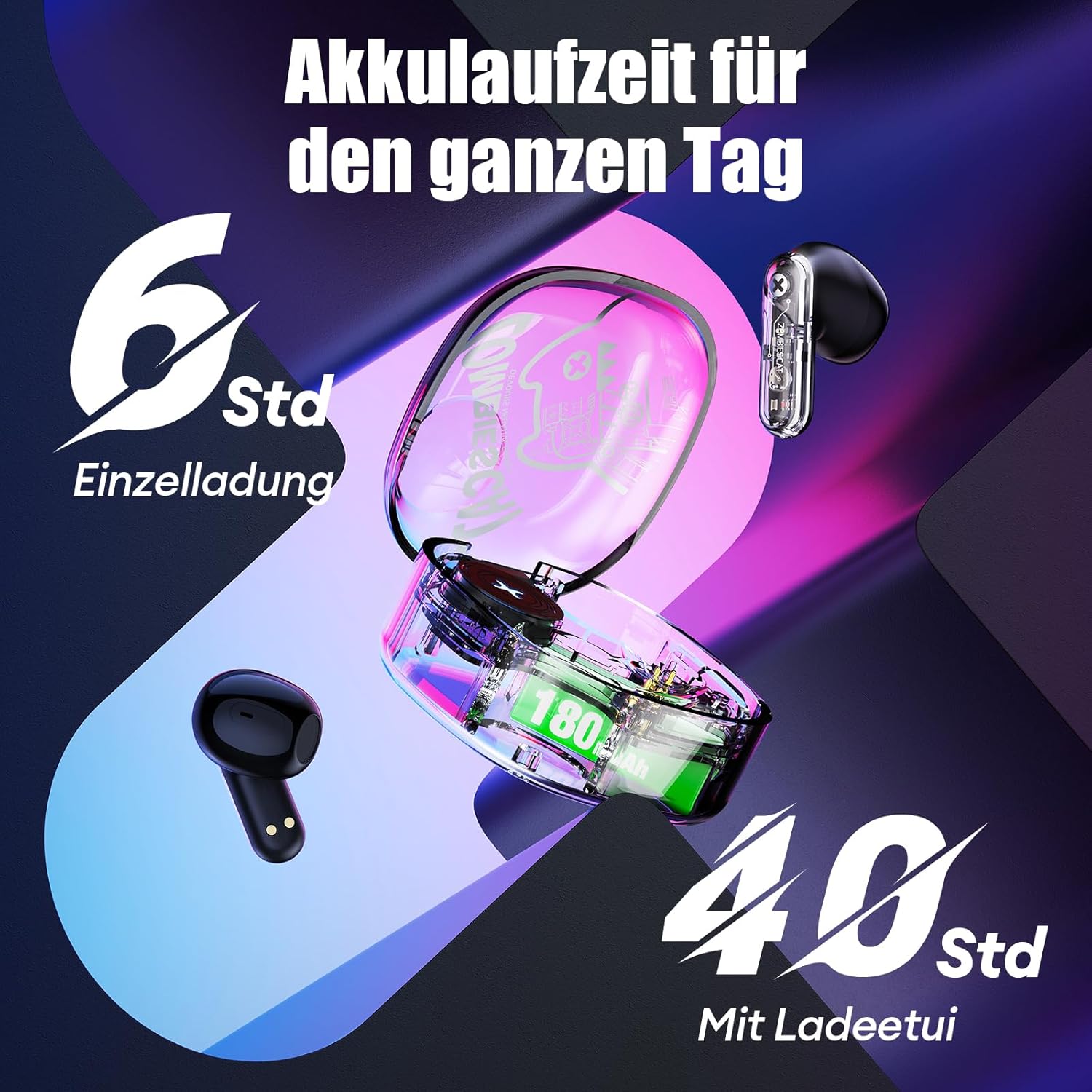
Image 6.1: Battery life overview.
7. Troubleshooting
If you encounter issues with your headphones, please refer to the following common solutions:
- Headphones not charging or turning on:
Ensure the protective stickers on the earbud charging contacts have been removed. Place earbuds correctly in the charging case. Connect the charging case to a power source and ensure it is charging. - Unable to pair with device:
Ensure Bluetooth is enabled on your device. Make sure the earbuds are in pairing mode (LEDs flashing). Turn off Bluetooth on your device, restart it, and try pairing again. Ensure the headphones are not already connected to another device. - No sound or intermittent sound:
Check the volume level on both your device and the headphones. Ensure the headphones are properly connected to your device. Try re-pairing the headphones. Move closer to your device to avoid interference. - Touch controls not responding:
Ensure your fingers are clean and dry. Try restarting the headphones by placing them in the case and taking them out again. - Poor call quality:
Ensure the microphone is not obstructed. Move to an area with less background noise. Check your device's network signal.
8. Specifications
| Feature | Specification |
|---|---|
| Model | QSWSB202-DE |
| Bluetooth Version | 5.3 |
| Earbud Battery Capacity | 30 mAh |
| Charging Case Battery Capacity | 180 mAh |
| Average Battery Life (Earbuds) | 5.5 - 6 Hours |
| Total Playtime (with Case) | Up to 40 Hours |
| Charging Time | Approx. 1.5 Hours |
| Frequency Range | 20 Hz - 20,000 Hz |
| Impedance | 32 Ohm |
| Control Type | Touch Control |
| Water Resistance | Water Resistant |
| Noise Control | Adaptive Noise Cancellation |
| Material | Plastic, Metal |
| Product Weight | 42 Grams |
| Product Dimensions | 5 x 2.5 x 5 cm |
| Compatible Devices | Mobile phones, laptops, smartwatches, tablets |
9. Warranty and Support
Your ZOMBIES CAT Wireless Bluetooth 5.3 Headphones are covered by a standard manufacturer's warranty. Please refer to the retailer's return policy for details regarding returns and replacements.
For technical support or warranty claims, please contact the retailer or ZOMBIES CAT customer service through their official channels. Keep your purchase receipt as proof of purchase.


