1. Introduction
This user manual provides detailed instructions for the safe and effective operation of your Digimore Mini Spy Camera Model LN02. Please read this manual thoroughly before using the device and retain it for future reference. This camera is designed for indoor surveillance, offering features such as Wi-Fi connectivity, motion detection, night vision, and flexible storage options.
2. Product Overview
2.1 Key Features
- Compact and Discreet Design: Ultra-thin body and protruding lens allow for easy concealment. The indicator light can be set to invisible, and the camera operates silently.
- Extended Battery Life: Equipped with a 3000 mAh battery, providing 8 to 10 hours of continuous recording.
- High-Definition Video & Night Vision: Captures clear and realistic videos with vivid colors. Includes infrared night vision for low-light conditions.
- Real-time Viewing & AI Motion Detection: 2.4G Wi-Fi connectivity enables real-time viewing via smartphone. AI motion detection minimizes false alerts and sends instant notifications.
- Flexible Storage Options: Supports cloud storage (optional) and local SD card storage (not included). Loop recording ensures continuous coverage.
2.2 Package Contents
Verify that all items are present in the package:
- 1 x Digimore Mini Spy Camera (Model LN02)
- 1 x Charging Cable
- 1 x User Manual
- 1 x Mounting Bracket

Image 2.1: The Digimore Mini Spy Camera shown in hand, alongside a larger view of the camera with its ports and buttons, and a smartphone displaying a live feed from the camera.

Image 2.2: The camera's slim design allows it to be discreetly placed, such as hidden within the pages of a book on a conference table.

Image 2.3: A visual comparison of the camera's compact size (approximately 2.5 inches in length) next to iPhone 15 and iPhone 15 Plus models.
3. Setup
3.1 Charging the Camera
Before initial use, fully charge the camera. Connect the provided charging cable to the camera's DC-5V port and a standard USB power adapter (not included). The charging indicator light will show the charging status.
3.2 Inserting an SD Card (Optional)
If you plan to use local storage, insert a compatible SD card (up to 128GB, Class 10 or higher, not included) into the TFB slot. Ensure the camera is powered off before inserting or removing the SD card.

Image 3.1: The camera's side view showing the TFB (SD card) slot and the DC-5V charging port. An SD card is depicted being inserted, and cloud storage is indicated as an alternative.
3.3 App Installation and Wi-Fi Connection
- Download the official companion app (e.g., "O-KAM Pro" as mentioned in reviews, or check the manual included in the package for the correct app name) from your smartphone's app store.
- Register an account and log in.
- Power on the camera.
- Follow the in-app instructions to add the device and connect it to your 2.4G Wi-Fi network. Ensure your Wi-Fi signal is strong in the camera's intended location.
3.4 Mounting the Camera
Use the included mounting bracket to position the camera in your desired indoor location. Ensure the camera lens has a clear view of the area you wish to monitor.
4. Operating Instructions
4.1 Power On/Off
Press and hold the power button (usually marked with a power symbol) to turn the camera on or off. Refer to the physical camera for exact button locations.
4.2 Real-time Monitoring
Once connected to Wi-Fi, open the companion app on your smartphone to view the live feed from the camera. You can monitor your indoor space in real-time from anywhere.
4.3 Motion Detection and Alerts
The camera features AI motion detection. Configure motion detection sensitivity and alert settings within the app. When motion is detected, the camera will send instant notifications to your smartphone and begin recording.

Image 4.1: A visual representation of the AI motion detection feature, showing a cat triggering a detection zone within the camera's view, with a smartphone displaying the alert.
4.4 Recording and Storage
- Continuous Recording: The camera supports continuous recording for 8-10 hours on a full charge.
- Loop Recording: When using an SD card, the camera will automatically overwrite the oldest footage once the card is full, ensuring continuous recording.
- Cloud Storage: Optional cloud storage services are available through the app. New users may receive a free trial.
- Local Storage: Recordings can be saved directly to an inserted SD card, even without Wi-Fi connectivity.
4.5 Night Vision
The camera automatically switches to infrared night vision in low-light conditions, providing clear black and white images. The infrared LEDs are designed to be invisible for discreet operation.
4.6 Managing Recordings
Access and manage recorded videos through the companion app. Owners can share, delete, or authorize access to video footage while maintaining privacy.
5. Maintenance
- Cleaning: Use a soft, dry cloth to clean the camera lens and body. Avoid using liquid cleaners or abrasive materials.
- Battery Care: To prolong battery life, avoid extreme temperatures and fully charge the camera before long periods of inactivity.
- Firmware Updates: Periodically check the companion app for available firmware updates to ensure optimal performance and security.
- Storage Management: Regularly review and back up important footage from your SD card or cloud storage. Format the SD card periodically to maintain performance.
6. Troubleshooting
| Problem | Possible Cause | Solution |
|---|---|---|
| Camera not powering on | Low battery; faulty charging cable/adapter | Charge the camera fully. Try a different charging cable or adapter. |
| Cannot connect to Wi-Fi | Incorrect Wi-Fi password; camera too far from router; 5G Wi-Fi network | Ensure correct 2.4G Wi-Fi password. Move camera closer to router. The camera only supports 2.4G Wi-Fi. |
| No video recording to SD card | SD card not inserted correctly; SD card full; incompatible SD card; SD card corrupted | Reinsert SD card. Format SD card via app. Use a Class 10 or higher SD card (up to 128GB). Replace SD card if corrupted. |
| Motion detection alerts not received | App notifications disabled; motion detection sensitivity too low; camera offline | Enable notifications for the app. Adjust motion detection sensitivity in app. Ensure camera is connected to Wi-Fi. |
| Poor video quality | Dirty lens; insufficient lighting; poor Wi-Fi signal | Clean the camera lens. Ensure adequate lighting or verify night vision is active. Improve Wi-Fi signal strength. |
7. Specifications
| Feature | Detail |
|---|---|
| Model Number | LN02 |
| Brand | Digimore |
| Manufacturer | Digimor |
| Dimensions (L x W x H) | 9 x 4 x 1.5 cm (3.54 x 1.57 x 0.59 inches) |
| Weight | 50 grams (1.76 ounces) |
| Battery | 3000 mAh (1 A - included) |
| Continuous Recording Time | 8-10 hours |
| Power | 1.44 Watt-hours |
| Usage Environment | Indoor |
| Connectivity Protocol | Wi-Fi (2.4G only) |
| Mounting Type | Wall mount bracket |
| Video Recording Resolution | 1080p (Note: Product features mention "4K HD" for improved image quality, but recorded resolution is 1080p.) |
| Storage Options | Cloud Storage (optional), SD Card (up to 128GB, Class 10+, not included) |
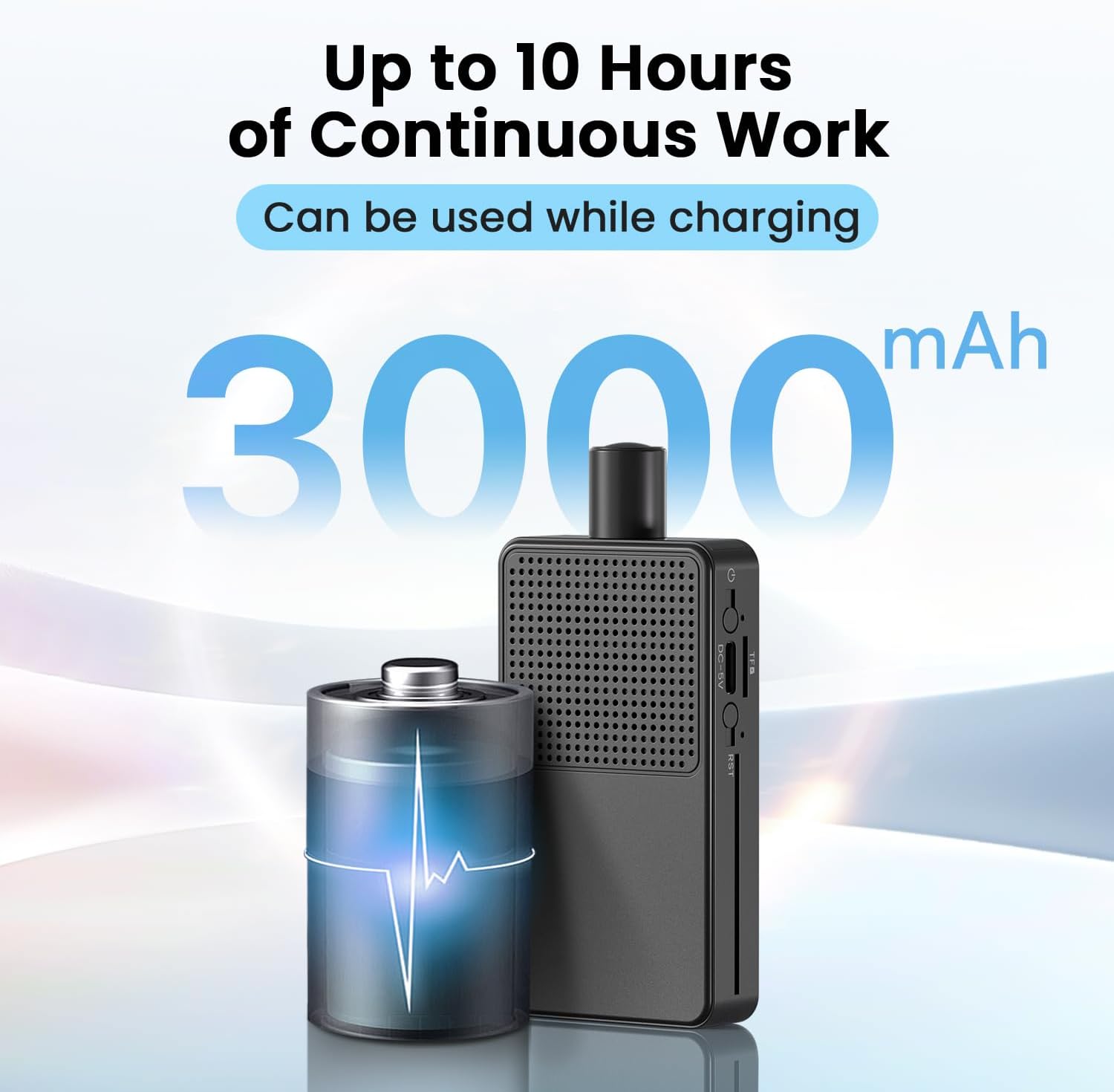
Image 7.1: Illustration highlighting the camera's 3000 mAh battery, capable of providing up to 10 hours of continuous operation, and can be used while charging.
8. Warranty and Support
Digimore offers comprehensive customer support for the Mini Spy Camera Model LN02. For any inquiries regarding setup, operation, or technical assistance, please contact our customer service team. We provide 24/7 customer support, complete user manuals, and technical assistance to ensure a smooth experience.
All Digimore products come with warranty options to protect your investment. Please refer to the product packaging or contact customer support for specific warranty details and terms.
For support, please visit the official Digimore website or refer to the contact information provided in your product packaging.