
Introduction
Welcome to the user manual for your realme Buds T310 Truly Wireless in-Ear Earbuds. These earbuds are designed to provide an immersive audio experience with advanced features such as 46dB Hybrid ANC, 360° Spatial Audio, and a powerful 12.4mm Dynamic Bass Driver. This manual will guide you through the setup, operation, maintenance, and troubleshooting of your new earbuds.

Image: realme Buds T310 earbuds in their open charging case, showcasing the white color variant.
What's in the Box
Upon opening your realme Buds T310 package, you should find the following items:
- realme Buds T310 Earbuds (Left and Right)
- Charging Case
- Ear Cushions (various sizes for optimal fit)
- USB Charging Cable (Type-C)
- User Manual (this document)

Image: The retail packaging of the realme Buds T310, showing the yellow box with the product image.
Setup
1. Charging the Earbuds and Case
Before first use, ensure both the earbuds and the charging case are fully charged. Connect the USB Type-C cable to the charging port on the case and to a power source. The indicator light on the case will show charging status.
- A 10-minute charge provides approximately 5 hours of playback.
- A full charge provides up to 40 hours of total playback time with the charging case.

Image: Visual representation of the 40-hour total playback time, featuring the earbuds and charging case.
2. Pairing with Your Device
- Open the charging case. The earbuds will automatically enter pairing mode.
- On your device (smartphone, tablet, etc.), go to Bluetooth settings.
- Select "realme Buds T310" from the list of available devices.
- Once connected, you will hear a confirmation tone.
The earbuds support Bluetooth v5.4 for stable and efficient wireless connectivity within a 10-meter range. They also feature dual device connectivity, allowing seamless switching between two paired devices.
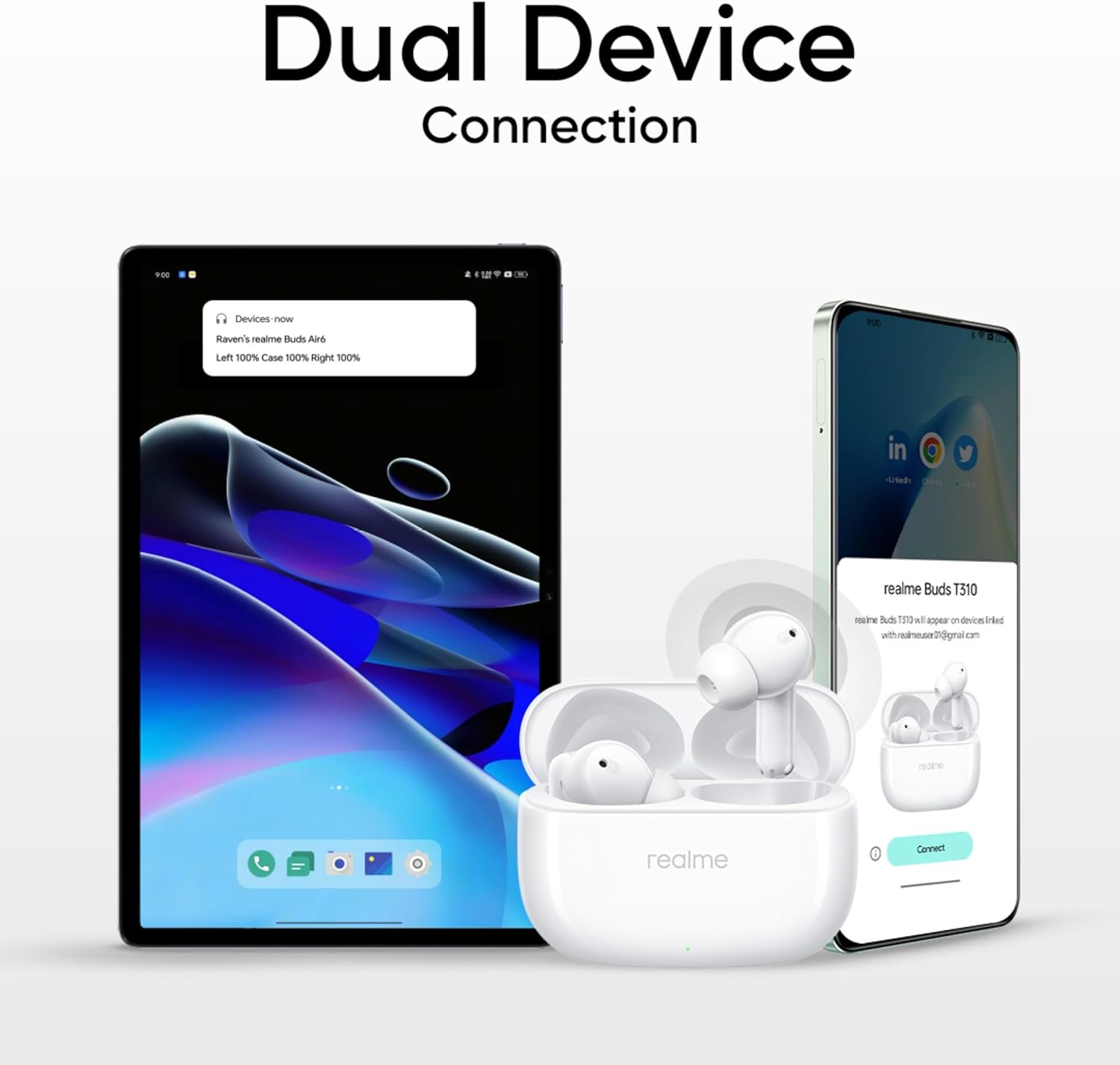
Image: Illustration of the realme Buds T310 connecting to two different devices simultaneously, demonstrating dual device connectivity.
Operating Instructions
Touch Controls
The realme Buds T310 feature intuitive touch controls on each earbud. Specific functions can be customized via the realme Link App.
| Action | Function |
|---|---|
| Double Tap | Play/Pause music, Answer/End call |
| Triple Tap | Next track |
| Press and Hold (one earbud) | Switch Noise Control Mode (ANC On/Off/Transparency) |
| Press and Hold (both earbuds) | Enter/Exit Gaming Mode (45ms Ultra-Low Latency) |
Noise Control Modes
The earbuds offer 46dB Hybrid Noise Cancellation to reduce ambient sound, and a Transparency mode to stay aware of your surroundings. Cycle through these modes by pressing and holding one earbud.

Image: A visual representation of the 46dB Hybrid Noise Cancellation feature, showing sound waves being suppressed around an earbud.
Spatial Audio
Experience an immersive 360° Spatial Audio effect, enhancing your listening with a wider soundstage. This feature is automatically enabled for compatible content.
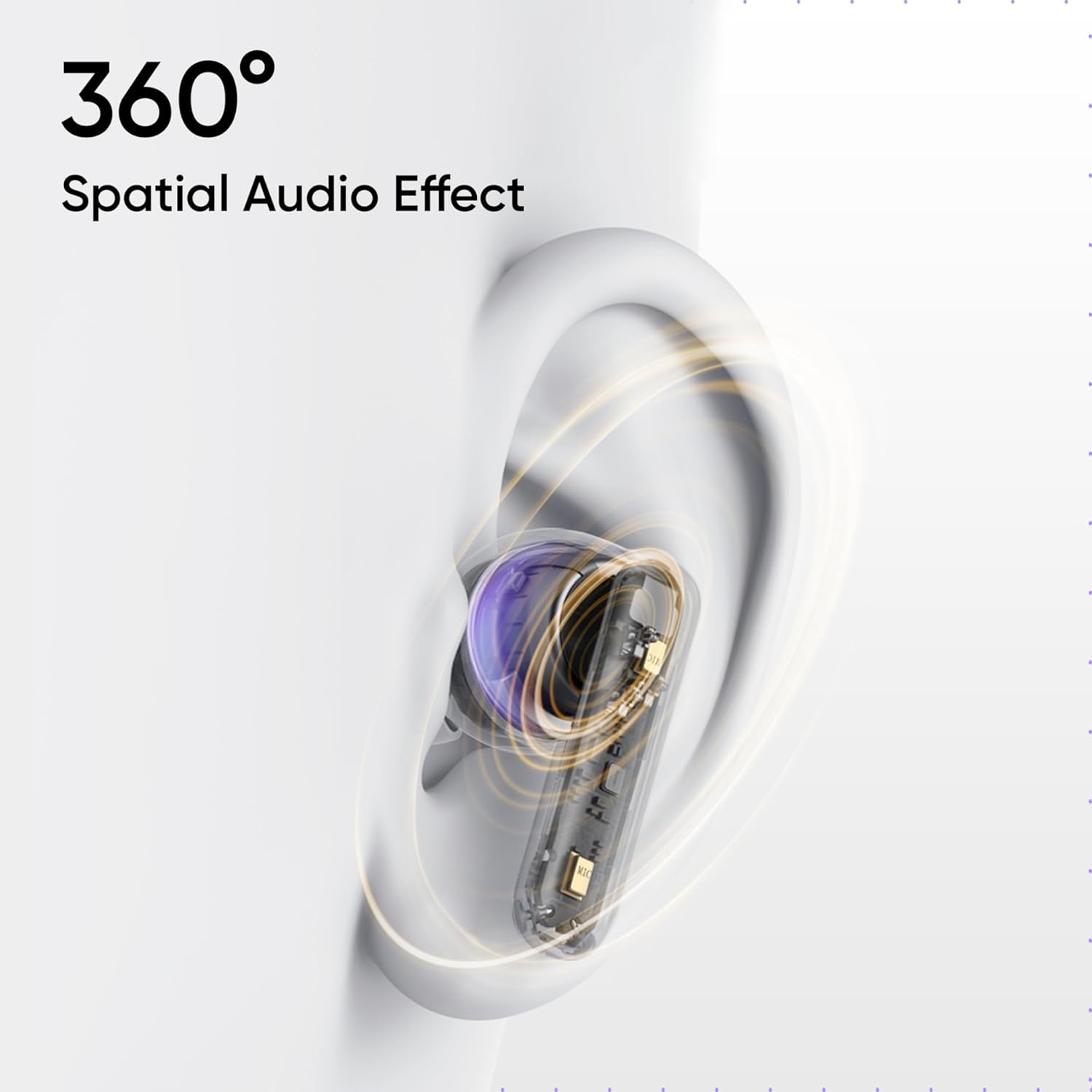
Image: An illustration depicting the 360° Spatial Audio effect, showing sound emanating from around the earbud within an ear.
Gaming Mode (Ultra-Low Latency)
For an optimized gaming experience, activate the 45ms Ultra-Low Latency mode. This significantly reduces audio delay, ensuring synchronized sound with on-screen action.

Image: A smartphone displaying a racing game with the realme Buds T310, illustrating the 45ms ultra-low latency feature.
Maintenance
Proper maintenance ensures the longevity and optimal performance of your realme Buds T310.
- Cleaning: Regularly clean the earbuds and charging case with a soft, dry, lint-free cloth. Do not use harsh chemicals or abrasive materials.
- Ear Cushions: Remove and clean the ear cushions periodically. Ensure they are completely dry before reattaching.
- Water and Dust Resistance: The earbuds are IP55 water and dust resistant. This means they are protected against limited dust ingress and low-pressure water jets from any direction. Do not submerge them in water or expose them to high-pressure water.
- Storage: When not in use, store the earbuds in their charging case to protect them and keep them charged.

Image: The realme Buds T310 earbuds with water droplets, illustrating their IP55 water and dust resistance.
Troubleshooting
If you encounter any issues with your realme Buds T310, refer to the following common solutions:
- No Sound/Low Volume:
- Ensure earbuds are charged.
- Check device volume and earbud volume.
- Reconnect earbuds to your device.
- Clean earbud mesh for any blockages.
- Cannot Pair:
- Ensure earbuds are in pairing mode (open case).
- Turn off and on Bluetooth on your device.
- Forget "realme Buds T310" from your device's Bluetooth list and re-pair.
- Ensure earbuds are sufficiently charged.
- Intermittent Connection:
- Ensure no obstacles are between earbuds and device.
- Stay within the 10-meter wireless range.
- Avoid strong electromagnetic interference.
- Earbuds Not Charging:
- Ensure charging cable is properly connected.
- Check if the charging case has power.
- Clean charging contacts on earbuds and case.
Specifications
| Feature | Detail |
|---|---|
| Model Name | realme Buds T310 |
| Item Model Number | RMA2303 |
| Connectivity Technology | Wireless (Bluetooth v5.4) |
| Noise Control | 46dB Hybrid Active Noise Cancellation |
| Audio Driver Type | Dynamic Driver |
| Audio Driver Size | 12.4 Millimeters |
| Spatial Audio | 360° Spatial Audio Effect |
| Audio Latency | 45 Milliseconds (Ultra-Low Latency Mode) |
| Total Playback Time | Up to 40 Hours (with charging case) |
| Fast Charging | 10 minutes charge = 5 hours playback |
| Water & Dust Resistance | IP55 Rated |
| Bluetooth Range | 10 Meters |
| Dual Device Connectivity | Supported |
| Item Weight | 1.59 ounces (approx. 45 grams) |
| Product Dimensions | 1.22 x 0.79 x 0.91 inches |
| Included Components | Ear Cushions |
Warranty and Support
For warranty information and customer support, please refer to the warranty card included in your product packaging or visit the official realme support website. You may also contact the seller for assistance.
For additional resources and product details, please visit the product detail page on Amazon.com.