
ZZA K9-black
ZZA K9 Portable Karaoke System User Manual
Model: K9-black
Brand: ZZA
1. Introduction
Thank you for purchasing the ZZA K9 Portable Karaoke System. This device combines a powerful wireless speaker with karaoke functionality, designed for both indoor and outdoor use. Featuring IPX4 waterproofing, 100W loud deep bass, and multiple playback modes, the K9 system provides an immersive audio experience. Please read this manual carefully to ensure proper use and maintenance of your new system.
2. Product Overview
The ZZA K9 system is engineered for high-quality sound and user convenience. Below are key features and components:

Figure 2.1: The ZZA K9 Portable Karaoke System, showcasing its main unit with integrated LED lights and two wireless microphones.

Figure 2.2: Integrated storage design for the wireless microphones, ensuring secure and convenient placement when not in use.

Figure 2.3: The K9 system supports multiple playback modes including Bluetooth, USB disk, AUX input, and TF card, offering versatile connectivity options.
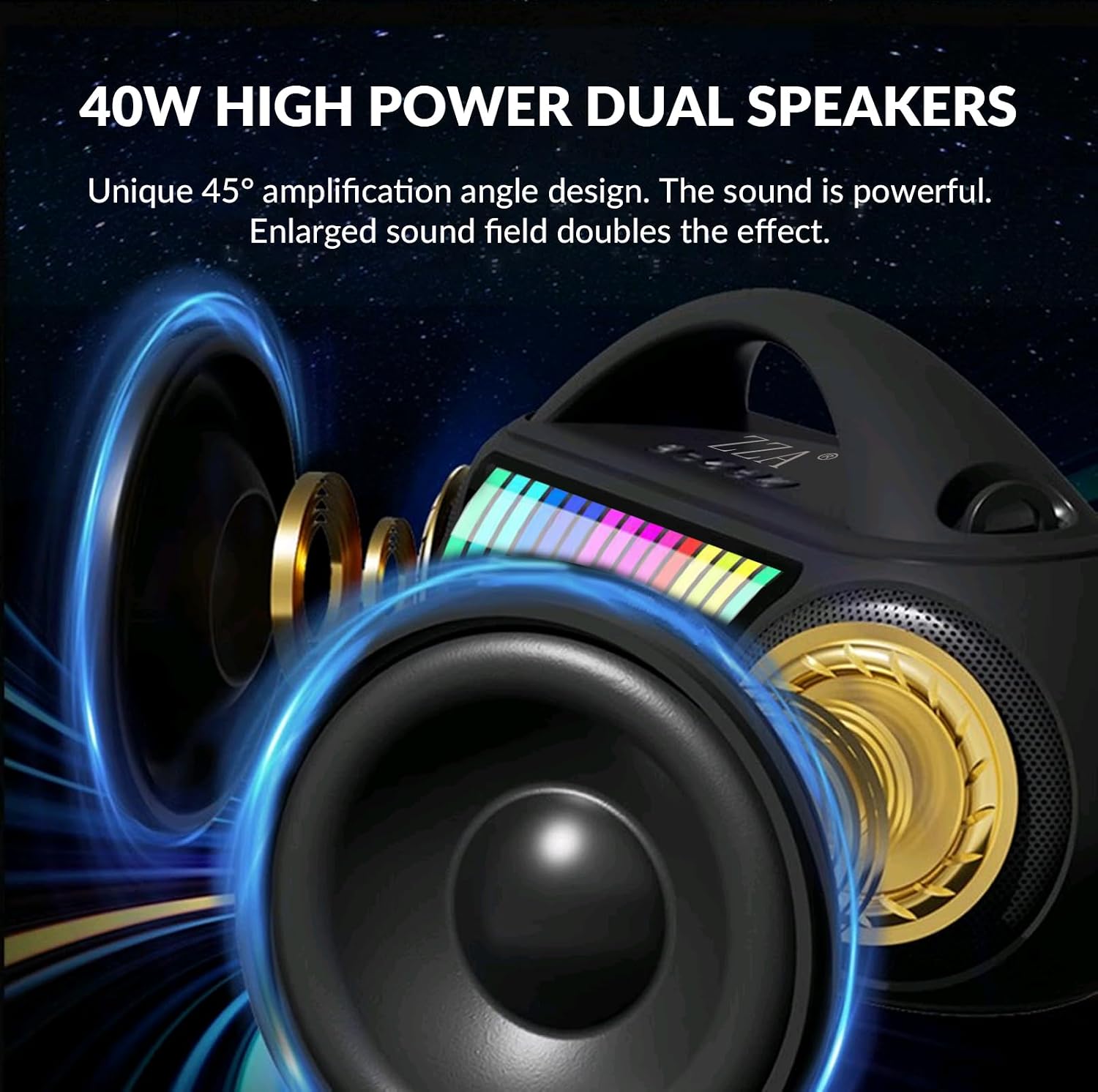
Figure 2.4: The system features 40W high-power dual speakers (two tweeters and two bass woofers) with a unique 45-degree amplification angle for powerful and clear sound.
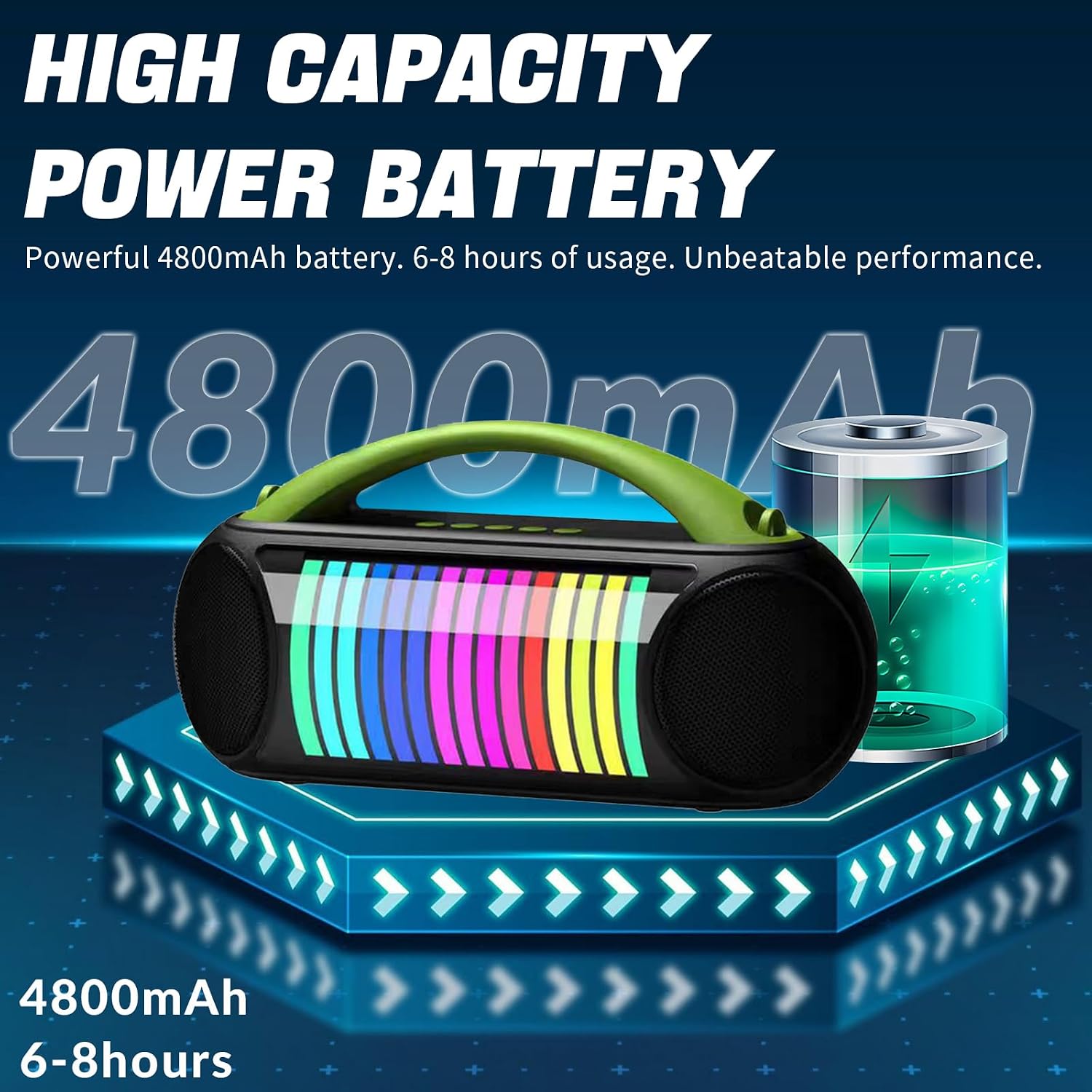
Figure 2.5: Equipped with a powerful 4800mAh battery, providing 6-8 hours of continuous playtime on a single charge.

Figure 2.6: The IPX4 waterproof rating ensures the speaker can withstand splashes, rain, and spills, making it suitable for outdoor environments.

Figure 2.7: Advanced features include smart noise-cancelling microphones, a DPS acoustic chip for enhanced sound, and a one-click function to cancel original vocals for karaoke.
3. Setup Guide
3.1 Initial Charging
Before first use, fully charge the ZZA K9 system. Use the provided Type-C charging cable.
- Connect the Type-C end of the charging cable to the charging port on the speaker.
- Connect the USB-A end to a compatible USB power adapter (not included).
- The charging indicator light will illuminate while charging and turn off when fully charged. A full charge takes approximately 5 hours and provides 6-8 hours of playtime.
3.2 Powering On/Off
- To Power On: Press and hold the Power button located on the top panel of the speaker until the LED lights illuminate and you hear an audible prompt.
- To Power Off: Press and hold the Power button again until the LED lights turn off and the system shuts down.
4. Operating Instructions
4.1 Bluetooth Connection
The ZZA K9 uses advanced Bluetooth 5.0 for stable and fast connections.
- Ensure the speaker is powered on and in Bluetooth pairing mode (indicated by a flashing Bluetooth indicator or audible prompt).
- On your mobile device (smartphone, tablet, laptop), enable Bluetooth and search for available devices.
- Select "ZZA K9" from the list of devices.
- Once connected, the speaker will provide an audible confirmation, and the Bluetooth indicator will become solid.
- The speaker offers a wireless range of up to 100 feet (approximately 30 meters).
4.2 Microphone Usage
The system includes two wireless microphones for karaoke and vocal performances.
- Powering Microphones: Press the power button on each microphone to turn it on. They will automatically connect to the speaker.
- Volume Control: Each microphone has independent volume controls. Use the dedicated buttons on the microphone to adjust vocal volume.
- Voice Change & Echo: The microphones feature different modes to change your voice or add an echo effect. Refer to the microphone's specific buttons for these functions.
- Original Sound Cancellation: Use the one-click function on the microphone to remove vocals from a playing track, allowing you to sing along.
- Charging Microphones: The microphones are USB-C rechargeable. Connect them to a power source using a USB-C cable when their battery is low.
4.3 Playback Modes
In addition to Bluetooth, the ZZA K9 supports various audio input methods:
- USB Flash Drive: Insert a USB flash drive into the designated USB port. The speaker will automatically detect and play audio files.
- TF Card: Insert a TF (MicroSD) card into the TF card slot. The speaker will automatically play audio files from the card.
- AUX Input: Connect external audio devices (e.g., MP3 players, laptops, TVs) using a 3.5mm audio jack cable to the AUX port.
- Switching Modes: Use the Mode button on the speaker to cycle through available input sources (Bluetooth, USB, TF, AUX).
4.4 Volume and Track Control
- Master Volume: Adjust the overall speaker volume using the dedicated volume buttons on the top panel. Note that some buttons may require a long press for volume adjustment.
- Track Navigation: Use the Previous/Next track buttons on the speaker to skip songs.
- Play/Pause: Press the Play/Pause button to control media playback.
4.5 LED Light Modes
The ZZA K9 features dynamic LED lights that enhance the party atmosphere.
- Changing Modes: Press the Light button (if available) or a designated button to cycle through different light patterns and colors.
- Turning Off Lights: Continue pressing the Light button until the lights turn off, or refer to the manual for a specific light control button.
5. Maintenance
To ensure the longevity and optimal performance of your ZZA K9 system, follow these maintenance guidelines:
- Cleaning: Use a soft, dry cloth to wipe the exterior of the speaker. Do not use abrasive cleaners, alcohol, or solvents, as they may damage the surface.
- Water Exposure: While IPX4 waterproof, avoid submerging the speaker in water. Ensure all ports are securely closed when exposed to splashes or rain.
- Storage: Store the speaker in a cool, dry place away from direct sunlight and extreme temperatures. When storing for extended periods, ensure the battery is partially charged (around 50%) to preserve battery health.
- Microphone Care: Keep microphones clean and dry. Store them in their designated holders on the speaker to prevent loss or damage.
6. Troubleshooting
If you encounter issues with your ZZA K9 system, refer to the following common problems and solutions:
| Problem | Possible Cause | Solution |
|---|---|---|
| Speaker does not power on. | Low battery; Power button not pressed correctly. | Charge the speaker fully. Press and hold the Power button for a few seconds. |
| Cannot connect via Bluetooth. | Speaker not in pairing mode; Device Bluetooth off; Too far from speaker. | Ensure speaker is in pairing mode. Turn on Bluetooth on your device. Move device closer to speaker (within 100 ft). Forget device and re-pair. |
| No sound from speaker. | Volume too low; Incorrect input mode; Muted device. | Increase speaker and device volume. Check if the correct playback mode (Bluetooth, AUX, USB, TF) is selected. Ensure device is not muted. |
| Microphones not working. | Microphone battery low; Microphone not powered on; Out of range. | Charge microphones. Power on microphones. Ensure microphones are within range of the speaker. |
| Sound distortion. | Volume too high; Weak signal. | Reduce volume. Ensure device is close to the speaker for a strong Bluetooth signal. |
7. Specifications
| Feature | Detail |
|---|---|
| Brand | ZZA |
| Model Number | K9-black |
| Product Dimensions | 10 x 18 x 15 inches |
| Item Weight | 4.8 pounds |
| Speaker Power | 40W (2 x 20W woofers) |
| Battery Capacity | 4800mAh |
| Playtime | 6-8 hours (at 50% volume) |
| Charging Time | Approximately 5 hours |
| Connectivity | Bluetooth 5.0, USB, TF Card, AUX (3.5mm) |
| Waterproof Rating | IPX4 |
| Included Components | Speaker, Wireless Microphones, Type-C Charging Cable, User Manual |
8. Warranty and Support
ZZA offers a one-year warranty for the K9 Portable Karaoke System. This warranty covers manufacturing defects and ensures your product functions as intended under normal use.
- Warranty Claims: For warranty service, please retain your proof of purchase. Contact ZZA customer support through the retailer where the product was purchased or visit the official ZZA website for contact information.
- Customer Support: If you have any questions, require technical assistance, or need further support, please reach out to our customer service team.
Related Documents - K9-black
 |
ZZA K3 Wireless Karaoke Microphone & Speaker User Manual Comprehensive user manual for the ZZA K3 Wireless Karaoke Microphone & Speaker. Learn about setup, operation modes (Bluetooth, TF, AUX), microphone features, specifications, troubleshooting, warranty, and FCC compliance. Ideal for portable audio and karaoke entertainment. |
 |
ZZA K1 Wireless Karaoke Microphone & Speaker User Manual Comprehensive user manual for the ZZA K1 wireless karaoke microphone and speaker, detailing its features, operation instructions, specifications, troubleshooting guide, and warranty information. Learn how to connect via Bluetooth, use TF cards, and AUX input. |
 |
Bosch Built-in Gas Hob User Manual and Safety Instructions Comprehensive user manual for Bosch built-in gas hobs, covering safety, operation, cleaning, troubleshooting, and energy saving tips. Includes model information for PGC6B.K9.., PGP6B.K9.., PGH6B.K9.., PGM7B.K9.., and PGQ7B.K9.. |
 |
Bosch Built-in Gas Hob User Manual and Safety Guide Comprehensive user manual and safety guide for Bosch built-in gas hobs, covering operation, safety, cleaning, and troubleshooting. Features models PGC6B.K9.., PGP6B.K9.., PGH6B.K9.., PGM7B.K9.., PGQ7B.K9.. |
 |
Instrukcja obsługi płyty gazowej Bosch PGC6B.K9.. i podobnych modeli Szczegółowa instrukcja obsługi dla płyt gazowych Bosch, zawierająca informacje o bezpieczeństwie, obsłudze, czyszczeniu, konserwacji i rozwiązywaniu problemów. Modele objęte instrukcją to PGC6B.K9.., PGP6B.K9.., PGH6B.K9.., PGM7B.K9.., PGQ7B.K9.. |
 |
Cisco IP Phone 7800 & 8800 Series Migration Guide: On-Premises to Multiplatform Firmware Comprehensive guide detailing the process of migrating Cisco IP Phone 7800 and 8800 series devices from on-premises firmware to Cisco Multiplatform firmware for enhanced interoperability with third-party call control systems. |
Ask a question about this manual
Ask about setup, troubleshooting, compatibility, parts, safety, or missing instructions. Manuals+ will review the question and use this page’s manual context to help answer it.