1. Introduction
Thank you for choosing the CHARGEWORX CX6898 3-in-1 Portable Power Bank. This device is designed to provide convenient and fast charging for your iPhone, USB-C devices, and smartwatches on the go. Please read this manual carefully before use to ensure proper operation and to maximize the lifespan of your product.
2. Product Features
- 3-in-1 Charging: Integrated Lightning connector for iPhones, a dedicated charging pad for smartwatches, and a hidden USB-C cable for other compatible devices.
- High Capacity: Equipped with a 5,000 mAh battery to provide ample power for multiple charges.
- Fast Charging Support: Delivers fast charging speeds to compatible devices and recharges quickly via USB-C input.
- Compact and Lightweight: Designed for portability, easily fitting into pockets or small bags.
- LED Battery Indicator: Four LED lights clearly display the remaining battery level.
- Collapsible Lightning Connector: The built-in Lightning connector folds away for safe storage and protection.
3. Package Contents
- CHARGEWORX CX6898 3-in-1 Portable Power Bank
- User Manual
4. Device Overview
Familiarize yourself with the components of your CHARGEWORX CX6898 power bank:

Image 4.1: Diagram illustrating the key features of the CHARGEWORX CX6898, including the collapsible Lightning connector, the integrated USB-C cable, and the LED battery indicator lights.
- Collapsible Lightning Connector: For charging iPhones and other Lightning-compatible devices.
- Smartwatch Charging Pad: Wireless charging area for compatible smartwatches.
- Hidden USB-C Cable: Integrated cable for charging USB-C devices.
- USB-C Input Port: Used to recharge the power bank itself.
- LED Battery Indicator: Four lights indicating the power bank's charge level.
5. Charging the Power Bank
Before first use, fully charge your power bank. To recharge the CHARGEWORX CX6898:
- Locate the USB-C input port on the power bank.
- Connect a USB-C charging cable (not included) to the power bank's USB-C input port.
- Connect the other end of the USB-C cable to a compatible USB power adapter (e.g., wall charger, computer USB port).
- The LED indicators will illuminate and blink to show the charging progress. All four LEDs will be solid when fully charged.
6. Operating Instructions: Charging Your Devices
6.1. Charging iPhone/Lightning Devices
- Gently pull out the collapsible Lightning connector from its housing.
- Plug the Lightning connector directly into your iPhone or other Lightning-compatible device.
- The power bank will automatically begin charging your device. The LED indicators will show the power bank's remaining charge.
- Once charging is complete, or when you wish to stop, carefully remove your device and fold the Lightning connector back into its housing.
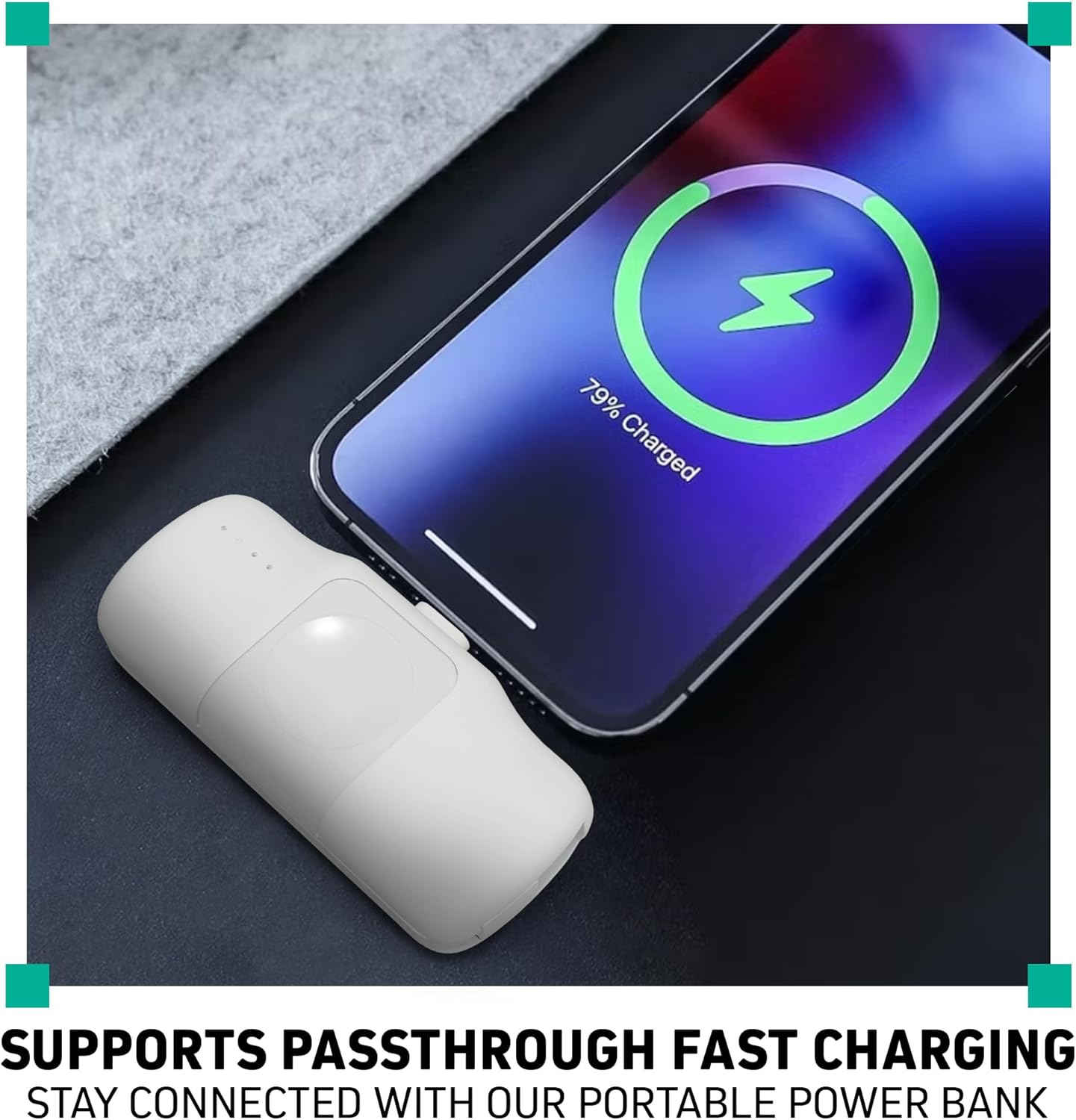
Image 6.1: An iPhone connected and charging via the integrated Lightning connector of the power bank.
6.2. Charging Smartwatches
- Place your compatible smartwatch onto the designated charging pad on the power bank. Ensure the smartwatch is centered on the pad for optimal connection.
- The smartwatch should indicate that it is charging. The power bank's LED indicators will show its remaining charge.
- Remove your smartwatch once charging is complete.
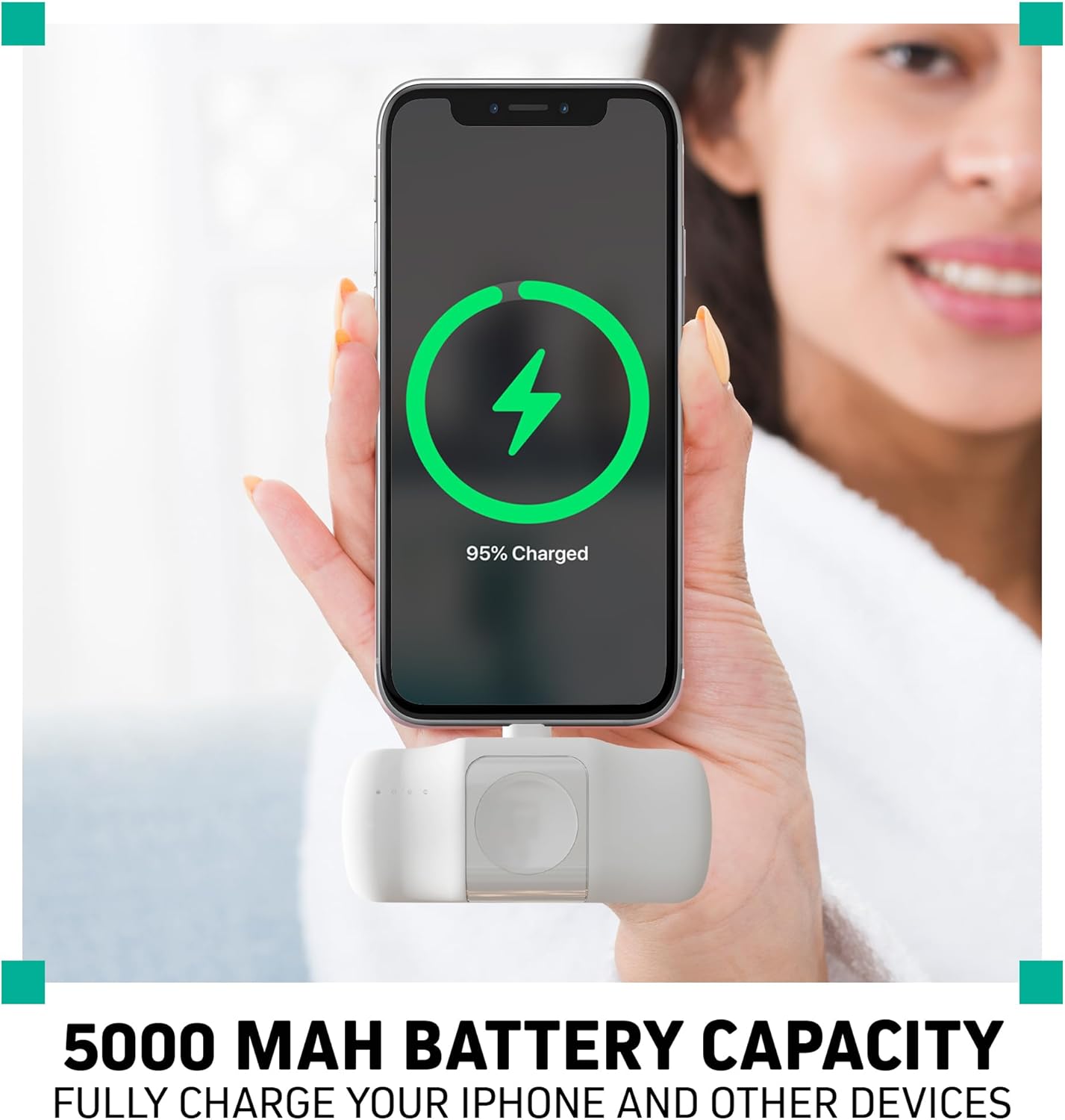
Image 6.2: A smartwatch being charged wirelessly on the dedicated charging pad of the power bank.
6.3. Charging USB-C Devices
- Locate the hidden USB-C cable on the power bank. Gently pull it out.
- Plug the USB-C connector into your compatible USB-C device (e.g., Android phone, earbuds, tablet).
- The power bank will automatically begin charging your device. The LED indicators will show the power bank's remaining charge.
- Once charging is complete, or when you wish to stop, carefully remove your device and return the USB-C cable to its housing.

Image 6.3: An iPhone charging via its built-in connector and another device charging via the integrated USB-C cable, demonstrating simultaneous charging.
7. LED Battery Indicator Guide
The four LED lights on the power bank indicate the current battery level:
- 4 LEDs Solid: 75% - 100% charged
- 3 LEDs Solid: 50% - 75% charged
- 2 LEDs Solid: 25% - 50% charged
- 1 LED Solid: 0% - 25% charged (recharge soon)
- LEDs Blinking: Power bank is currently being charged.
8. Maintenance and Care
- Keep the power bank away from water, moisture, and extreme temperatures.
- Do not expose to direct sunlight for extended periods.
- Avoid dropping or subjecting the device to strong impacts.
- Clean the power bank with a soft, dry cloth. Do not use harsh chemicals or abrasive materials.
- Store in a cool, dry place when not in use.
- Recharge the power bank at least once every three months to maintain battery health if not used regularly.
9. Troubleshooting
| Problem | Solution |
|---|---|
| Power bank not charging devices. |
|
| Power bank not recharging. |
|
| Smartwatch not charging wirelessly. |
|
10. Specifications
| Feature | Detail |
|---|---|
| Model Number | CX6898 |
| Battery Capacity | 5000 mAh |
| Input Connector | USB Type-C |
| Output Connectors | Built-in Lightning, Built-in USB Type-C, Wireless Smartwatch Pad |
| Product Dimensions | 3.35 x 1.55 x 1.1 inches |
| Item Weight | 6.9 ounces |
| Special Features | Built-in Cables, Pocket Size |
11. Safety Information
- Do not disassemble, open, or shred the battery pack.
- Do not expose the power bank to heat or fire. Avoid storage in direct sunlight.
- Do not short-circuit the battery pack. Do not store battery packs haphazardly in a box or drawer where they may short-circuit each other or be short-circuited by conductive materials.
- In the event of a battery leak, do not allow the liquid to come into contact with the skin or eyes. If contact has been made, wash the affected area with copious amounts of water and seek medical advice.
- Keep the power bank out of reach of children.
- Supervise children when using the power bank.
- Do not use the power bank if it has been damaged or modified.
- Dispose of the power bank according to local regulations. Do not dispose of with household waste.
12. Warranty and Support
CHARGEWORX products are designed and manufactured to the highest quality standards. This product is covered by a limited warranty from the date of purchase. For detailed warranty information, product support, or to register your product, please visit the official CHARGEWORX website or contact customer service through your retailer.

