Introduction
This manual provides detailed instructions for the proper use, setup, and maintenance of your xinwld A97 Pro Wireless Earbuds. Please read this manual thoroughly before using the product to ensure optimal performance and longevity.
What's in the Box?
- A97 Pro Bluetooth Earbuds
- Charging Case
- USB-C Cable
- Ear caps (three size options: S, M, L)
- User Manual
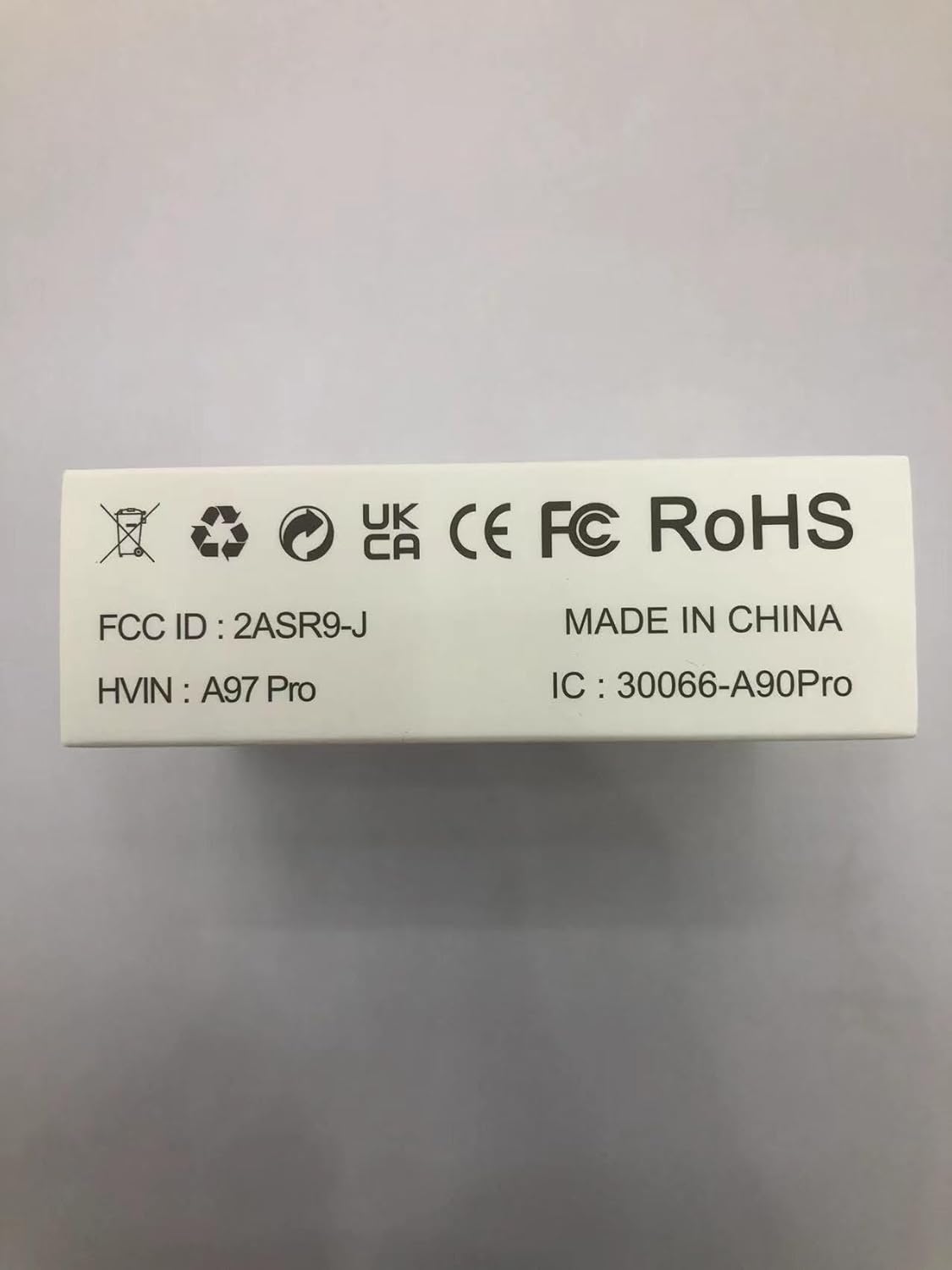
Figure 1: Included components of the A97 Pro Wireless Earbuds package.
Product Overview
The xinwld A97 Pro Wireless Earbuds are designed for superior audio experience and user convenience, featuring advanced Bluetooth 5.4 technology and effective noise cancellation.
Key Features
- 2025 Upgraded Bluetooth 5.4: Provides faster and more stable signal transmission with low latency.
- Hi-Fi Stereo and ENC Noise Cancelling: Equipped with 13mm high-efficiency speakers for rich bass and clear midrange. Four built-in ENC noise cancelling mics ensure clear voice calls by reducing ambient noise.
- Dual LED Display and 40Hrs Playtime: Unique dual LED display shows remaining power for both earbuds and the charging case. Offers 6-8 hours playtime per single charge, totaling 40 hours with the charging case.
- Comfortable to Wear and IP7 Waterproof: Ergonomic design for secure fit and long-lasting comfort. Lightweight (3.8g per earbud, 29g charging case). IP7 waterproof rating makes them suitable for sports and outdoor activities.
- Smart Touch Control and Wide Compatibility: Capacitive touch interface for easy control of music, calls, and digital assistants. Compatible with most iOS and Android devices with Bluetooth 4.0 or later.

Figure 2: The A97 Pro Wireless Earbuds and charging case.

Figure 3: Advanced Bluetooth 5.4 technology for enhanced connectivity.
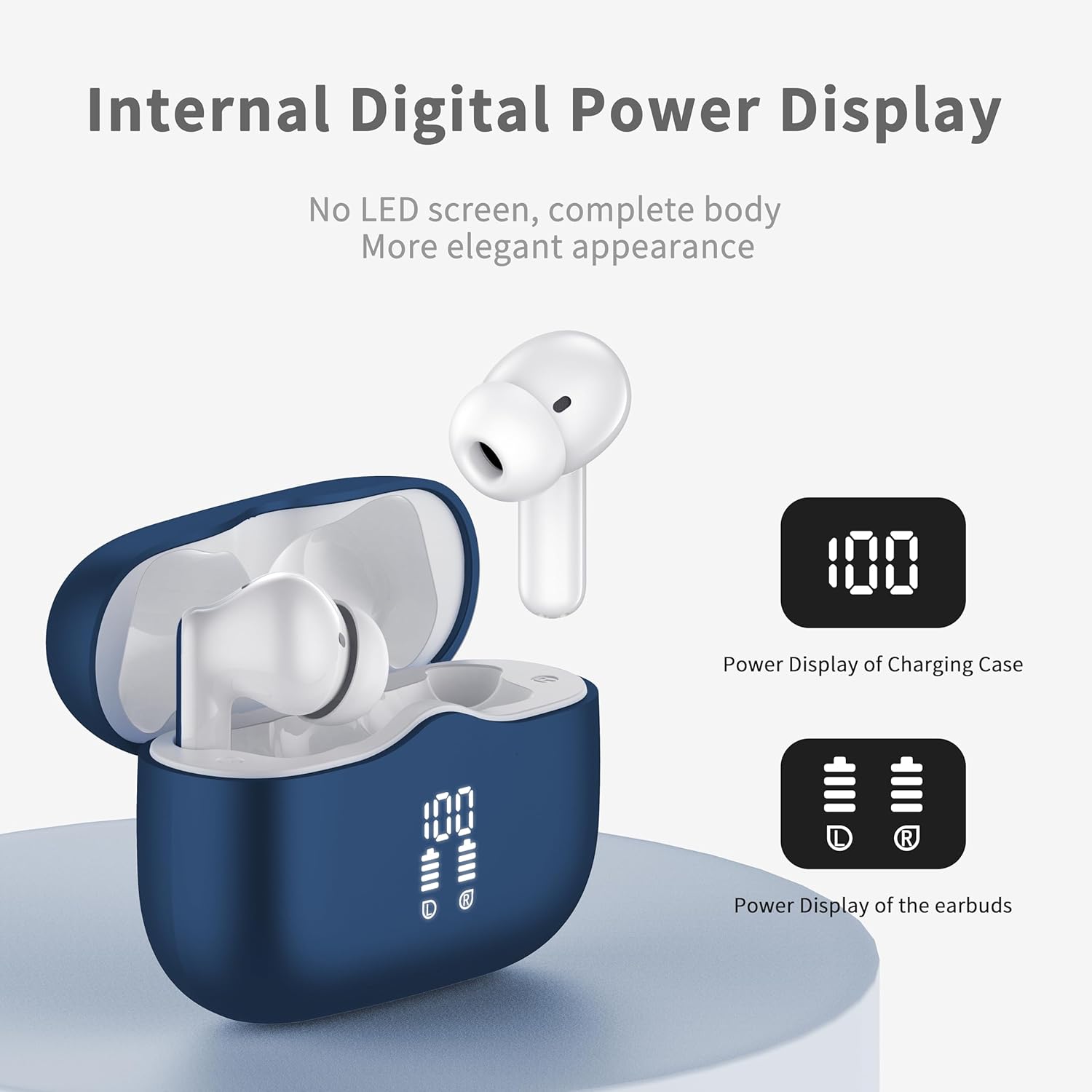
Figure 4: Dual LED display for convenient battery monitoring.

Figure 5: Internal structure highlighting the 13mm high-efficiency speaker for immersive audio.
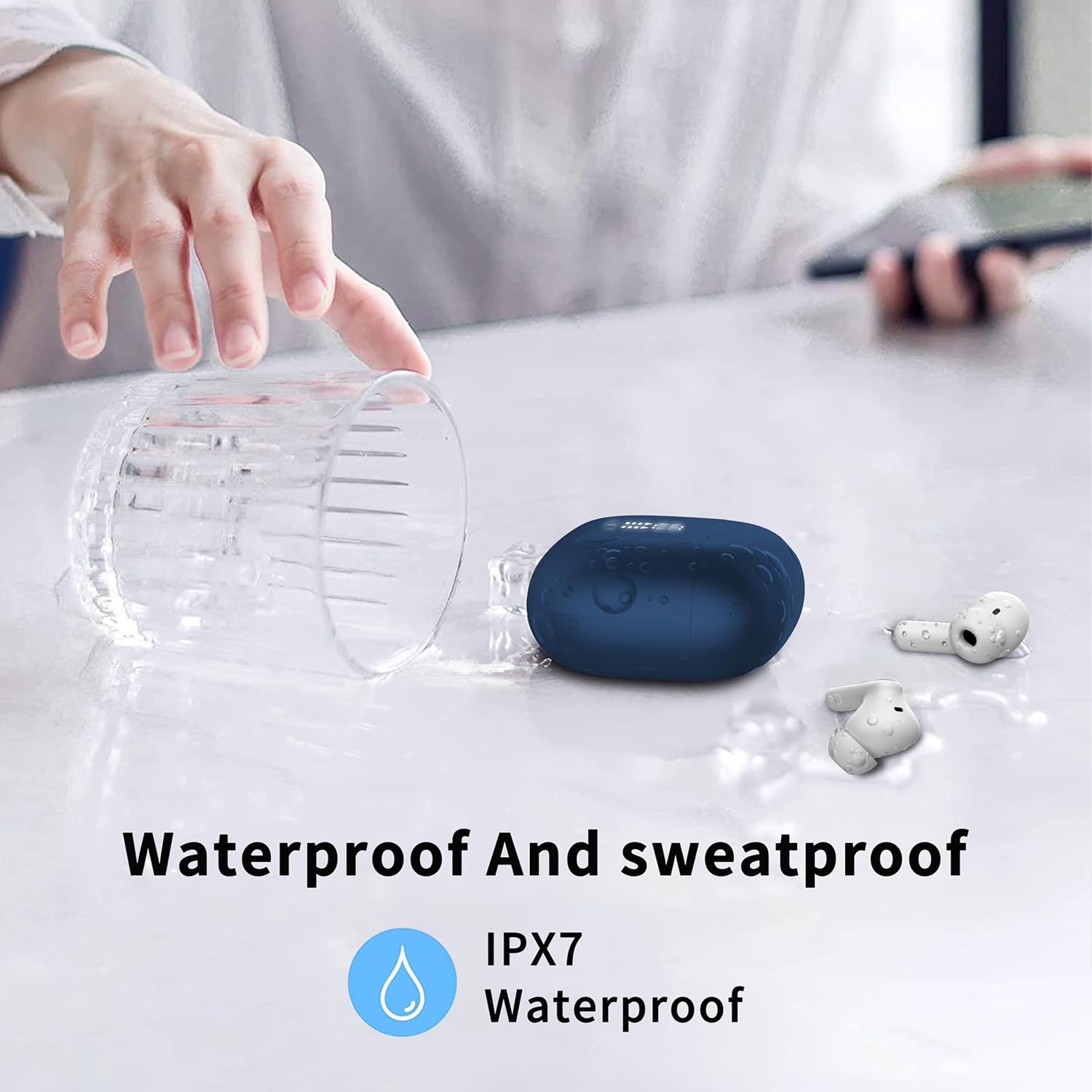
Figure 6: IP7 waterproof design for durability against water and sweat.
Setup
Initial Charging
Before first use, fully charge the earbuds and the charging case.
- Place both earbuds into the charging case.
- Connect the provided USB-C cable to the charging port on the case and plug the other end into a USB power source (e.g., wall adapter, computer USB port).
- The dual LED display on the charging case will show the charging progress. Ensure both earbuds and the case are fully charged before proceeding.
Pairing Your Earbuds
The A97 Pro earbuds feature one-step pairing for convenience.
- Ensure your device's Bluetooth is turned on.
- Open the lid of the charging case. The earbuds will automatically enter pairing mode.
- On your device, search for "A97 Pro" in the Bluetooth settings and select it to connect.
- Once connected, the earbuds will automatically pair with the last connected device when the case lid is opened.
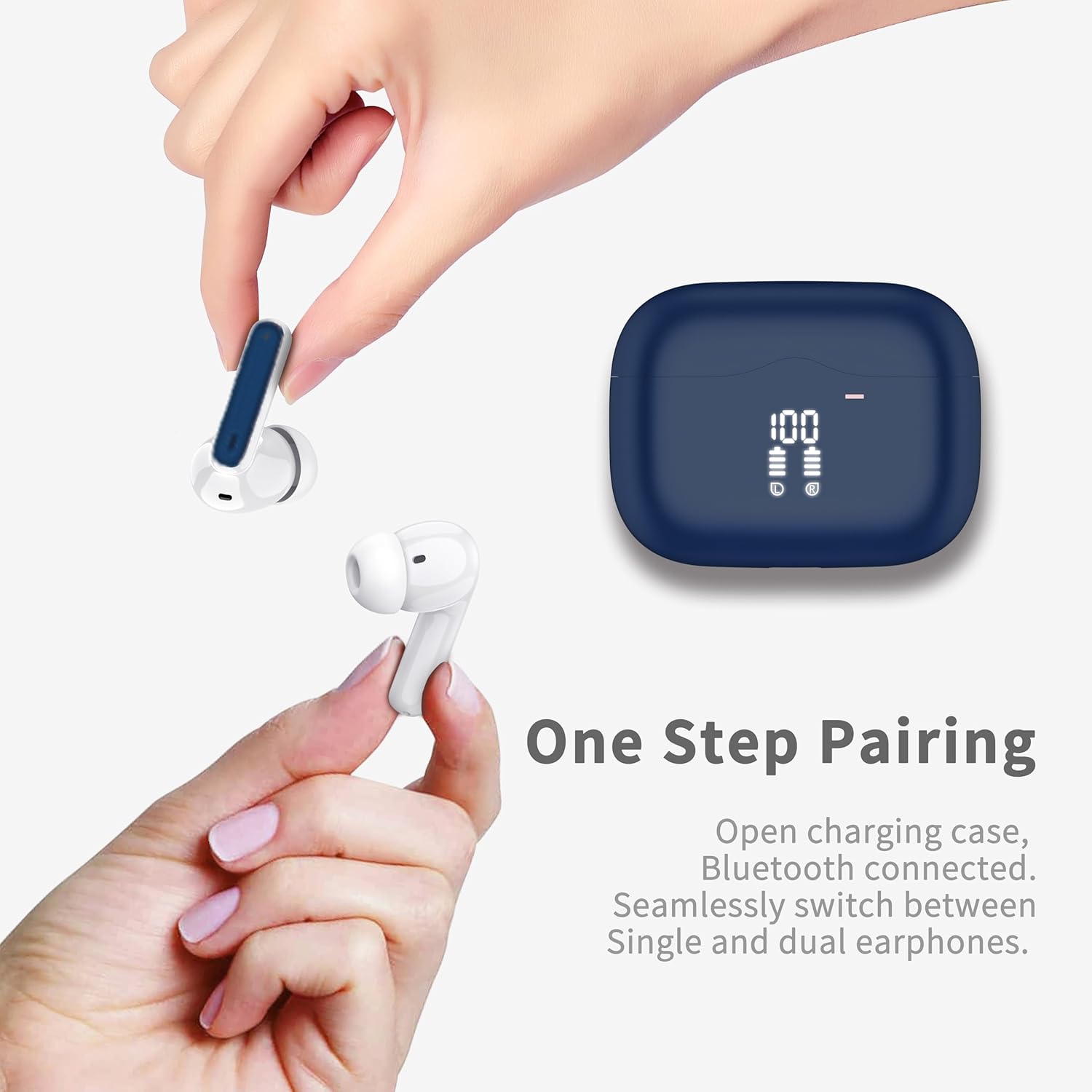
Figure 7: One-step pairing for quick and easy connection.
Operating Instructions
Touch Controls
The A97 Pro earbuds feature intuitive touch controls on each earbud. Refer to the table below for common operations:
| Operation | Left Earbud | Right Earbud |
|---|---|---|
| Play/Pause | Tap once | Tap once |
| Volume Down | Tap twice | N/A |
| Volume Up | N/A | Tap twice |
| Previous Track | Press and hold for 2s | N/A |
| Next Track | N/A | Press and hold for 2s |
| Answer/End Call | Tap once | Tap once |
| Reject Call | Press and hold for 2s | Press and hold for 2s |
| Activate Voice Assistant | Quickly tap three times | Quickly tap three times |

Figure 8: Detailed touch control functions for the A97 Pro Earbuds.
Mono/Dual Mode
The earbuds support both mono and dual mode operation. You can use either earbud independently while the other is in the charging case, or use both together for a stereo experience. The earbuds seamlessly switch between modes.

Figure 9: Flexibility to use earbuds in mono or dual mode.
Maintenance
- Cleaning: Regularly clean the earbuds and charging case with a soft, dry, lint-free cloth. Do not use harsh chemicals or abrasive materials.
- Storage: When not in use, store the earbuds in their charging case to protect them and ensure they remain charged.
- Water Exposure: While IP7 waterproof, avoid prolonged submersion in water. Dry the earbuds thoroughly before placing them back in the charging case if they get wet.
- Battery Care: To preserve battery life, avoid fully discharging the earbuds and charging case frequently. Charge them regularly, even if not in constant use.
Troubleshooting
| Problem | Possible Solution |
|---|---|
| Earbuds not pairing | Ensure earbuds are charged. Turn off and on Bluetooth on your device. Forget "A97 Pro" from your device's Bluetooth list and re-pair. |
| Only one earbud working | Place both earbuds back into the charging case, close the lid, wait a few seconds, then open the lid again. Ensure both earbuds have sufficient charge. |
| Low volume or poor sound quality | Adjust volume on both your device and the earbuds. Ensure earbuds are clean and properly seated in your ears. Try different sized ear tips for a better seal. |
| Charging case not charging | Check USB-C cable and power adapter. Ensure the cable is securely connected. Try a different cable or power source. |
| Earbuds frequently disconnect | Ensure your device is within the Bluetooth range (typically 10 meters/33 feet). Avoid obstacles between the earbuds and your device. Reduce interference from other wireless devices. |
Specifications
| Feature | Detail |
|---|---|
| Model Name | A97 Pro |
| Bluetooth Version | 5.4 |
| Wireless Communication Technology | Bluetooth |
| Audio Driver Type | Dynamic Driver (13mm) |
| Playtime (Earbuds) | 6-8 hours (single charge) |
| Total Playtime (with Charging Case) | Up to 40 hours |
| Noise Control | Passive Noise Cancellation (ENC for calls) |
| Water Resistance Level | IP7 Waterproof |
| Control Type | Touch Control |
| Item Weight (per earbud) | 3.8 Grams |
| Charging Case Weight | 29 Grams |
| Compatible Devices | iOS (iPhone 4/4s to 16 Pro Max), Android (Samsung, Huawei, Xiaomi, etc.) with iOS 9.0/Android 5.0 or above and Bluetooth 4.0 or later. |
Warranty and Support
xinwld provides a one-year product warranty for all customers who purchase our products. Within one year from the purchase date, if your product suffers non-human damage or manufacturing defects under normal use conditions, we will provide free repair or replacement services. Customer satisfaction is always our top priority, and we will continue to strive to provide high-quality products and services to ensure your shopping experience is pleasant and worry-free.
Our customer service team is always ready to answer your questions, resolve issues, and provide assistance. We welcome your valuable feedback and suggestions at any time. Please refer to your purchase platform or product packaging for specific contact information.


